Automate data analysis: from spreadsheets to recurring reports
Translated from Korean. View original. Some screenshots are available in Korean only.
If you repeatedly combine Excel files and normalize dates, start by automating data preparation. Keep the originals and ask to compare row counts, totals and date ranges. Consider what to delegate and what checks to retain from collection through recurring reports.
Browse relevant skills and examples on Skillshop.
View original Korean screenshot

Find repeated preparation work
List repeated operations such as merging files, normalizing columns and dates, and checking duplicates. For a report from last week, separate preparation, calculation and interpretation.
Delegate preparation to an AI tool that can read and save files, but keep the originals separately. Define what to analyze and how the result will be used before starting.
Start with work whose results can be checked
Column cleanup, conditional row extraction and aggregation lend themselves to checks against the source. If removing duplicates, specify which columns define a duplicate.
You can ask AI for metric or interpretation suggestions, but distinguish facts verified in the data from guesses and review final metrics and conclusions against the work’s purpose.
- Merge and normalize files
- Handle duplicates and blanks
- Create pivots, aggregates and charts
- Repeat fixed calculations
- Choose metrics
- Interpret causes
- Decide how to handle unusual values
- Set conclusions and next actions
Missing rows may produce no error
A merged file may open normally even when rows are missing. Record and compare row counts, key totals and earliest and latest dates before and after transformation.
Spot-checking rows helps, but a few correct rows do not prove the whole result. Also check error-prone cases such as duplicates, blanks, negatives and date boundaries.
Prepare tables for calculation
Multiple header rows or merged cells can cause the start of the data to be read incorrectly. In a calculation copy, use one header row, one value per cell and no merged cells.
Preserve original formulas and check that values used for aggregation are current. Separate the original, cleaned data and aggregate results so you can trace the calculation.
- Several sheets
- Two header rows
- Merged cells
- One header row
- One value per cell
- No merged cells
Save sources when collecting web data
Changes to page structure or login can stop a crawler or produce wrong values. Check that required fields were collected; consider an authorized API or export if available.
Collect in batches and keep intermediate results and collection times so you can restart at a failure. Check the terms for using the data.
Browse related skills, creators and examples on Skillshop.
View original Korean screenshot

Set report format and exception rules
For a weekly report, define the period, metrics, order and save location. Place changes from the prior period consistently so readers can find them.
Mark missing values as missing rather than guessing. Flag outliers rather than discarding them arbitrarily, then handle them under your business rules.
Browse related skills, creators and examples on Skillshop.
View original Korean screenshot

Choose tools for where the data lives
Start with a file-capable AI tool for local files. For an internal database or external service, consider an API, export or MCP connection.
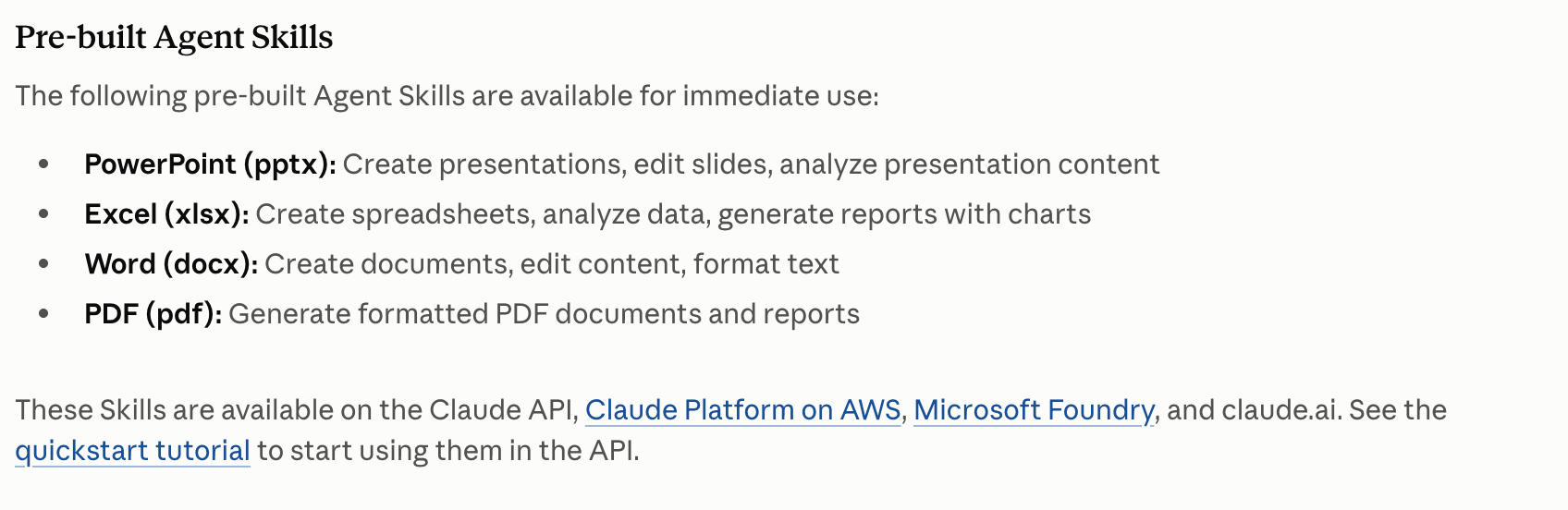
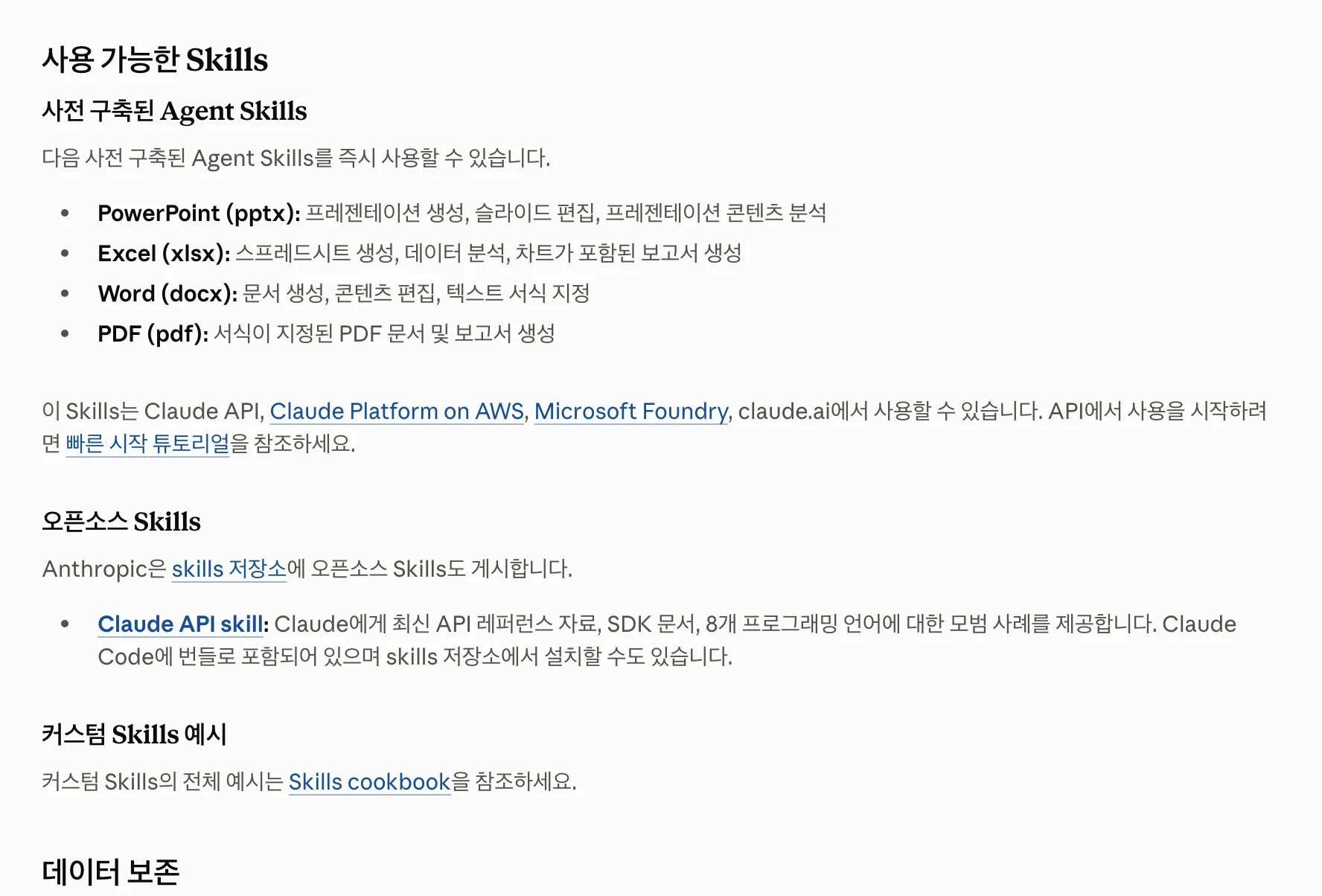
Public spreadsheet and document skills contain file-processing and review procedures. Check support for your file format and environment, then try one small file from input through saving.
| Tool | Function | When useful |
|---|---|---|
| Agent | Reads and processes files using supported features. | Calculations and file preparation. |
| MCP | A connection to external tools and data. | Querying internal databases or external services. |
| Skill | Conveys steps and validation as instructions. | Repeating a procedure. |
View original Korean screenshot
Save a successful procedure as a skill
Record input files, preparation rules, totals to check and output format in SKILL.md. Ask it to stop and report differences if totals do not match.
Share sample inputs and expected results with the team. A second person running the same procedure can find missing explanations.
Browse related skills, creators and examples on Skillshop.
View original Korean screenshot
Frequently asked questions
How much data analysis can AI handle?
Start with checkable work such as merging files, cleaning columns and aggregating. AI can suggest metrics or interpretations, but distinguish verified facts from guesses and review conclusions against the purpose.
How do I validate prepared data?
Compare row counts, key totals and first and last dates before and after conversion. Spot checks help but do not prove completeness; also check blanks, duplicates, negatives and date boundaries.
What should I do before automating an Excel file?
Make a calculation copy with one header row, one value per cell and no merges. Preserve original formulas, check that calculated values are current and separate source, cleaned and aggregate outputs.