Skills, plugins and MCP: what should you install?
Translated from Korean. View original
When skills, plugins and MCP all come up at once, it can seem as though you need to install all three. What you need depends on the task. To organize meeting notes in a consistent format, start with a skill; to fetch material from an external service, look at a connection tool. A plugin packages features like these for distribution and management.

What does each one do when organizing meeting notes?
If you already have meeting notes in a file, you need a way to separate decisions and action items. You can put that repeatable procedure in a skill. If the notes are only in an external service, you also need a tool that can read them.
A plugin can contain skills, MCP server configuration, hooks and more. A plugin does not necessarily contain every feature, so check its contents before installing it.
Can I start with just a skill?
Yes. You can start proofreading pasted text or summarizing notes in your working folder without connecting an external account. A skill file itself does not provide a document editor or executable program, however; the AI tool you use must be able to read and write the files.
Instead of adding connections first, check whether you can get the result you want from material you already have. Once the output format works, you can simplify the process of fetching the material too.
Does connecting MCP determine the workflow for me?
What a connected tool can do and when or how to use it are separate questions. Even if it can search documents, your request or skill must specify which period to select and how to organize the report.
For example, specify both scope and criteria: ‘Find only last week's meetings and separate decisions from undecided items.’ Simply saying ‘Make a report now that you are connected’ does not explain which material you want.
When is a plugin useful?
Consider one when several features need to work together. If installation instructions list skills, servers and separate programs, check which parts the plugin installs. You may still need to sign in to an external service or install software separately.
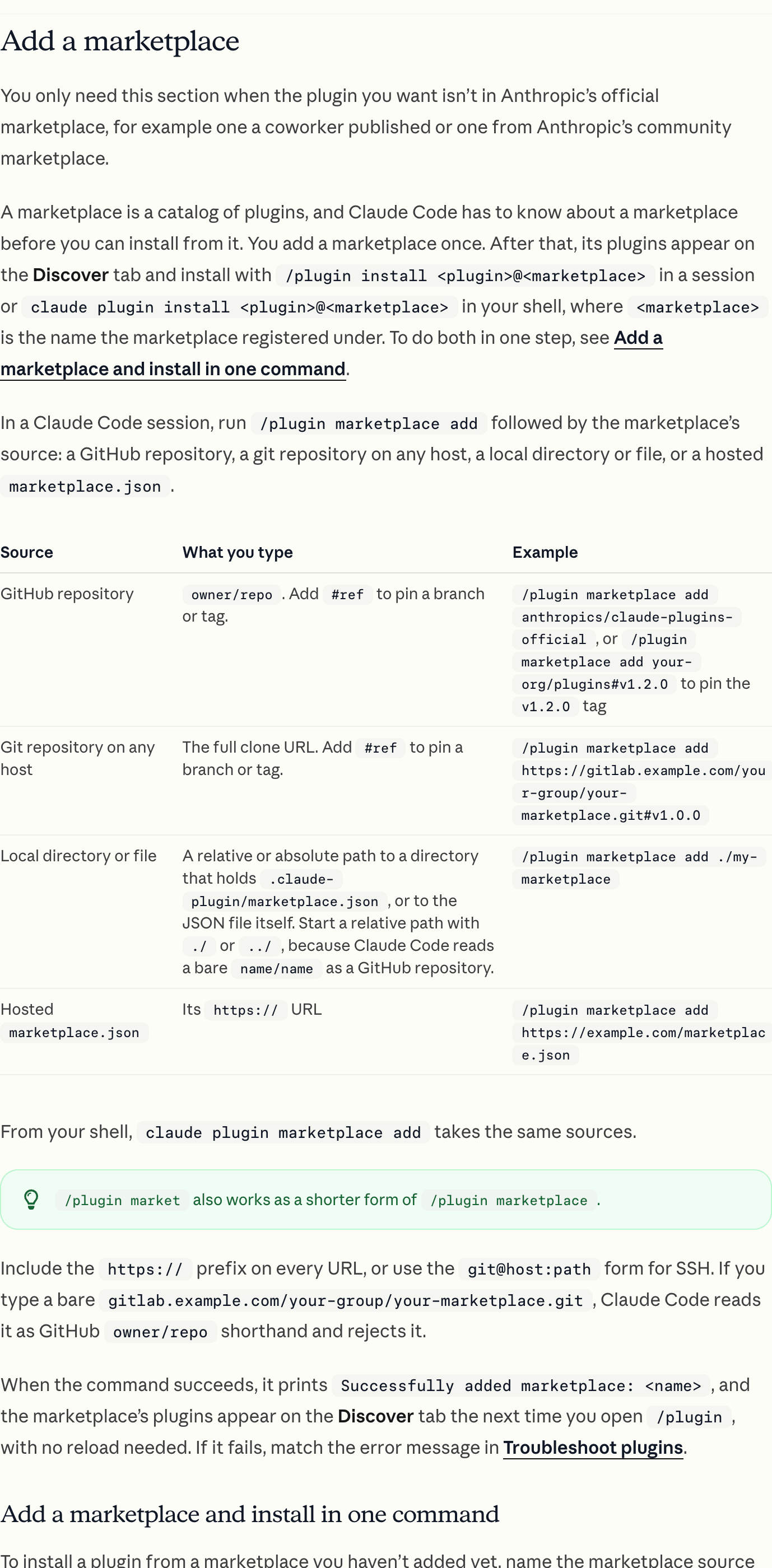
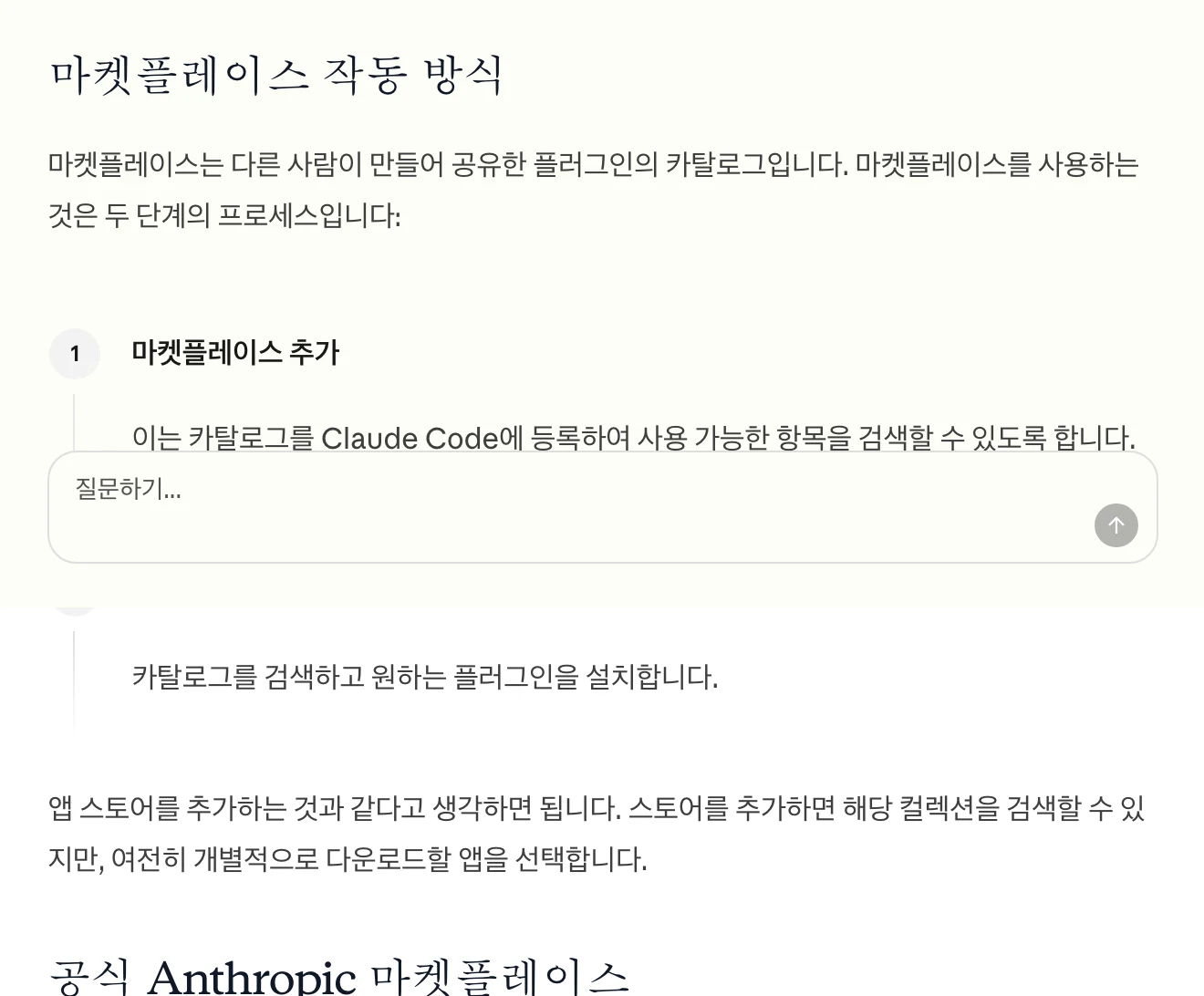
A marketplace is a catalog for finding plugins. Adding the catalog and installing a plugin from it are separate steps.
View original Korean screenshot
How do I identify what I need now?
Before reading installation instructions, fill in the statements below. They help reveal whether you need a work procedure or access to material.
Example request: ‘I want to read meeting.txt in my folder and organize decisions, owners and deadlines. First check whether my current tools can do this. If another tool is needed, explain where and why.’
Frequently asked questions
Q. Does installing a plugin immediately give me access to paid services? A. Plugin installation is separate from an external service's account and terms. Check the service's own instructions.
Q. Can I use the same plugin in another AI app? A. Plugin formats vary by app. Even when moving a skill, check supported formats, paths and required tools.