Get started with work automation: choose one repetitive task
Translated from Korean. View original. Some screenshots are available in Korean only.
Work automation means handling repeated tasks using a consistent procedure. List work you did often this week and choose one task with inputs and results that are easy to check. Compare preparation and review time as well as production time to see whether the work actually decreases.
Screenshot of the Skillshop automation category.
View original Korean screenshot
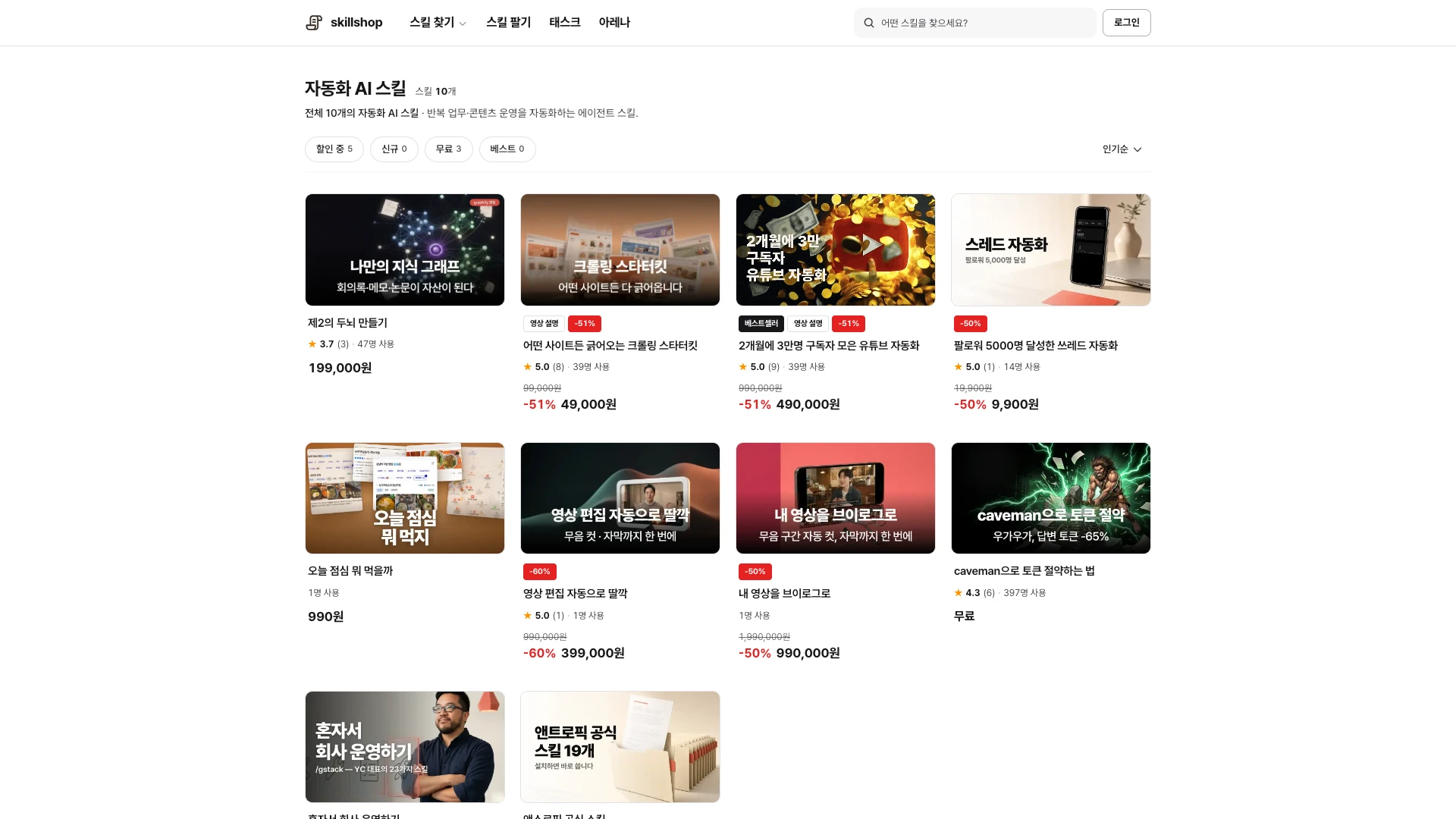
What should you automate first?
List work you repeated this week as concrete actions: collecting material, filling in the same form, formatting files or copying information between places.
For each task, note how often you spend time on it, what material it needs and how you know it is complete. Pick one small task from that list to test.
Consider frequency and judgment together
Tasks performed often with consistent rules are good candidates for testing: filling in the same weekly report or organizing files by a fixed rule, for example.
For tasks requiring substantial judgment, separate organizing information from the final decision. For infrequent work, building automation may take longer than doing it manually, so consider the expected number of repetitions.
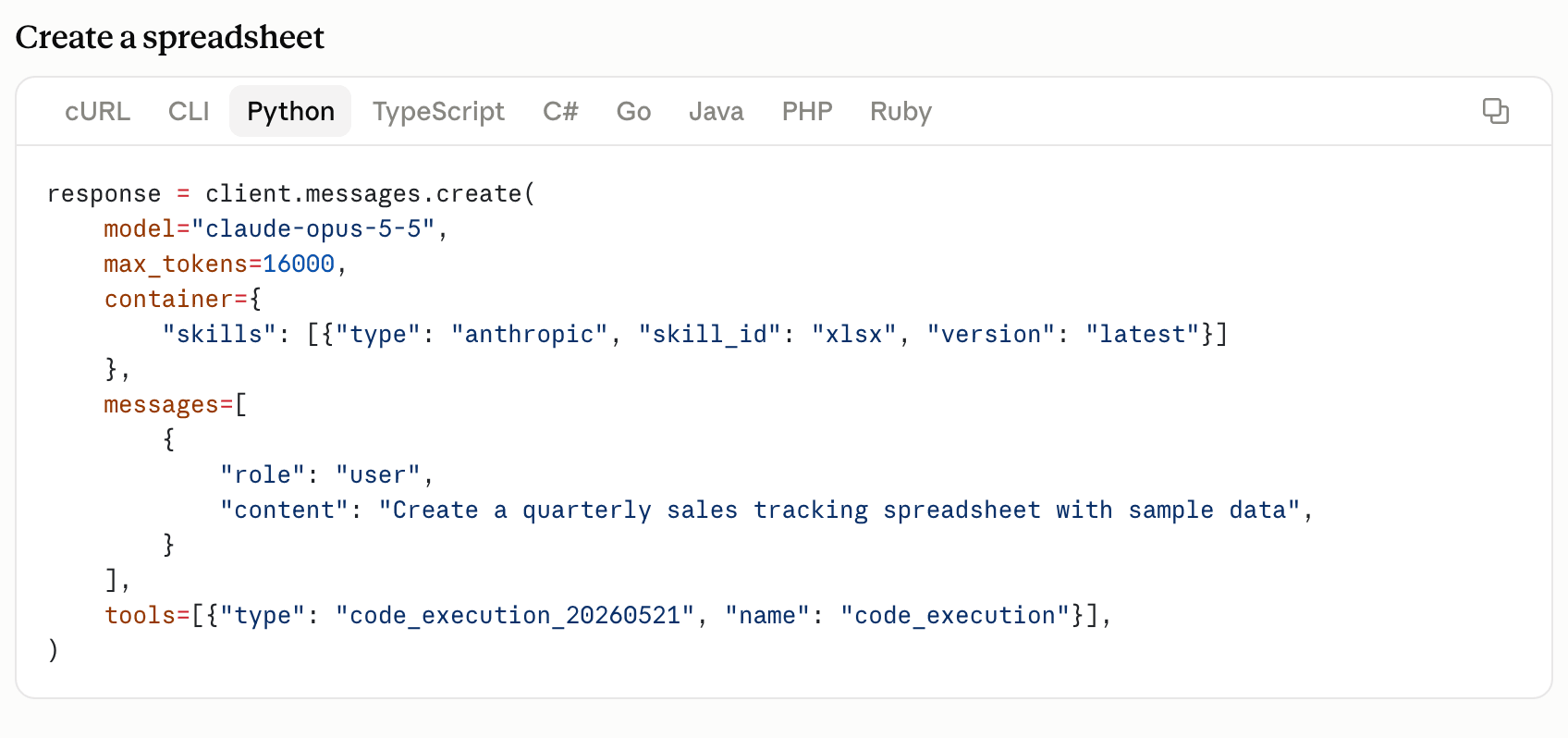
View original Korean screenshot
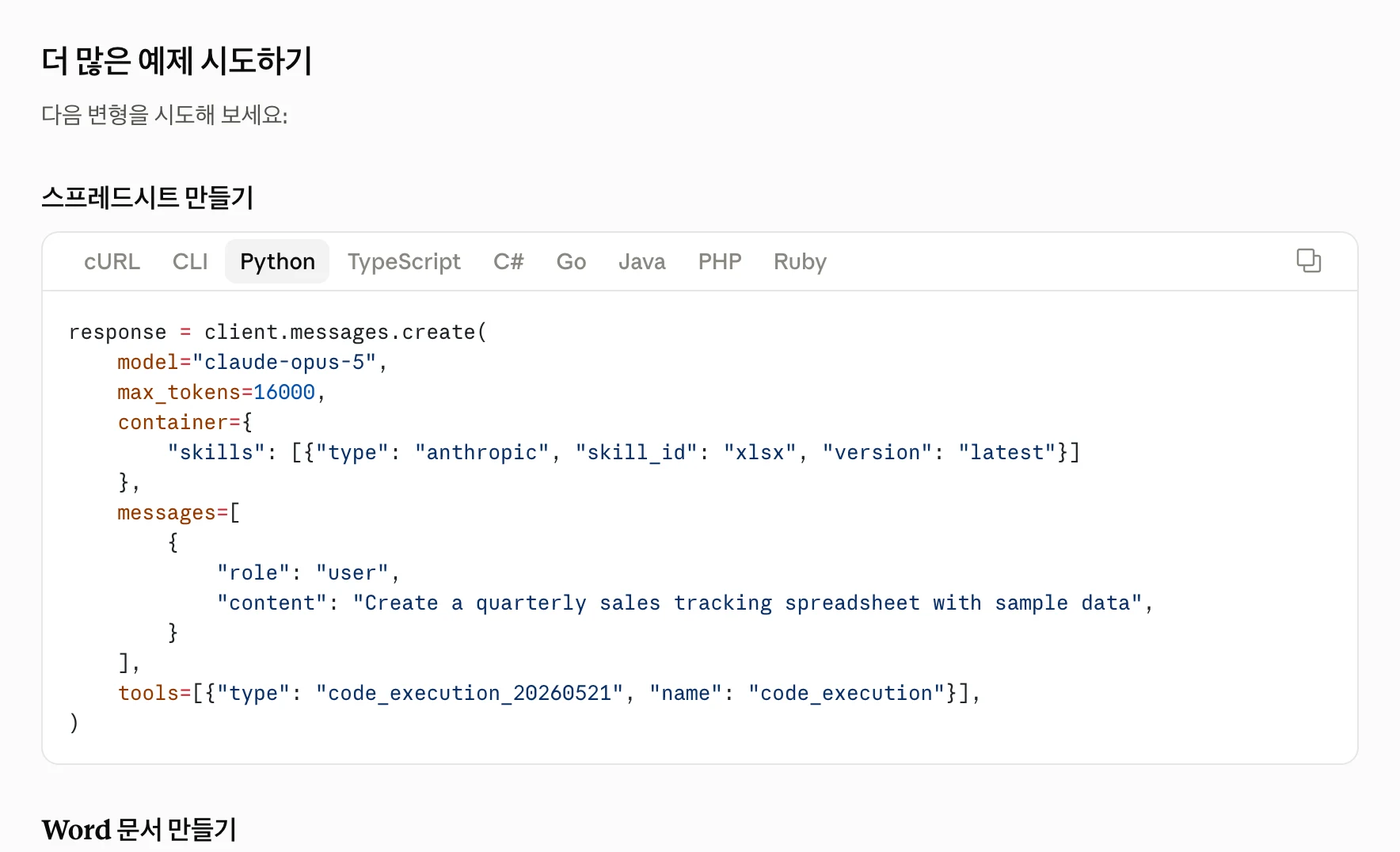
Decide what to check before execution
Set review criteria before sending email, publishing publicly, making payments or deleting important material. Check high-impact values such as recipients, amounts and publication destinations.
A skill can say how far to draft and when to request review. Instructions alone do not block execution, so configure the actual tool’s permissions and approval settings too.
- Organize material
- Convert a copy
- Draft a document
- Send email or publish
- Make payments
- Delete important material
What if automation does not save time?
Drafting may be faster while preparation and correction take longer. Record time separately for preparation, execution, review and rework.
If results are inconsistent, make input formats and completion criteria more specific. Compare several runs, keeping useful steps and reducing unnecessary ones.
- Prepare an explanation
- Risk missing a condition
- Communicate corrections separately
- Maintain input and completion rules
- Compare results against the same items
- Add discovered errors to instructions
Examine handoffs across your team
Repeated work can span departments. The people providing and receiving material can agree on file formats, timing and commonly missing items.
Test one handoff rather than changing the entire process at once. Decide who reviews the output and where to return when an error occurs before expanding the workflow.
Which tools should you prepare?
An agent can help test document or file tasks. For a repeated fixed conversion, a script or existing automation tool may be simpler.
When using a skill with an agent, check each tool’s installation path and required programs. If internal service data is needed, also prepare account connections and access permissions.
Look for similar examples in document, data and automation categories. Read the output format and prerequisites, then test with a small input.
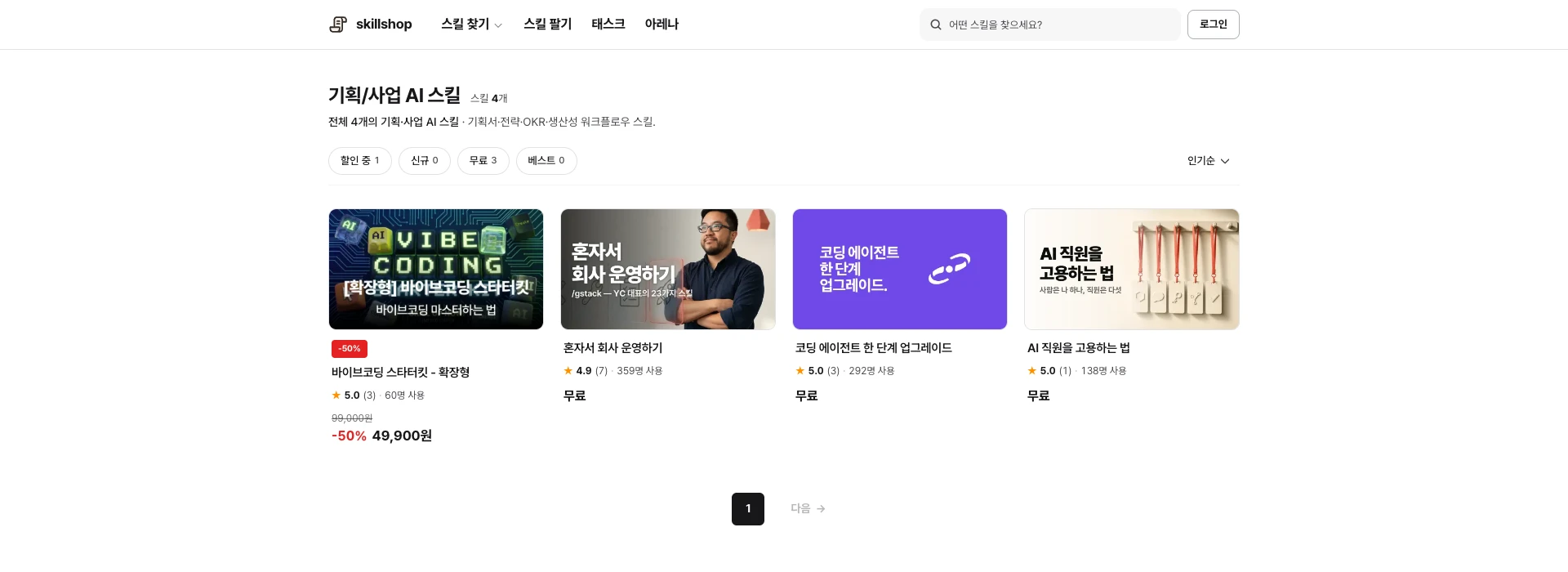
Screenshot of the Skillshop planning and business category.
View original Korean screenshot
Separate standards by content channel
Video work may center on subtitles and editing, Instagram on cards and Reels timing, and a blog on drafts and link checks. Choose based on what actually takes time.
The guides below describe each channel’s workflow. Start with the one closest to the content you make.
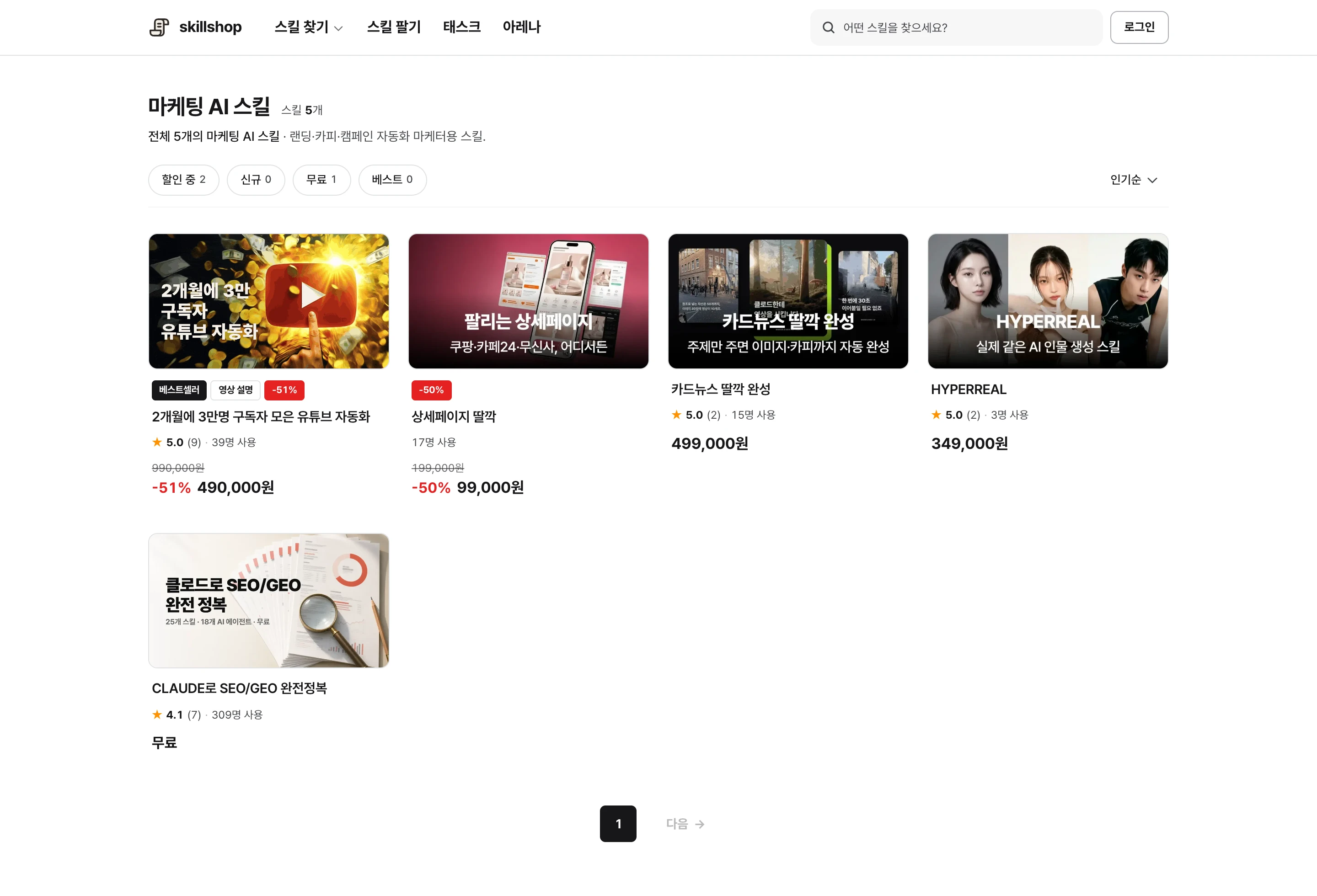
Screenshot of the Skillshop marketing category.
View original Korean screenshot
Frequently asked questions
How do I pick work to automate?
Consider frequency and consistency together. Test one frequent task with easy-to-check results. Include preparation and review time when comparing the benefit against the effort of building automation.
Which work needs review before AI acts?
Set checks before sending email, public posting, payments or deleting important material. Clearly assign final judgment and review. Align skill instructions with the tool’s actual permissions and approval settings.
What software must I buy?
First define the task. An agent can help with documents and files; existing tools or scripts may be simpler for fixed conversions. Depending on the work, you may also need programs, accounts or access permissions.