Create your first SKILL.md: start with meeting notes
Translated from Korean. View original
A good first skill starts with a small task you repeatedly request. In this exercise, you will create a skill that separates meeting notes into decisions and action items. Assuming Claude Code is installed, save one text file, invoke it and check whether it handles missing information correctly.
What should I decide first?
Decide what the finished result should contain. Here it has three sections: decisions, action items and things to check. If an owner or deadline is missing from the note, mark it as undecided rather than inventing one.
This exercise does not include transcribing a meeting, adding calendar events or sending team messages. First check that the notes are organized as intended; that makes it clearer what to revise.
Where do I save the file?
To use this skill for a Claude Code project, create .claude/skills/meeting-note inside the project and save the file there as SKILL.md. If you use a notes app, save plain text and check that .txt was not appended to the filename.
In the folder diagram below, SKILL.md is a file and the rest are folders. If a file already exists, do not overwrite it; practice in a differently named skill folder.
- My project
- .claude
- skills
- meeting-note
- SKILL.mdSave the example below here.
What goes in SKILL.md?
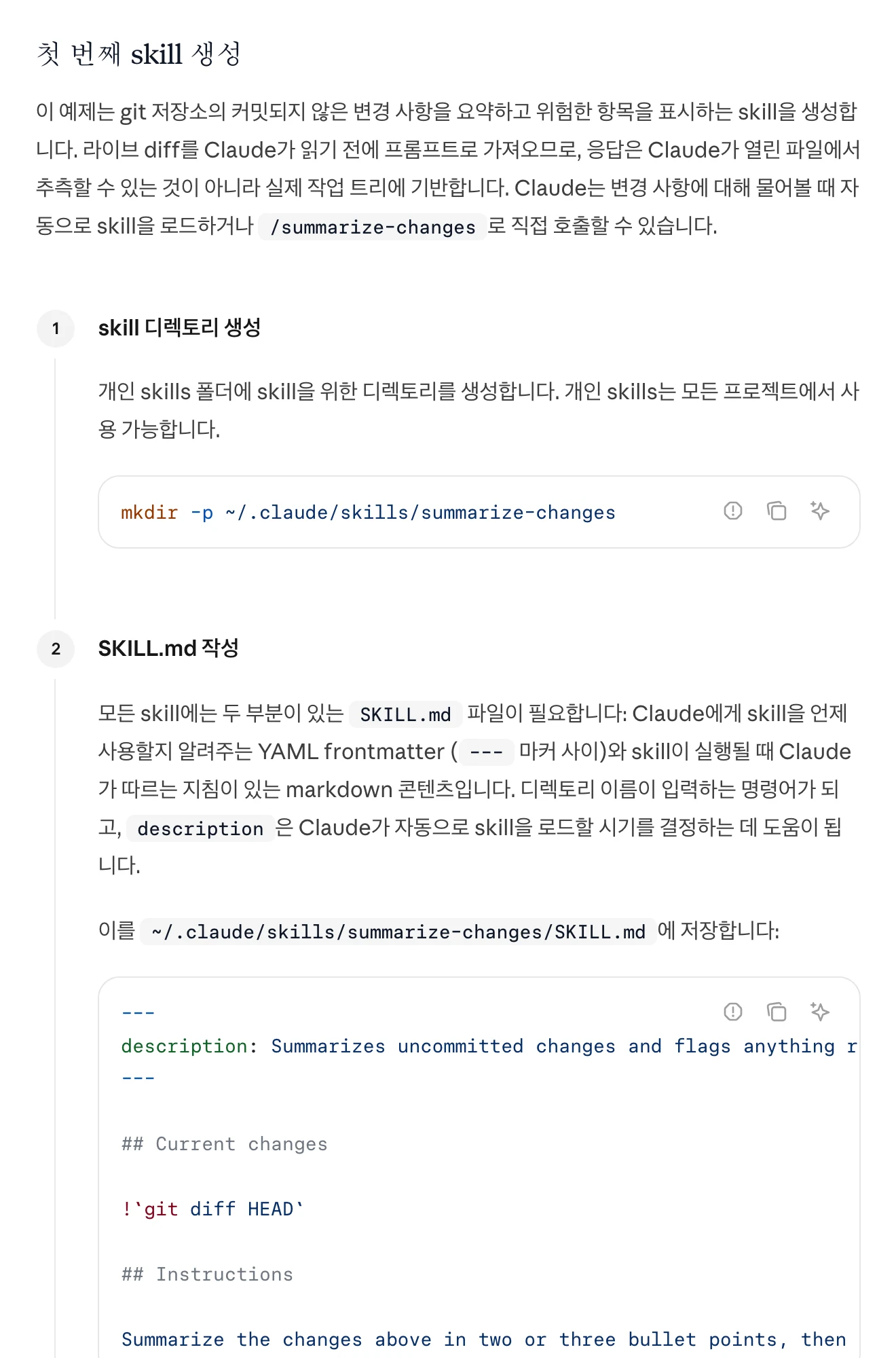
Paste the example below into the file, starting with the opening ---. The name matches the example folder, and the description explains when to use it.
---
name: meeting-note
description: Organize meeting notes into decisions and action items. Use when asked to organize minutes or extract owners and deadlines.
---

# Organize meeting notes

Use only the supplied notes as evidence and organize the result in Korean.
1. Write decisions, action items and things to check, in that order.
2. Include the task, owner and deadline for each action item.
3. Mark owners and deadlines absent from the notes as undecided.
4. Distinguish proposals from confirmed decisions.
5. Do not create calendar events or send messages.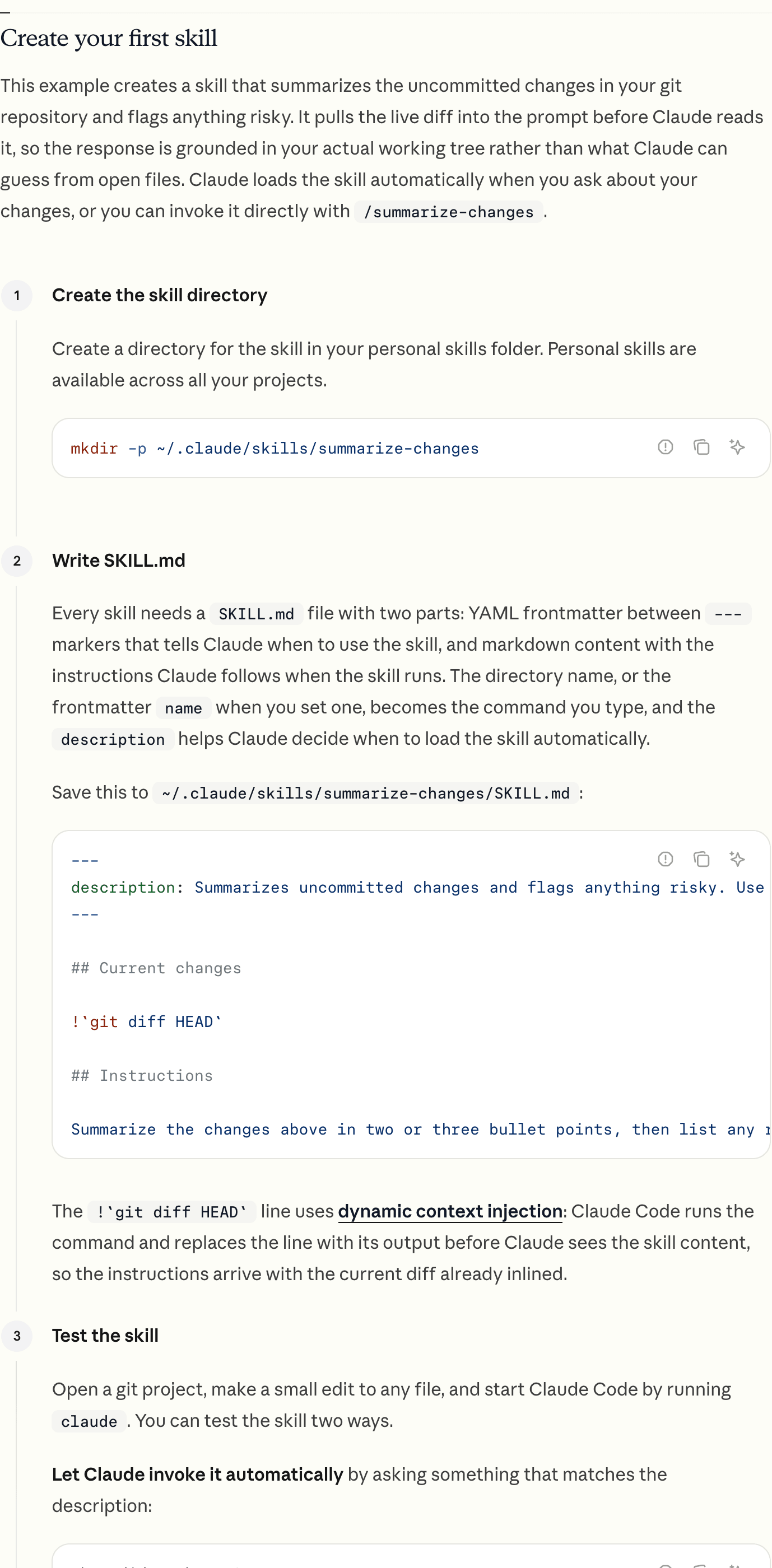
View original Korean screenshot
How do I run it for the first time?
Open Claude Code in the project and try the request below. Naming the skill explicitly lets you check automatic selection separately from the quality of its output.
/meeting-note Please organize these notes: We decided to launch the new introduction page on Friday. Jisu will draft the copy by Thursday. The person responsible for images is not decided. We will discuss the English page again at the next meeting.
A good result lists the page launch as a decision and Jisu's draft as an action item. It must not present the image owner or English page as already decided.
What should I fix if the result is not right?
Point out one incorrect detail instead of asking it to ‘organize better.’ If it listed the English page as a confirmed date, for example, change the instruction to say that topics for the next meeting are not decisions.
Then try both the same note and a new one. This lets you check whether the skill applies the same criteria to new material rather than appearing to memorize one example.
Frequently asked questions
Q. Must SKILL.md be written in English? A. You can write the procedure in Korean. Keep the filename and configuration field names unchanged.
Q. Does creating a skill guarantee accurate meeting notes? A. No. In particular, compare owners, dates and decision status with the original. The goal of this exercise is to make the review criteria consistent.