 guide
SEO with Claude: from an audit to structured data
Translated from Korean. View original. Some screenshots are available in Korean only.
Connect Claude to tools that can inspect web pages or source files to check SEO items such as titles, links and search settings. Start with search-engine access, then review page content and structured data. Verify issues on the actual page before changing them.
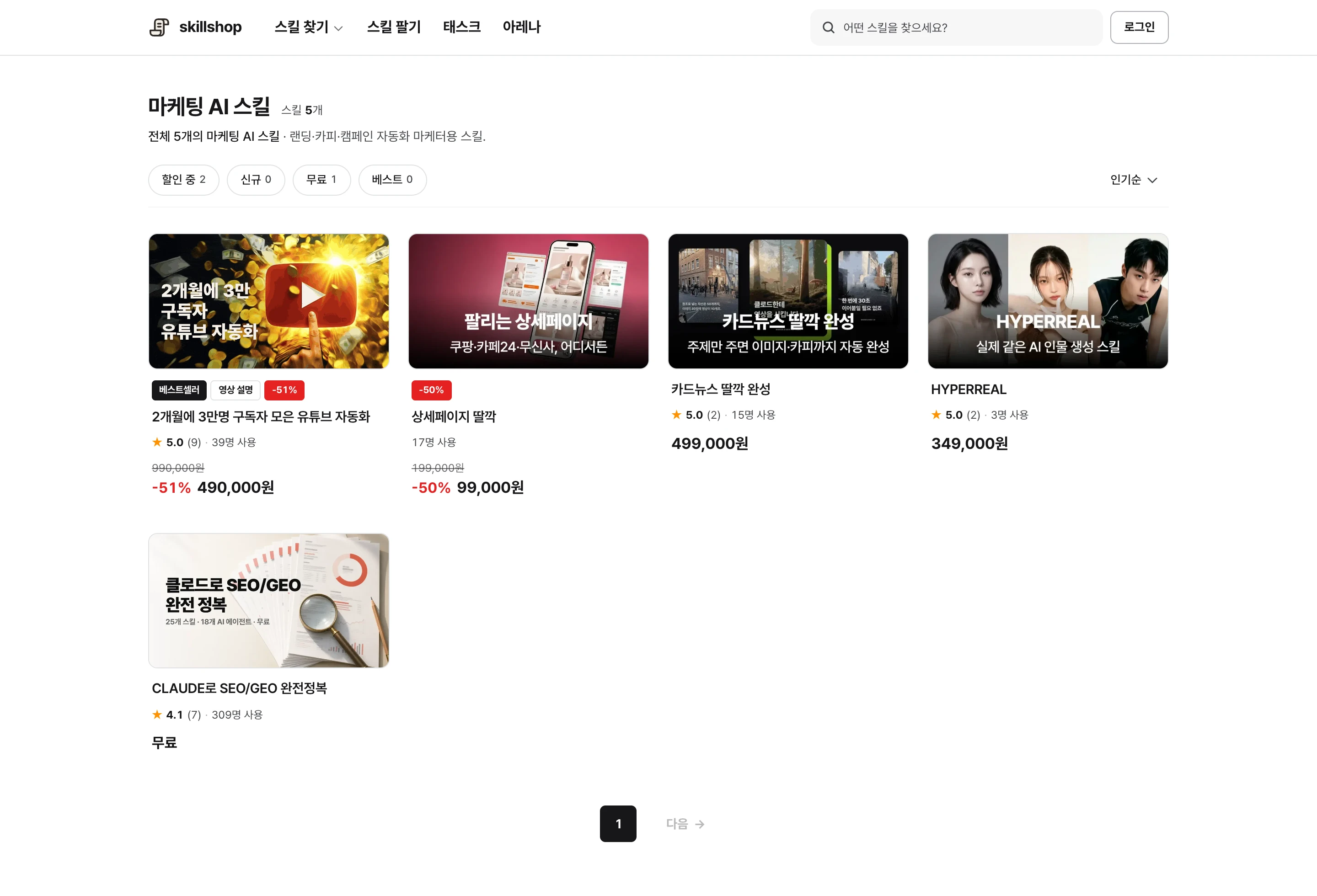
Browse relevant skills and examples on Skillshop.
View original Korean screenshot
What SEO work can Claude help with?
Start by listing page titles, descriptions, image alt text and broken links. Claude needs an environment that can open the site or read its code.
With edit permission, it can fix identified issues and check again. Report which URLs were inspected and which could not be accessed. The blog SEO guide covers content planning and writing separately.
- Inspects items on each page
- Sets the pages and scope
- Communicates issues to the implementer
- Checks consistent items and records omissions
- Uses the same criteria across pages
- Can edit site files when it has access
Check access and indexing first
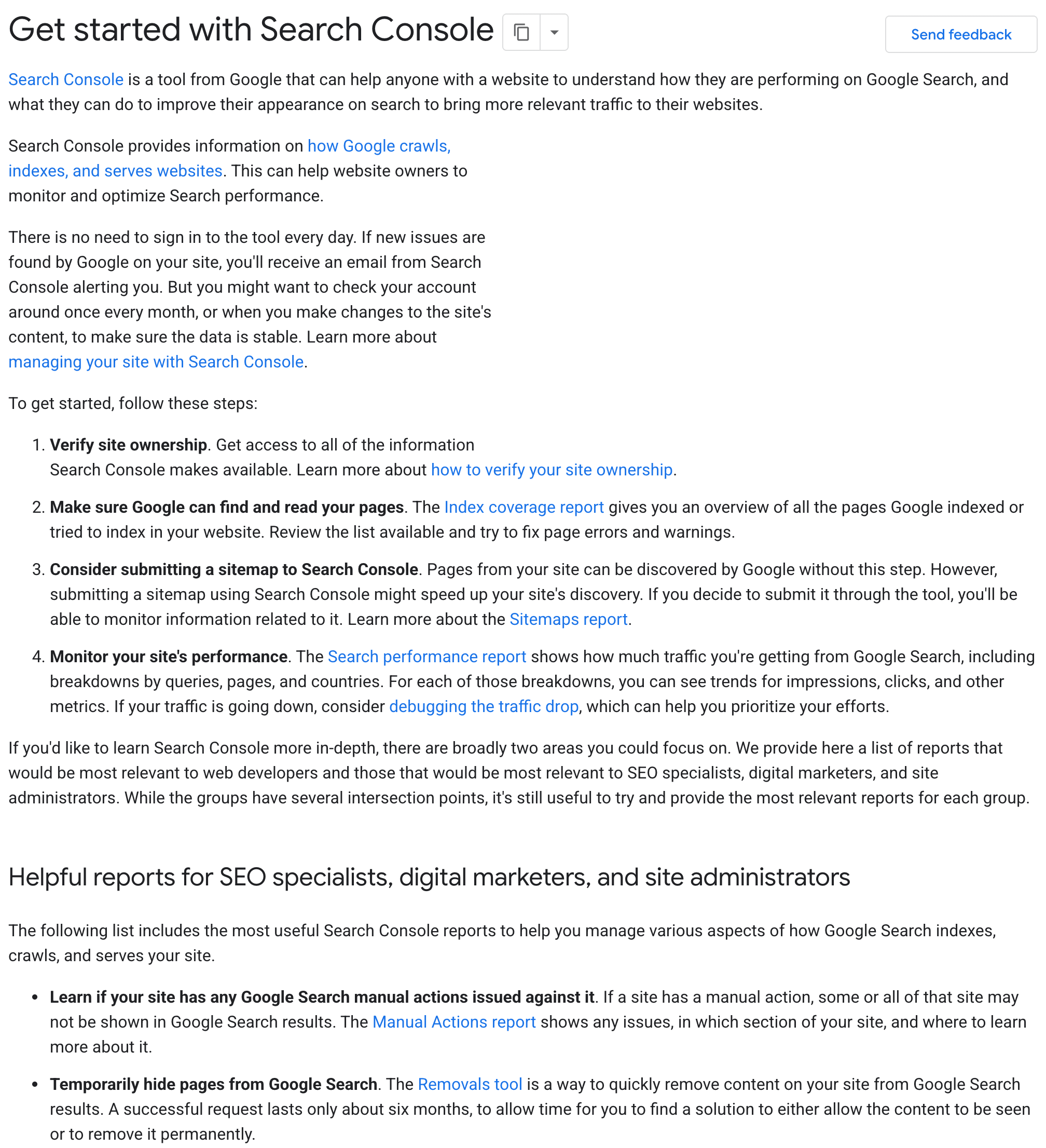
For a page missing from search, use Search Console URL Inspection. Check robots.txt restrictions, noindex, response status and canonical settings. A sitemap can help discovery but does not guarantee indexing.
Then check whether title and description represent the content, headings are understandable and links work. Meaningful images need descriptive alt text; decorative images can use empty alt text.
Match structured data to visible content
Structured data presents information such as articles, products and authors in a machine-readable format. Choose properties for the page type and check required values and errors with official tools.
Do not invent prices or ratings absent from the page. Correct markup does not guarantee a special search appearance. Check current Google guidance before using types whose support changes, such as HowTo or FAQ.
Compare lab speed scores with real visitor experience
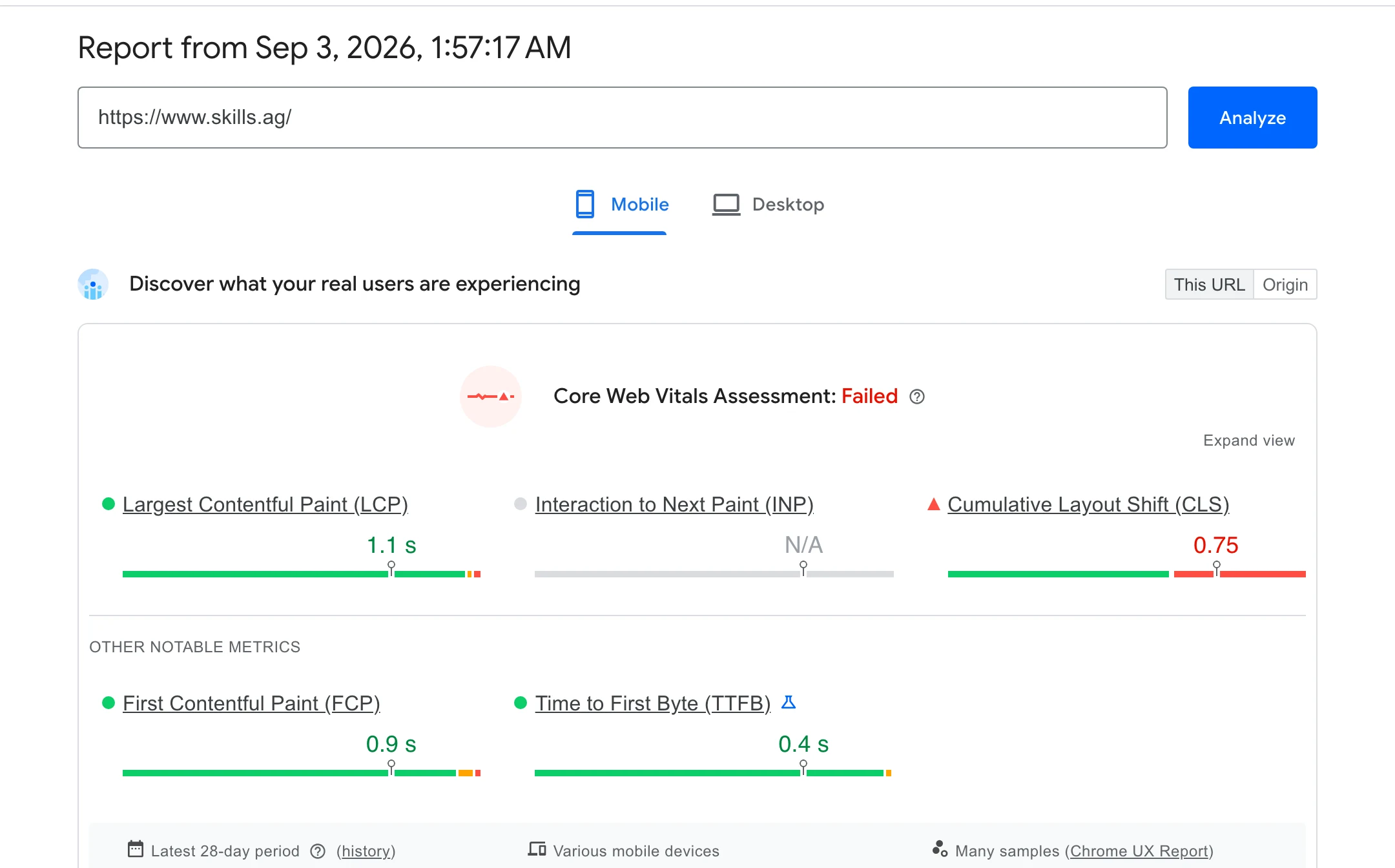
Lab measurements help find problems in controlled conditions; field data shows what real visitors experience. Do not infer improvement from one score without checking conditions and data sources.
LCP concerns when major content appears, INP measures interaction responsiveness and CLS measures layout movement. Ask AI to investigate large images, unnecessary scripts and unsized elements.
Assess all three with data collected from real visitors, not a single measurement.
Choose pages to improve in Search Console
Review impressions, clicks and queries by page. Pages with impressions but few clicks merit checking whether the query, title and content match; rank, device and result layout can also affect click-through rate.
If people seek installation instructions but a page only explains concepts, consider adding steps. Decide whether a new article is needed by comparing the questions existing pages answer. Ask AI to include the supporting queries and missing sections.
View original Korean screenshot
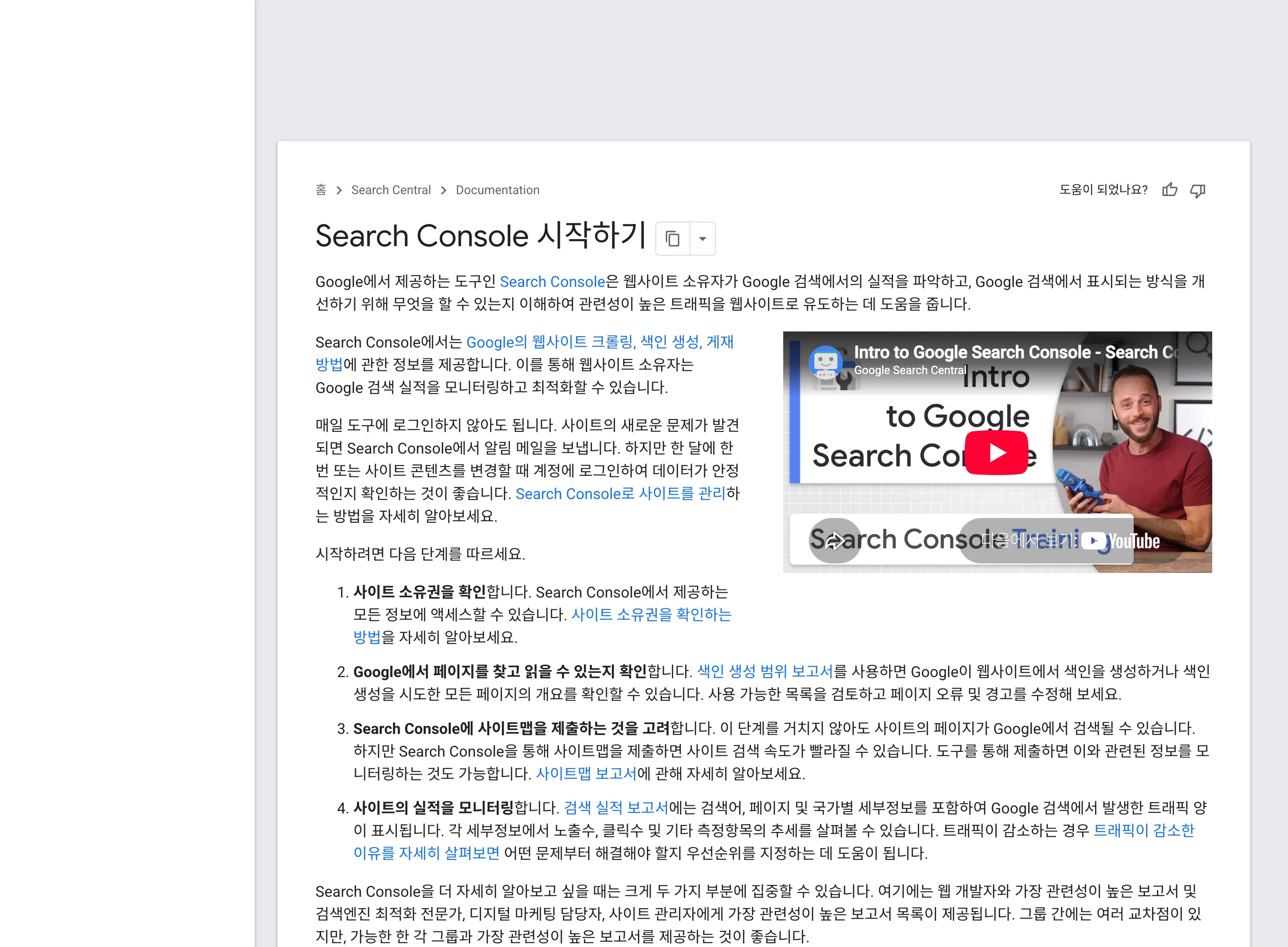
Does AI search require special syntax?
Google says existing SEO fundamentals also apply to its AI search features. Ensure search engines can read the content and provide accurate answers to readers’ questions.
Explaining the concept and scope early and keeping sources nearby helps readers understand. No particular paragraph format or robots setting guarantees an AI citation.
- Examine impressions and clicks
- Titles and descriptions influence visits
- Review available ranking data
- Examine answer mentions and site traffic
- State answers and evidence clearly
- Use observable visibility and traffic data
Set the goal and change scope first
Define whose question the page should answer before requesting an audit. Verify sources for AI-provided search volume and competition; do not fill unverified numbers with guesses.
Deletion, URL changes and public publication have significant effects. Review findings and the proposed changes before applying them. Avoid mass-producing similar pages that add no new information for readers.
Browse related skills, creators and examples on Skillshop.
View original Korean screenshot
Reuse the audit for the next release
Record response status, indexing settings, titles, links and structured data in a checklist or skill. Include each check and its success criterion.
After changes, reopen the public URL to confirm they are present. Compare search visibility in Search Console over matching periods and conditions; do not report code changes as search results.
Frequently asked questions
What should I check first in a Claude SEO audit?
For a missing page, inspect indexing in Search Console. Review response status, robots.txt, noindex and canonical before titles, content and links. Also inspect structured data and speed, fixing the actual blocker first.
Is more structured data always better?
Choose properties for the page type and match visible content. Do not invent prices or ratings; validate with official tools. Correct markup does not guarantee a special result.
How should I write to be cited in AI search?
Make content accessible to search engines and answer readers accurately. Explain scope and provide nearby sources. No particular format or setting guarantees citation.