 guide
Reduce Claude token use: conversations, files and responses
Translated from Korean. View original. Some screenshots are available in Korean only.
Tokens are units an AI uses to process input and output. Conversation history, files and answer length all affect usage. Summarizing long conversations and reading only necessary materials can reduce waste. Actual charges also depend on the model, plan and caching.
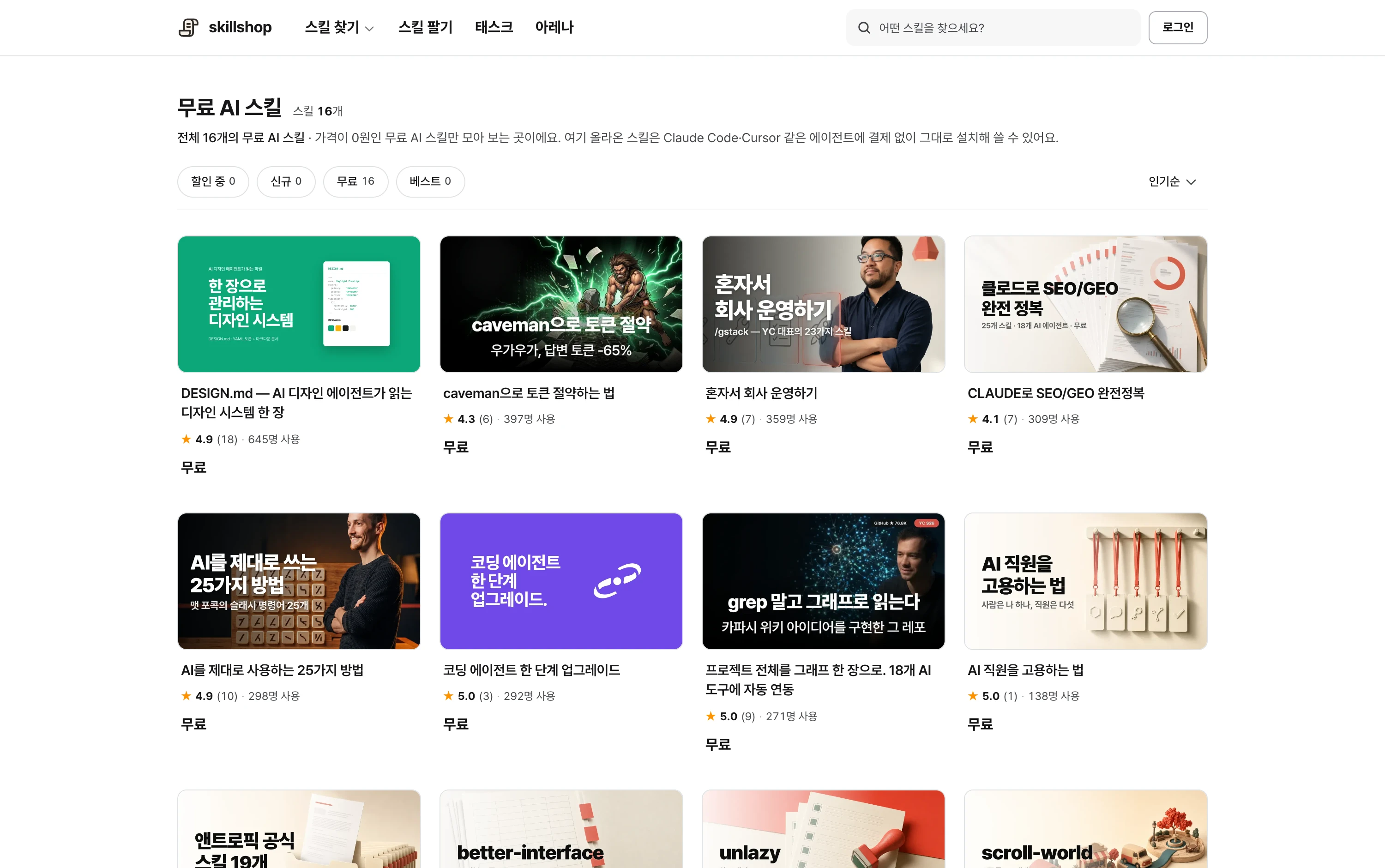
Screenshot of the free-skill catalog; check current availability and terms on each detail page.
View original Korean screenshot
Where are tokens used?
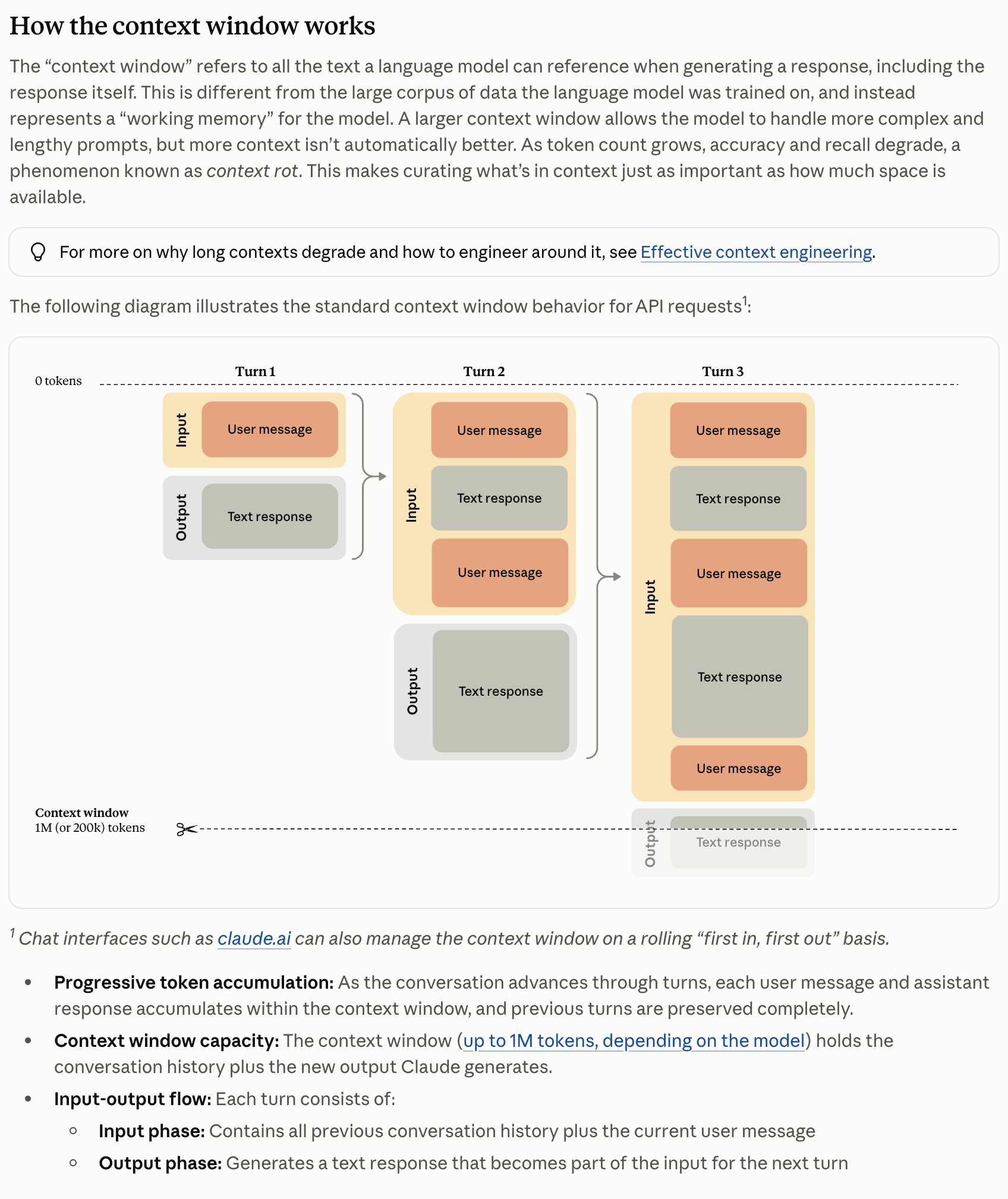
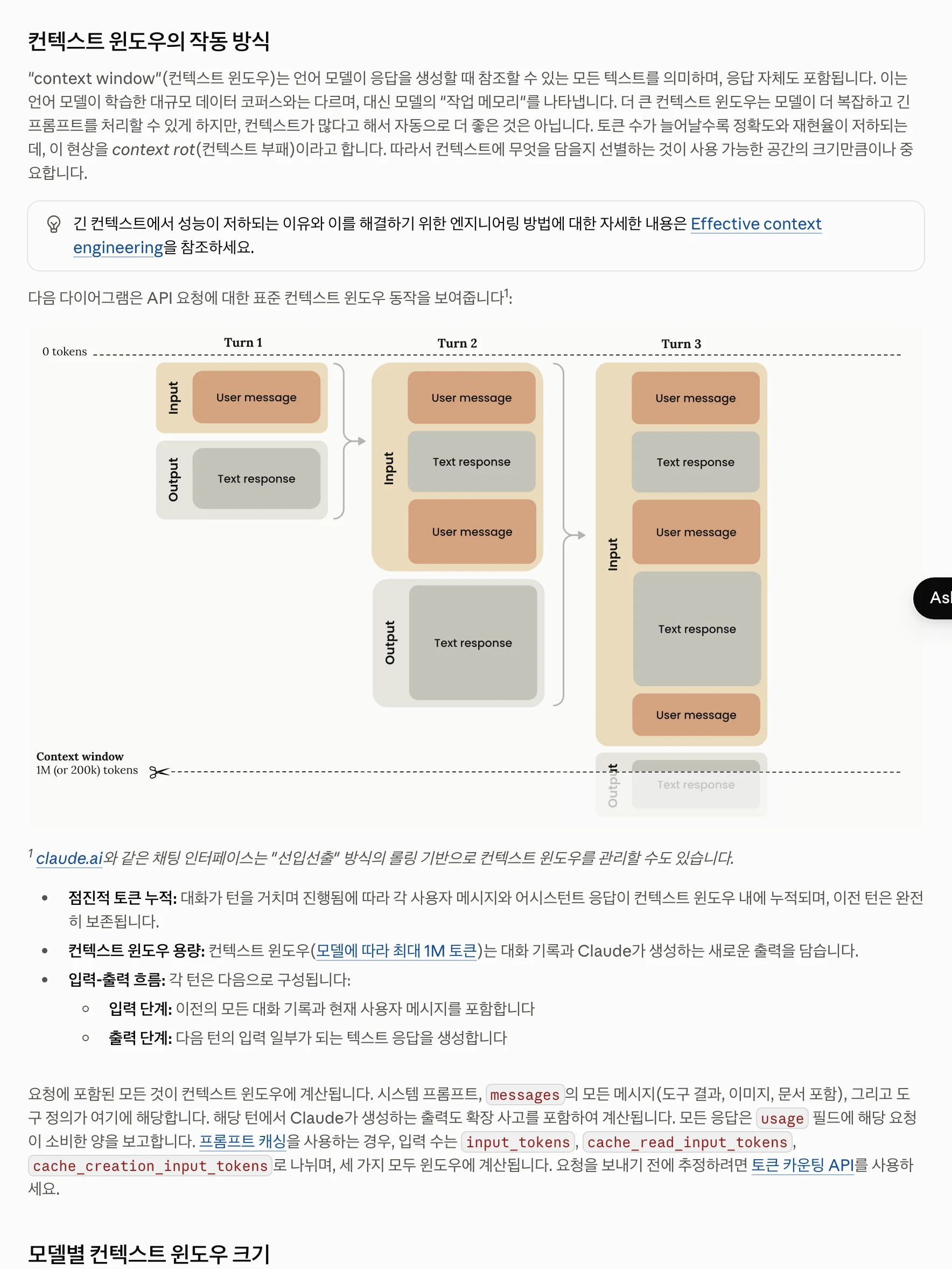
Tokens are used beyond questions and answers: previous conversation, instructions, file contents and tool results can enter the model’s input. A short answer can still involve substantial reading.
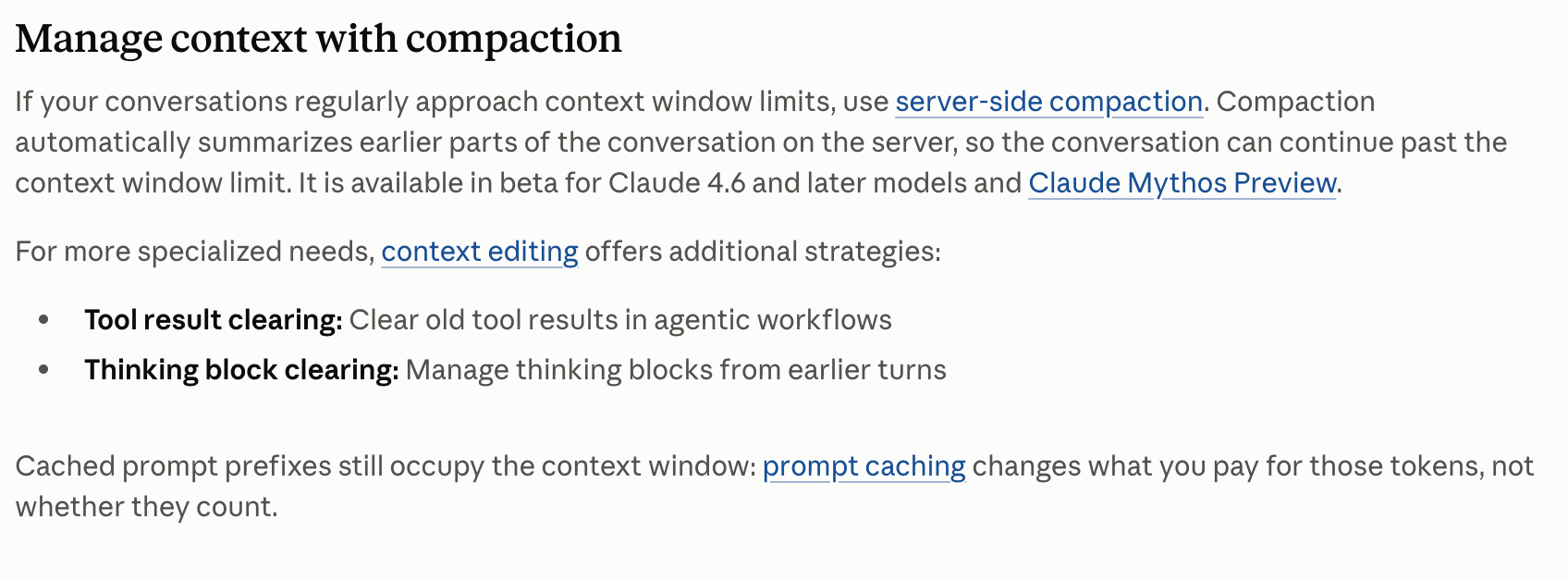
Long conversations add context, but previous content is not always charged the same way again. Caching and compaction may apply, so token counts and billed amounts are not interchangeable.
| Usage | Possible contents | How to reduce it | First check |
|---|---|---|---|
| Conversation and instructions | Prior history and work rules | Summarize needed context; use a new conversation for unrelated work. | Necessary context and measured usage |
| Files and tool results | Read material and execution results | Specify file locations and relevant sections. | Input scope and size |
| Answer | Explanation and results | Set a format while retaining necessary explanation. | Accuracy and output usage |
View original Korean screenshot
When should you start a new conversation?
Start a new conversation when changing to an unrelated topic if the old history will not help. If continuing the same problem, keeping necessary context may be better.
Before switching, ask for a summary of decisions, changed files, remaining work and verification results. Provide it with relevant file paths in the new conversation.
For large work, record results at each stage. Compare the effort of reexplaining and rereading material rather than automatically cutting conversations short.
View original Korean screenshot

Ask for the relevant files first
If you know the location, give the file path and function name. “Check the date-conversion function in this file” narrows the search more than “fix this project.”
For long documents, specify the relevant section or provide the file and ask it to start there. A file alone does not automatically reduce usage; also specify the scope to read.
Keep enough context and constraints. Omitting key details and repeating work may cost more time and tokens.
- Find errors in the project
- Read the entire document
- Research everything related
- Check the date-conversion function
- Read the installation section
- Find required items in this file
What does an output format reduce?
If you only need results, ask for a format such as “Tell me the changes and checks only.” A summary might be three sentences; a comparison might be a table.
The effect varies. When inputs are large, shortening output alone may have little effect on total usage. Measure usage and adjust the largest of conversation, files and output first.
Save repeated instructions as a skill
If you keep pasting report formats or review rules, collect them in a skill so shared instructions are easier to reuse and update.
Reading a skill also consumes tokens. Moving instructions to a file does not eliminate cost. Separate long references and tell the agent when to read them.
- Copy instructions each time
- Different people use different versions
- Communicate changes separately
- Maintain shared instructions
- Separate long references
- Read what the use case requires
Screenshot of a Skillshop design-system skill detail page.
View original Korean screenshot

How should skill files be organized?
Put the use case and core steps in SKILL.md; separate long examples and details into references. Repeatable code can go in a scripts folder.
Organize material so it can be found. More important than the number of files is explaining which file to read in which situation.
- my-skill/
- SKILL.mdUse case and core procedure
- references/Long examples and explanations
- scripts/Repeatable code when needed
Are there skills for shorter responses?
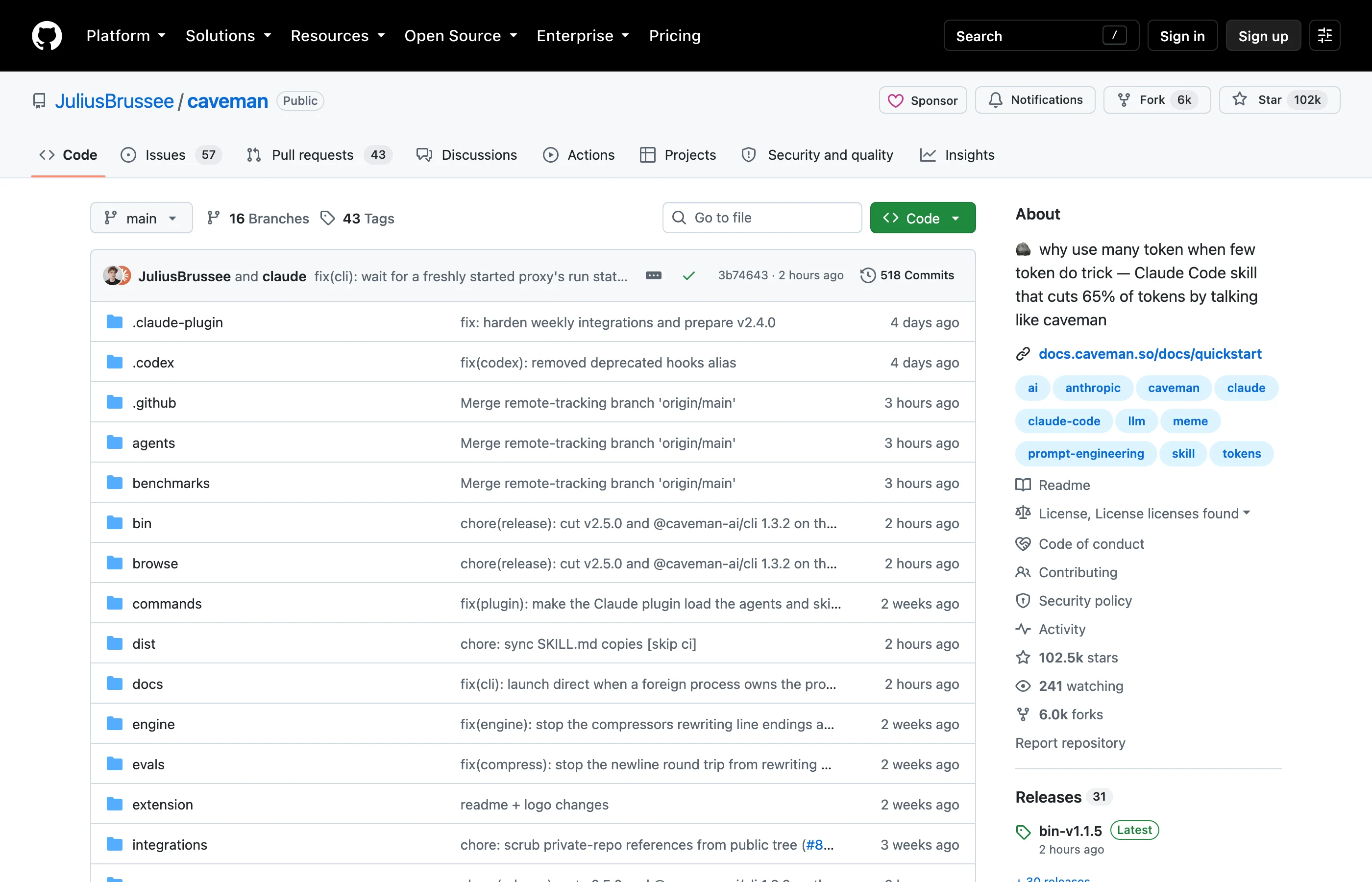
Skills such as Caveman reduce unnecessary wording for concise answers. Try them when a task calls for results that are quick to read.
Savings vary by input, model and task. Do not interpret a listing’s claim as overall bill savings; compare accuracy and usage on your own work.
Some tasks become difficult to understand when explanation is cut. Retain the needed detail in beginner guidance or work requiring a review rationale.

View original Korean screenshot

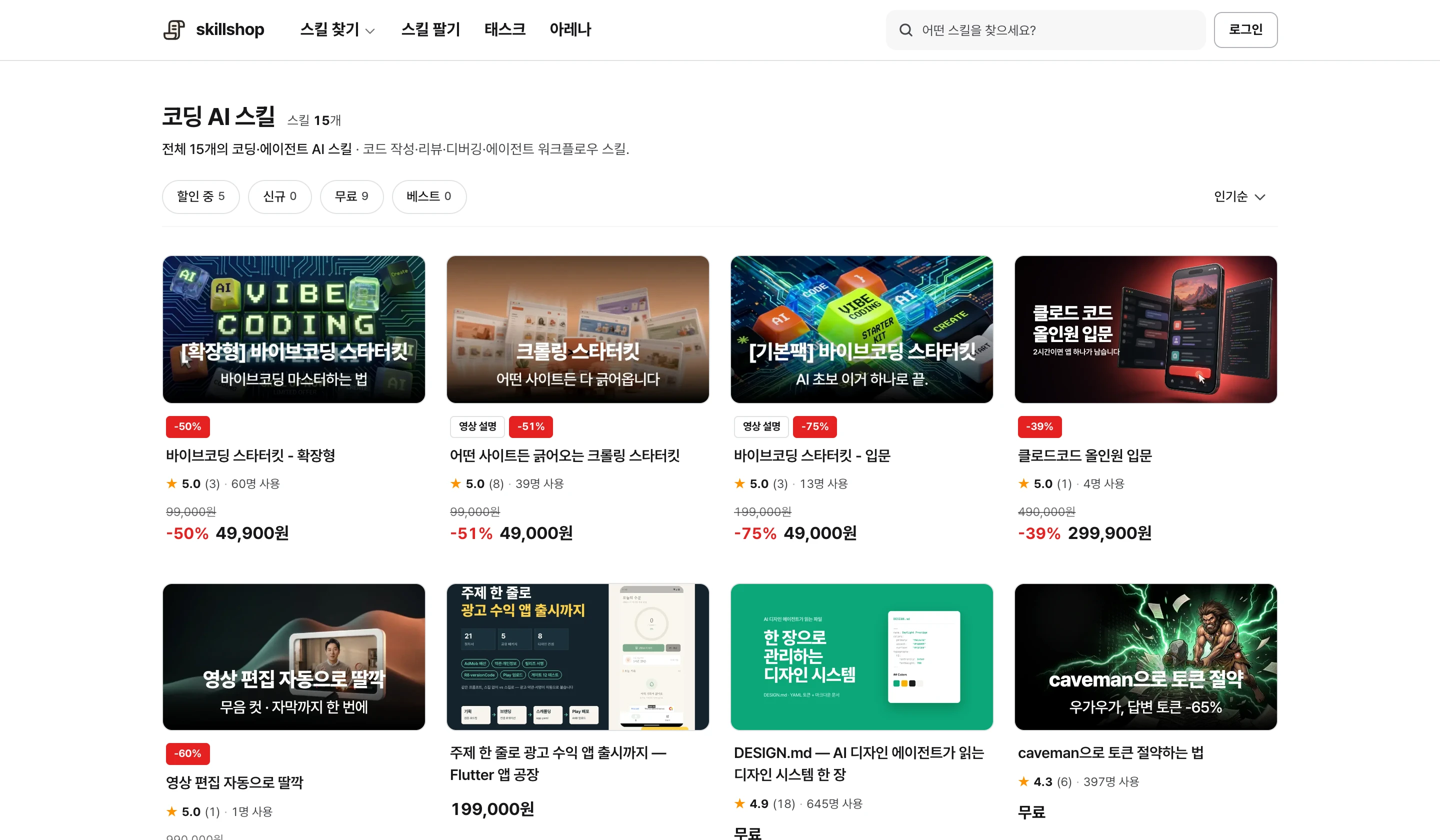
Screenshot of the Skillshop coding category.
View original Korean screenshot
Frequently asked questions
Where does Claude use the most tokens?
It varies. History, instructions, files, tool results and answers can all affect usage. Measure the largest component; caching and compaction can make token counts differ from actual cost.
How do I reduce the files Claude reads?
Provide a file path and relevant function or document section, such as the date-conversion function. Even when supplying a file, specify where to start.
How much can an output format save?
It varies by model, task and original answer length. Request a concise format and compare accuracy and usage on the same work. Output is not always the largest cost component.