What is an AI skills marketplace? What to check before buying
Translated from Korean. View original. Some screenshots are available in Korean only.
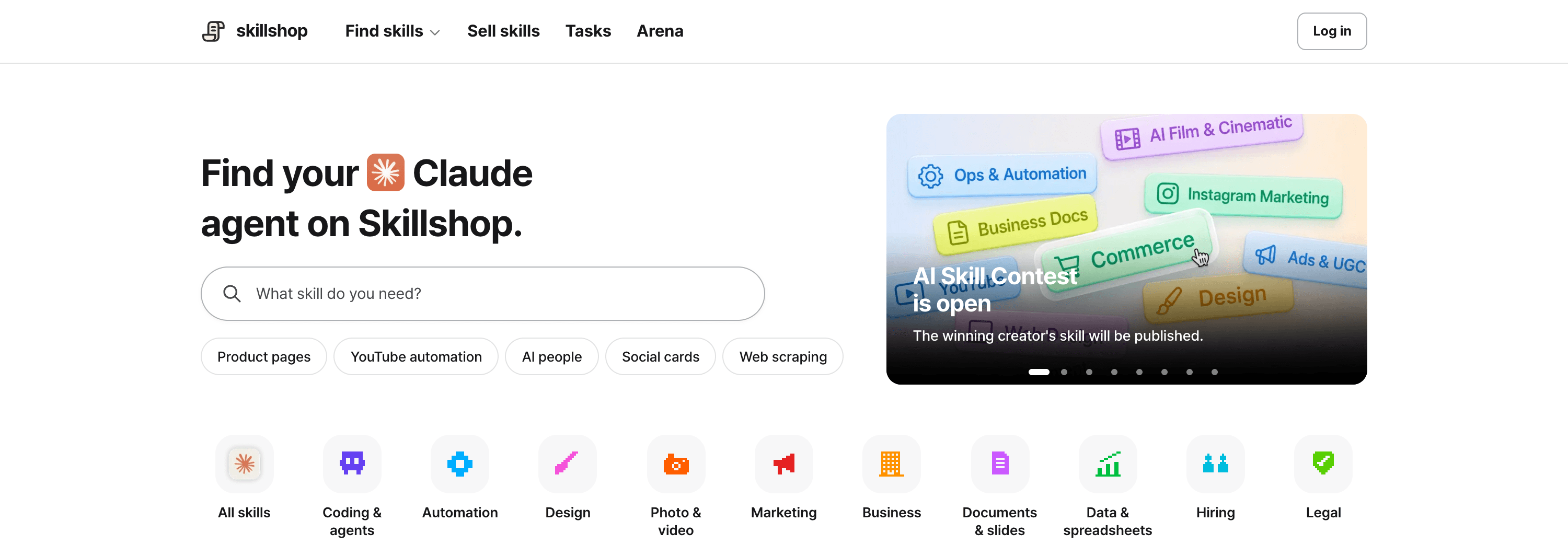
An AI skill marketplace is a place to find work instructions and materials for agents. A skill may contain SKILL.md, examples, templates and scripts. Before buying, check compatibility with your tool and any additional accounts or programs.
View original Korean screenshot
What do you receive when buying a skill?
Usually a bundle of work instructions and reference files. A reporting skill might include preparation steps and a template; an image skill might include production criteria and examples.
An agent follows these instructions, but the skill does not itself provide every tool or execution environment. Check the detail page for required programs and services.
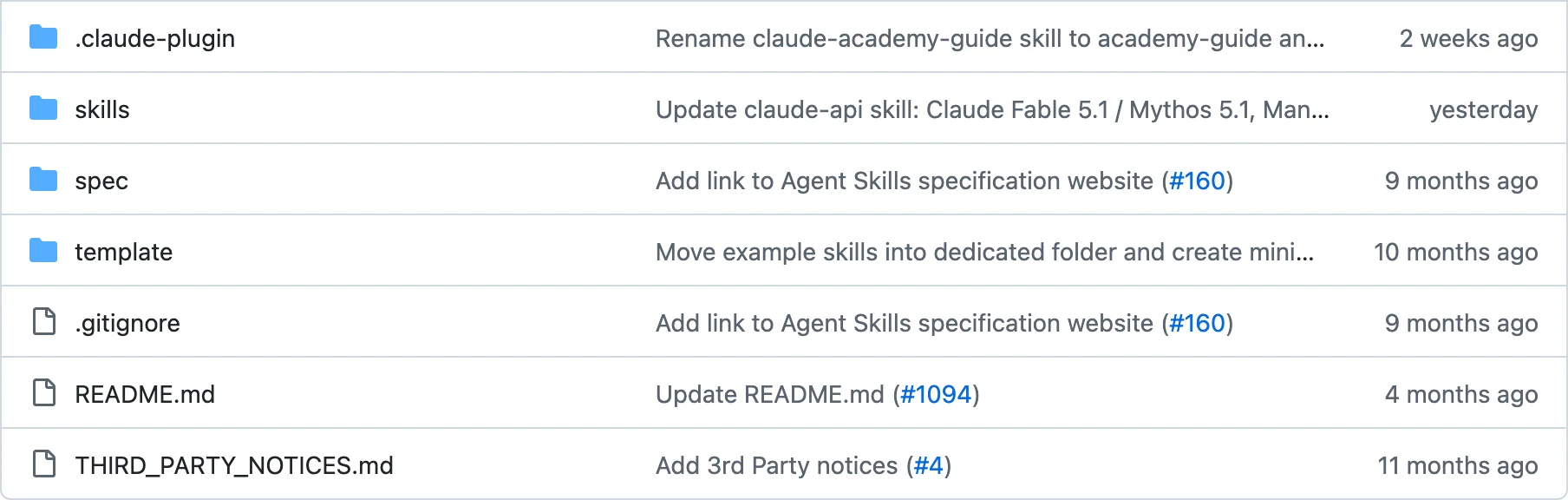
Open SKILL.md after receiving it. Check expected inputs and outputs and what to review before running.
How is it different from an app or GPT?
An app provides its own features and interface; a skill provides instructions and materials for an agent you already use. Once installed, it can be used within that agent’s work.
Unlike a custom tool inside a particular service, Agent Skills instructions can be reused in other supporting agents. Tool-specific settings and capabilities still need checking.
You can open the instruction files. Modification and sharing rights depend on the license, so review terms before adapting them.
| Type | What you receive or use | After installation or selection | When moving to another tool | Reading and editing |
|---|---|---|---|---|
| App or GPT store | A program or service’s custom feature | Use the product’s environment. | Portability and integration vary by product. | Access and editing vary by product. |
| Skill marketplace | Instructions and materials read by an agent | Apply them in a supported agent. | Check formats, settings and execution tools. | Instructions are readable; check terms for editing and sharing. |
- Use a program or service’s features
- Operate in its provided environment
- Access and editing vary by product
- Use files read by an agent
- Reuse instructions in supported tools
- Check terms for changes and sharing
Where do downloaded skills go?
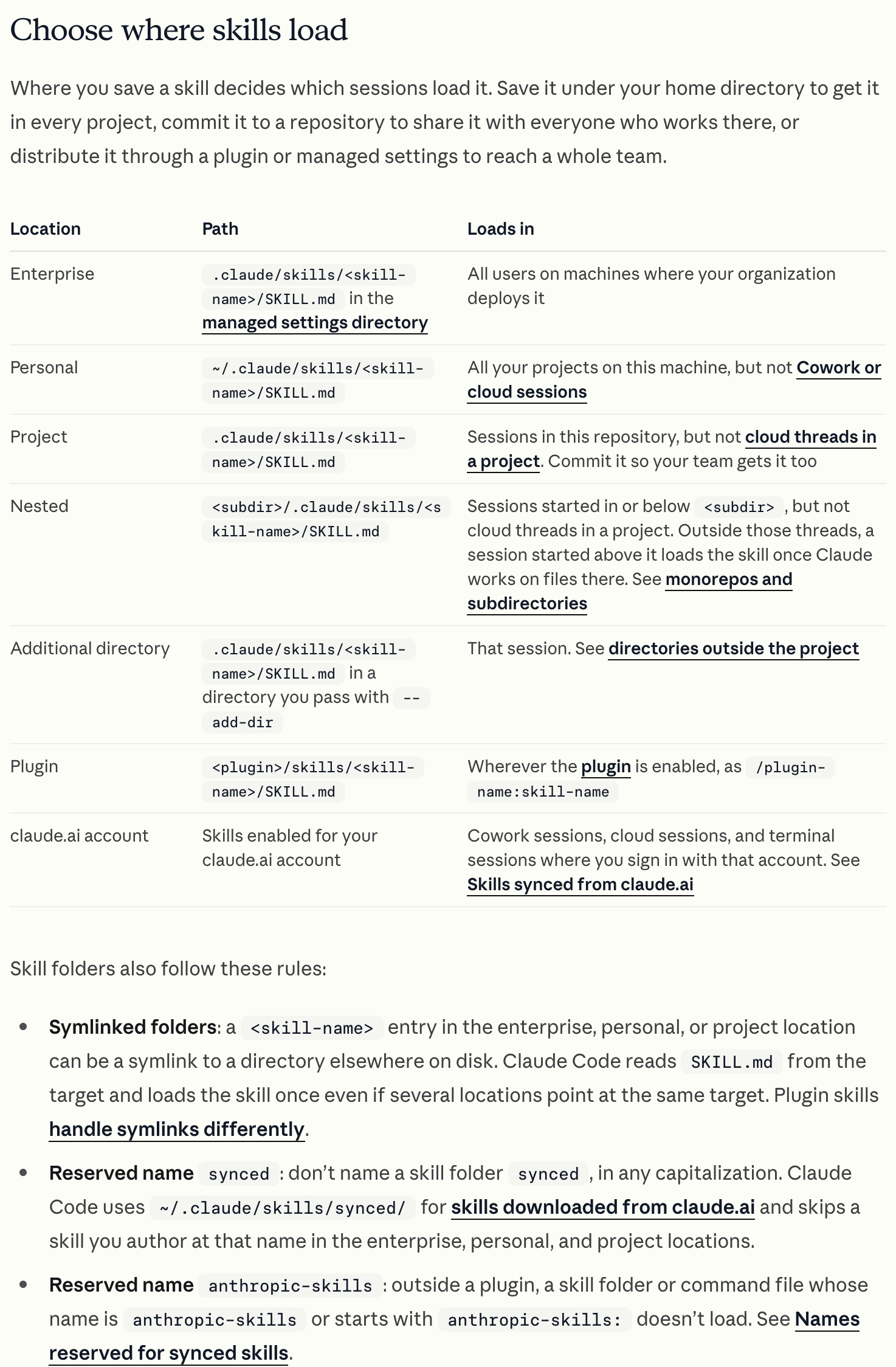
Place the entire skill folder under your agent’s supported path: .claude/skills for Claude Code or .agents/skills for Codex, for example.
When the location is correct, the agent can inspect its description and use it. Prepare required programs or account connections separately.
Run a small input first. Check installation, fit for your work and how much human revision the output needs.
- My computer
- ~/.claude/skills/Claude Code personal path
- downloaded-skill/Place the complete skill folder
- SKILL.mdInstructions
- template
- example
View original Korean screenshot
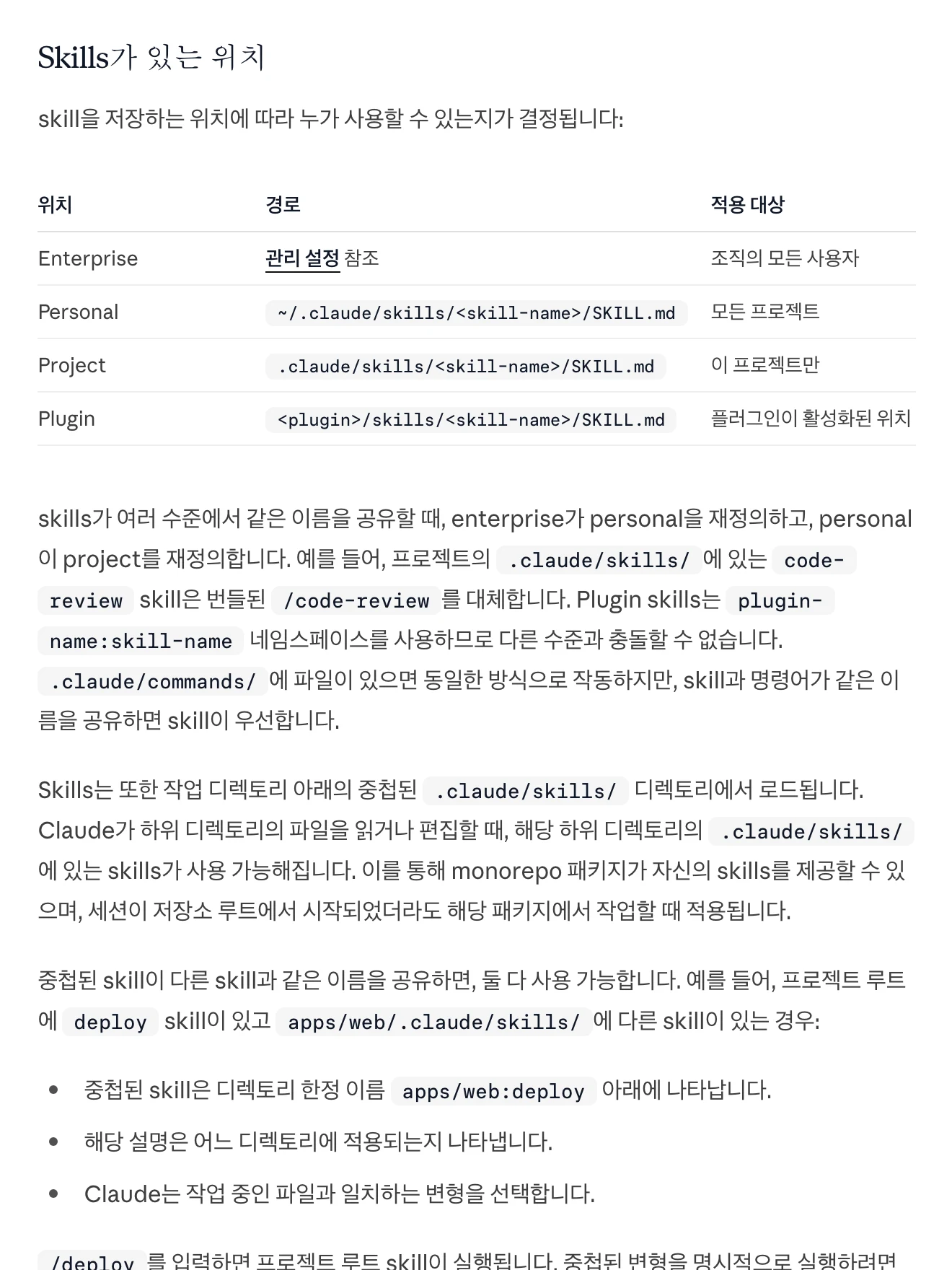
Which category should you browse?
Search by the work you want to delegate rather than your job title. A marketer making cards may need design; for analysis, data and spreadsheets may be closer.
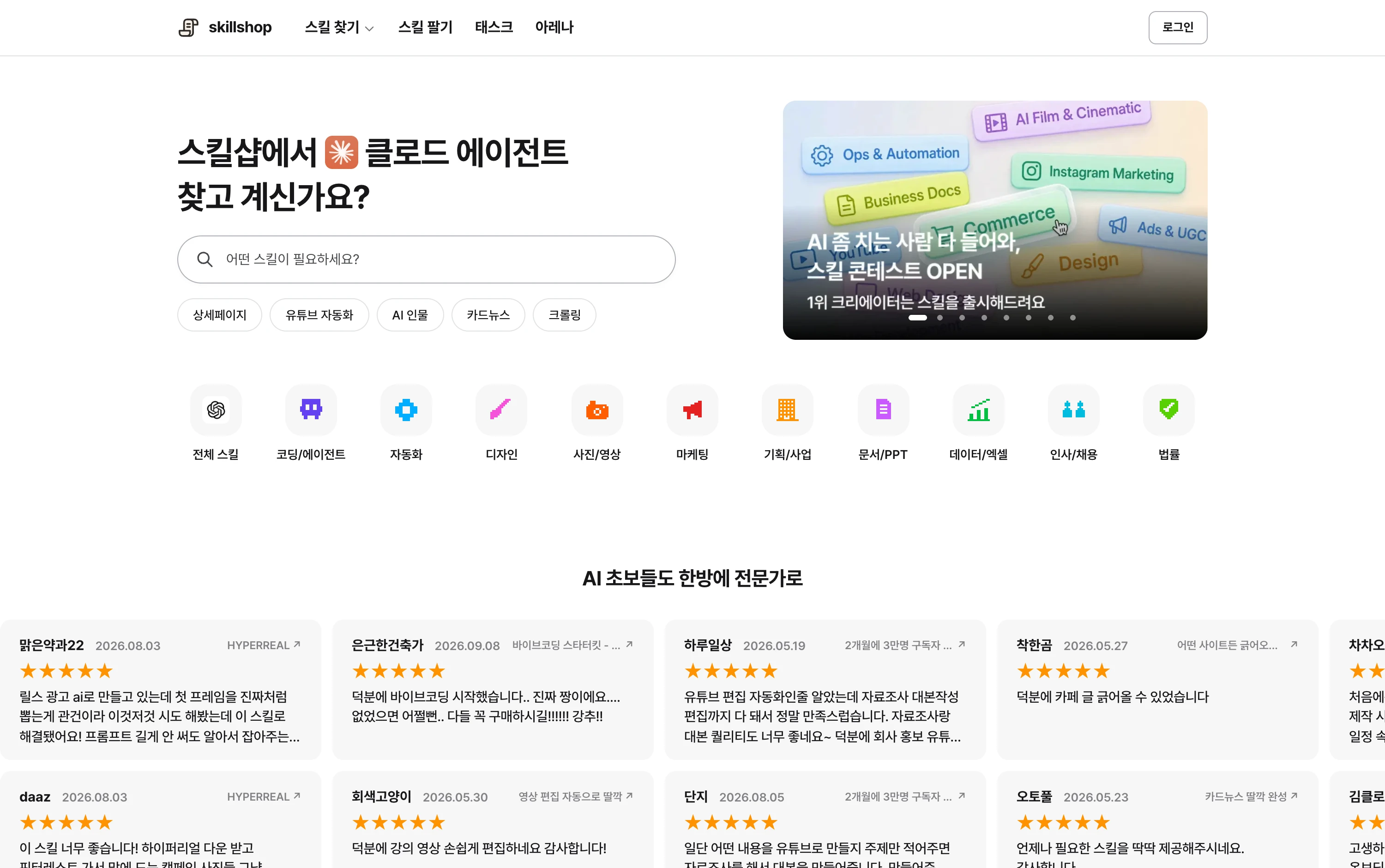
Look for similar examples in coding, automation, design, photo and video, marketing and other categories. Listings change, so inspect the current catalog.
Find a field close to the work you want to delegate.
View original Korean screenshot
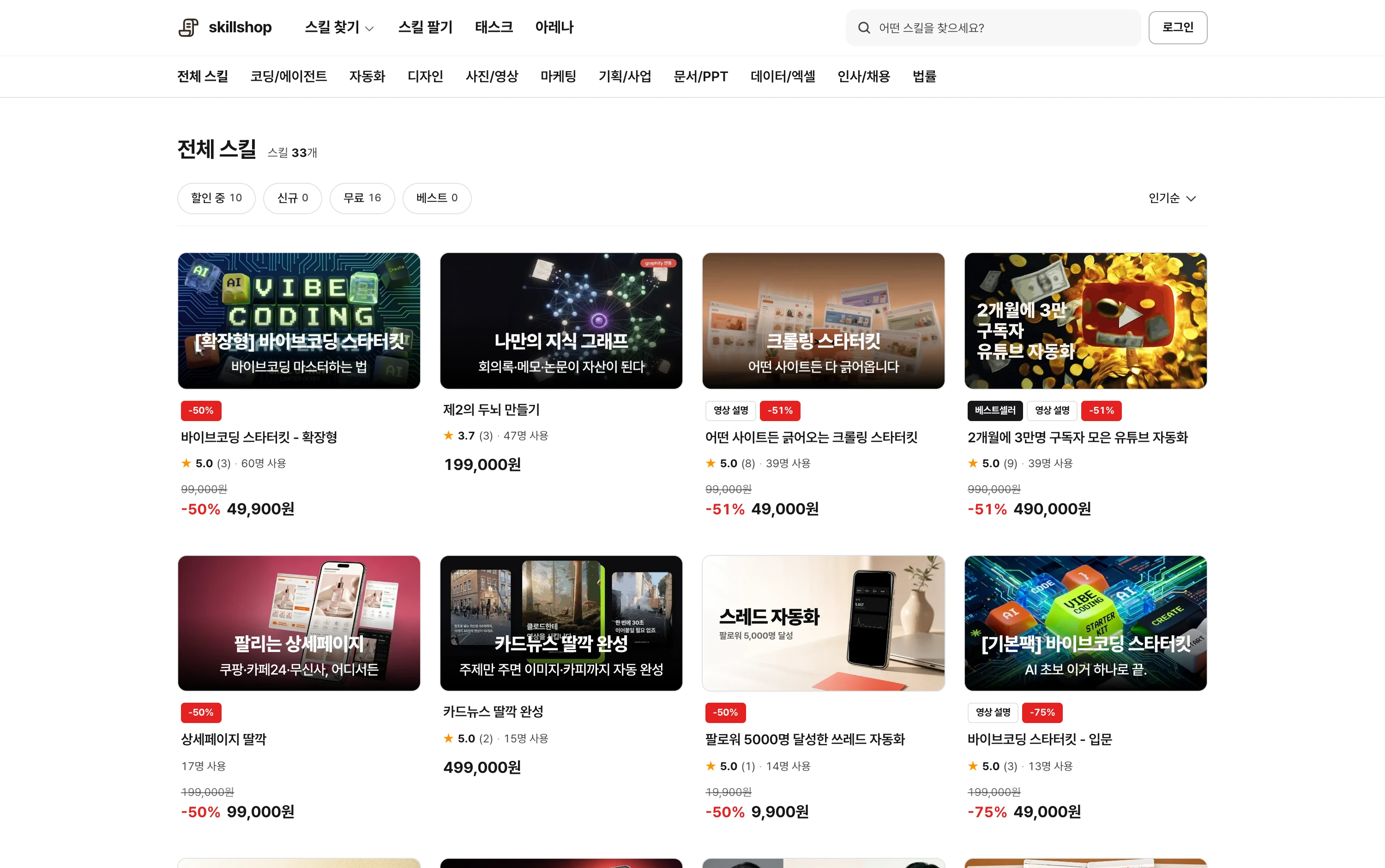
Try a small task before buying
A sample or free skill can teach the installation and execution flow. Use an input close to your usual work so you can compare the result.
Record what changed. If drafting is faster but revision is substantial, examine examples and review criteria more closely when choosing the next skill.
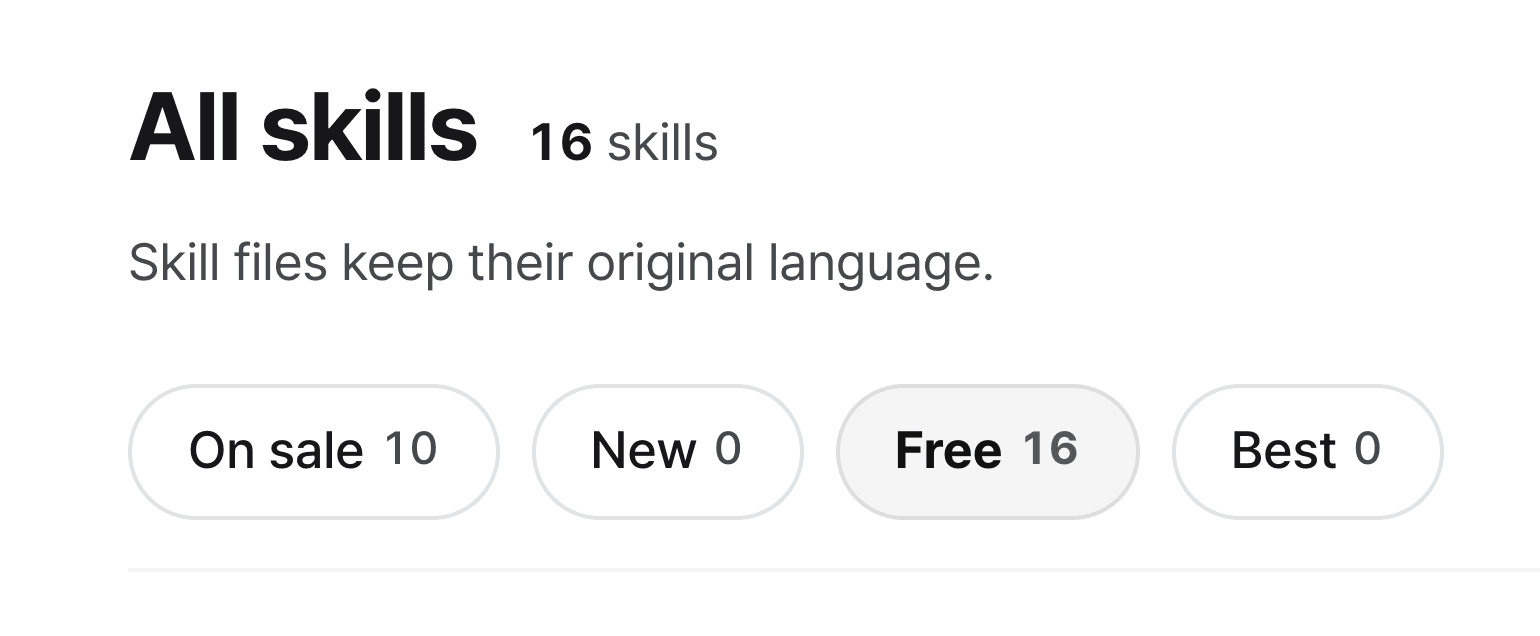
View original Korean screenshot
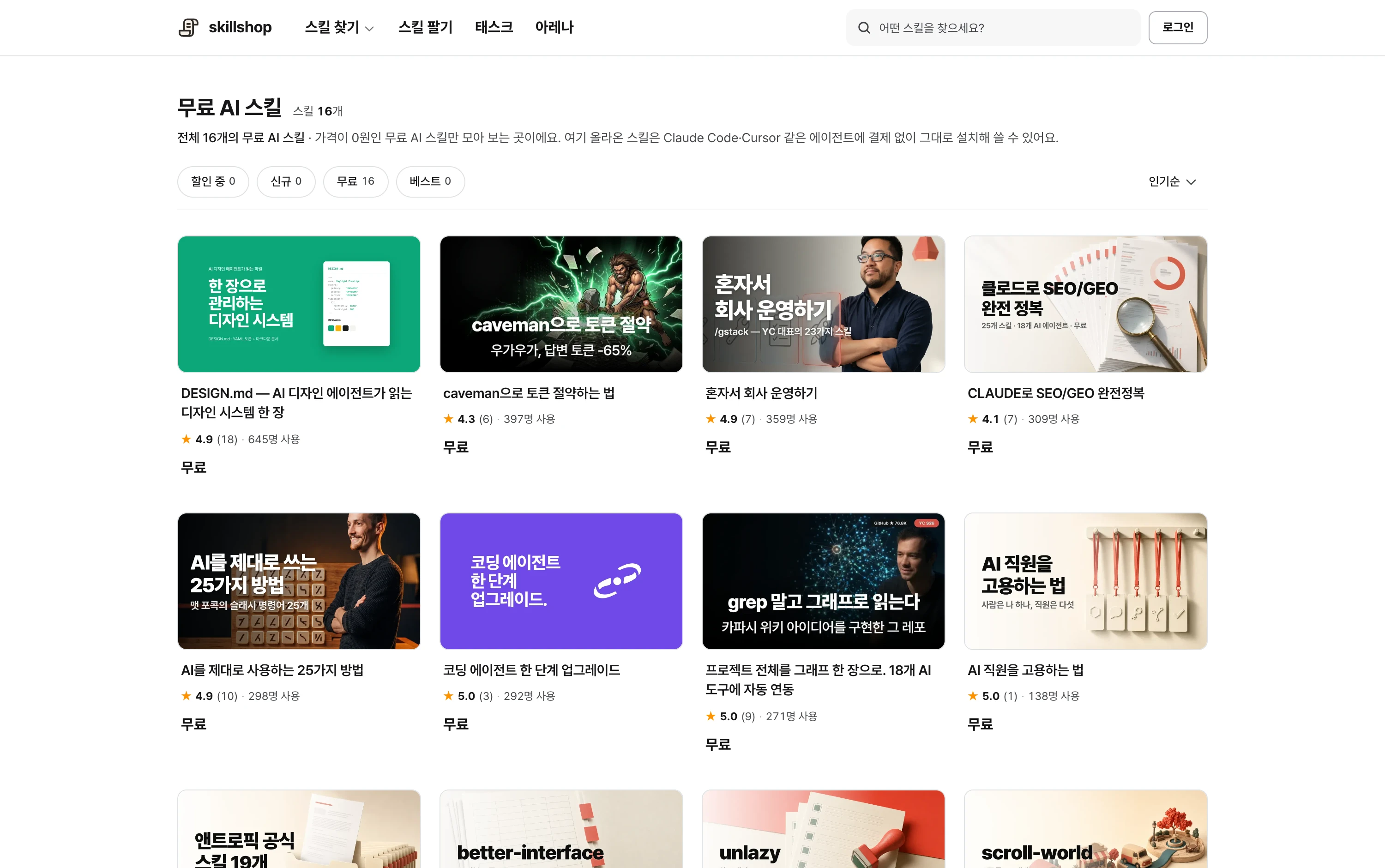
If you want to create a skill
Write the steps and criteria for work you repeat. Turn experience from a successful report into instructions applicable to different material.
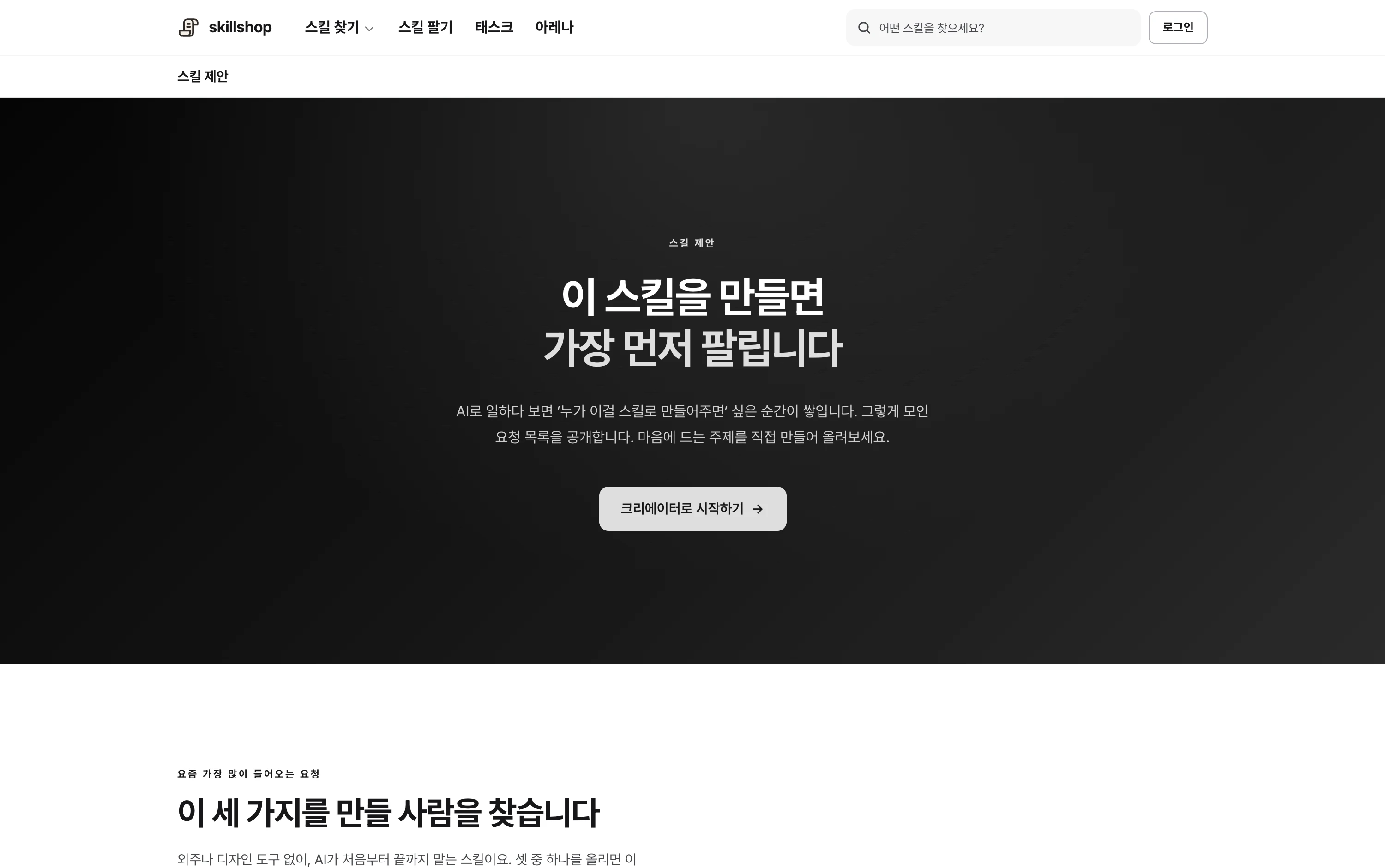
The skill request list can suggest topics. See how users describe needed inputs and results to narrow the scope.

View original Korean screenshot
What should you check on the detail page?
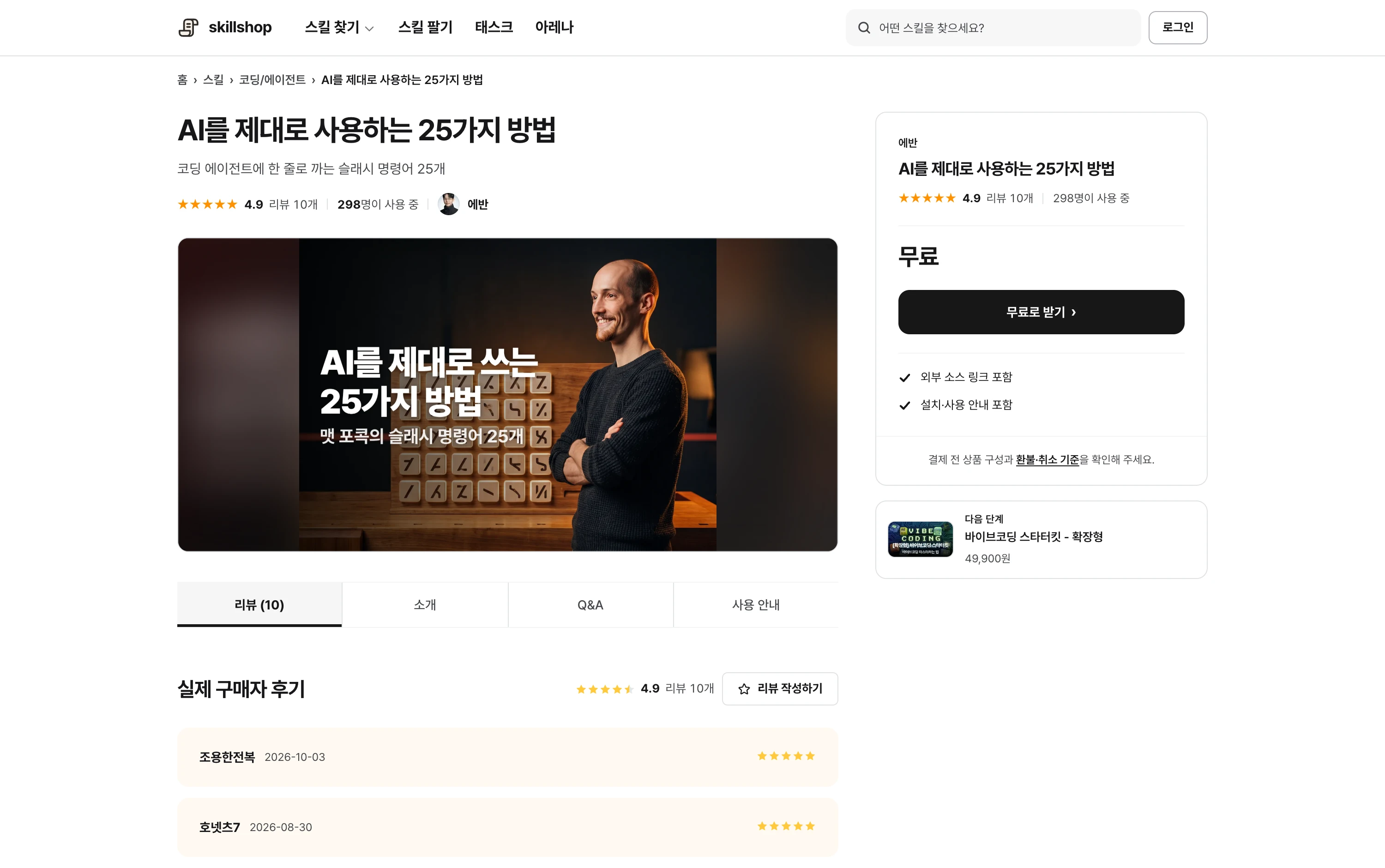
Check supported agents, included files, required programs and accounts, and examples of inputs and outputs. Understand what is automated and what you must review.
Read reviews in the context of the task and environment. A high rating alone does not prove it fits your work. Ask before buying if the description omits a requirement.
Screenshot of a Skillshop skill detail page.
View original Korean screenshot
Frequently asked questions
What do you buy in an AI skill marketplace?
Usually a file bundle with SKILL.md and references, which may include steps, criteria, examples, templates and scripts. Check the detail page for required programs and accounts.
How is a skill marketplace different from an app or GPT store?
Apps and GPTs provide product or service features; skills provide files read by an agent you use. Instructions may be reused across supporting tools, but check settings, execution features and license terms.
Do I need separate software?
Place the full skill folder in your agent’s skill path. Some skills also require additional programs or account connections. Follow installation instructions and test a small input.