CLAUDE.md and skills: what belongs where?
Translated from Korean. View original
A long CLAUDE.md does not automatically need to be shortened. First separate facts needed across tasks from procedures needed only for a particular task. Keep project-wide rules in CLAUDE.md and recurring procedures such as meeting notes or proofreading in skills, making each easier to find and update.
What stays in CLAUDE.md?
Keep concise facts and common rules needed to understand the project: document locations, commands and terminology for customer notices that affect many tasks.
Prefer verifiable guidance, such as ‘Call users members in customer notices,’ over instructions like ‘Always produce the highest quality,’ which cannot be directly checked.
How do I choose what to move into a skill?
A long sequence needed only for a particular request is a candidate. For example, a monthly report procedure might read a table, compare it with the previous month and explain changes.
After moving it, say when to use the skill in its description. Moving every common rule can make facts needed for unrelated work harder to find.
- Project folder structure
- Shared terminology and writing rules
- Commands needed across tasks
- Monthly-report workflow
- Customer-notice editing criteria
- Examples of that task’s output
What does moving a procedure look like?
Keep location rules in CLAUDE.md: source data goes in data/ and completed documents in reports/. The report skill can hold the sequence for checking the month's files, marking missing values and explaining major changes.
Put the changing period in each request, such as ‘Create a monthly report using September data.’ Separating request values from fixed rules makes the same skill easier to use next month.
Can the same rule appear in both files?
Copies in two places can drift when only one is updated. For changing terminology or writing standards, maintain one source and tell relevant files where to read it.
Do not list only the filename and omit when to read it. For example: ‘Read references/terms.md before proofreading customer notices.’
What should I check afterward?
In a new conversation, test one general project question and one request for the moved task. Check that common rules still apply to the general question and the skill's procedure applies to its task.
If work goes wrong, do not immediately merge the files again. Check separately for a missing common fact and whether the skill was selected; they have different fixes.
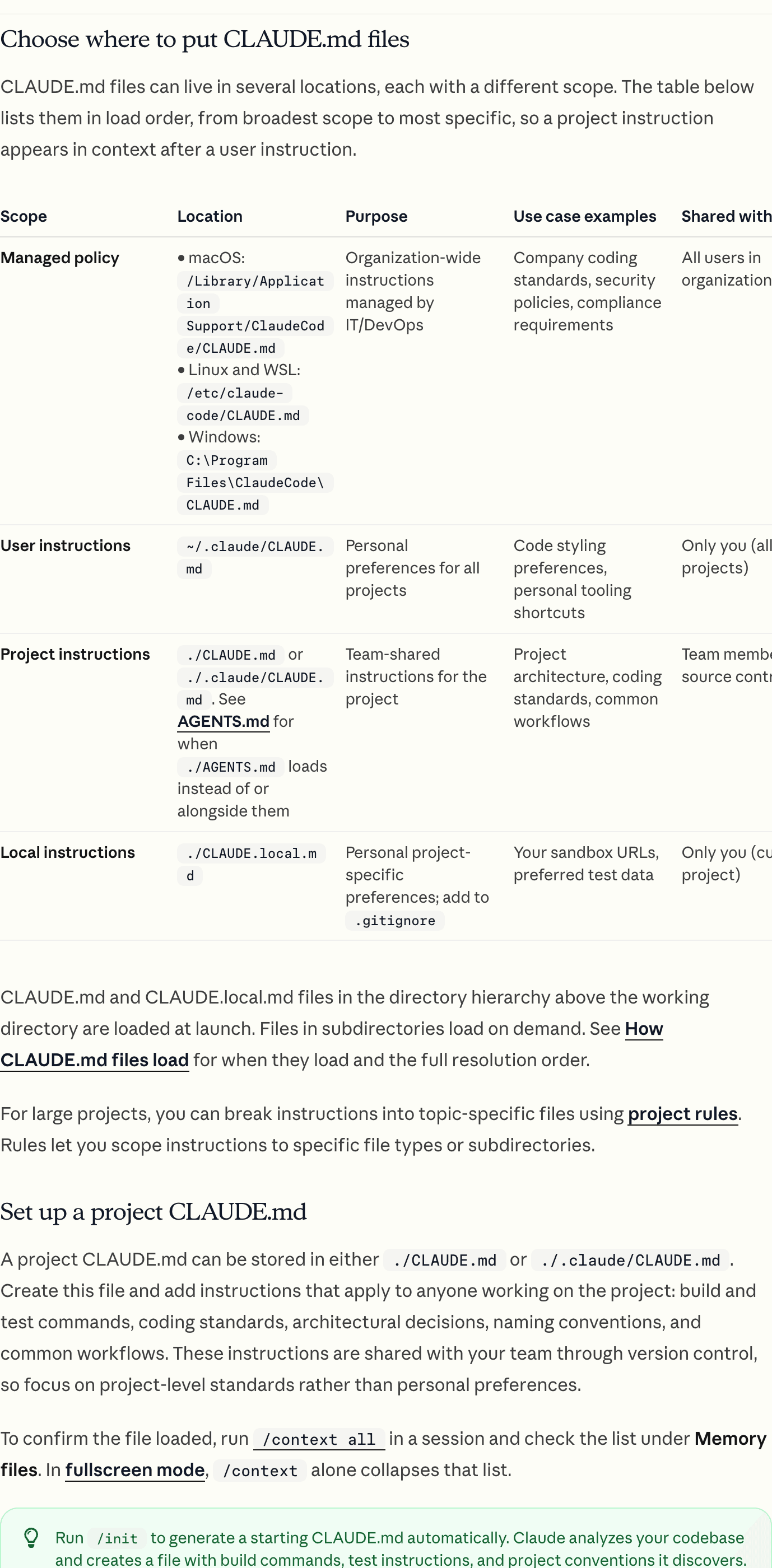
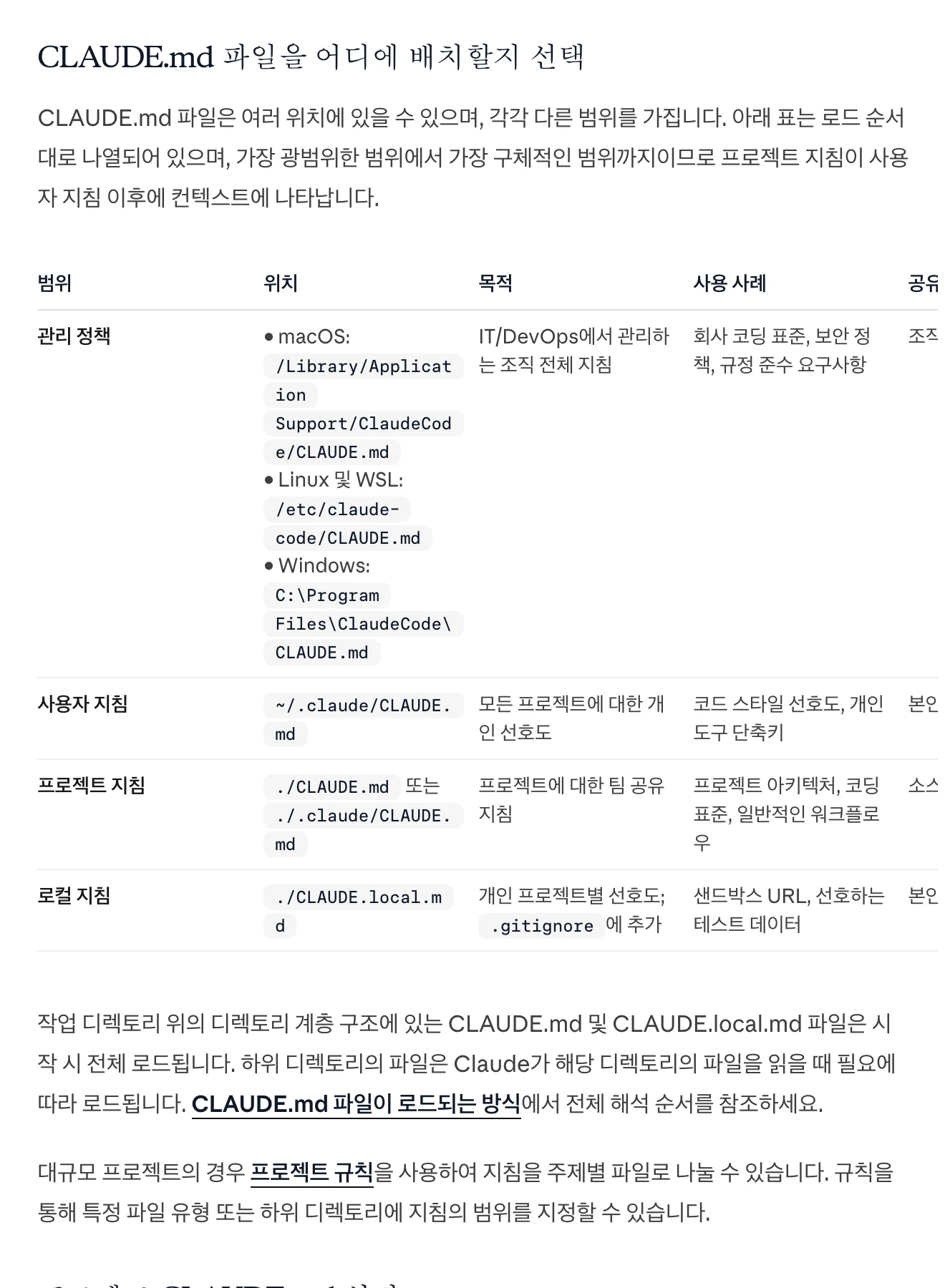
View original Korean screenshot
Frequently asked questions
Q. Should I replace all of CLAUDE.md with skills? A. Keep project facts needed across tasks. Start by moving long procedures for specific work.
Q. Do other AI tools read CLAUDE.md too? A. The instruction files loaded automatically vary by tool. Check the project-instruction guide for the tool you use.