MCP vs Claude skills: connections and task instructions
Translated from Korean. View original. Some screenshots are available in Korean only.
MCP is a protocol for connecting AI to external tools and information; a skill is a bundle of files describing task steps and standards. Retrieving company data needs a connection, while writing a report from it in your format needs instructions. A task can use both.
View original Korean screenshot
What are MCP and skills?
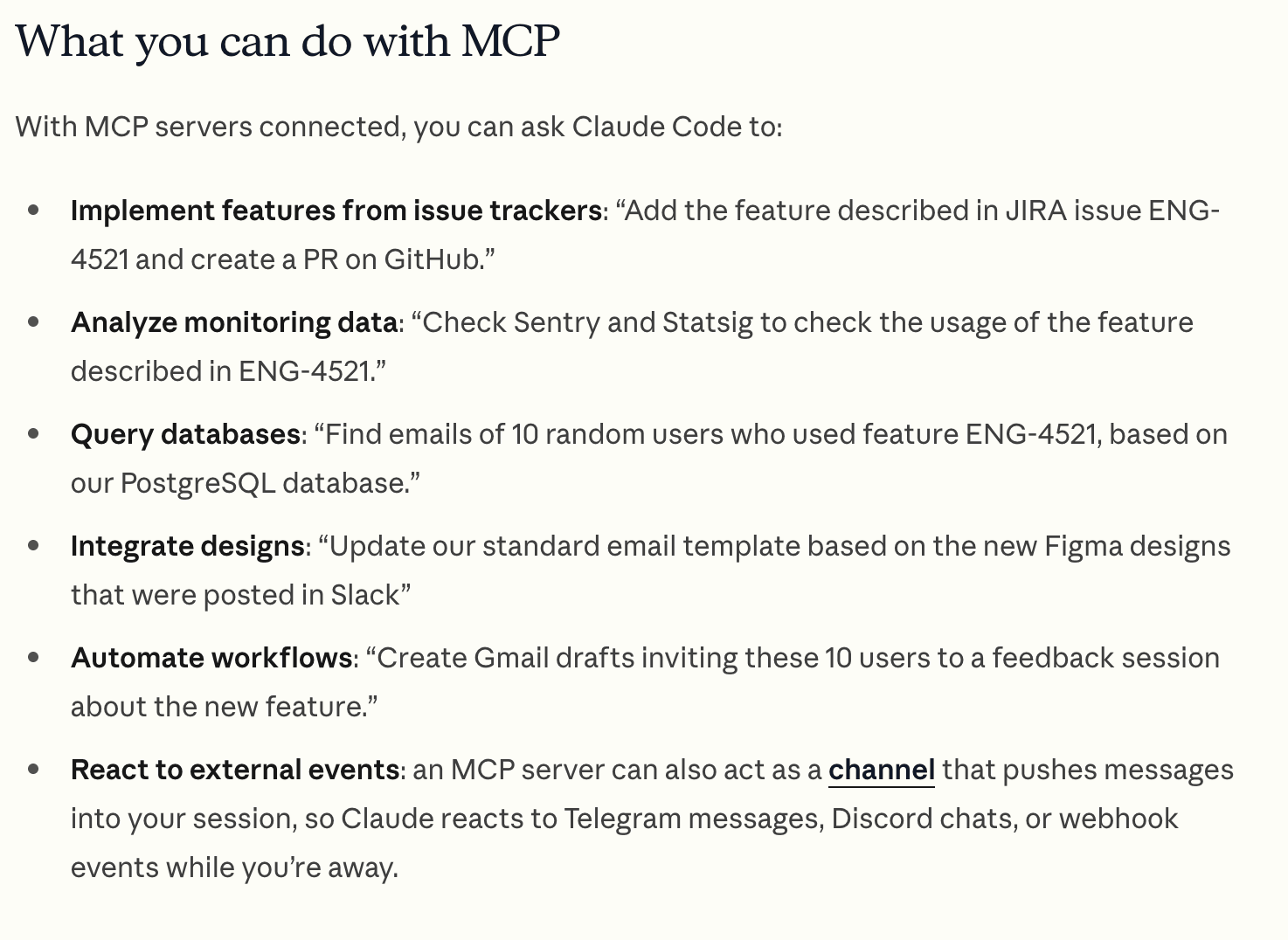
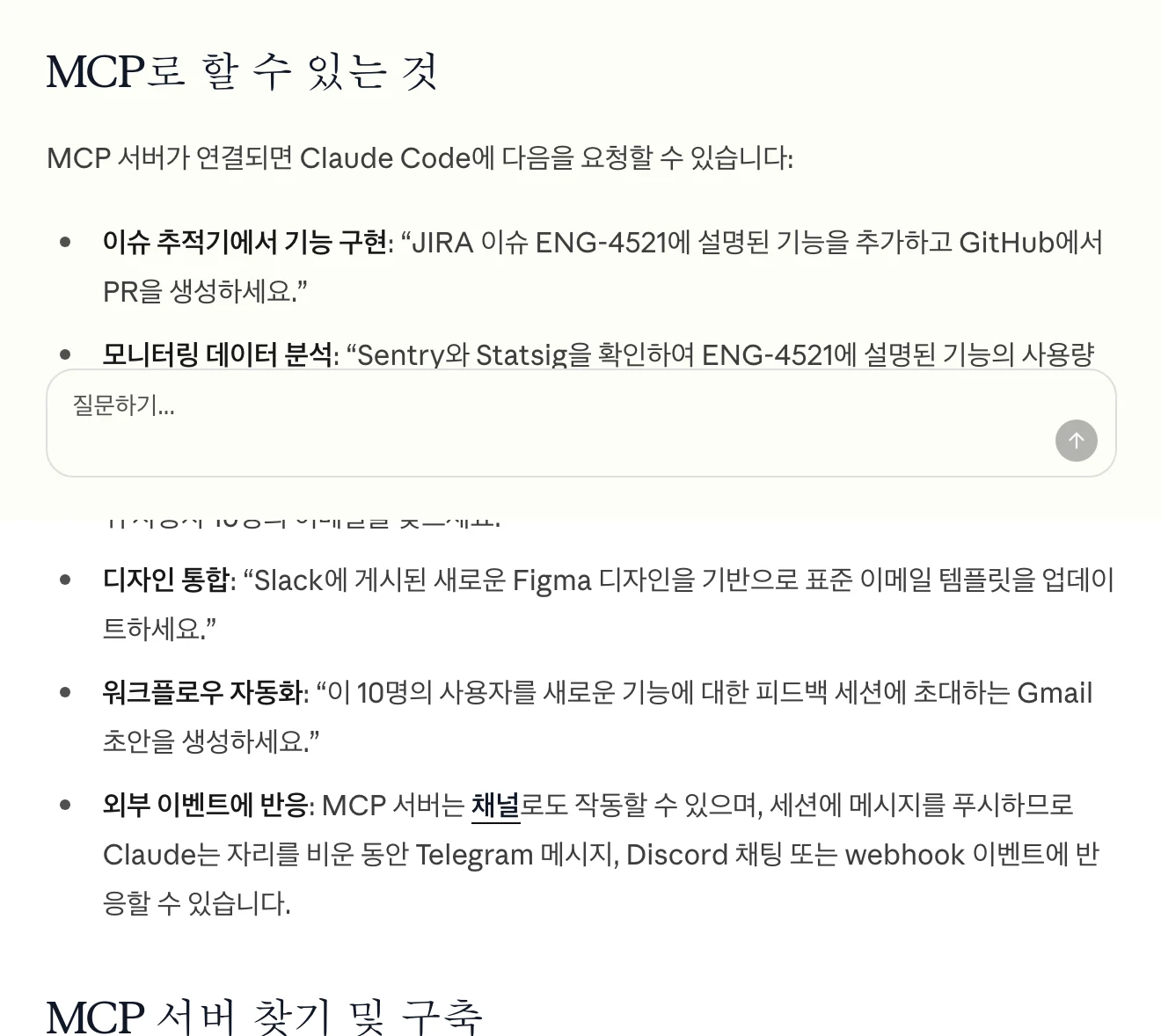
MCP stands for Model Context Protocol. It defines how AI applications and external systems exchange tools or information. It can expose database queries or business-service functions to AI.
A skill bundles instructions, examples and reference files for a task. It describes how to work, such as report sections, review order and the format for saving results.
- Model Context Protocol
- Connects external tools and information
- Check access and available capabilities
- Task instructions and reference files
- Provides repeatable steps and standards
- Review the result
View original Korean screenshot
Do you need a connection or task instructions?
If AI cannot reach the material it needs, check connections and permissions first. If it can read the data but the report format keeps changing, organize the task instructions.
For a weekly sales report, for example, check data retrieval and the reporting rules separately. Knowing where the task stalls narrows what you need to change.
| Item | Role | What it does | Work example | If it is not ready |
|---|---|---|---|---|
| MCP | Connection | Connects external tools and data | Provides sales data access | Check for another way to access the material |
| Skill | Task instructions | Communicates steps and review standards | Describes the report format and calculation rules | Explain criteria in the request or write instructions |
When would you use MCP?
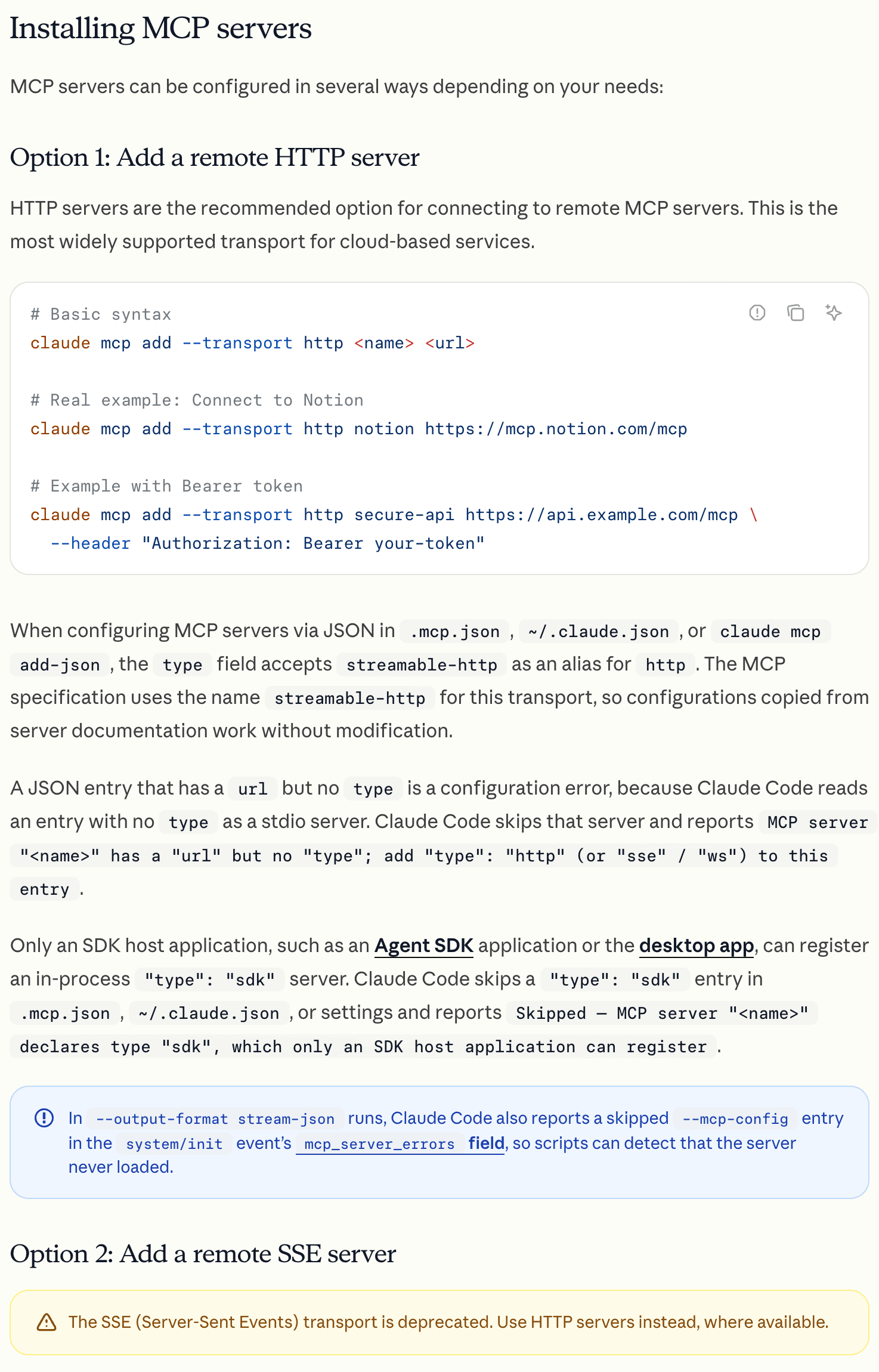
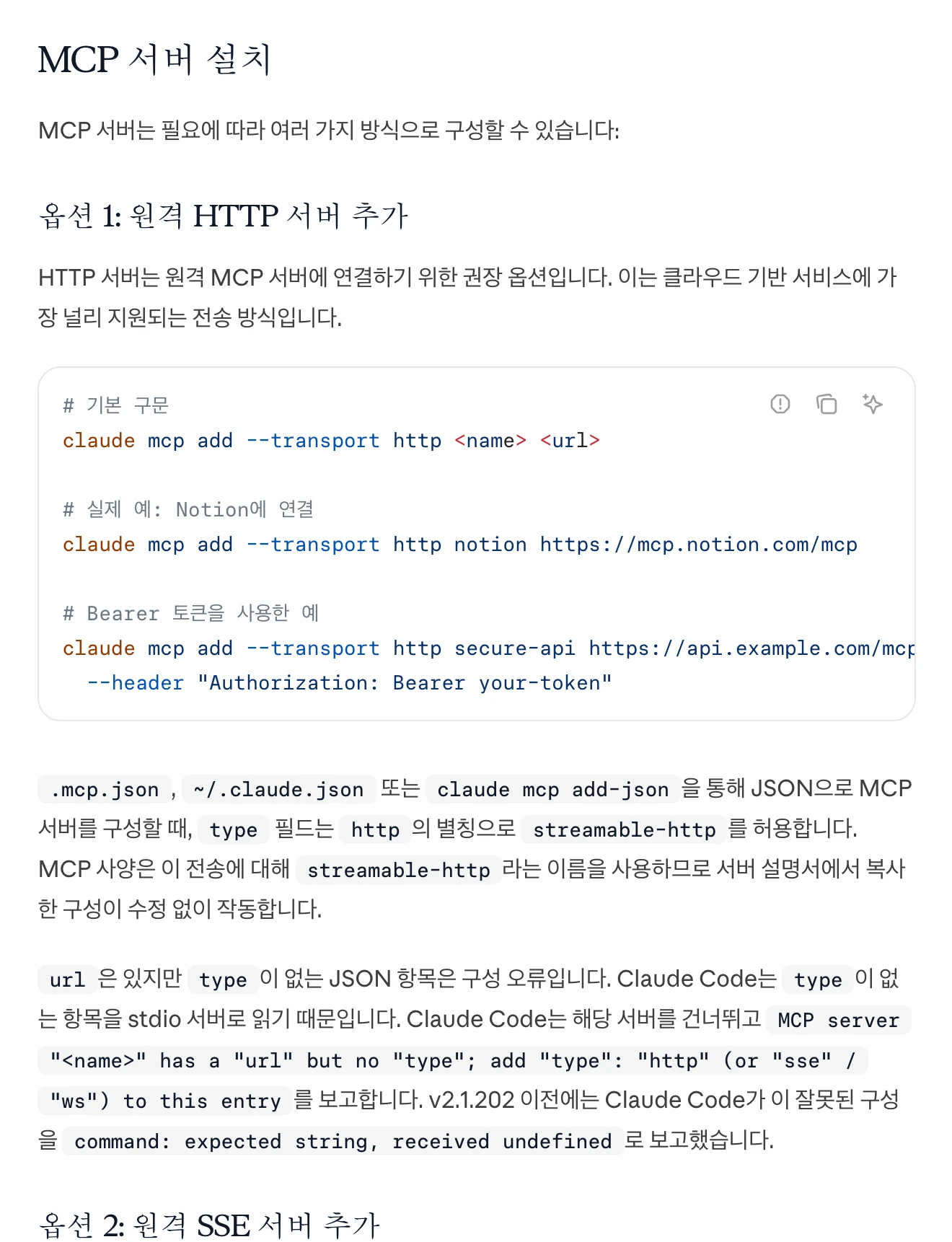
Consider MCP when AI needs to read information or execute functions in an external service. Check whether that service has an MCP server and whether it provides the capabilities and permissions you need.
MCP is not the only connection method. An app’s existing integration or a CLI may also work. First inspect the connections your current tools provide for the task.
View original Korean screenshot
When would you use a skill?
A skill can help if you repeatedly explain the same output format or teammates use different instructions. Put shared standards in a file for the team to use.
For example, require reviews to cover security, error handling and tests, or reports to follow conclusion, evidence and next steps. Compare results a few times and refine the instructions.
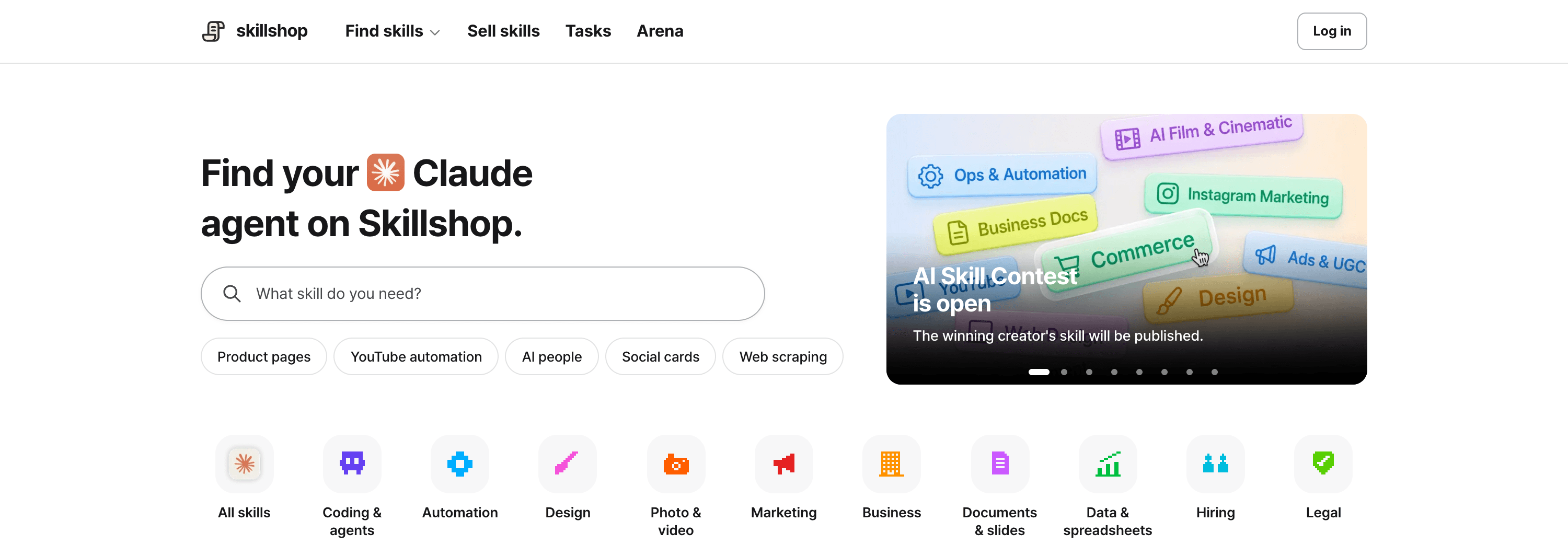
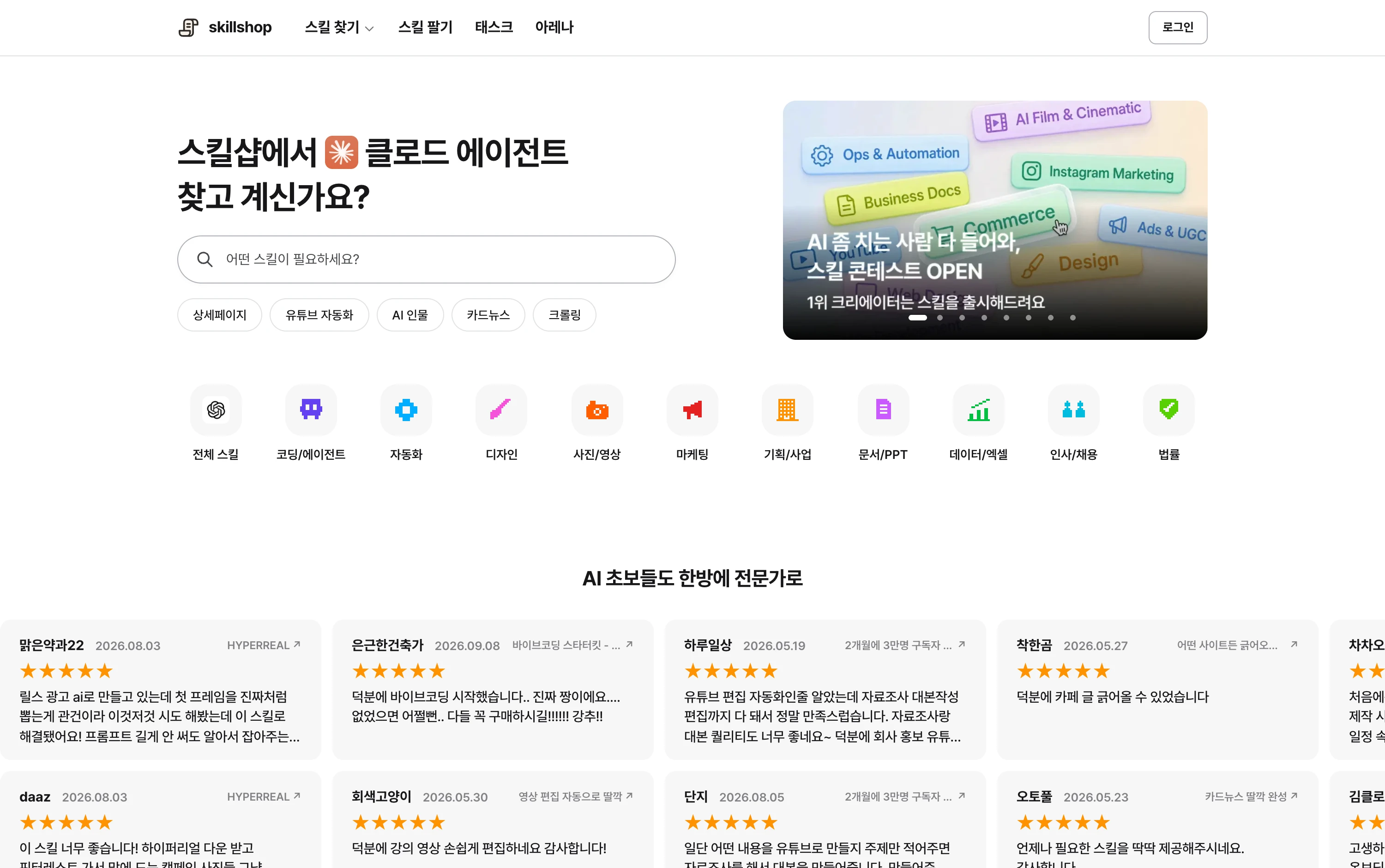
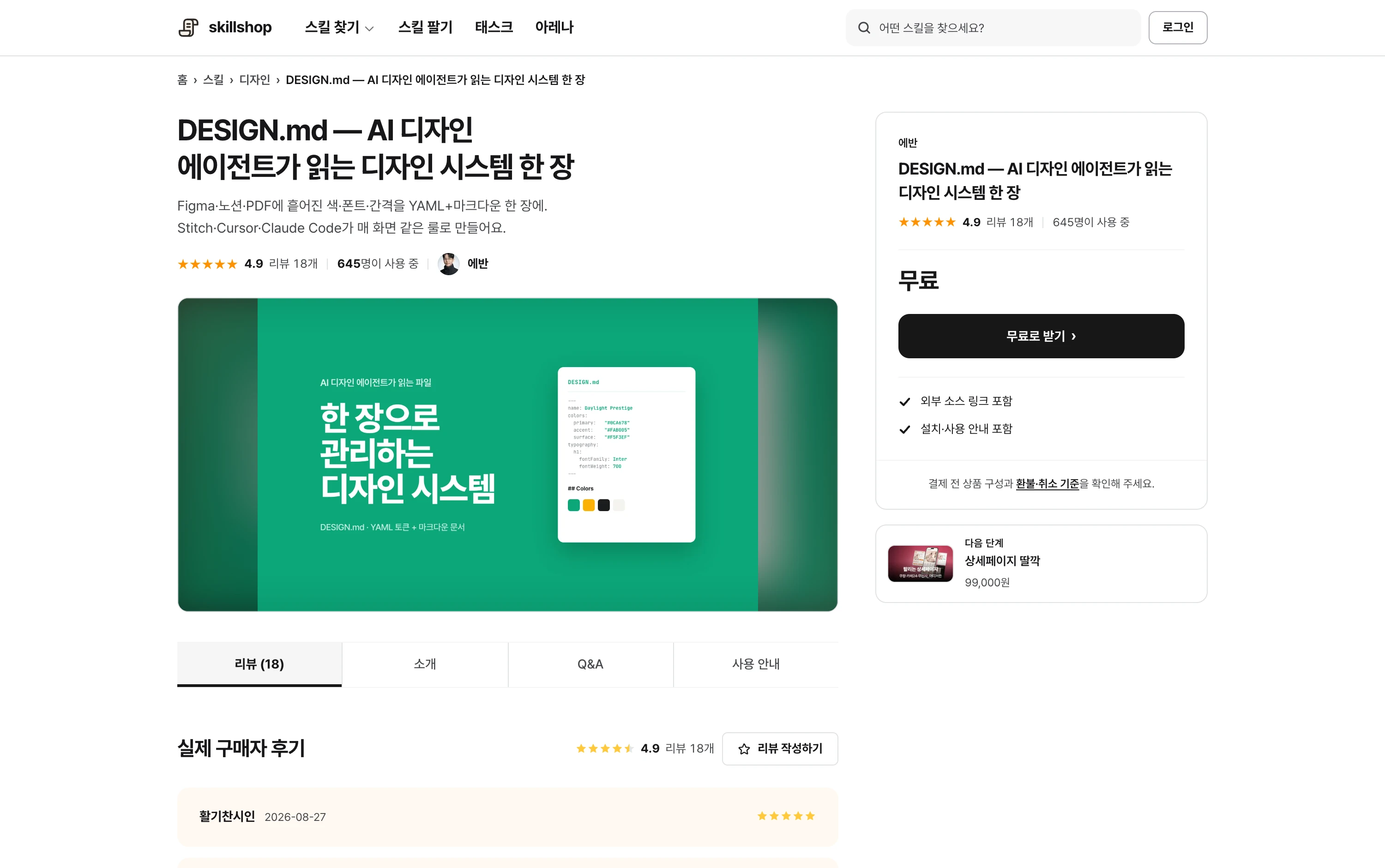
Screenshot of a design-system skill listed on Skillshop.
View original Korean screenshot
An example using MCP and a skill together
Suppose you are preparing a weekly report. Use an MCP tool to read sales data; follow the skill to confirm the period, calculate metrics and organize the report.
Tasks can use several tools too. You might gather sources through search and write a draft with a document tool. If sharing via a messenger is included, put recipient and message review steps in the skill.
Where should you start?
If the task can use files you already have, try a skill first. Write short instructions and compare results to identify any additional tools needed.
If external service data is essential, prepare the connection first. Check the account, read/write permissions and functions, then test with a small request.
You can also study skills others have made. Choose one close to your task and read its requirements and examples.
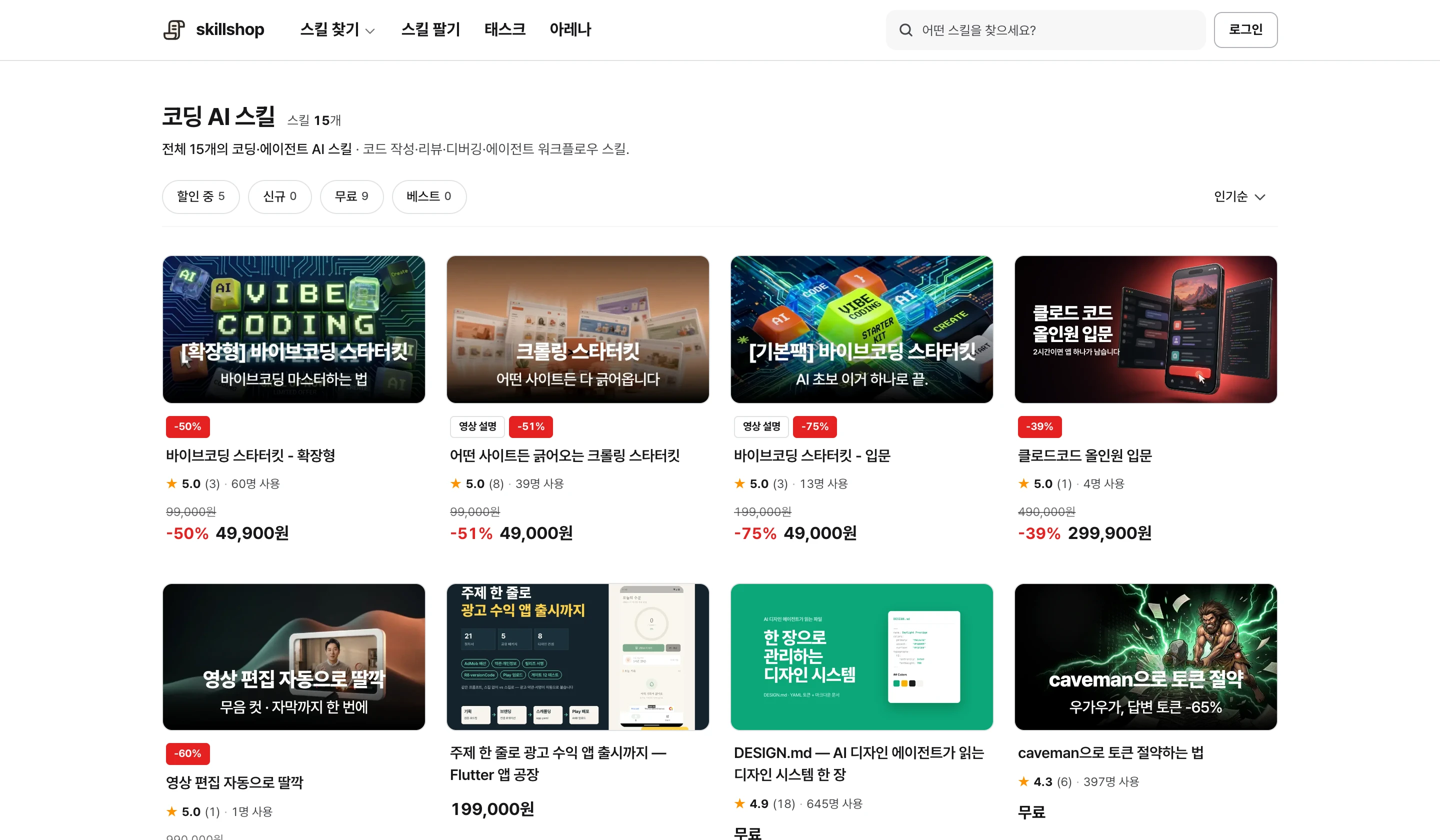
A catalog of coding skills.
View original Korean screenshot
Screenshot of the lower part of a Skillshop skill detail page.
View original Korean screenshot
Frequently asked questions
How do MCP and Claude skills differ?
MCP is a protocol connecting AI to external tools and information. A skill is a set of files containing steps, output format and review standards. A task needing both connections and instructions can use them together.
How do I decide whether I need MCP or a skill?
If you cannot read required data, check the connection and permissions first. If data is accessible but the report format or review order varies, consider a skill for shared instructions. Existing app integrations or a CLI can also provide a connection.
Can MCP and skills be used together?
Yes. For a weekly report, use MCP tools to retrieve sales data, then organize it using the skill’s period checks, calculation method and format. Compare the result with the original numbers.