How to use DESIGN.md: design rules for AI agents
Translated from Korean. View original. Some screenshots are available in Korean only.
DESIGN.md collects a project’s color, typography, spacing and component rules. Ask an AI to read it when working on a screen to apply shared criteria. No special program is required; start by recording the design values your team already uses.
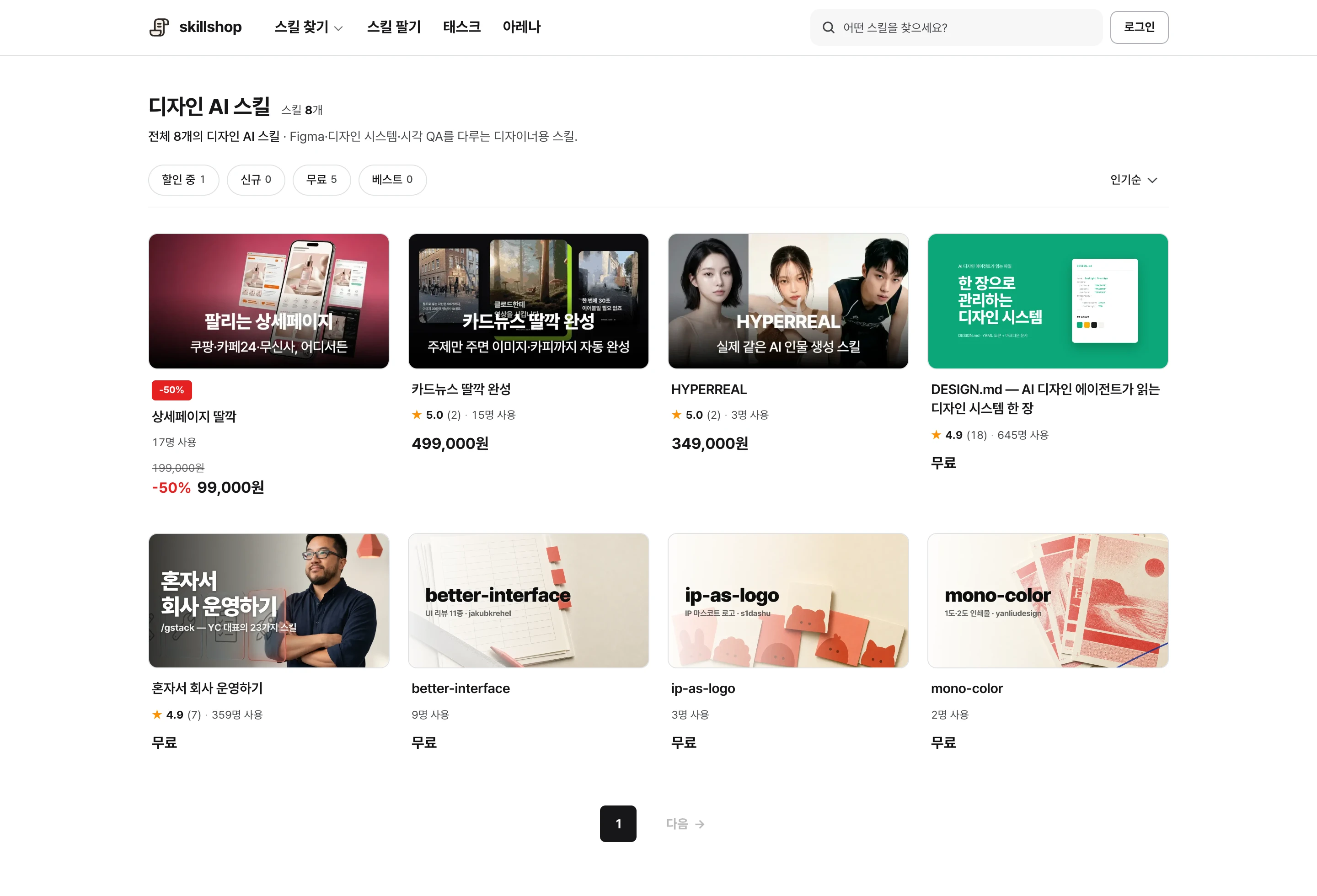
Browse relevant skills and examples on Skillshop.
View original Korean screenshot
What belongs in DESIGN.md?
Record criteria repeatedly checked while building interfaces, such as button colors, heading sizes and card spacing. People and AI can refer to it, but the filename alone is not a standard automatically read by every tool.
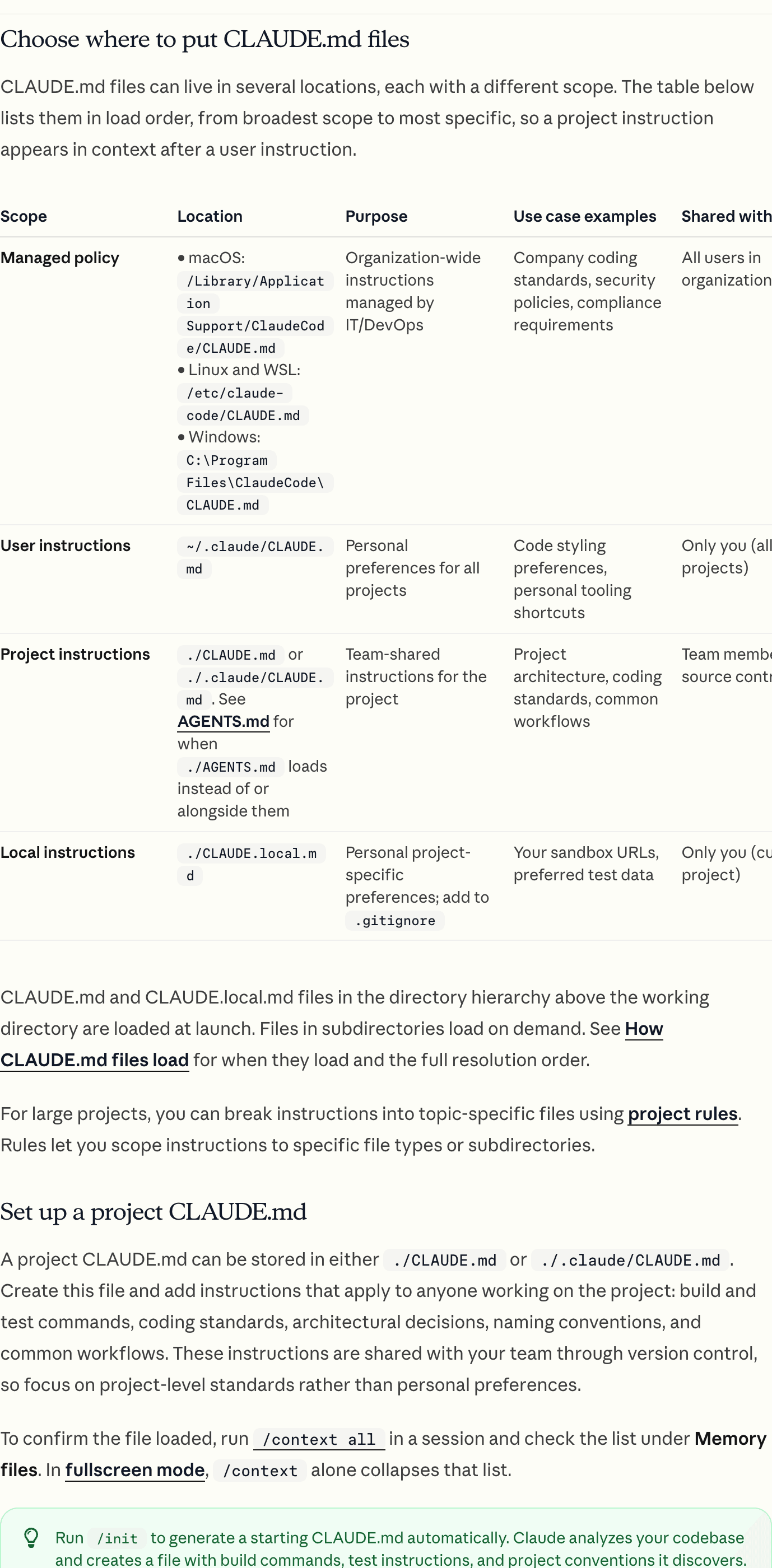
README can explain the project, CLAUDE.md or AGENTS.md can hold work rules, and DESIGN.md can hold design criteria. Include the path and an instruction to read it before UI work.
| File | Contents |
|---|---|
| README.md | Project purpose and getting started. |
| CLAUDE.md · AGENTS.md | Work scope, commands and checks. |
| DESIGN.md | Color, type, spacing and component criteria. |
Give actual values instead of “clean”
“Make it more modern” has many interpretations. Specific background colors, heading and body sizes, radii and spacing communicate a clearer direction.
First find values already used in the interface. You need not invent every value; collect existing rules and explain exceptions.
- The same request can yield different values
- Gray and spacing vary across screens
- Each edit needs another explanation
- Reference values are documented
- Screens use the same scale
- Request that changed rules be read
Start with color, type and spacing
Give color codes roles so a gray used for text is distinguishable from one used for borders. Record heading and body size, weight and line height.
Record actual spacing units and exceptions. Include default, hover, pressed, disabled and loading button states and keyboard focus. This example illustrates the format; adapt values to your product. # DESIGN.md - Background: #FFFFFF - Body text: #222222 - Body: 16px, line height 1.6 - Heading: 28px, weight 700 - Spacing: 8px unit; explain exceptions - Button: check default, focus, disabled and loading states - Completion: check mobile overflow and contrast
- Color: codes and usage by role
- Typography: size, weight and line height
- Spacing: base unit and exceptions
- Shape: radius, borders and shadows
- Components: default, focus, disabled and loading states
- Restrictions: expressions and styles excluded from the product
Reference the path from work rules
CLAUDE.md or AGENTS.md can hold general development commands, edit scope and validation. Long design criteria can live separately and be referenced for relevant work.
For example, say “Read frontend/DESIGN.md before modifying the UI.” Check that the path is correct and rules are not duplicated or contradictory.
Keep it where the team can find it
Store it in the repository at a discoverable project or product location. A file only on one person’s computer will not inform teammates’ work.
Separate files if admin and customer interfaces follow different systems. Specify which document applies to which screen; the same approach can convey standards for documents and slides.
View original Korean screenshot
If rules were not applied, check which file was read
First check whether the AI actually read DESIGN.md. If documentation and code differ, decide which is authoritative and request only the needed changes.
Replace ambiguous phrases such as “appropriate spacing” with values or screen examples. Separate frequently used rules from detailed references. Prohibitions can help but do not guarantee compliance; inspect the resulting screen.
Transfer an existing design system
Bring color, type and spacing values from Figma or code and explain each role. Match button and card behavior to the actual components.
Have the tool read the document and build one screen. For differences, check whether the document lacked detail or code had exceptions, then add what is needed.
Use someone else’s document as a template
A public DESIGN.md can suggest useful sections. Check its terms and replace values and rules with your product’s own.
A skill may also include a process for completing and checking the document. Inspect its contents and ensure copied example values do not accidentally ship.
- Use its structure with your values
- Get ideas for what to document
- Specify separately when to read it
- May include steps to fill in your values
- May describe when to read the file for UI work
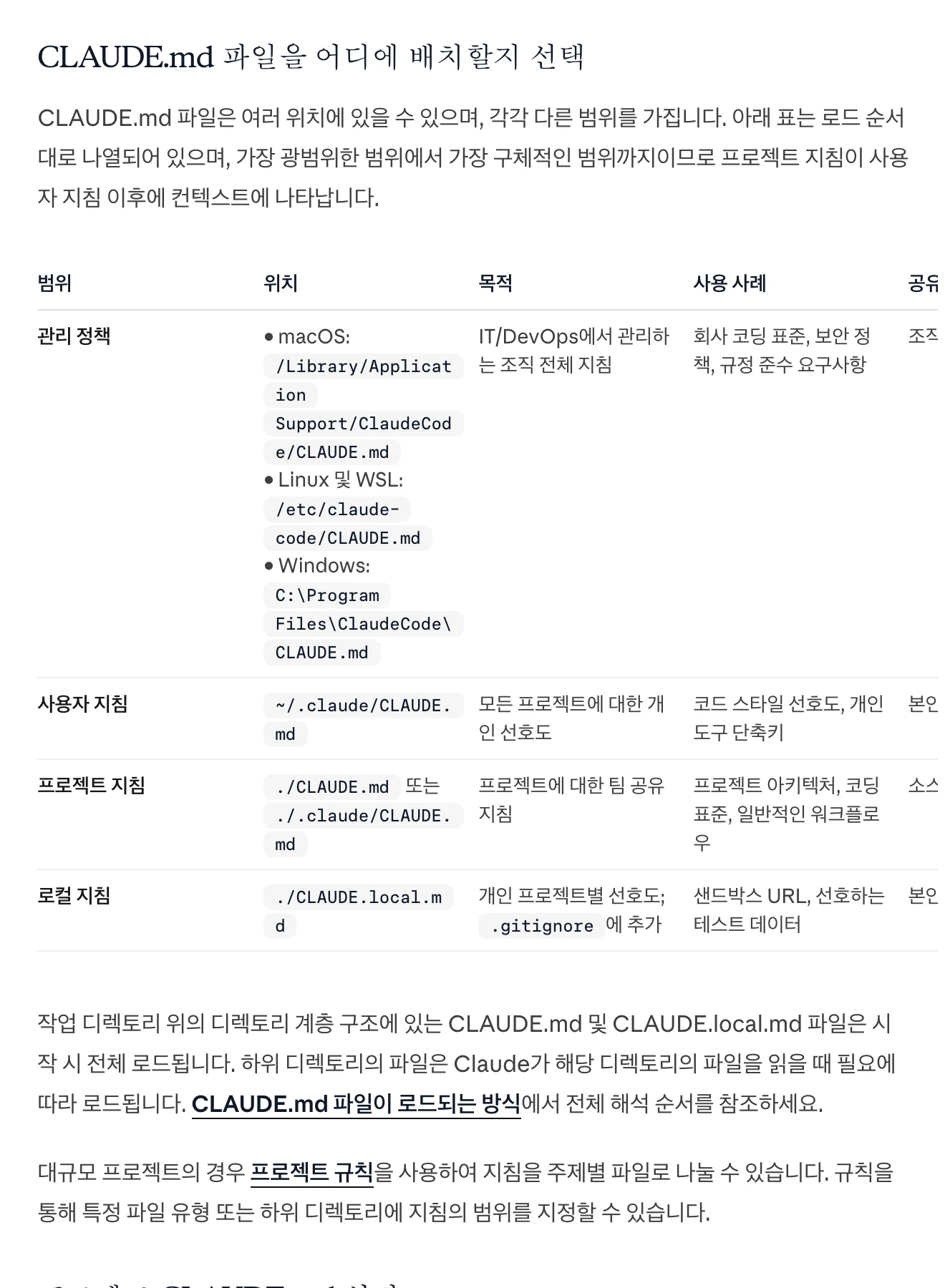
Browse related skills, creators and examples on Skillshop.
View original Korean screenshot
Frequently asked questions
What should DESIGN.md contain?
Document color roles, heading and body size and weight, line height, spacing and shape. Include component states such as default, focus, disabled and loading, plus the product’s spacing scale and exceptions.
Do I need DESIGN.md if I already have CLAUDE.md or AGENTS.md?
Not necessarily. Separate lengthy design rules when it helps maintenance and specify which path to read for screen work. The filename is not a standard every tool reads automatically.
What if AI ignores DESIGN.md?
Check that it read the file, resolve differences between the document and code, and replace vague wording with values or examples. Consider document length, the actual result and the execution environment.