 Codex guide
Review Codex changes: what to check after the completion message
Translated from Korean. View original
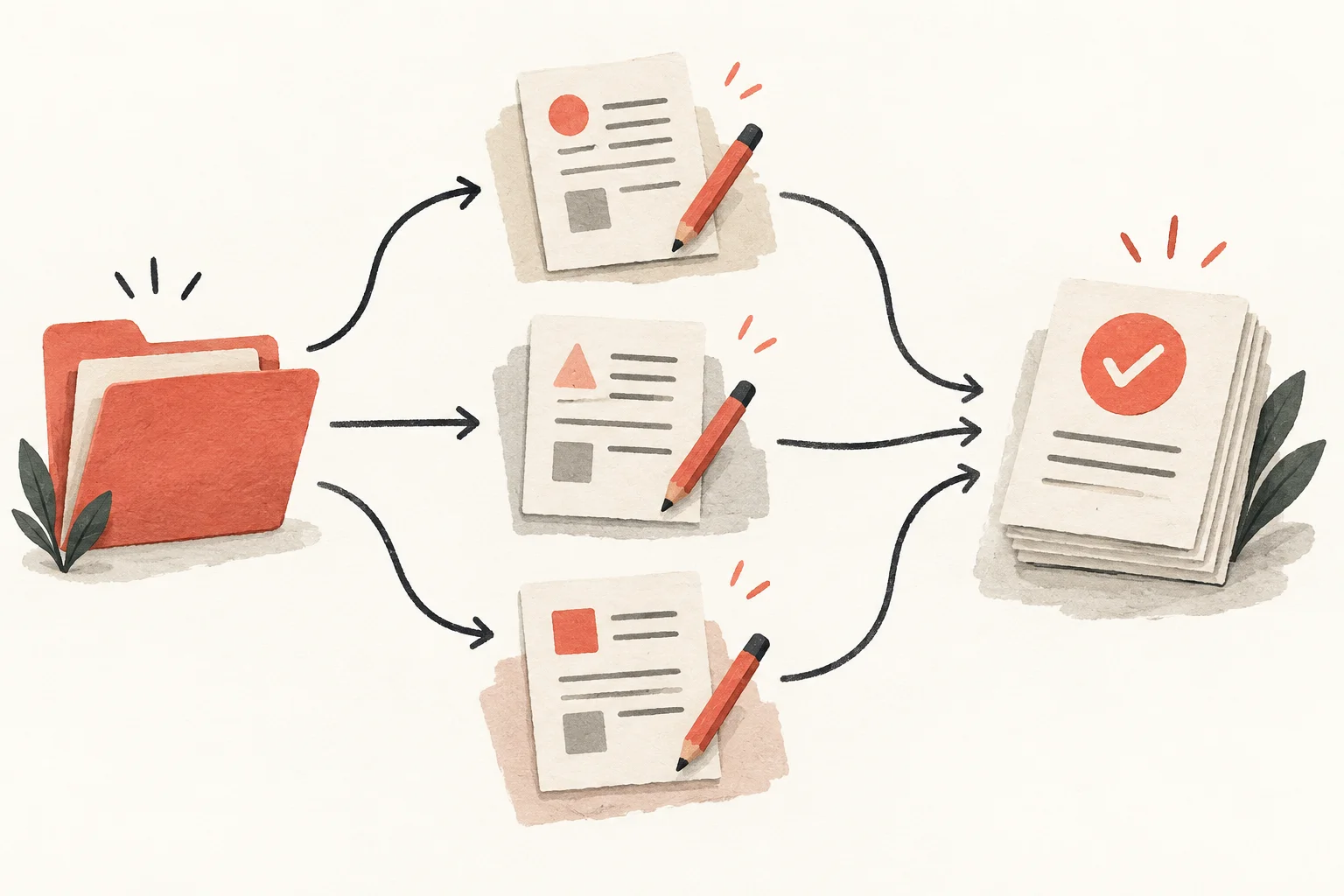
After Codex finishes, inspect both changed files and the actual result. A change view shows edited lines, a review looks for missed issues, and running the interface checks behavior. Decide whether to review only this task or the whole branch first, so unrelated changes are not mistaken for yours.
Decide what to compare first
‘Review this change’ can be ambiguous. Specify uncommitted edits, a particular commit or differences from a base branch. A review can show your own edits as well as Codex's.
For example, comparing the whole branch when you only meant to check today's bug fix may include last week's feature. Review the file list against the expected scope first.
What should I read in the change view?
In a Git project's review view, inspect added and removed lines. Look beyond filenames for unrelated edits or removed conditions. For copy changes, also check whether numbers, links or dates changed.
If code is unfamiliar, ask: ‘Explain the before-and-after behavior in this file using a real input example.’ A visible outcome such as ‘An empty title is not saved and an explanation appears’ is clearer than ‘Improved validation.’
How do I request /review?
Enter /review in Codex and choose the intended scope, such as a base-branch comparison or uncommitted changes. It works in a Git project and reports issues in changes; receiving a finding does not mean it has been fixed.
Example: ‘Review how this change handles empty searches, Korean searches and no results. For an actual failure, explain the file, reproduction and user impact.’
Distinguish stylistic preference from errors. Check missing data or broken behavior before naming preferences without an explicit team rule.
How do tests and visual checks differ?
Tests check specified inputs and expected results. Ask which commands ran and whether any failed. If you only see ‘No problems,’ ask for the actual commands and scope.
For a UI change, open it and check clipping, clicks and narrow-screen layout. For search, inspect empty input and no results as well as a successful query. Knowing what a passed check did not cover is part of review.
How do I ask for a fix?
Give the triggering condition and expected result. ‘Clearing the search leaves previous results; show the full list for empty input’ is easier to verify than ‘Search is strange.’ Include the location if inline feedback is available.
Example: ‘Fix the empty-search issue found in review. Preserve existing Korean search results. Check both empty and Korean input afterward and report changed files.’
Recheck the issue and nearby affected behavior after the fix. The later code differs from the earlier reviewed state, so an earlier passing result alone is not enough.
What should I record when review is done?
Briefly record the problem, resulting behavior and verification. If a check could not run, include why and what remains unverified so the next reviewer has a starting point.
Example: ‘Empty searches now show the full list. Empty input, Korean input and no-result tests passed; the search box and message were checked on mobile.’ Record only what was actually verified.
Committing, pushing and deploying are separate actions. Check the reviewed scope before proceeding and ensure other people's pre-existing changes are not included accidentally.
Frequently asked questions
Can I deploy immediately if review finds no issue?
Review does not find every error. Check the changed behavior and required tests, and follow the project deployment process.
Why do I see files I did not edit?
The review shows repository state, which can include your own or other work. Check the comparison scope and file list first.
Can I review without knowing code well?
You can check whether the request and result match and whether the interface behaves as expected. Ask for explanations using inputs and outputs, and get a knowledgeable reviewer for technical changes you cannot assess.