팔레트






























01
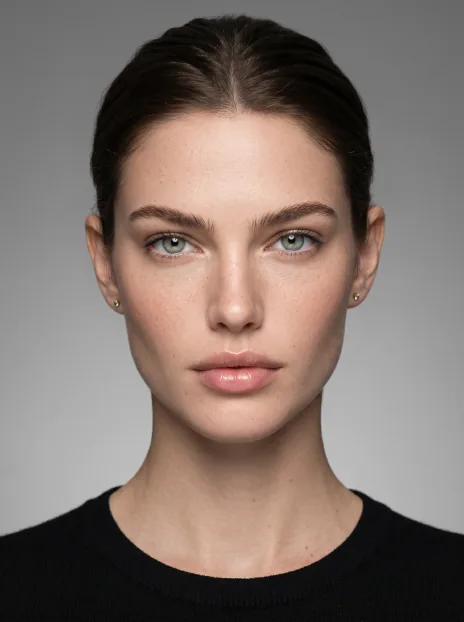
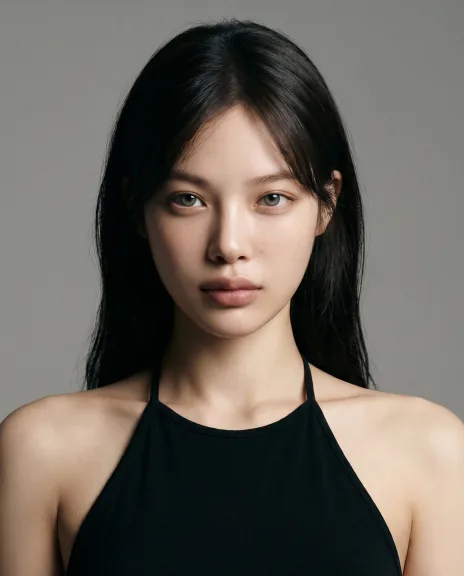
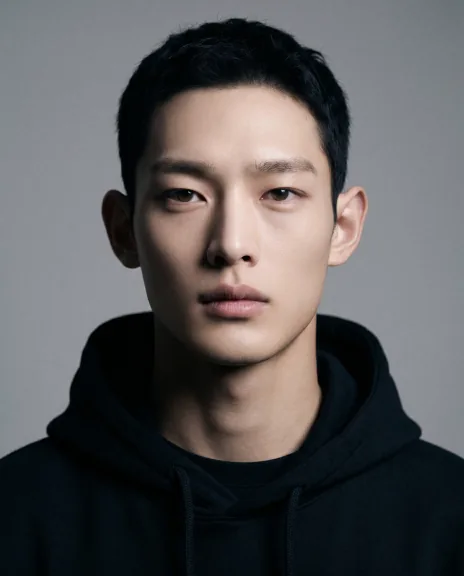
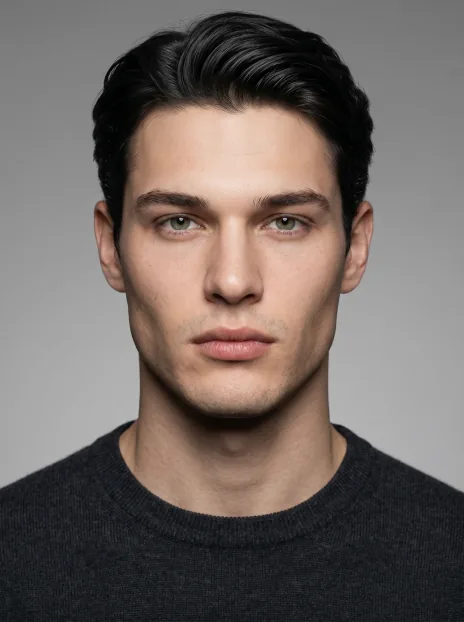
The HYPERREAL skill
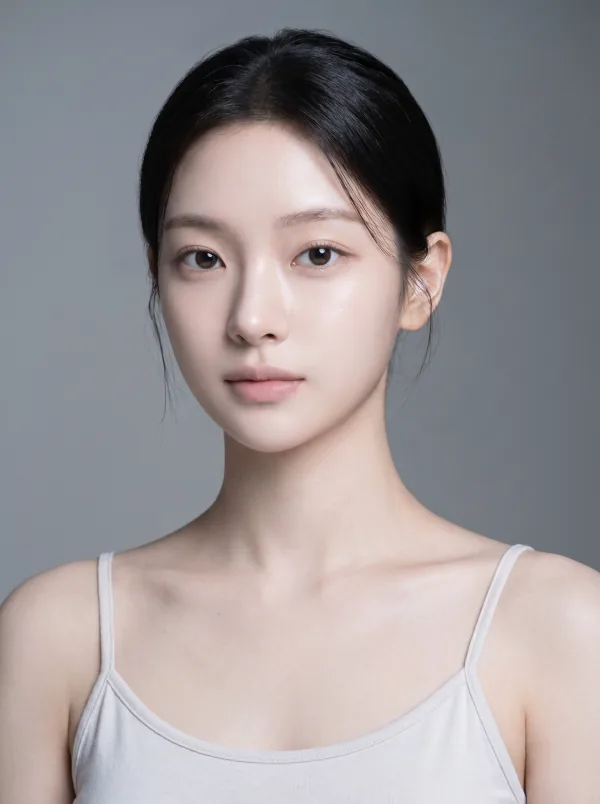
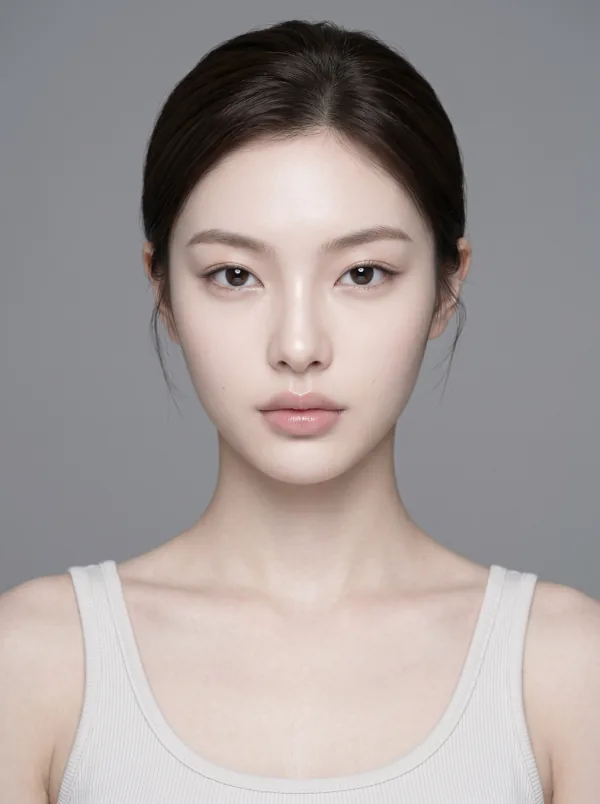
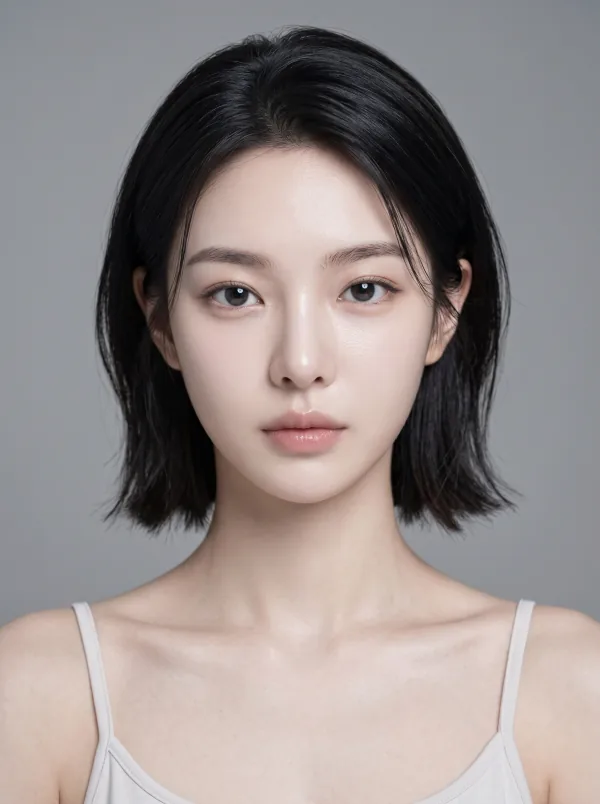
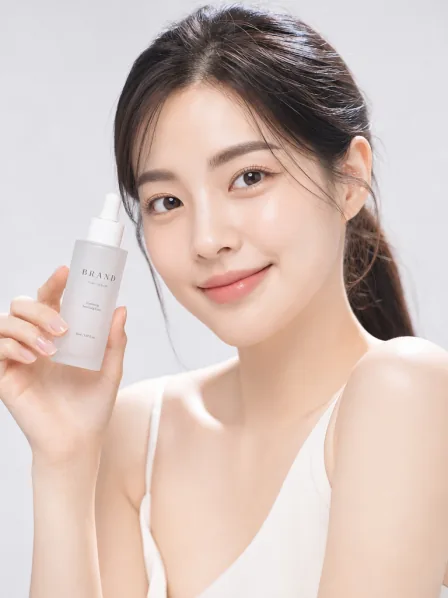
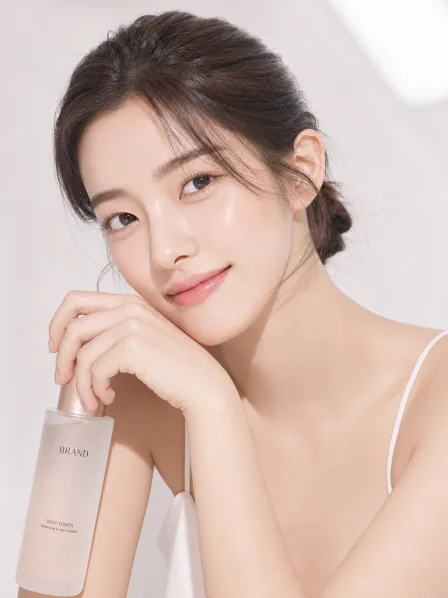
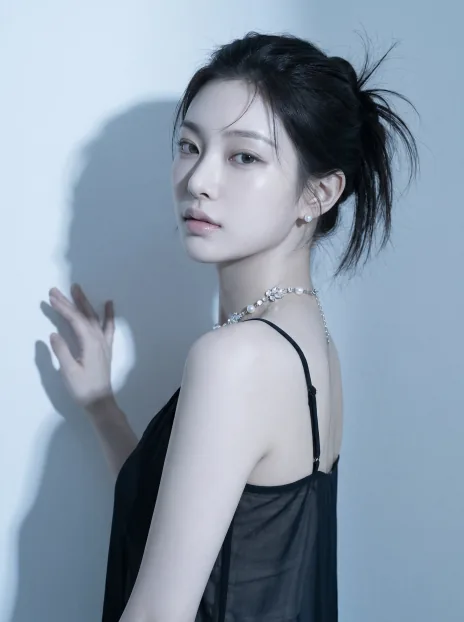
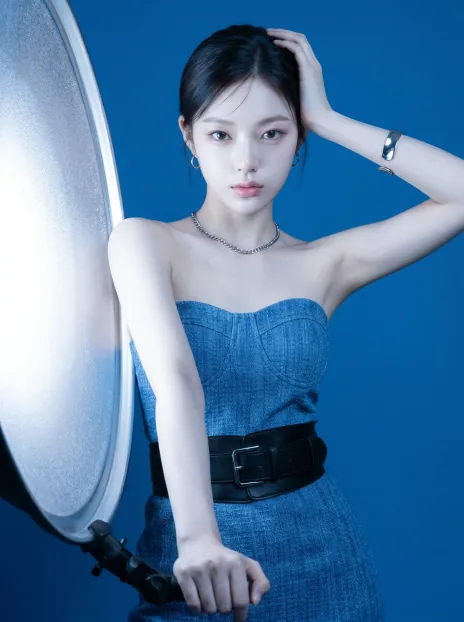
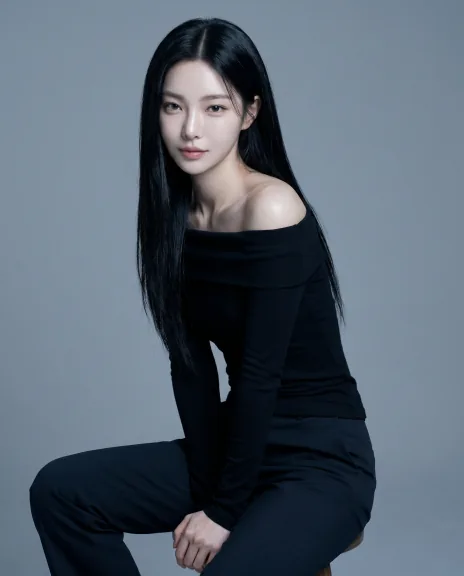
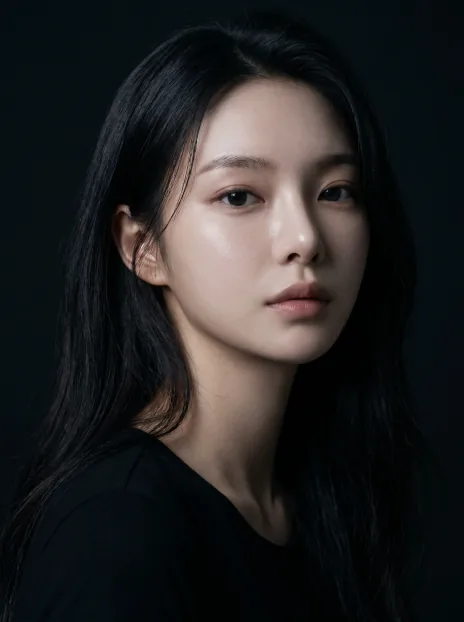
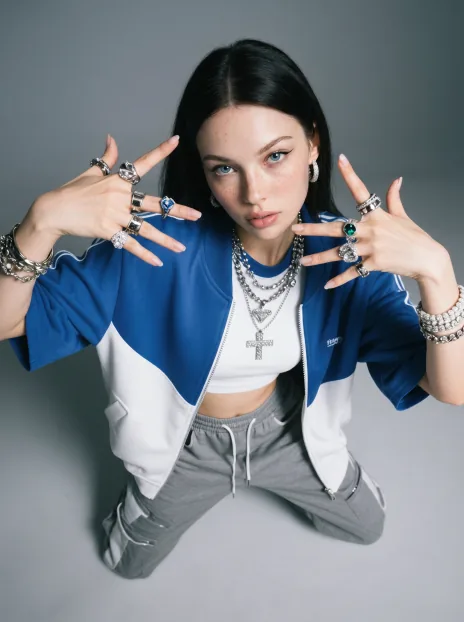
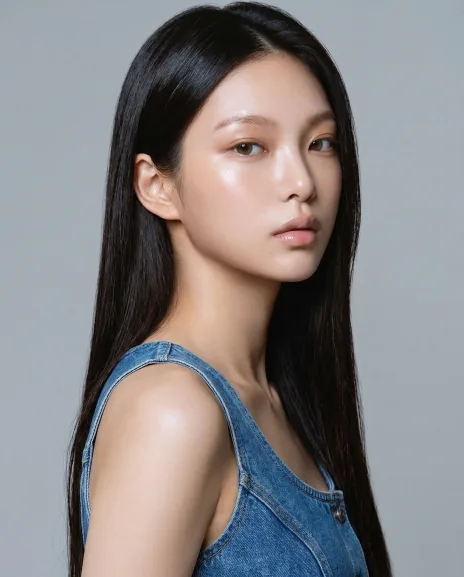
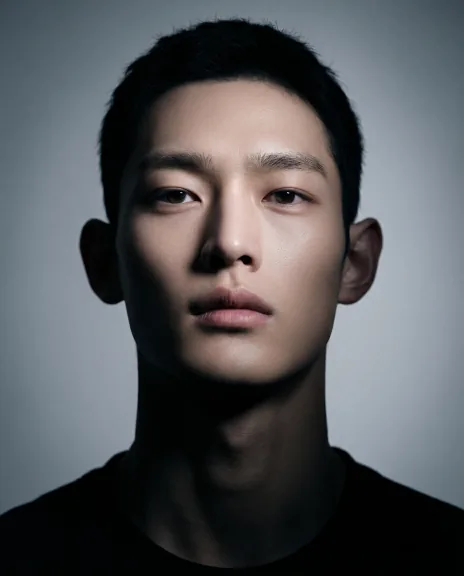
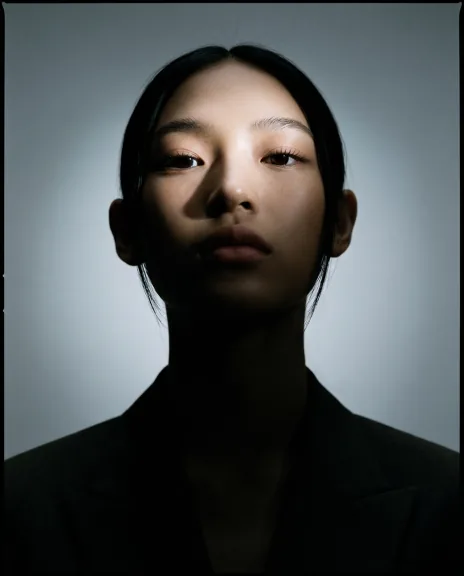
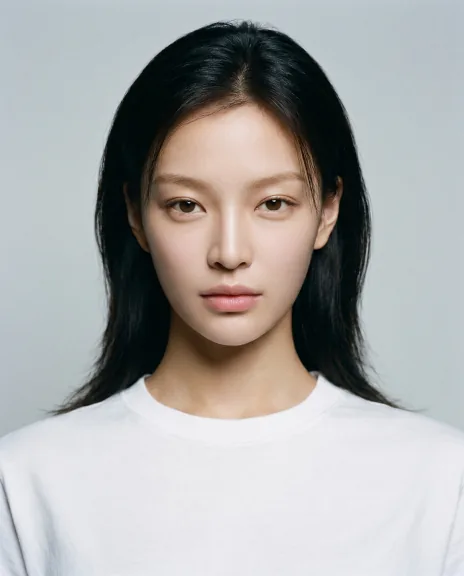
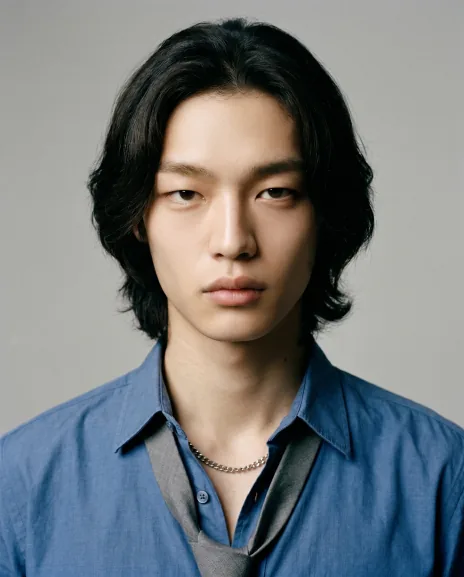
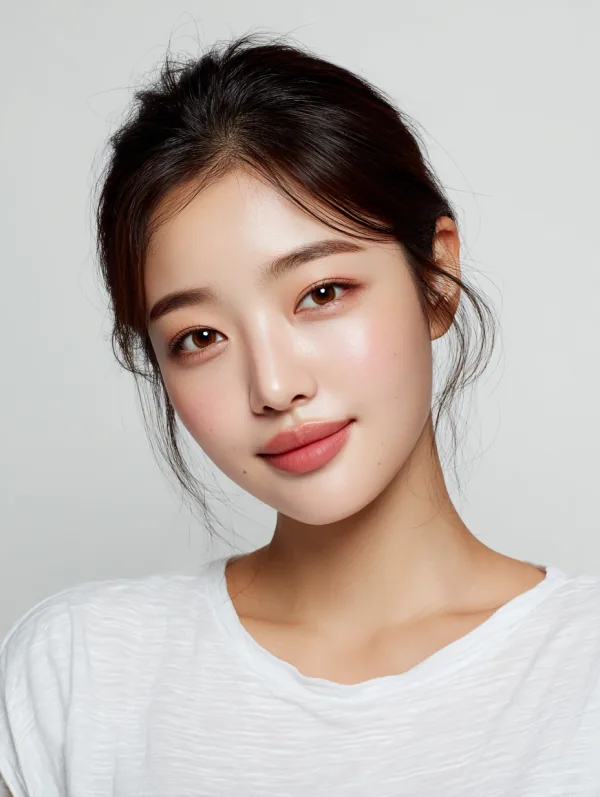
A complete skill that develops short requests into brand-image prompts.
File language: Not specified
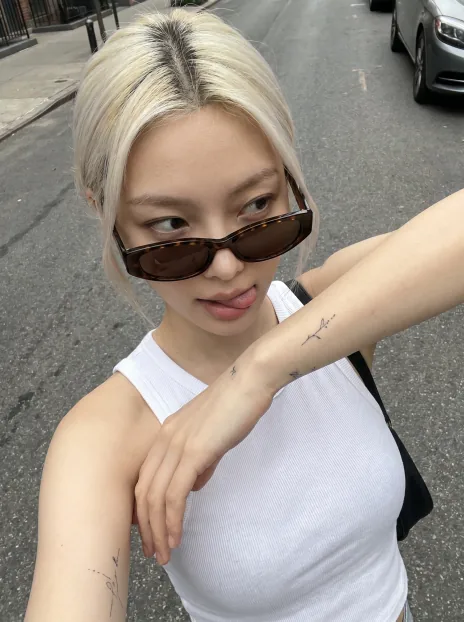
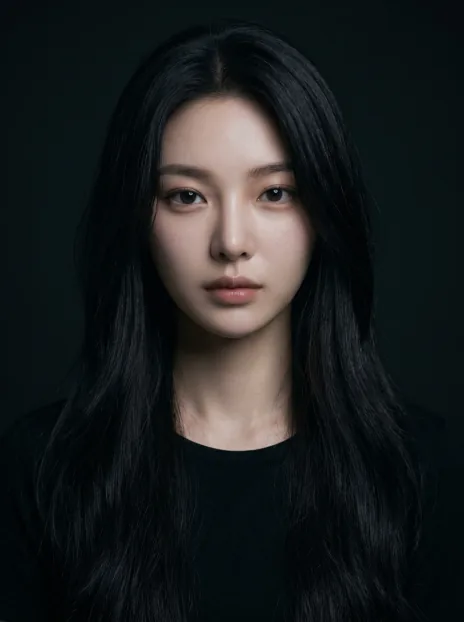
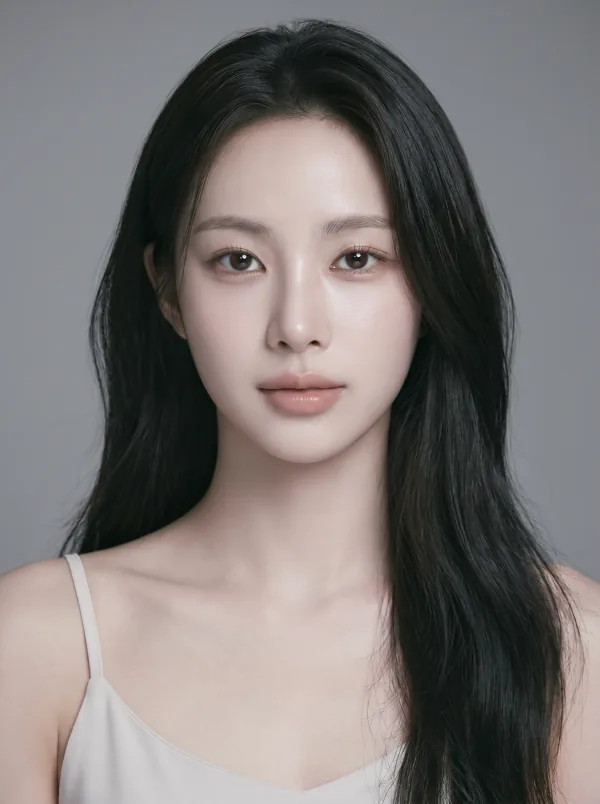
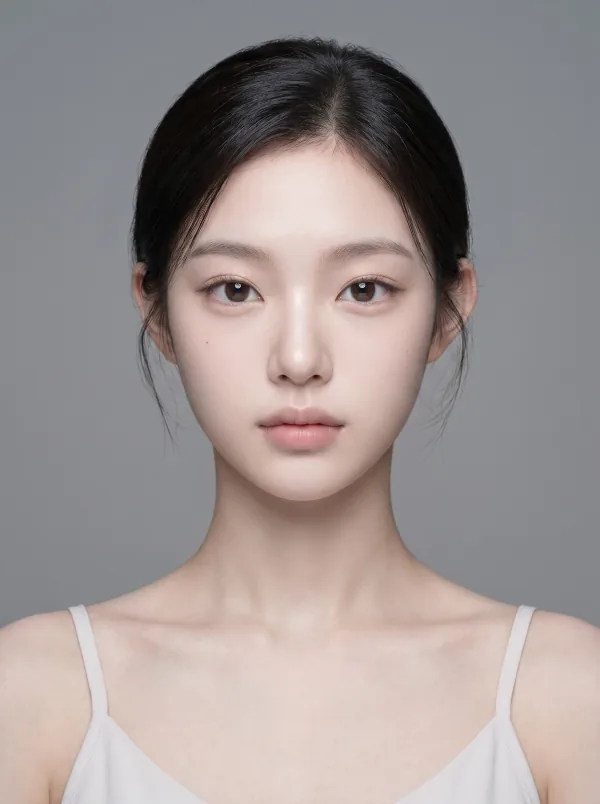
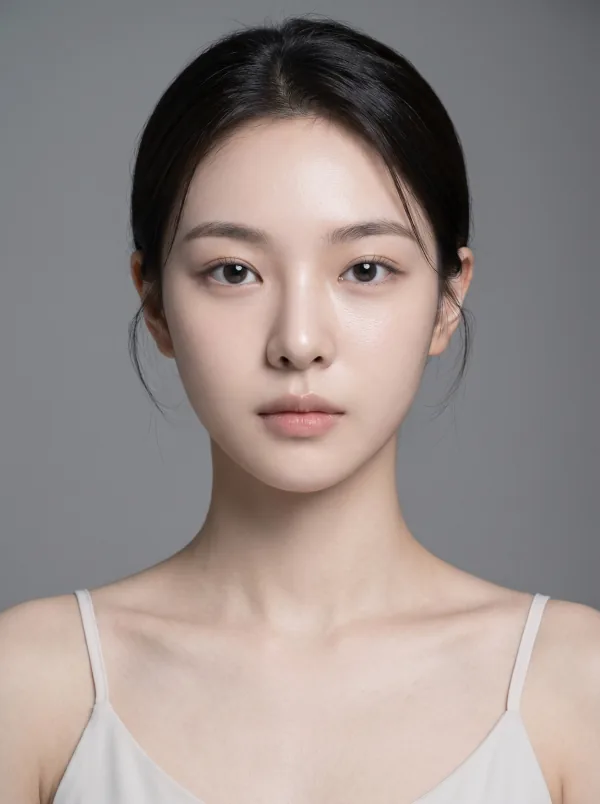
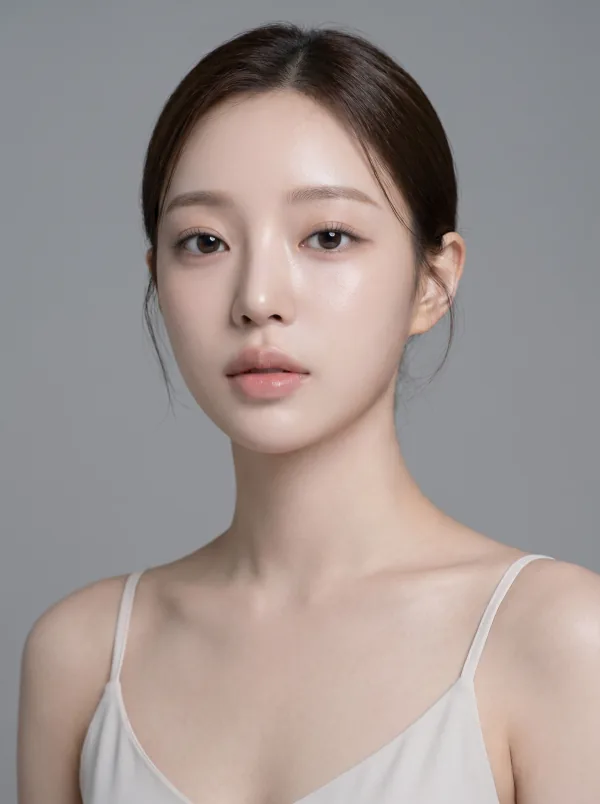
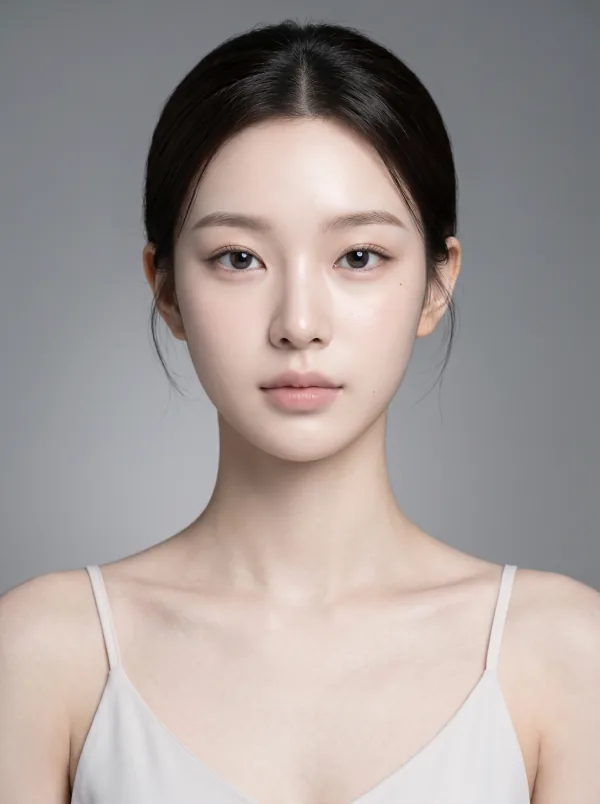
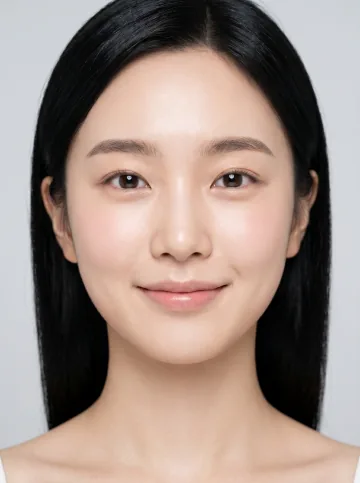
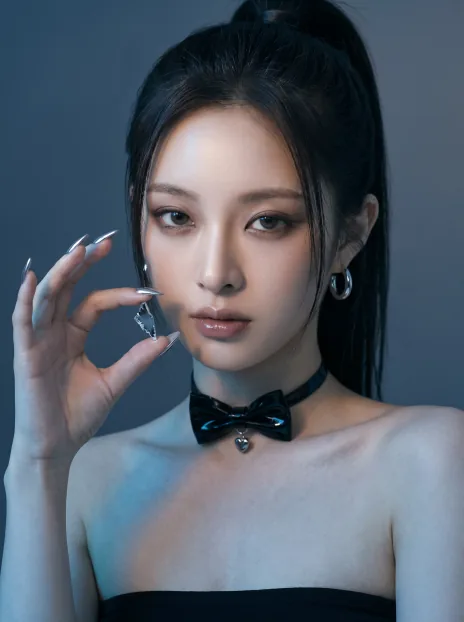
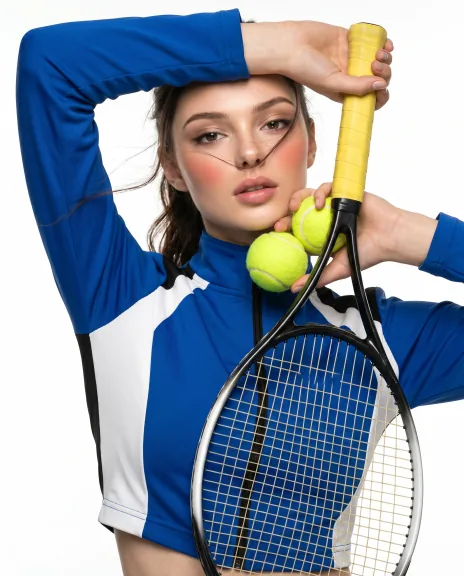
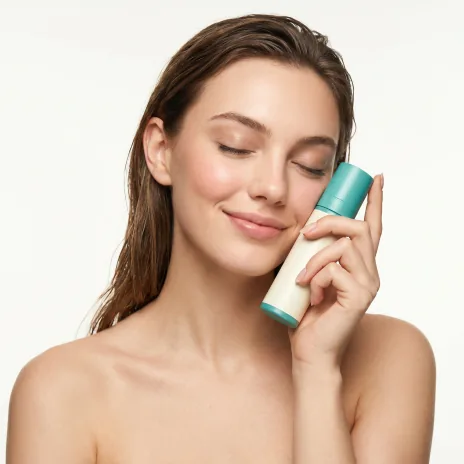
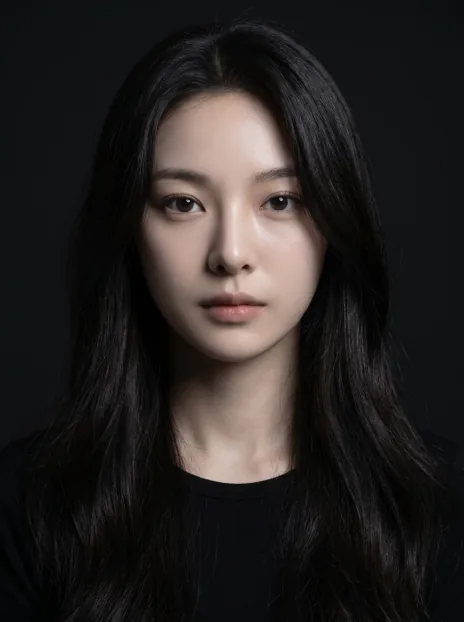
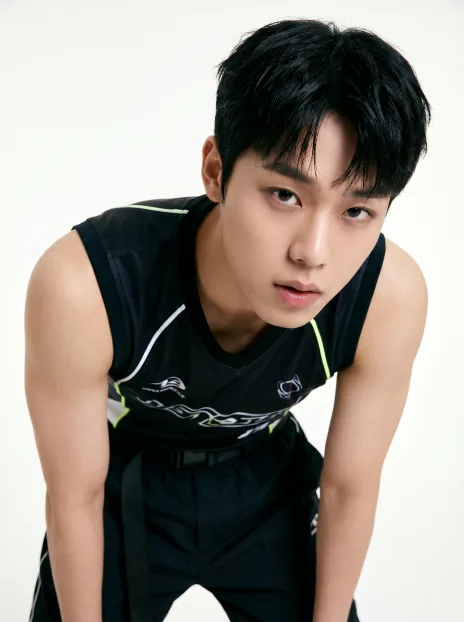
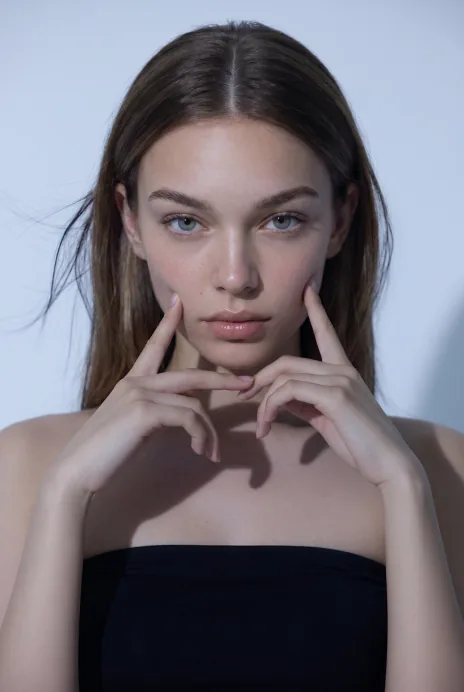
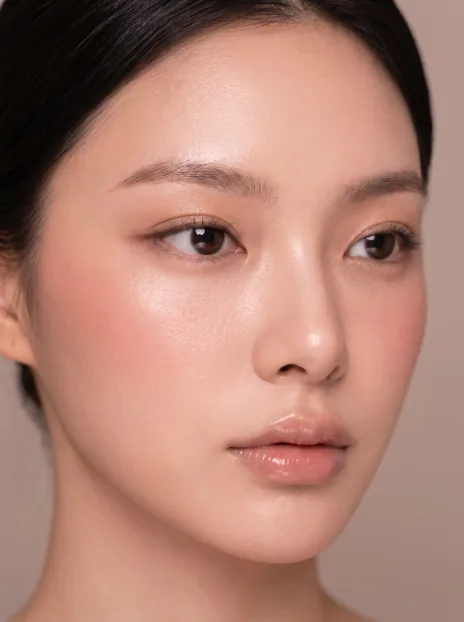
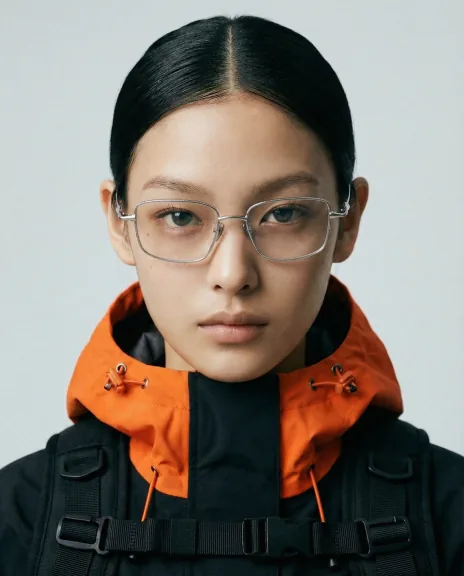
Generate realistic AI people for images you can use in brand campaigns.
Starter$256.86
Get free skillCompare the materials and support included in each plan.
| Included | Starter$256.86 | Studio$477.65 | Enterprise$698.45 |
|---|---|---|---|
| HYPERREAL skill stack | Included | Included | Included |
| Community and discussion board | Included | Included | Included |
| Free updates | Included | Included | Included |
| Video usage guide | Not included | Included | Included |
| HYPERREAL Studio web app | Not included | Included | Included |
| Custom model creation for your brand | Not included | 1 person | 3 people |
| Custom setup for your brand | Not included | Not included | Included |
| One hour of team training and consulting | Not included | Not included | Included |
No questions yet.
Check what you need in the guide, then start a first task with your own materials.
Open the guide for your skill
Open the guide from the payment confirmation or your library, and check the accounts and materials you need.
Get the skill and follow its setup guide
Download the skill ZIP and follow the guide to set it up in your agent. Follow any setup steps for additional tools.
Try a small task with your own materials
Start with one topic or item. Describe the result you want and check whether it works for your needs.
Ask in the skill room if you get stuck
Share the task, the step where you got stuck, and any error message in the buyer community. You can return to the guide from your library.
Example first request
“I’d like to try a first task with HYPERREAL. Tell me what materials and setup I need, then help me start with a small task.”
Skill ZIP
Open purchased materials from your library.
Compare what is included in each plan above.
You need an AI agent and an account to run the skill.
Check the product description for supported agents and required services.
External AI services may have separate subscription or usage fees.
Ask the seller about required plans and expected usage before buying.
Review the tested environment and support period.
5.02 reviews
This skill is so good! I downloaded HYPERREAL, went to Pinterest, and saved campaign photos I liked at random to my computer. When I asked it to use my newly created virtual model to make something with a similar feel, the results came out really high quality. The model's expressions and poses are all so natural and appealing; I'm very happy :)) It would be great if you made a video skill too.
이 스킬 너무 좋습니다! 하이퍼리얼 다운 받고 핀터레스트 가서 맘에 드는 캠페인 사진들 그냥 무작위로 컴터에 다운 받아놓고 새로 만든 가상 모델로 제가 좋아하는 느낌이랑 비슷하게 만들어 달라 하면 완전 퀄리티 있게 나오네요. 모델의 표정이랑 포즈부터 다 너무 자연스럽고 매력적이라 만족합니다 :)) 영상 스킬도 함께 만들어주시면 좋을거 같아요
I make AI ads for Reels, and getting a realistic first frame is key. I tried all sorts of things, and this skill solved it! I love that it figures things out without a long prompt. For reference, I'm using it through the Claude desktop app with the Higgsfield MCP integration, and it works well, haha. I also asked the New Face skill to make a model's face, and it came out well!
릴스 광고 ai로 만들고 있는데 첫 프레임을 진짜처럼 뽑는게 관건이라 이것저것 시도 해봤는데 이 스킬로 해결됐어요! 프롬프트 길게 안 써도 알아서 잡아주는게 정말 좋네요. 저는 참고로 힉스필드 mcp 연동해서 클로드 데스크톱 앱으로 사용하고 있는데 잘 되네용 ㅎㅎ 뉴페이스 스킬 써서 모델 얼굴 만들어 달라고 하니까 잘 나와요!