How to vibe code: build a first tool and check the result
Translated from Korean. View original. Some screenshots are available in Korean only.
Vibe coding is a way to describe a feature in words, run AI-written code and revise it as you go. Start with a small feature whose result you can check, such as a calculator or list organizer. Save a working state and change one part at a time so you can recover if something breaks.
Explore related skills and examples on Skillshop.
View original Korean screenshot

How does vibe coding work?
Describe the feature you want, run what AI creates and revise it. You may write less code yourself, but still need to clarify the request and check the result.
It is useful for quickly trying a screen or idea. Existing services have many connected parts, so also inspect the current structure and effects of changes.
- Quickly build something that does not exist yet
- Use it alone or within a team
- Discard and rebuild it if it is wrong
- Modify an existing running system
- Add money or personal-data handling
- Other people could be harmed by a failure
Start with a tool that fits on one screen
Choose something with clear input and output, such as displaying calculations in a table or searching a list. Prepare a small dataset and state what success looks like.
Use the feature yourself once it is built. Also check unusual cases such as empty input or very large values, and fix inconveniences one at a time.
Choose browser or local work
Browser-based tools reduce installation overhead and let you see results quickly. Export, repository integration and deployment differ by service, so check them if you plan to keep using the tool.
Local tools work with files and a development environment on your computer. You must learn folders and run commands, but can continue an existing project. Choose one based on the current task.
| Tool type | Starting environment | Files created | For continued use | Choose when |
|---|---|---|---|---|
| Browser-based | Start in the browser. | Check export support by service. | Review repository and deployment terms. | You want quick results with less setup |
| Local or folder-based | Prepare a folder and runtime. | Manage files on your computer. | Keep version history and connect an existing project. | You want to continue working with local files and tools |
- Start in a browser
- See results quickly after describing the task
- Check export and repository support for each service
- Files remain on your computer
- Repository history lets the project continue as it grows
- Opening a terminal adds an initial step
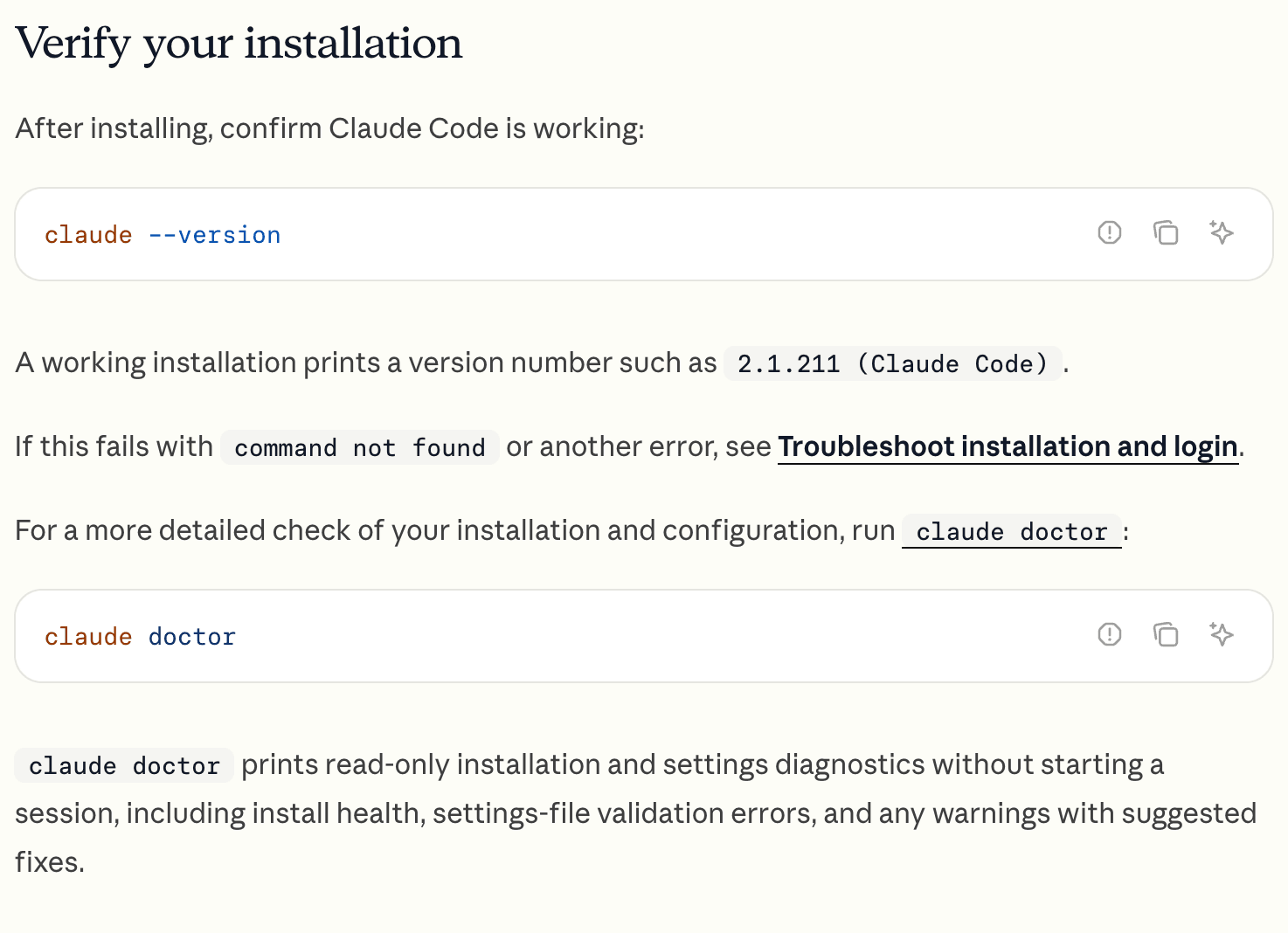
View original Korean screenshot
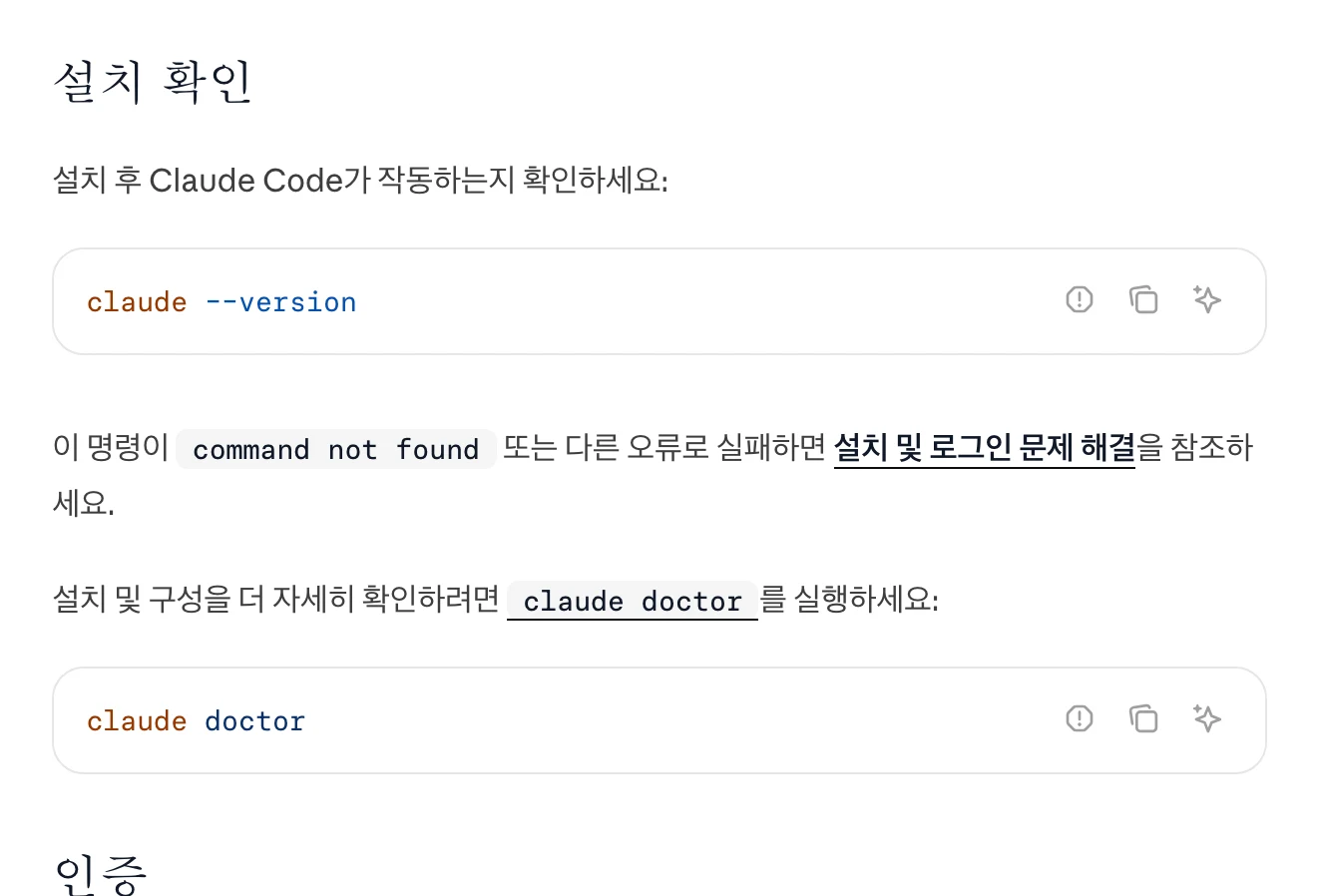
Save a working state
A change can alter another screen or stop an existing feature. Keep each change small and check existing behavior afterward.
Use version control such as Git to save a working state you can return to. When a problem occurs, provide the error message, reproduction steps and expected result to help identify the cause.
A simple habit addresses the third issue: save each working state in the repository.
Review more before publishing
Even a personal tool needs a correctness check. If a service used by others includes login, payments or personal data, review access and data handling too.
Ask someone familiar with the technology to review where necessary. Have AI explain each file’s role and read a little code over time to understand what to check in the next change.
Keep repeated rules in a document or skill
Record the UI structure, technology and verification commands you repeatedly explain in project instructions. Multi-step procedures for a specific task can be separated into a skill.
After creating the file, check that AI actually read it and try it on an example task. Include required programs and expected results to make reuse easier.
Frequently asked questions
What should I build first with vibe coding?
Choose a small feature with clear input and output, such as a calculation table or searchable list. Prepare a small dataset and success criteria, use it yourself and check cases such as empty input or very large values.
Should I choose a browser-based or folder-based tool?
Browser tools reduce setup and show results quickly, but export, repository integration and deployment vary by service. Local tools work with files and a development environment on your computer and can connect to an existing project. Choose based on the required features.
Can I vibe code without reading code?
You can start by requesting work in words and checking results. Gradually understanding the code helps assess errors and change impacts. For a public service handling login, payments or personal information, review access and data handling with someone familiar with the technology.