Automate blog SEO: from topic selection to draft review
Translated from Korean. View original. Some screenshots are available in Korean only.
Blog automation can help organize research, draft text and check internal links. First define the reader’s question and prepare explanations or examples missing from existing articles. Producing more pages alone does not guarantee search visibility or rankings.
Screenshot of the Skillshop marketing category.
View original Korean screenshot

Why might AI-written articles perform poorly in search?
Search performance is not determined simply by whether AI wrote an article. Check whether it answers the reader’s question, has evidence and experience, and adds more than a repetition of other pages.
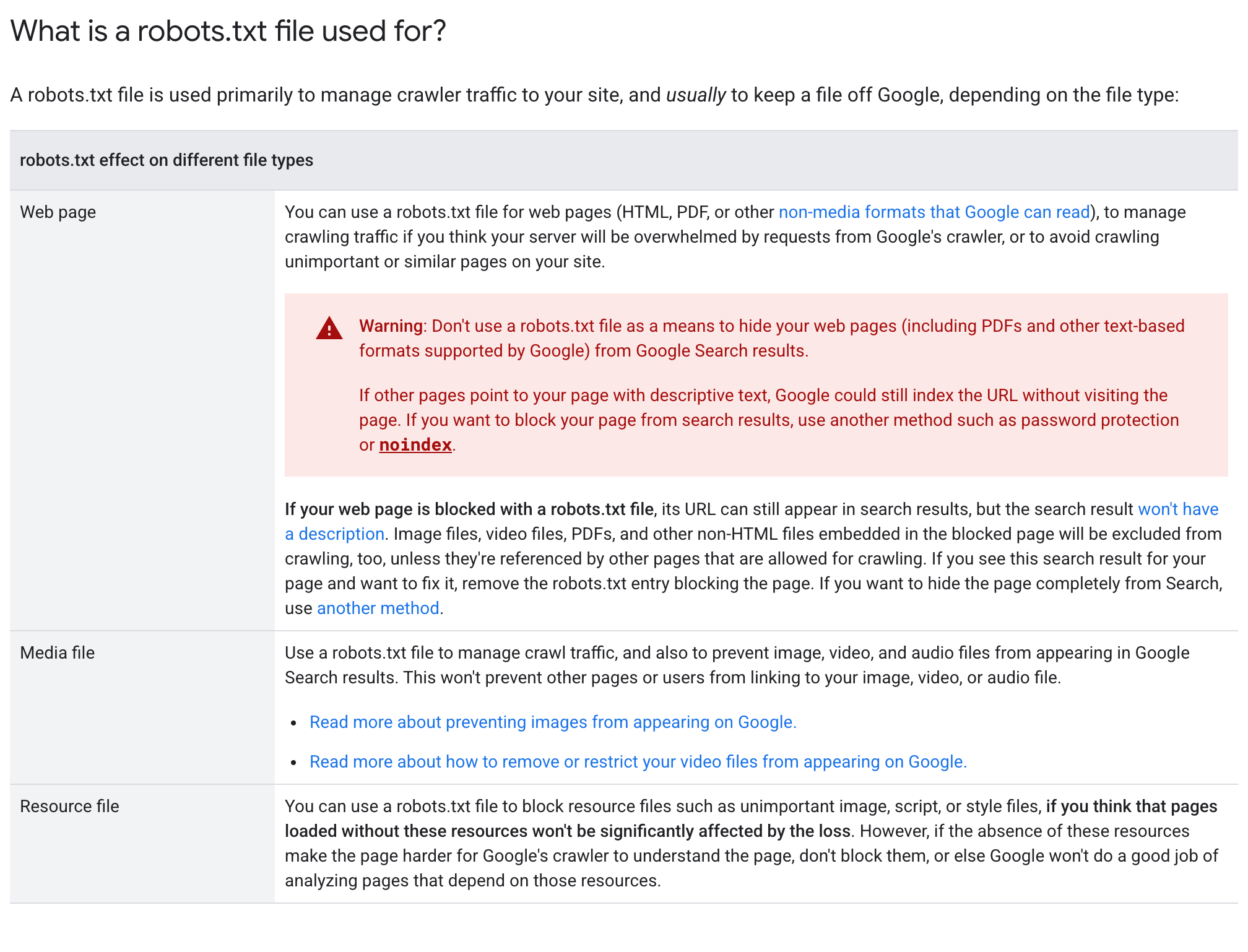
Google says generative AI can assist research and structure, but generating many pages without adding user value can violate its spam policies.
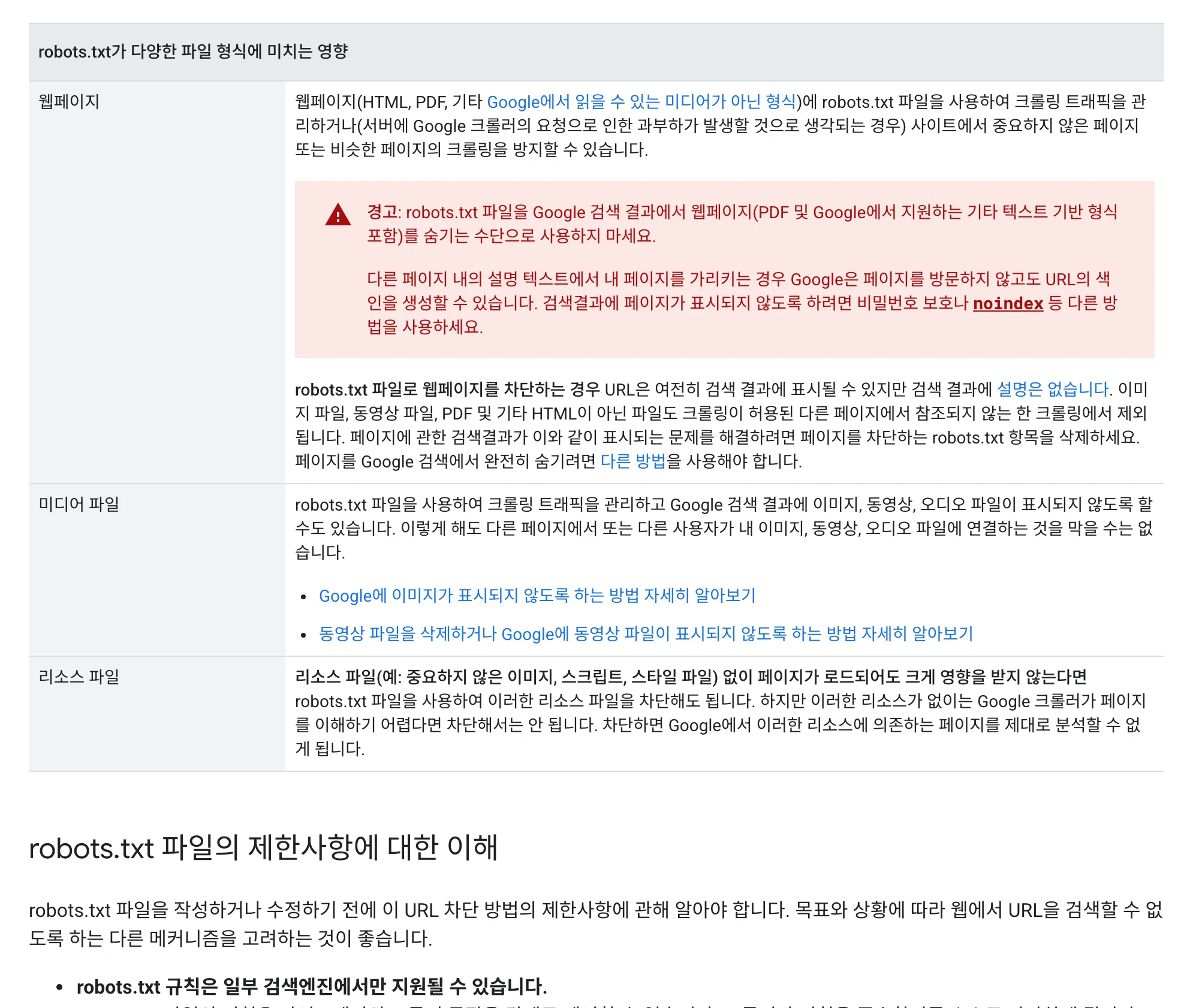
If a page does not appear in search, check indexing and access settings as well as content. Identify the cause before changing it.
View original Korean screenshot
Define the topic and search intent first
Search the intended query yourself and examine which questions current pages answer. Distinguish whether readers need an explanation, comparison or installation guide to plan the article.
Check whether an existing article already covers the same question. Improve it when the reader’s intent is the same, or separate articles for different purposes. A new article is not required for every query.
Which tasks can you automate?
Try organizing source lists, drafting against an outline, finding related-page candidates and checking for missing titles and descriptions. Specify the sources and desired output format.
Internal links should lead to useful next reading. Verify that suggested links exist and relate to the surrounding text.
Check claims and examples against their sources. Instruct the tool not to invent first-hand experiences or unverified numbers.
- Organize source lists
- Draft against an outline
- Find related pages and omissions
- Sources support the claims
- Examples and figures are verified
- Links exist and are relevant
Use impressions and clicks to plan revisions
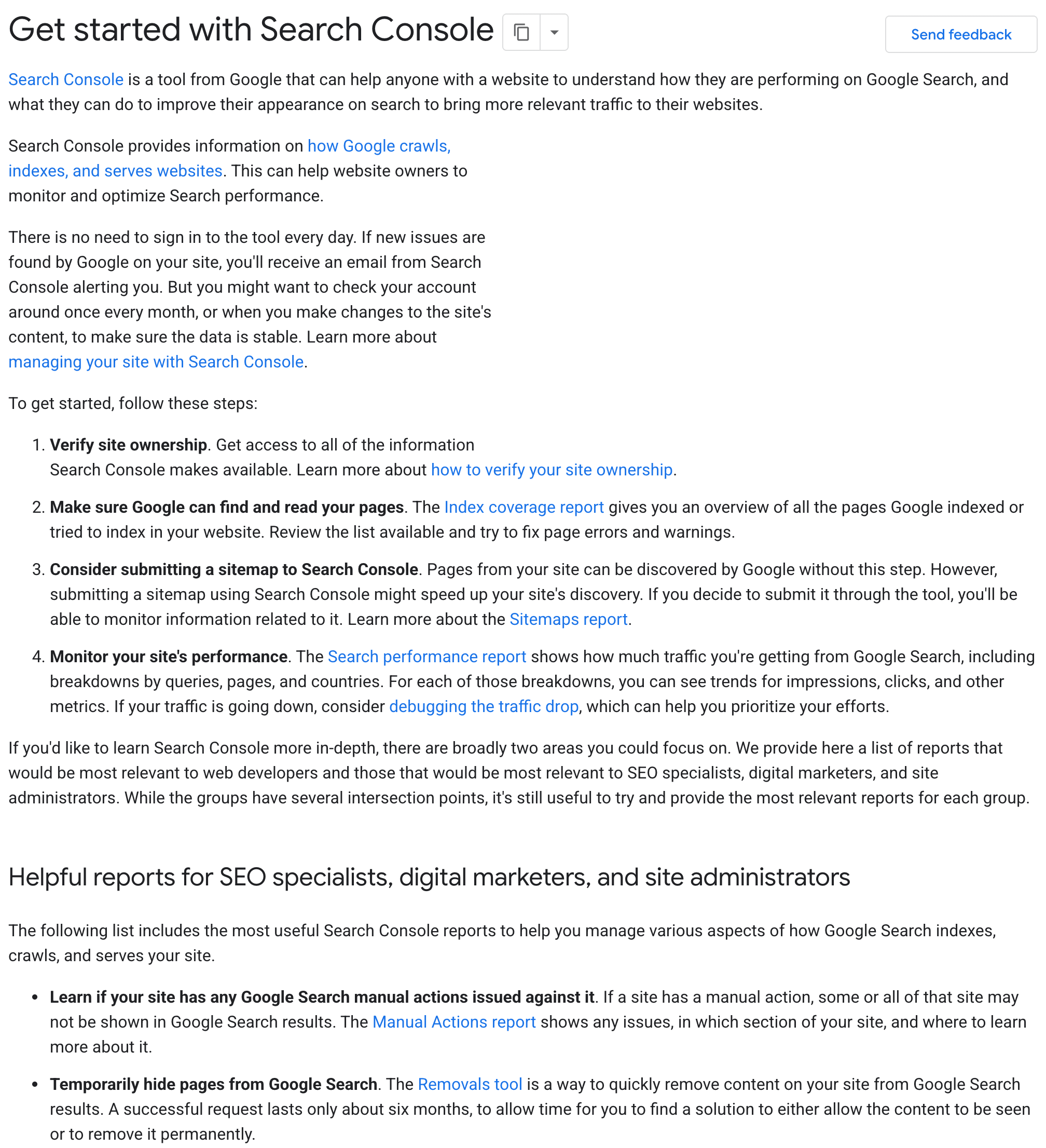
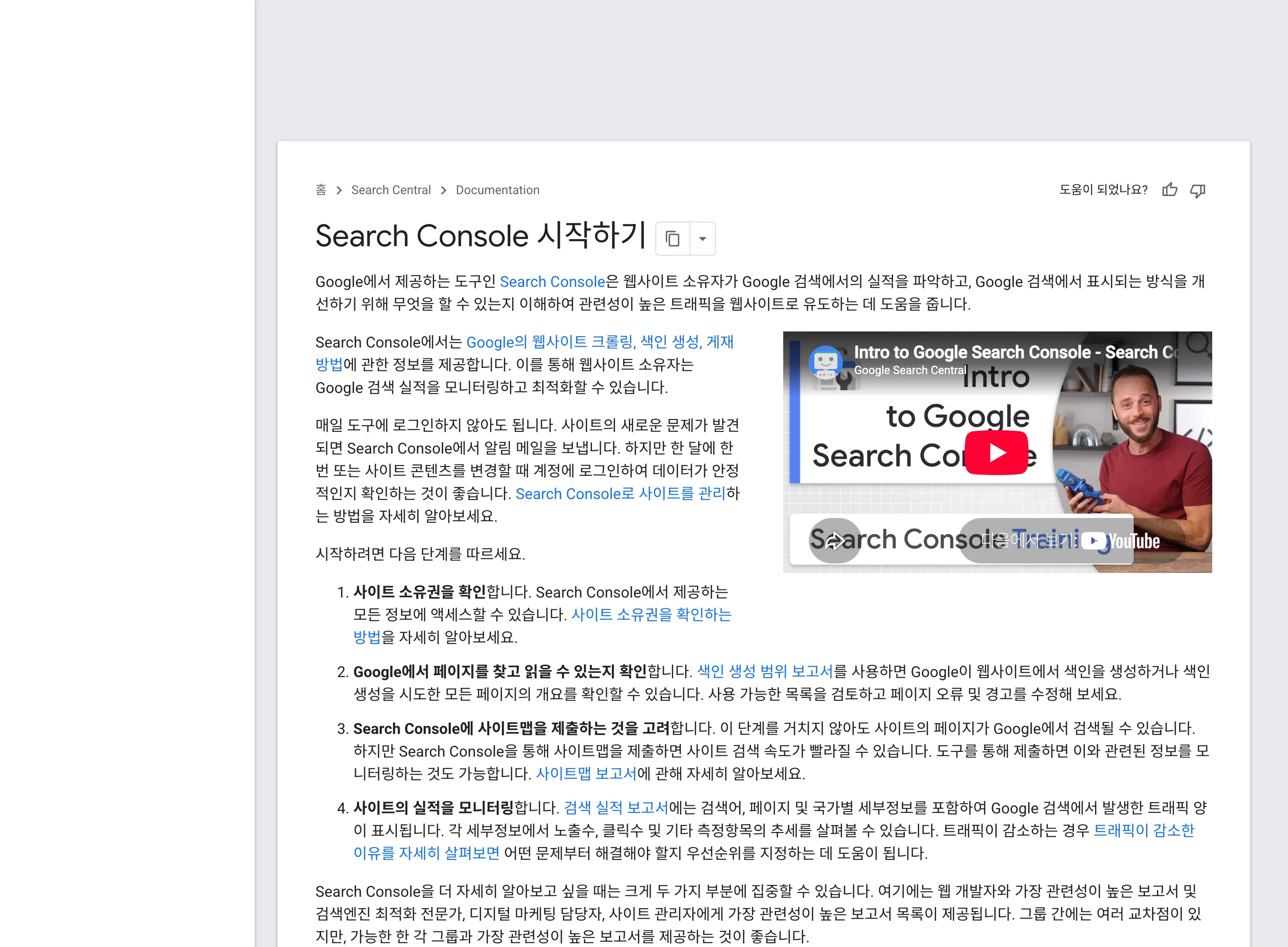
In Search Console, compare page- and query-level impressions, clicks and average position over a sufficient period. Look for changes by query.
With no impressions, use URL Inspection to check indexing first. Consider whether the article is recent, accessible and indexed at the intended URL, then review topic and content.
With impressions but few clicks, examine ranking and the search-result title and description together. Avoid assuming one cause; change important items and record what happens.
View original Korean screenshot
Tools for blog automation
An agent can start a draft, but search data or CMS publication may require separate connections. Decide where articles will be saved and published.
Put sources, style, link-checking steps and pre-publication checks in a skill. Follow the agent’s installation guide and try it on one article.
When choosing a marketing skill, check the evidence used to draft and review, not merely whether it publishes automatically.
| Tool | How it finds a skill | Prepare beforehand |
|---|---|---|
| Claude Code | Checks instructions in supported .claude/skills paths. | Check installation location and required programs or accounts. |
| Codex CLI · Cursor · Gemini CLI | Follows each tool’s supported paths and settings. | Consult each official installation guide; writing a path in a rules file alone does not complete installation. |
Keep editorial standards in a skill
Record the audience, purpose, citation rules and how to check existing articles. Choose useful internal links instead of forcing a particular count.
Collect wording you often correct during review. Write concrete rules such as “Do not invent an unverified review,” and apply the same standards to existing pages.
Screenshot of the Skillshop coding category.
View original Korean screenshot

Frequently asked questions
Why is my AI-written blog post absent from search?
AI authorship alone does not determine search performance. Check whether the page answers the question, supplies evidence and examples, and adds value beyond existing pages. Also check indexing and access settings.
How much of blog SEO can be automated?
Try organizing sources, drafting from an outline, finding related pages and checking missing titles or descriptions. Verify evidence, figures and whether links exist and are relevant.
Which search metrics should I check first?
Consider indexing, impressions, clicks and average position together in Search Console. If there are no impressions, inspect access and indexing. If impressions are present but clicks are low, compare queries, ranking and the title and description.