Getting started with Instagram automation: carousels and Reels
Translated from Korean. View original. Some screenshots are available in Korean only.
Setting common rules such as dimensions and typography makes repeated Instagram production easier. For carousels, divide the message by slide; for Reels, plan scenes and subtitle timing first. Put format-specific criteria in a skill and try a new topic to see what can be automated.
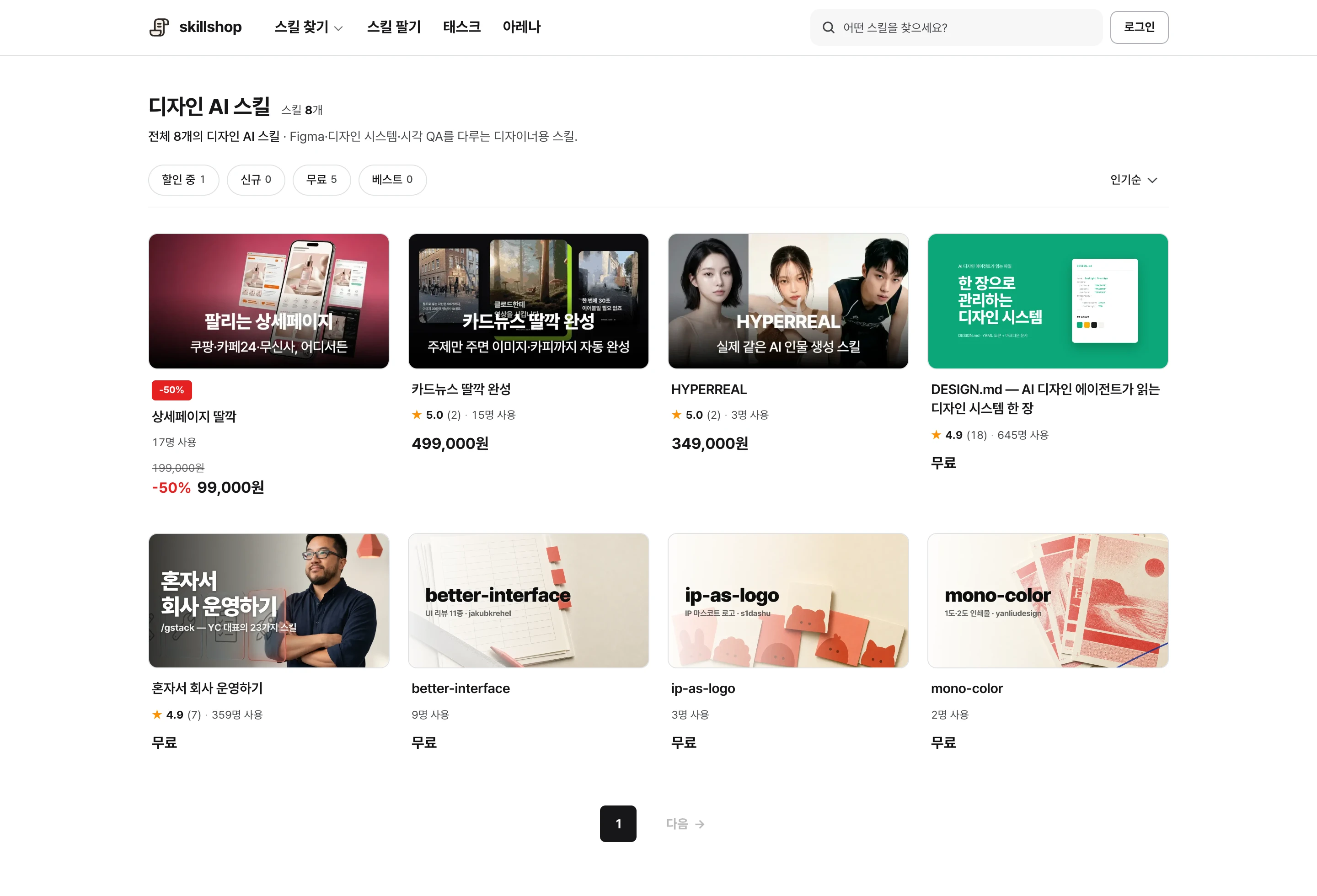
Screenshot of the Skillshop design category.
View original Korean screenshot
Define your recurring layouts first
Document carousel dimensions, margins, typeface, account-name placement and final-slide structure. If you have a recurring format, use its existing content to establish these standards.
Slide count or video duration need not be identical for every post. Use different templates when purposes differ, such as explanatory carousels and photo-focused posts.
View original Korean screenshot
How do carousels and Reels differ?
Start a carousel by dividing the message among slides. Check that no slide is overloaded and that the reading flow continues to the next.
Reels need time to read and listen. Play the video to check that captions match speech and can be read before the next scene.
Do not copy sentences unchanged between the formats even when using the same subject. Record carousel structure and Reel timing separately in the skill.
| Format | Plan first | Check | When moving to the other format |
|---|---|---|---|
| Carousel | Message per slide | Information density and flow to the next slide | Check whether short video sentences explain enough |
| Reel | Scenes and subtitle timing | Speech/caption match and time to read | Shorten long slide text or divide it among scenes |
- Divide the message by slide
- Avoid overloading one slide
- Check the flow to the next slide
- Plan scenes and subtitle timing together
- Check speech against captions
- Read at actual playback speed
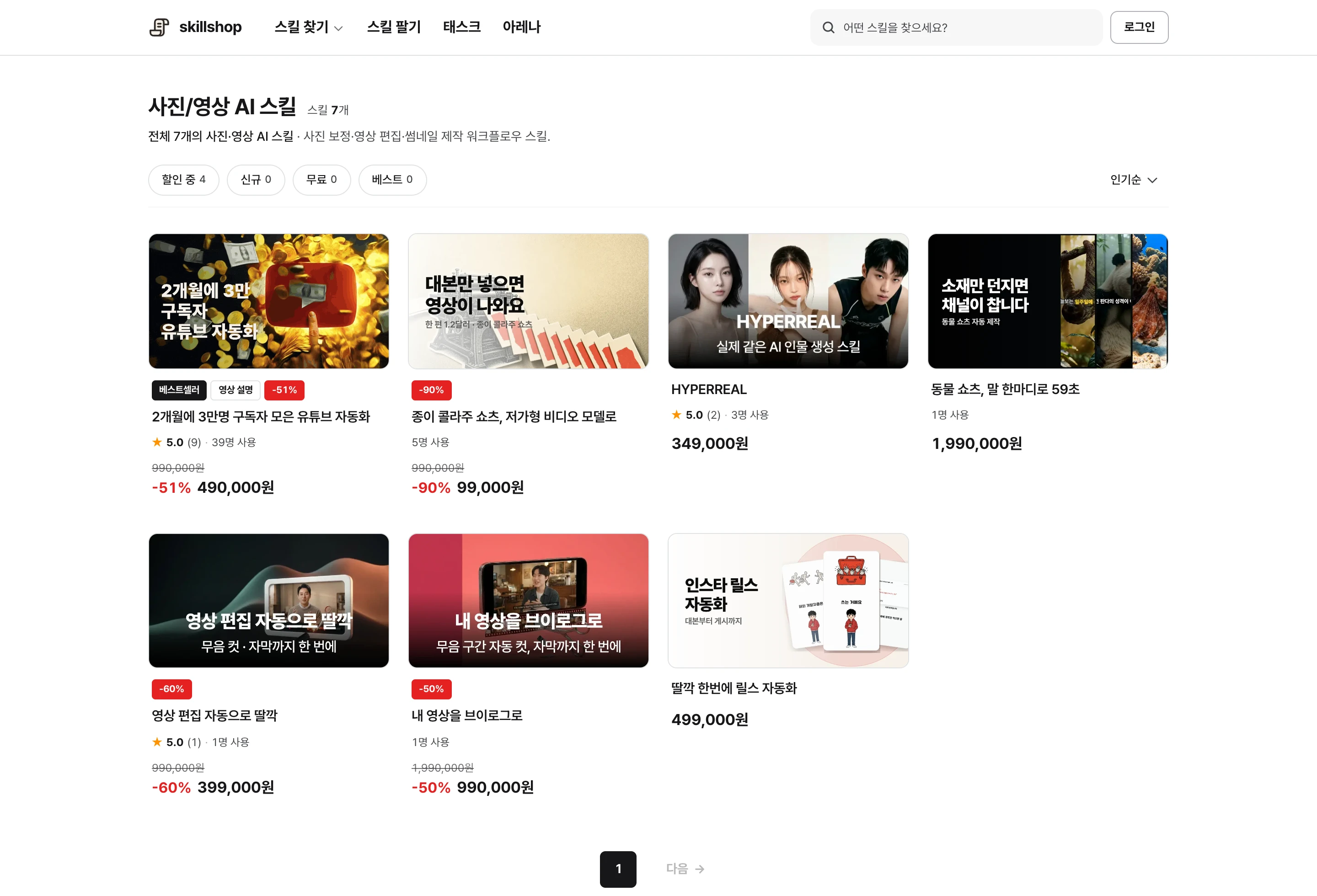
Screenshot of the Skillshop photo and video category.
View original Korean screenshot
How do you preserve your account’s personality?
Give concrete examples of recurring topics, real experience and the tone you want. Asking only for “attention-grabbing content” can produce familiar, generic wording.
When choosing AI-suggested opening text or titles, read them to see whether your account would actually say that. Check that they answer a reader’s question and do not exaggerate the body.
- Dimensions and margins
- Subtitle placement and text style
- Caption format
- Does the topic fit the account?
- Does the opening avoid exaggerating the body?
- Is it supported by real experience or evidence?
Reduce repeated decisions in weekly production
After choosing a topic, try a sequence of research, drafting, image creation and review. Setting fonts, margins, filenames and storage locations in advance reduces decisions each time.
Before posting, check typos, clipped text, obscured captions and image-use conditions. Include a review on a phone screen.
Tools for Instagram content production
When choosing an agent and skill, first decide whether you need card images or a video file. Image generation or video editing may require separate software or a connected service.
Check the tools, accounts and output formats a skill requires, then test it with a small example. Follow your agent’s guide for the skill installation path.
The design category contains carousel work, while photo and video includes Reel work. Check for examples in your desired output format.
View original Korean screenshot
Organize recurring standards into a skill
Gather your base template, tone, source-attribution method and final checklist in one place. This reduces repeated explanation for the next post.
If you use an existing skill, check what must be adjusted to your account’s standards. Add example content and try it on several pieces to identify changes.
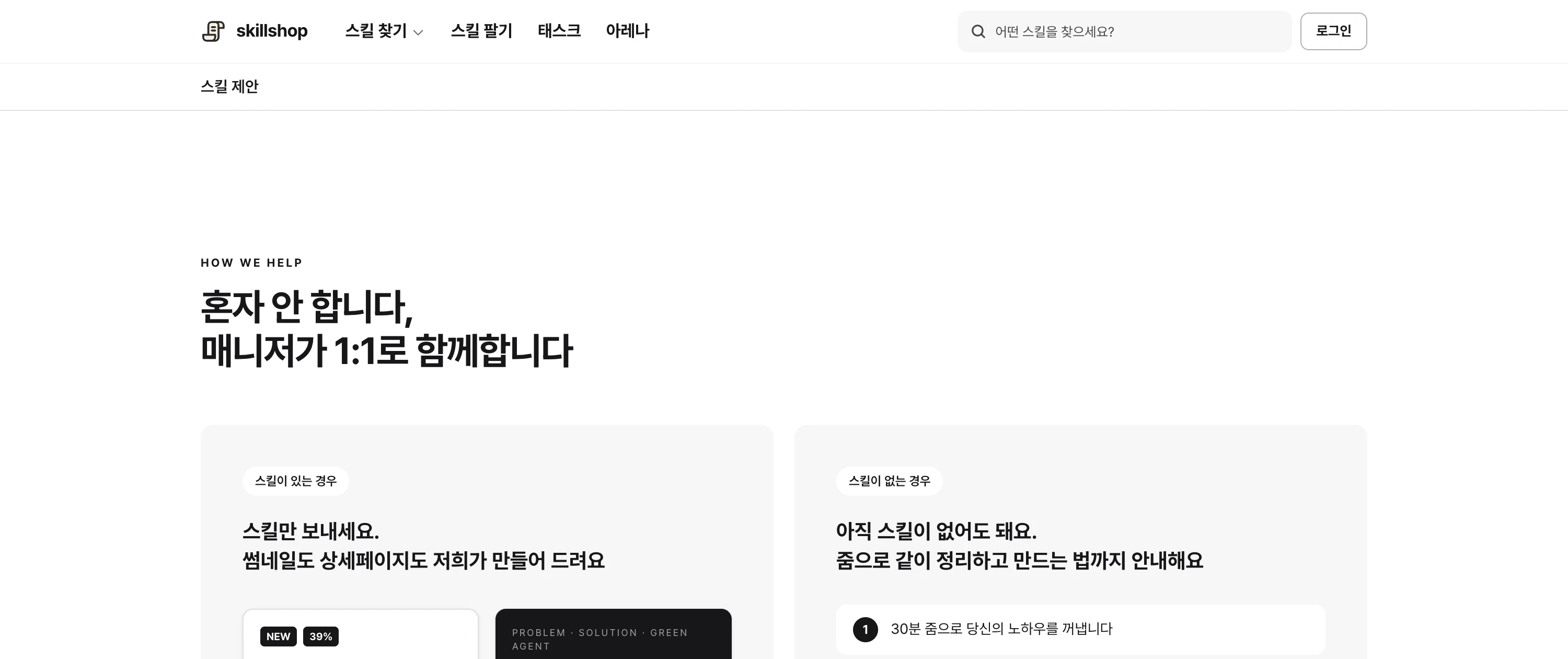
Screenshot of the Skillshop help page.
View original Korean screenshot
Frequently asked questions
Can the same skill be used for Instagram carousels and Reels?
Yes, but distinguish the standards by format. Review slide content and reading flow for carousels, and scene length and subtitle timing for Reels. Adapt the material to how it is consumed instead of copying sentences unchanged.
What should I decide in advance to post weekly?
Dimensions, typography, margins, storage location and production sequence reduce repeated decisions. Prepare a pre-publication checklist too. Review the topic, sources and opening text for each piece.
What tools do I need to start Instagram automation?
First check that a tool can make the desired carousel image or video file. Even with an agent skill, you may also need image-generation or video-editing software and external accounts. Test output format and execution requirements on a small example.