AI for professionals: organizing information and drafting documents
Translated from Korean. View original. Some screenshots are available in Korean only.
Professionals can start testing AI with verifiable tasks such as sorting material, comparing documents and drafting in a fixed format. A qualified professional must review legal or tax judgments and assessments of people. Before entering client information, check your organization’s rules and the tool’s data-handling terms.
Screenshot of the Skillshop planning and business category.
View original Korean screenshot

Which tasks should you try first?
Start with work you can check against its source: listing received material, finding missing documents or organizing content in a fixed format. Before using real client information, test with public material or examples stripped of identifying details.
Even organizing information can introduce errors. Ask the tool to show where each item came from, and decide who will make the final judgment and review the result before submission.
- Classifying and listing material
- Checking for missing documents
- Drafting forms and comparing documents
- Legal and tax judgments
- Advice to clients
- Submitted figures and final results

Tax and accounting: supporting documents and drafts
Try extracting dates, amounts and counterparties from receipts and invoices into a table, or drafting a request for missing material. Compare the extracted values with the originals.
A professional should check tax treatment and the applicable rules. Do not use an AI summary or classification directly in a filing; retain a review step for submitted figures and their supporting evidence.
Legal work: organize clauses and compare versions
Try organizing contract clauses into a table or finding changes from an earlier version. Including clause numbers and locations in the original makes review easier.
A professional should determine legal effects and risks after checking the original and relevant authorities. Verify that AI-suggested cases and citations actually exist, and handle client documents only in approved environments.
HR and labor: draft documents and organize information
AI can help draft job postings, find relevant policy provisions or organize applicant submissions into a specified table. Instruct it not to infer and fill in information absent from the source.
People remain responsible for applicant evaluation, hiring decisions and judgments about working conditions or discipline. Compare organized information against the originals to find errors and omissions.
What should you check before entering client data?
Even software running on your computer can send information to an external server when it calls an AI model. Running software locally is not the same as processing with a local model.
Check the tool and plan’s data-handling terms, retention and training settings, and organizational approval requirements. Use only necessary material and remove names, identification numbers and other information not needed for the task. This alone does not authorize every use.
Record prohibited material and review procedures in the skill, and configure access and tool settings accordingly. Ask your organization’s security or privacy contact when uncertain.
What should you compare after adoption?
Compare time saved on organization with any increase in review time. If correcting errors takes longer, adjust the inputs or the task’s scope.
Rather than assuming an entire profession will be replaced, compare accuracy and processing time for the work actually assigned. Keep the person responsible for the final check clear.
Turn one common form into a skill
Write down the order for completing the form, reference material and what to do when information is missing. Instruct it to mark items needing confirmation rather than guess values absent from the source.
Test with example material and compare the output against the original. Existing document and data skills can be references, but adapt them to your office’s data-handling and review procedures.
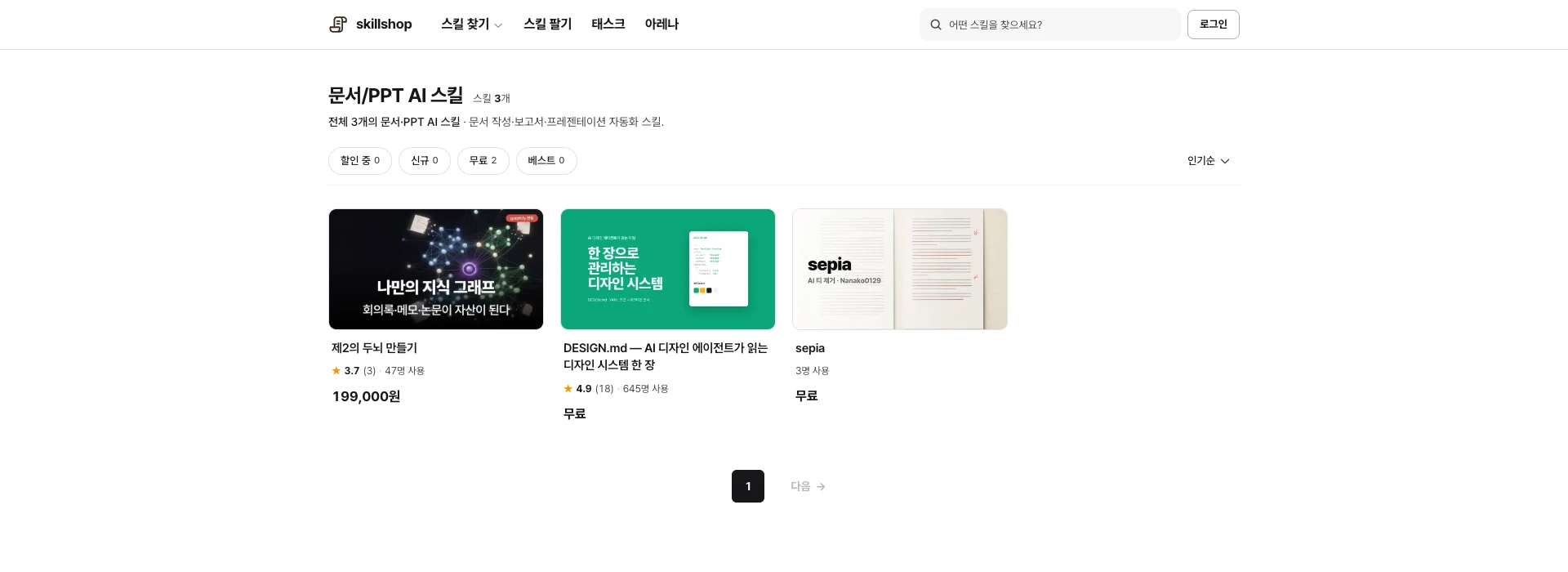
Screenshot of the Skillshop documents and presentations category.
View original Korean screenshot
Frequently asked questions
What can a tax professional delegate to AI?
Try extracting dates, amounts and counterparties from supporting documents into a table or drafting a request for more material. Compare values with the originals; a professional should review tax rules and submitted figures. Handle client data in an approved environment.
Can a lawyer use AI to review contracts?
It can help organize clauses or compare versions. Record original locations and verify that cited cases and references exist. A professional should assess legal effects and risk, and client documents should stay in an approved environment.
How can AI support HR and labor work?
It can help draft postings, find policy provisions and organize submitted information. Ask it not to infer absent information and compare results with the source. People remain responsible for evaluations, hiring, working conditions and disciplinary decisions.