 guide
What are Claude skills? Components and how to use them
Translated from Korean. View original. Some screenshots are available in Korean only.
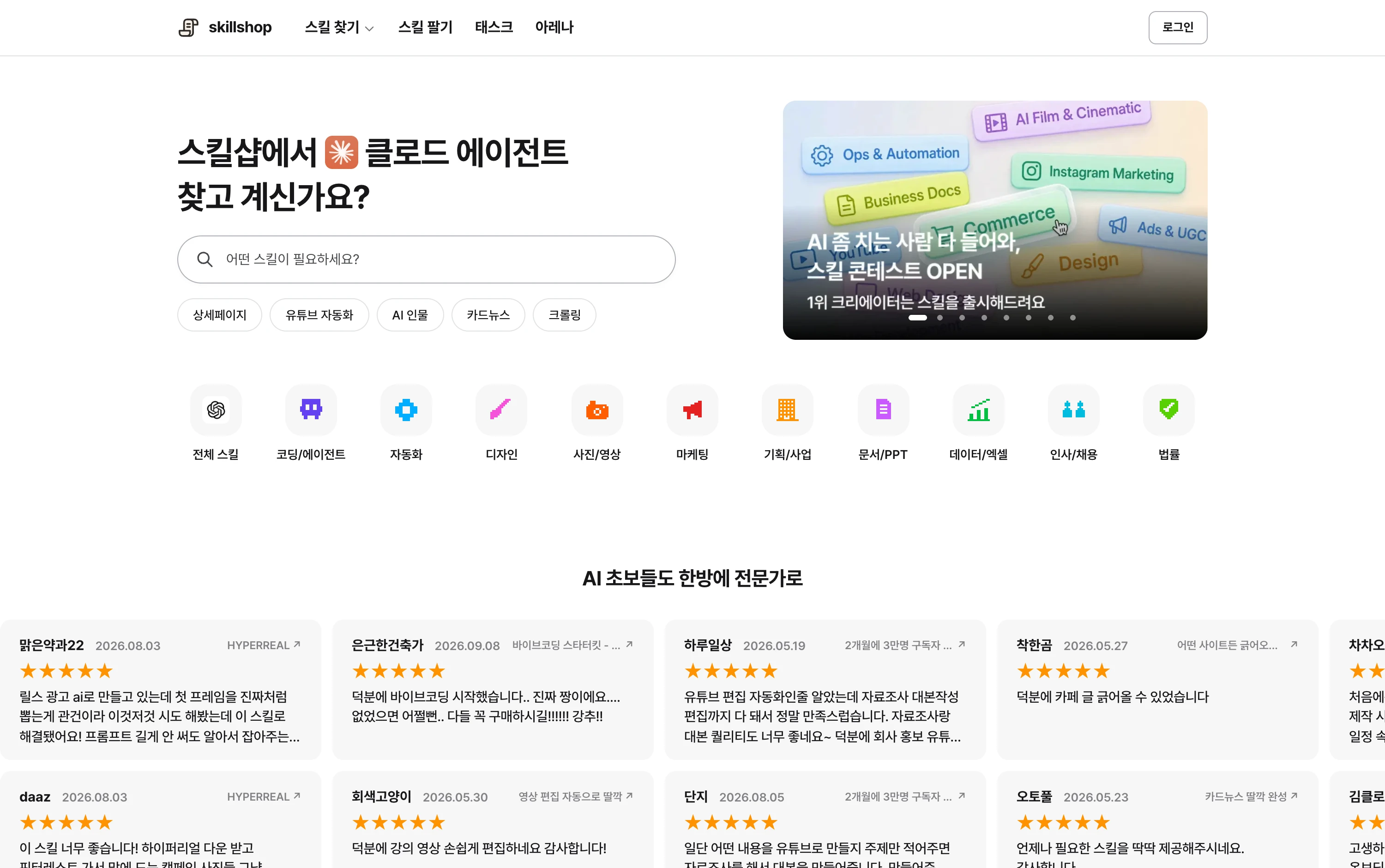
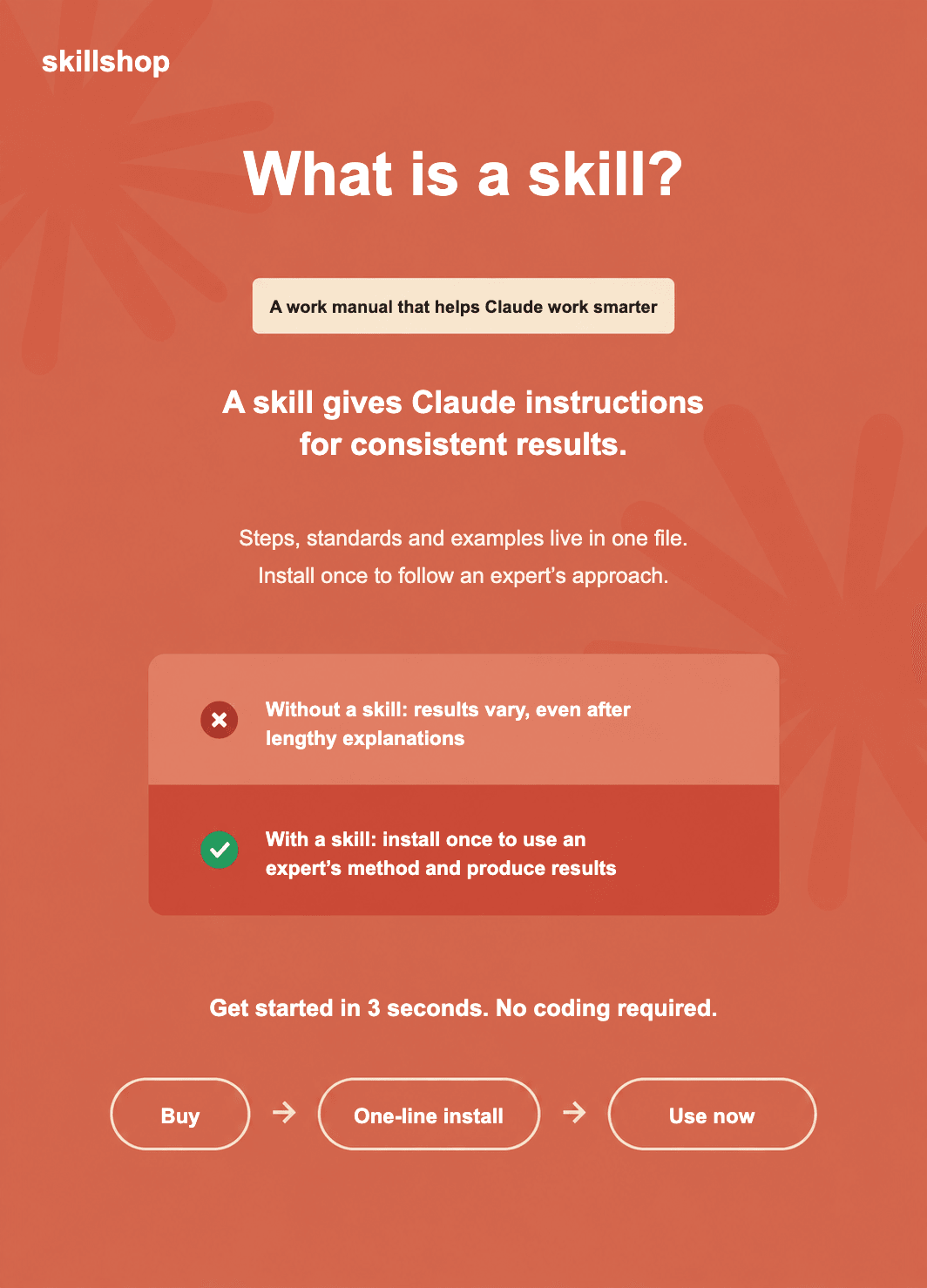
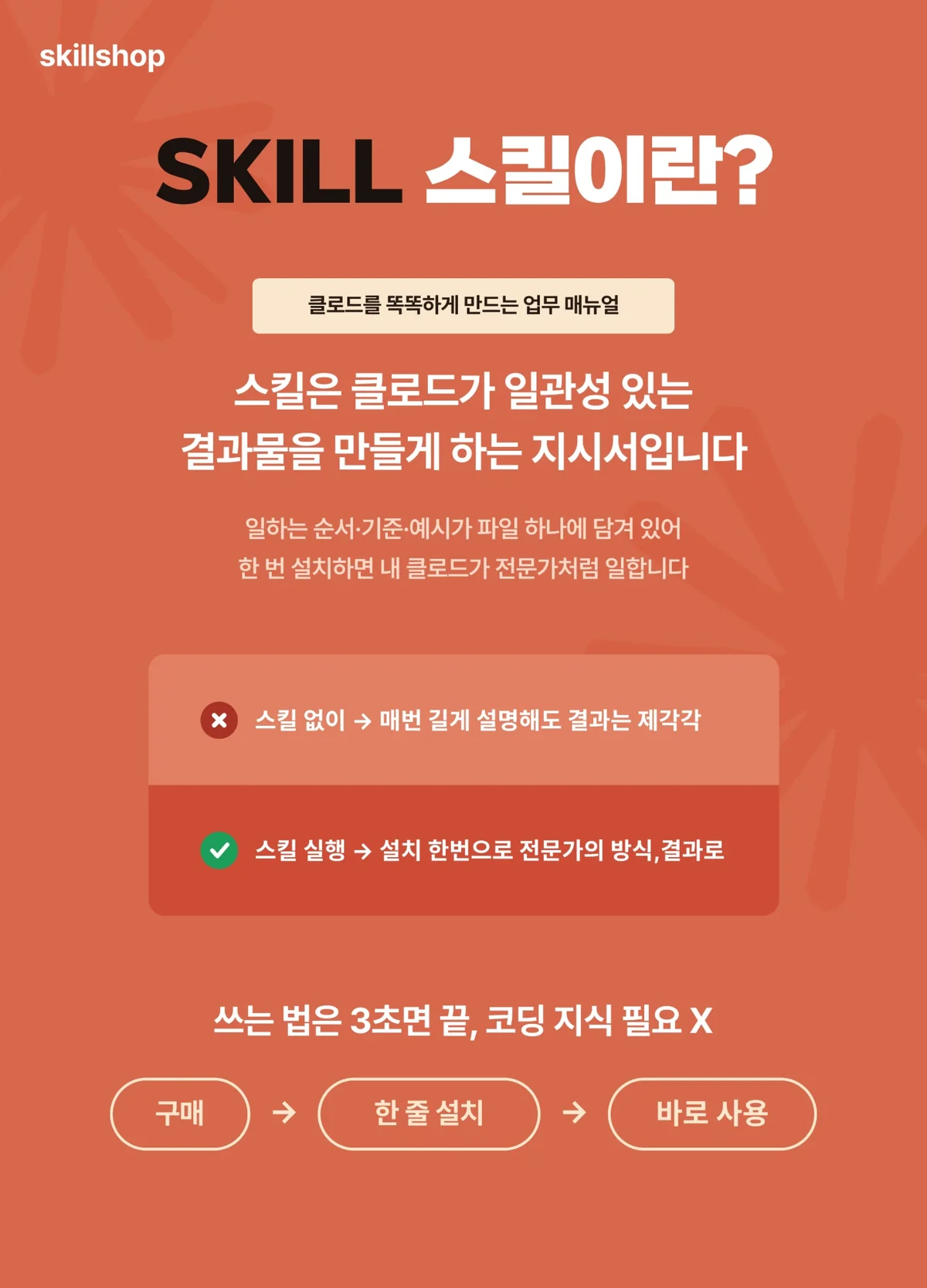
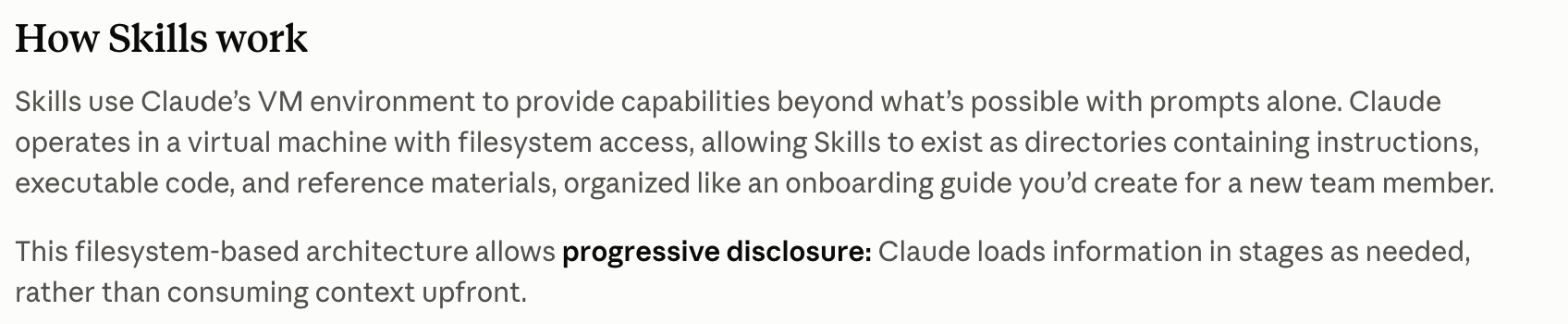
A Claude skill is a folder of instructions and materials an AI can consult for a particular task. Record a report format or review criteria once and reuse them. SKILL.md is the central file; include examples, templates or scripts when needed.
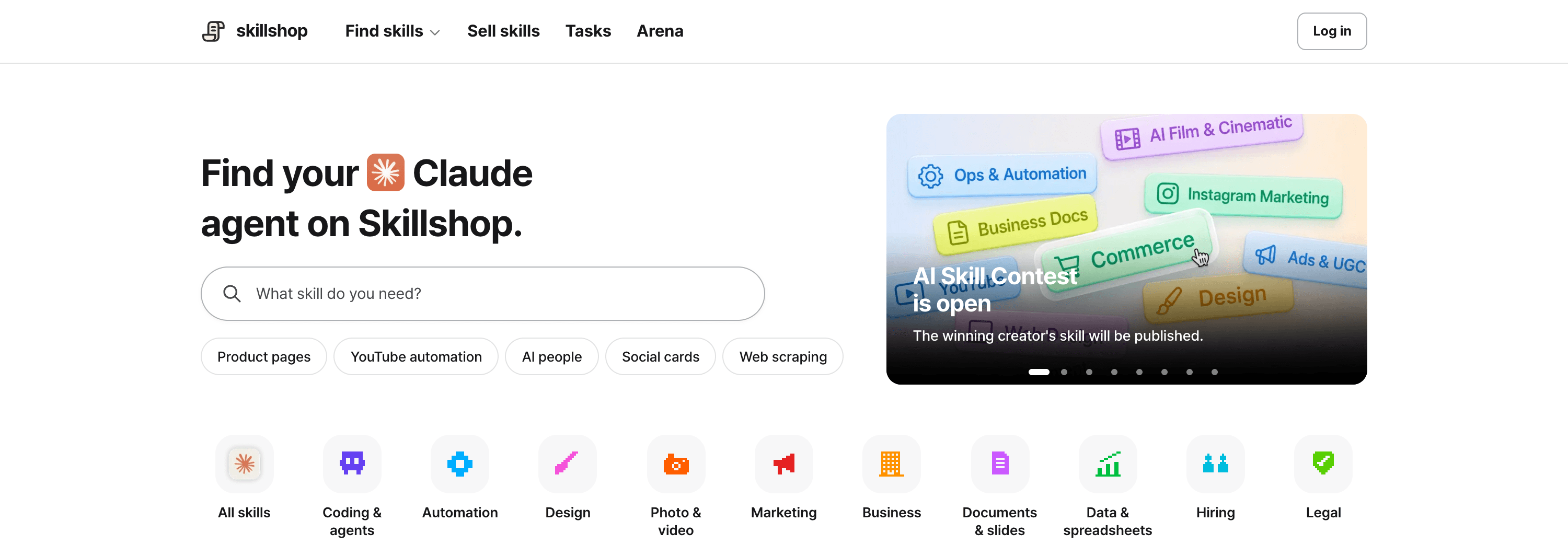
View original Korean screenshot
How is a skill different from a prompt?
Do you explain the report format every time you start a conversation? A saved conversation does not automatically apply those instructions to a new task. A skill can hold frequently used instructions.
A prompt conveys the current task; a skill stores a reusable method. Sharing the same skill file can save a team from rewriting the explanation.
Claude Code can select a skill based on its name and description, or you can invoke it by name. After editing a skill, check that the new instructions are applied.
- Request the current task
- Provide materials and desired output
- Add necessary instructions to the conversation
- Save repeatable instructions
- Keep examples and templates together
- Invoke directly or match to a request
View original Korean screenshot
How is MCP different?
MCP is a protocol for connecting AI to external tools and data. It can provide tools for reading a database or adding a task to a work-management service.
A skill describes what to do with those tools. For example, retrieve design material through MCP, then create a screen using a skill’s color, type-size and review instructions. Use both when the task needs a connection and a procedure.
| Aspect | MCP | Skill |
|---|---|---|
| Function | Connect external tools and data. | Hold steps and criteria. |
| Tool use | Can expose retrieval or execution. | Guides which tools to use and how. |
| Role | Connection method | Work instructions |
What goes in a skill folder?
The basic file is SKILL.md. Put the name and use case at the top and steps and checks in the body.
When instructions grow long, move references into separate files linked from SKILL.md. Examples, templates and repeatable code can live in the same folder.
- youtube-automation/Example skill folder
- SKILL.mdRequired instructions
- checklist.mdChecks and examples
- script-template.mdScript template
- scripts/Repeatable code
How does an agent choose a skill?
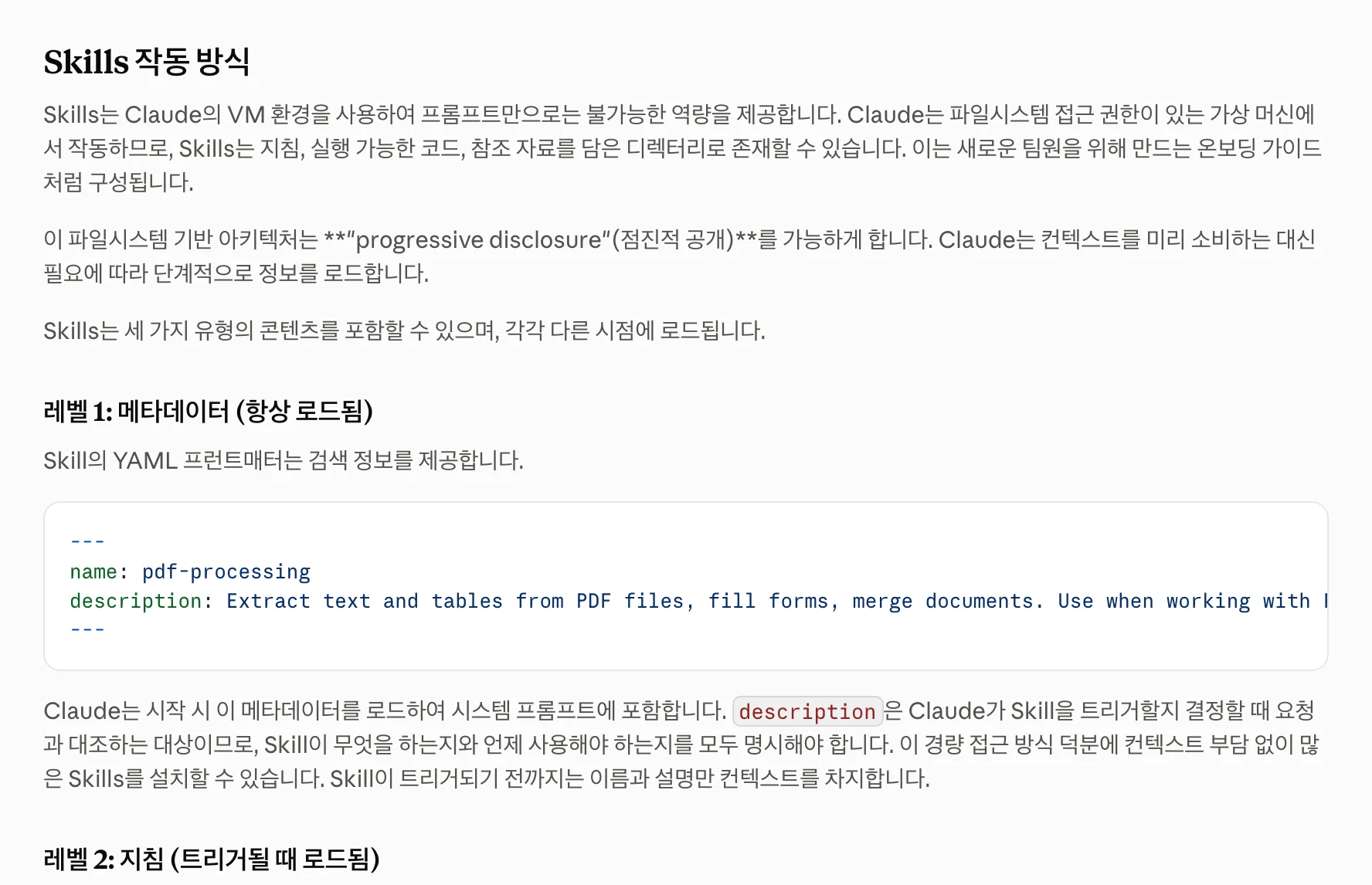
Claude Code checks skill names and descriptions first, then reads the body of a selected skill. It does not read every reference file at once. More installed skills still mean a longer description list, so the number installed is not entirely without cost.
If a skill is not selected automatically, inspect its description. Describe a concrete use case, such as organizing decisions and assigned tasks from meeting notes, instead of just “helps with documents.”
View original Korean screenshot
What work makes a good skill?
If you repeat similar explanations for the same task, consider a skill: weekly report formats, code review sequences or brand wording are examples of reusable criteria.
A one-off request may only need a conversation. If the method is unsettled, try it a few times to discover the criteria. Even creative work can have repeatable research or review steps.
- Frequently repeated tasks
- Shared formats and review criteria
- Procedures used by a team
- One-off requests
- Work whose method is still being explored
- Simple questions with few reusable criteria
Can Codex, Cursor and Gemini use skills too?
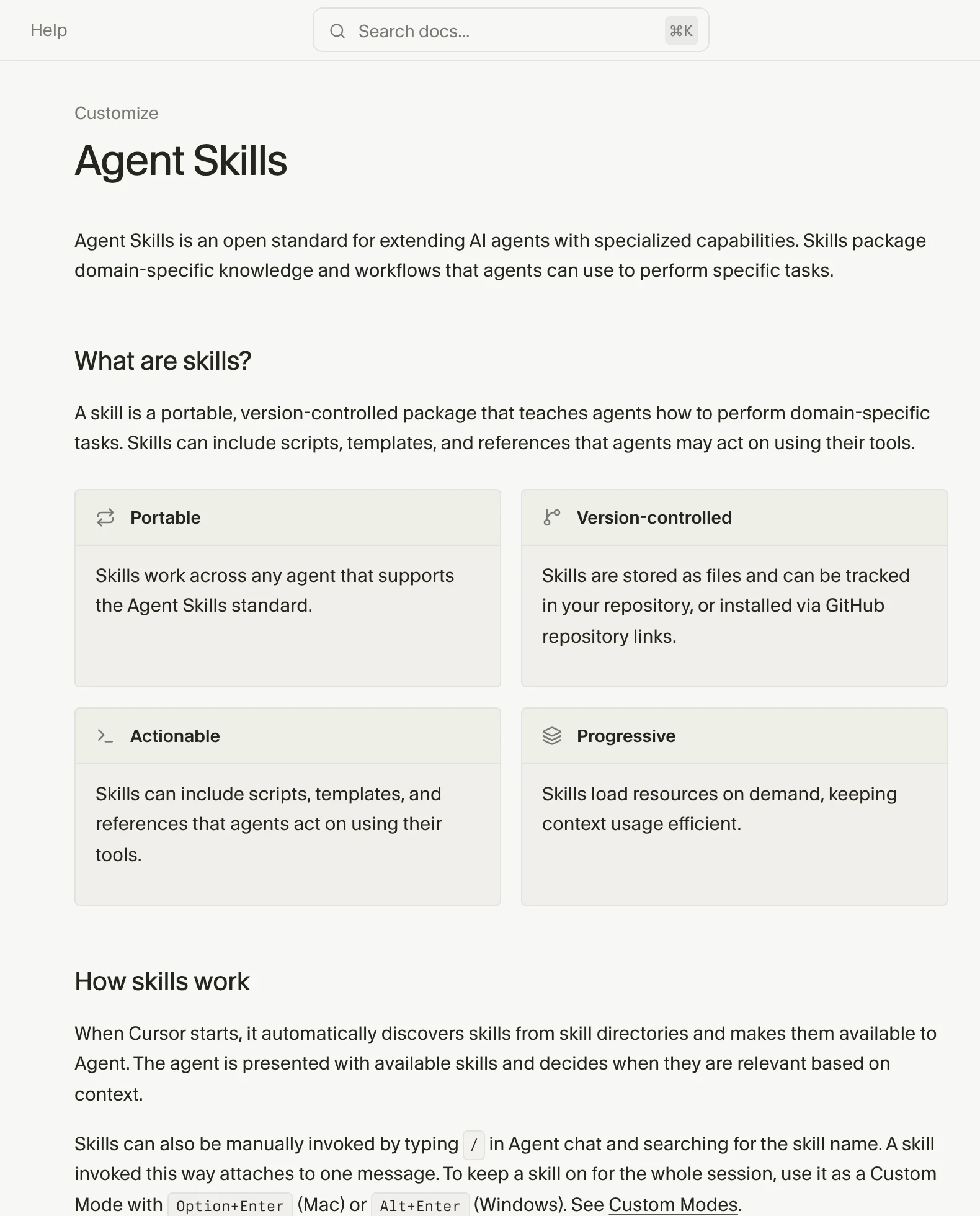
Tools supporting Agent Skills can reuse SKILL.md and references, but installation paths, settings and executables differ; check after moving.
Claude Code uses .claude/skills; Codex uses .agents/skills. Cursor supports .agents/skills and .cursor/skills, and Gemini CLI supports Agent Skills. Check current official paths for your tool.
Document instructions travel easily, but skills depending on particular commands or services may need changes. Run the same input and check output and permissions.
Can I start with a skill someone else made?
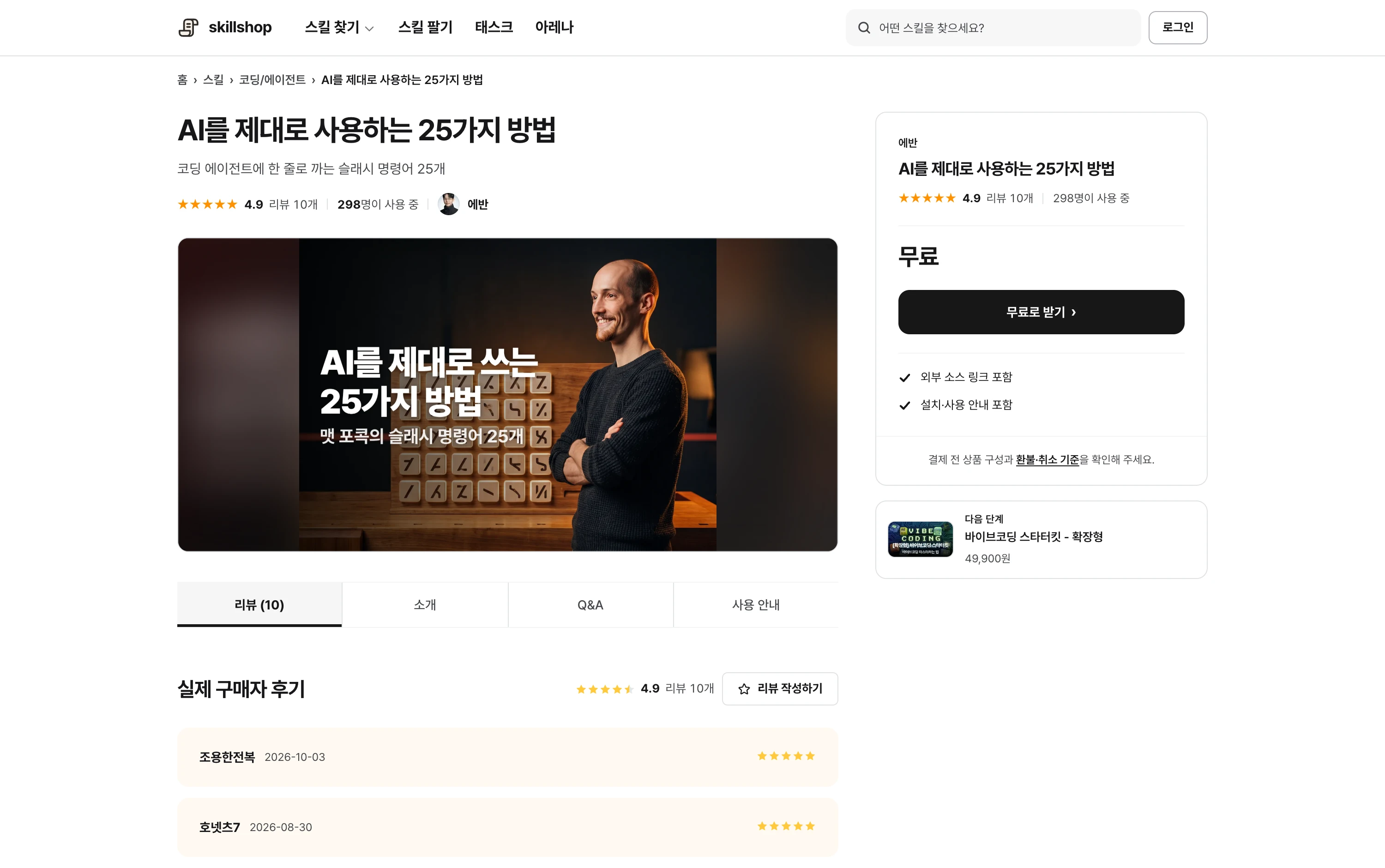
Opening a public skill can show how descriptions and references are organized. Choose one close to your work and read its terms and included files.
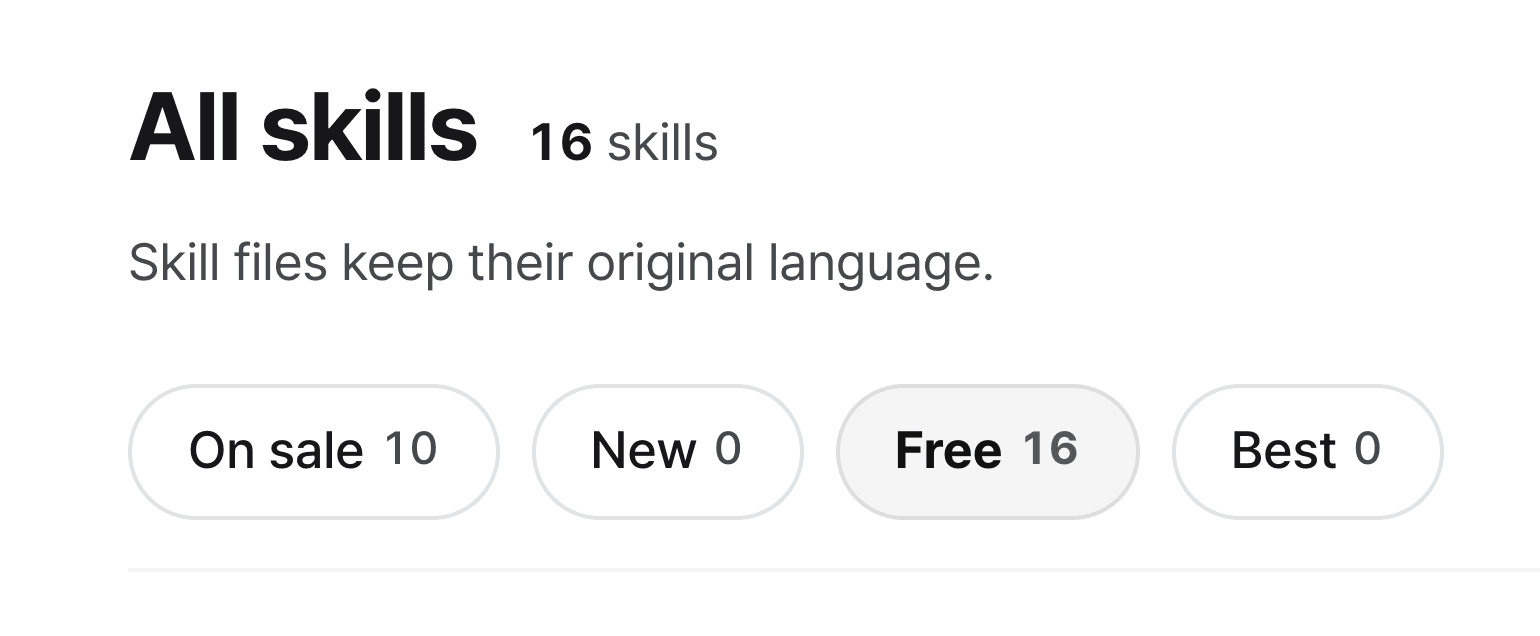
Skillshop also groups skills by field. Check support for your tool and expected inputs and outputs, not just price or popularity.
View original Korean screenshot
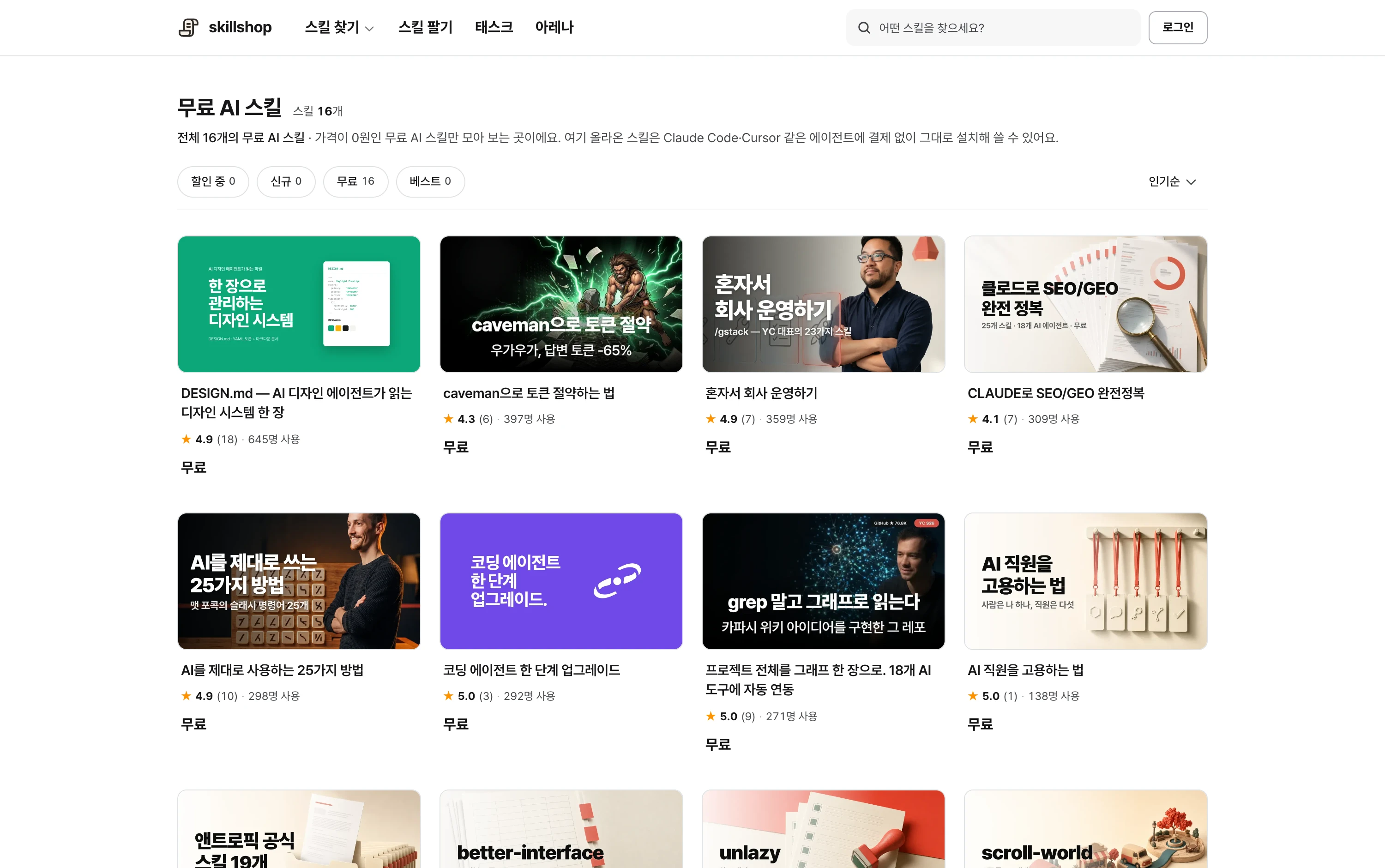
Screenshot of a Skillshop skill detail page.
View original Korean screenshot
Frequently asked questions
What is a Claude skill?
It is a folder of instructions and materials an AI can consult for a task. SKILL.md holds steps and criteria; examples, templates and scripts can be added.
How do Claude skills differ from MCP?
MCP connects external tools and data; a skill holds steps and criteria for work. For example, MCP can retrieve sales data for a report in a skill’s format.
What work should become a skill?
Look for repeated explanations or common output criteria, such as report formats and review steps. Creative work can also include repeatable research or review steps.