Choose an AI skill: five things to check before installation
Translated from Korean. View original. Some screenshots are available in Korean only.
When you find a promising skill, look beyond the rating to its requirements. Check whether it works with your AI tool, which files it includes and how far it takes the task. Knowing about required accounts and follow-up work can help you avoid surprises.
Browse relevant skills and examples on Skillshop.
View original Korean screenshot
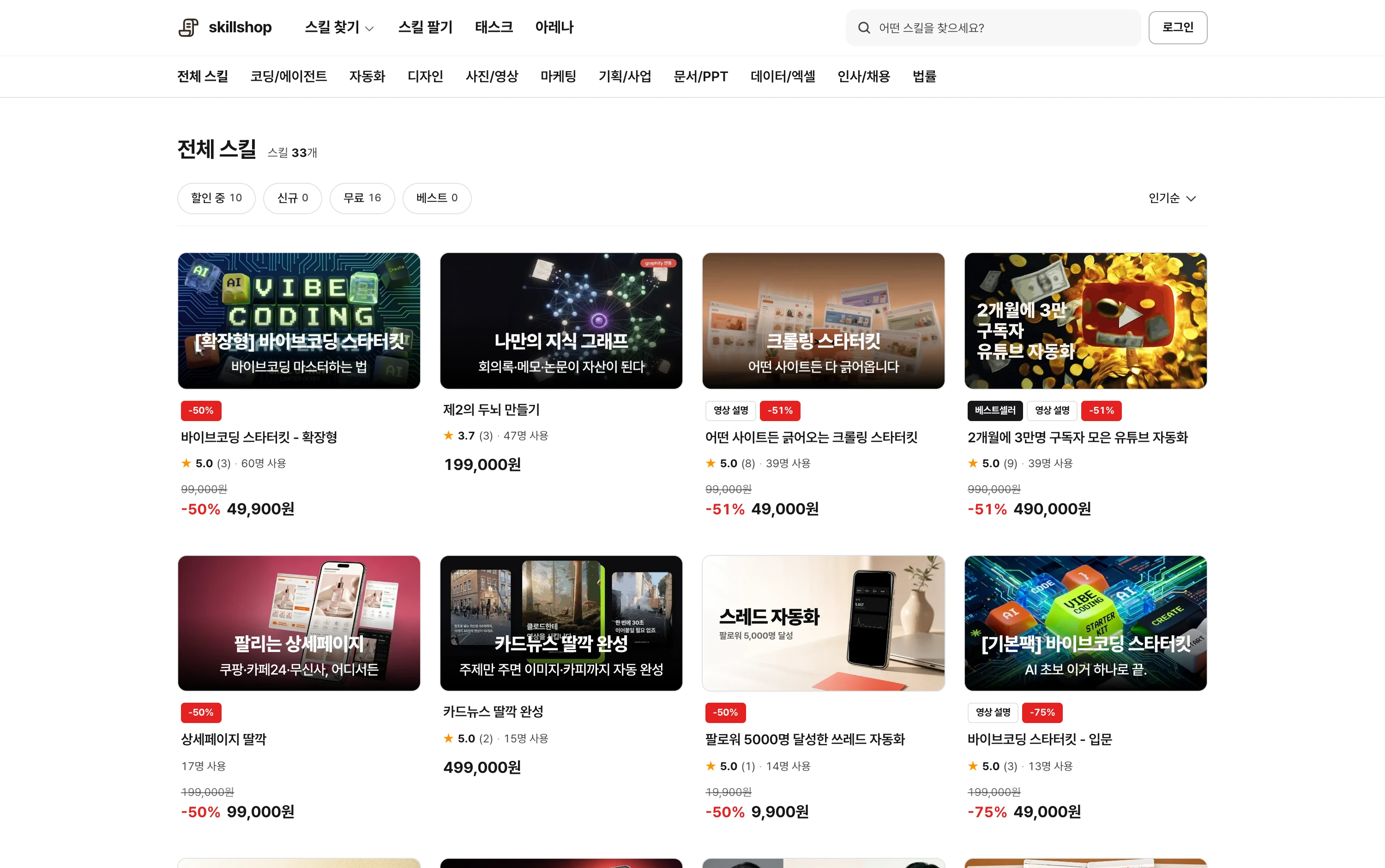
1. Does it work with your tool?
First find the supported tools in the description. Even when a skill uses the same SKILL.md format, it may require additional setup for a particular tool’s commands, an MCP server or an executable.
If you plan to use a Claude Code skill in Codex or Cursor, check whether it has actually been verified with that tool. Check for external service accounts or API keys as well.
2. What files and examples are included?
Check whether it includes reference documents, templates and scripts in addition to SKILL.md. What matters is whether it has the material your task needs, rather than the number of files.
For example, a reporting skill should let you see both the input material and a finished report example. If impressive outputs are shown without the requirements or instructions, investigate further before buying.
- States how many files are included
- Explains the role of each file
- Shows what you can customize
- Shows many outputs alone
- Never says what is included
- Does not explain the files
Browse related skills, creators and usage examples on Skillshop.
View original Korean screenshot
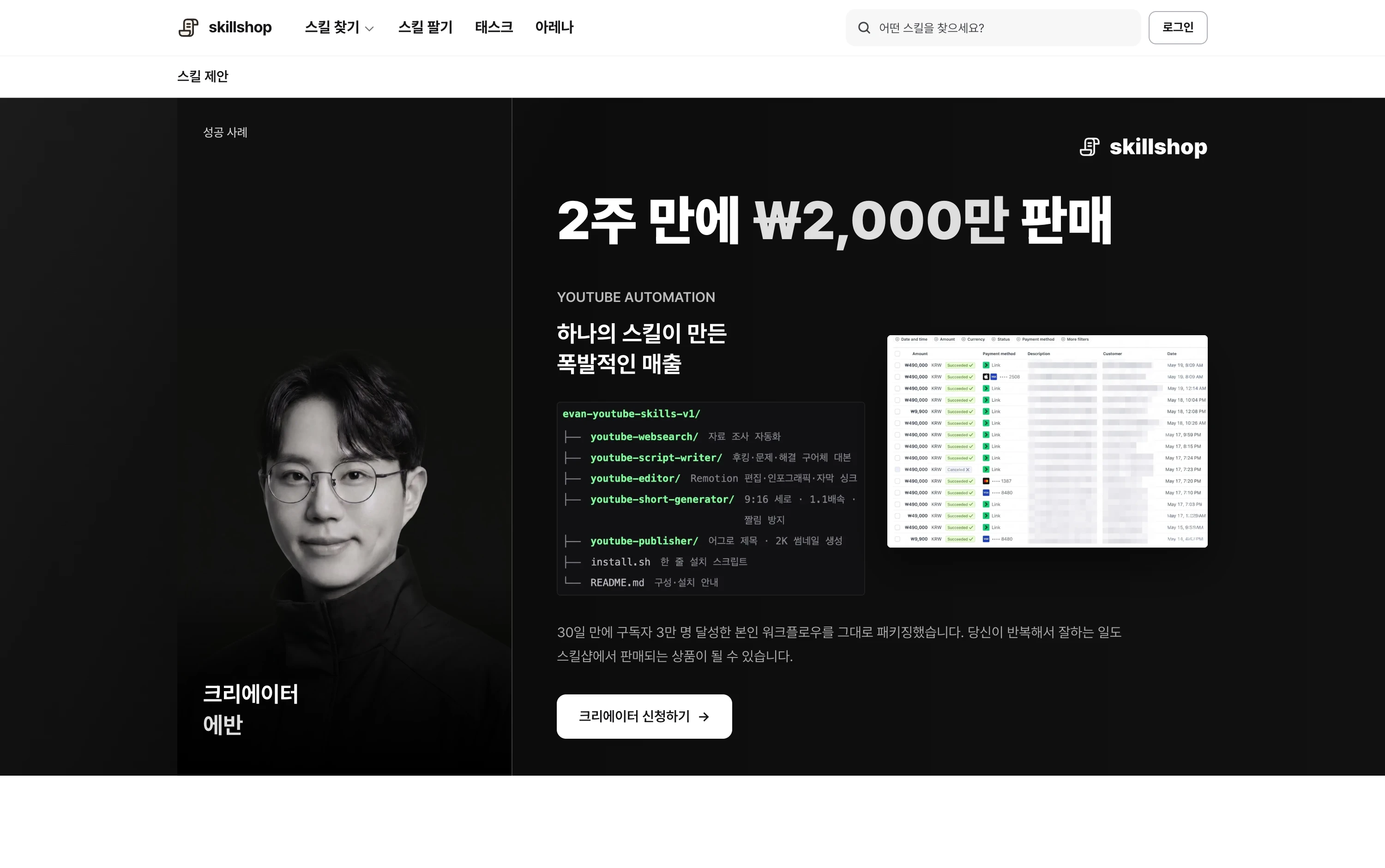
3. How much of the result does it produce?
Drafting, file creation, review and publication are distinct tasks. A name like “blog automation” can make publication sound included, so check what the final step actually is.
For video, check whether it produces a script alone or also supplies subtitles and editing files. List what you must do after receiving the result to decide if the skill fits.
- Gather material
- Write a draft
- Apply formatting
- Prepare a checklist
- Decide what to make
- Check the facts
- Do a final review
- Publish or send it
4. Check recent changes and the creator
Skills that depend on installation paths or external APIs may need updates as tools change. Check what was changed as well as when.
Look at the creator’s background and other work. An older skill may still work in your environment, so do not judge it by date alone.
5. Find reviews similar to your work
Read the context beneath the rating. Reviews are more useful when the input material, manual changes and tools resemble your situation.
Check the reasons for low ratings too. An installation problem and a missing feature may affect you differently. Consider review counts and user counts in context.
Browse related skills, creators and usage examples on Skillshop.
View original Korean screenshot
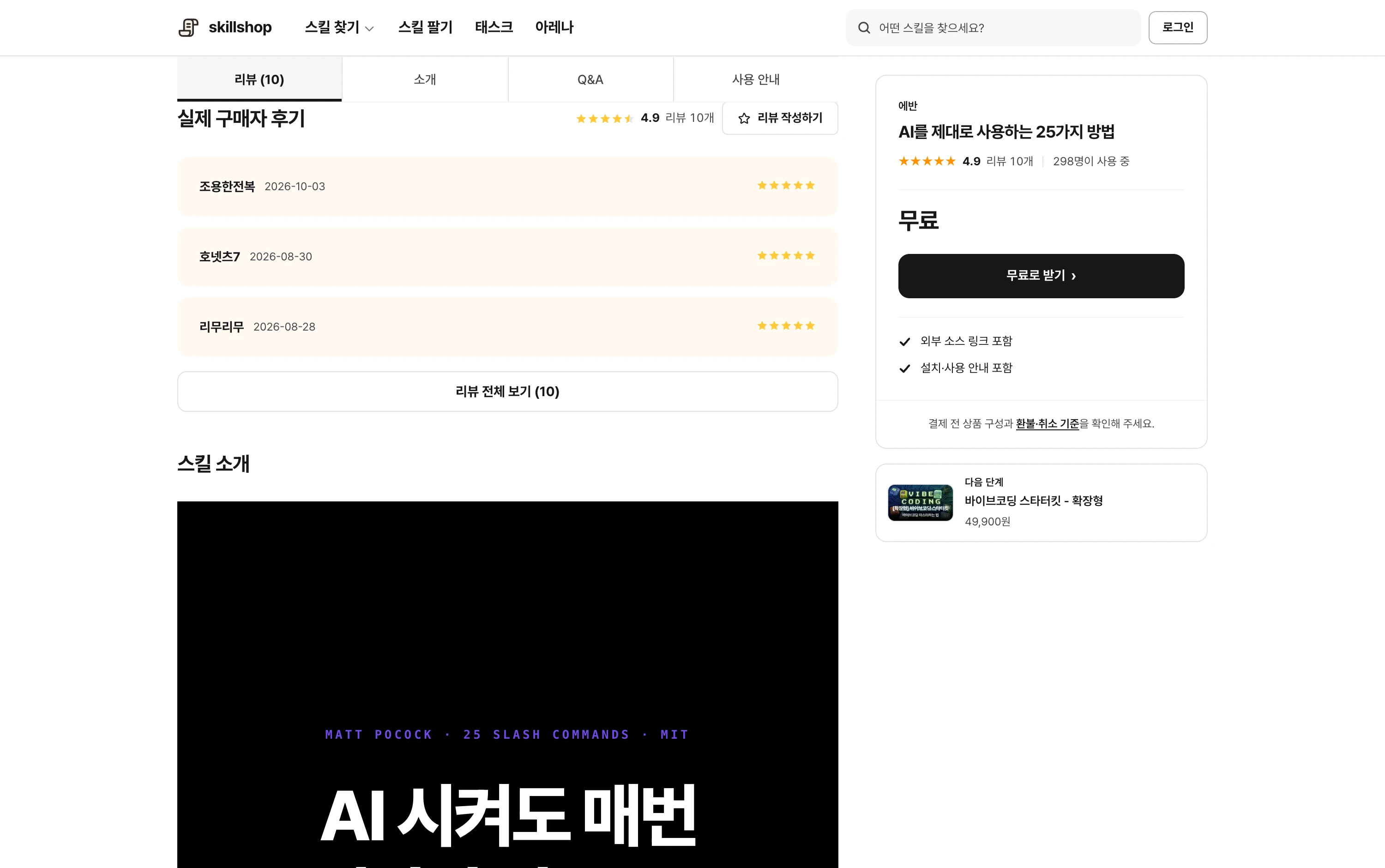
If choosing is difficult, try a small task
Try a free skill or public example from input through checking the result. Even if the skill is free, the AI tool or a connected service may charge for use, so check the requirements.
Using one yourself makes missing features easier to identify. Compare other skills on that basis, or describe the work in the request list if you cannot find what you need.
Browse related skills, creators and usage examples on Skillshop.
View original Korean screenshot
Frequently asked questions
Can I use a skill with an AI tool other than Claude Code?
Several tools support SKILL.md, so you can reuse a workflow. Some skills still depend on particular commands, MCP connections or executables. Check supported tools and prerequisites, then try a small task in your environment.
What should I check if an installed skill does not run?
First check whether the skill appears in the list and was invoked. Then check required programs, external accounts, MCP connections and permissions. A skill that is not read needs different checks from one that fails during execution.
Should I just choose an AI skill with a high rating?
Read what tasks people performed and which tools they used. Inputs, outputs and manual changes in similar cases are helpful. Consider low-rating reasons and the number of reviews too.