Learn AI automation: start with your work, not a tool
Translated from Korean. View original. Some screenshots are available in Korean only.
If you are new to AI automation, choose one small task you do often. File renaming or a weekly report is a good starting point because inputs and results are easy to check. Make a real output with one tool, then learn about the part where you got stuck.

View original Korean screenshot
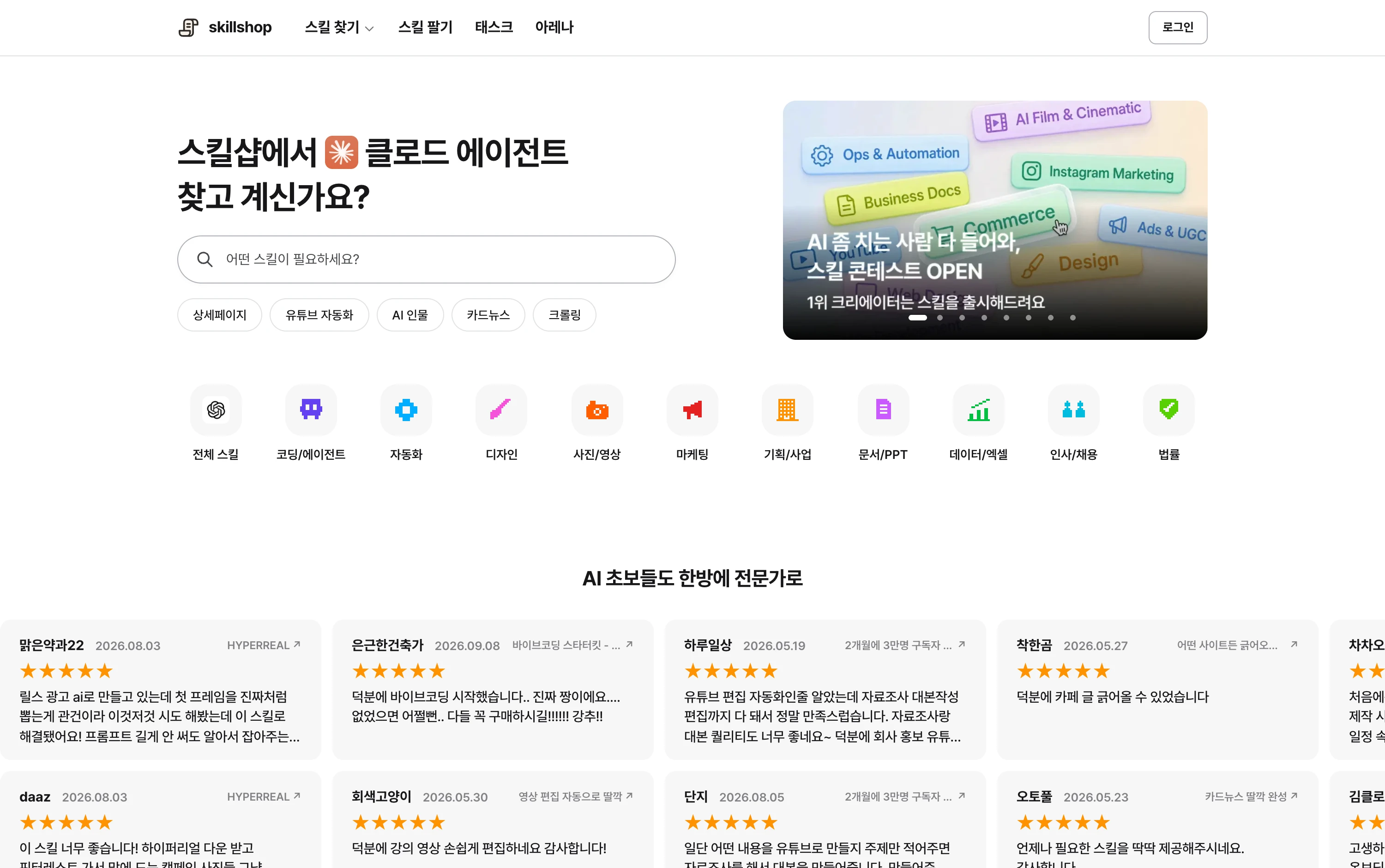
List work you repeated this week
Write down tasks you perform in the same order each time. Use concrete actions such as copying data, organizing columns and preparing a report in a standard format.
Choose one task whose input and result you can compare. Having an input file and a finished example also makes a first request easier to write.
Apply a lesson to your own work
When following a lesson, examine why the steps are ordered as they are, not only where buttons are. Note what differs in your own files or work so you can adapt the method.
After trying once, find a lesson or official documentation about the part where you got stuck. Knowing whether the problem is file upload or output format makes the right explanation easier to choose.
- Someone else’s conditions may not fit your work
- Check current instructions if the interface changes
- It is easy to forget without a use case
- You know precisely where you got stuck
- You can ask a concrete question about your work
- You can choose the explanation you need
Check the first output all the way through
Start small: one file or a short document. Save and open the result to see if it is actually usable.
Try one tool on the task before comparing several. If the result is wrong, identify whether the input, request or output differs and fix one part at a time.
Add tools when a capability is missing
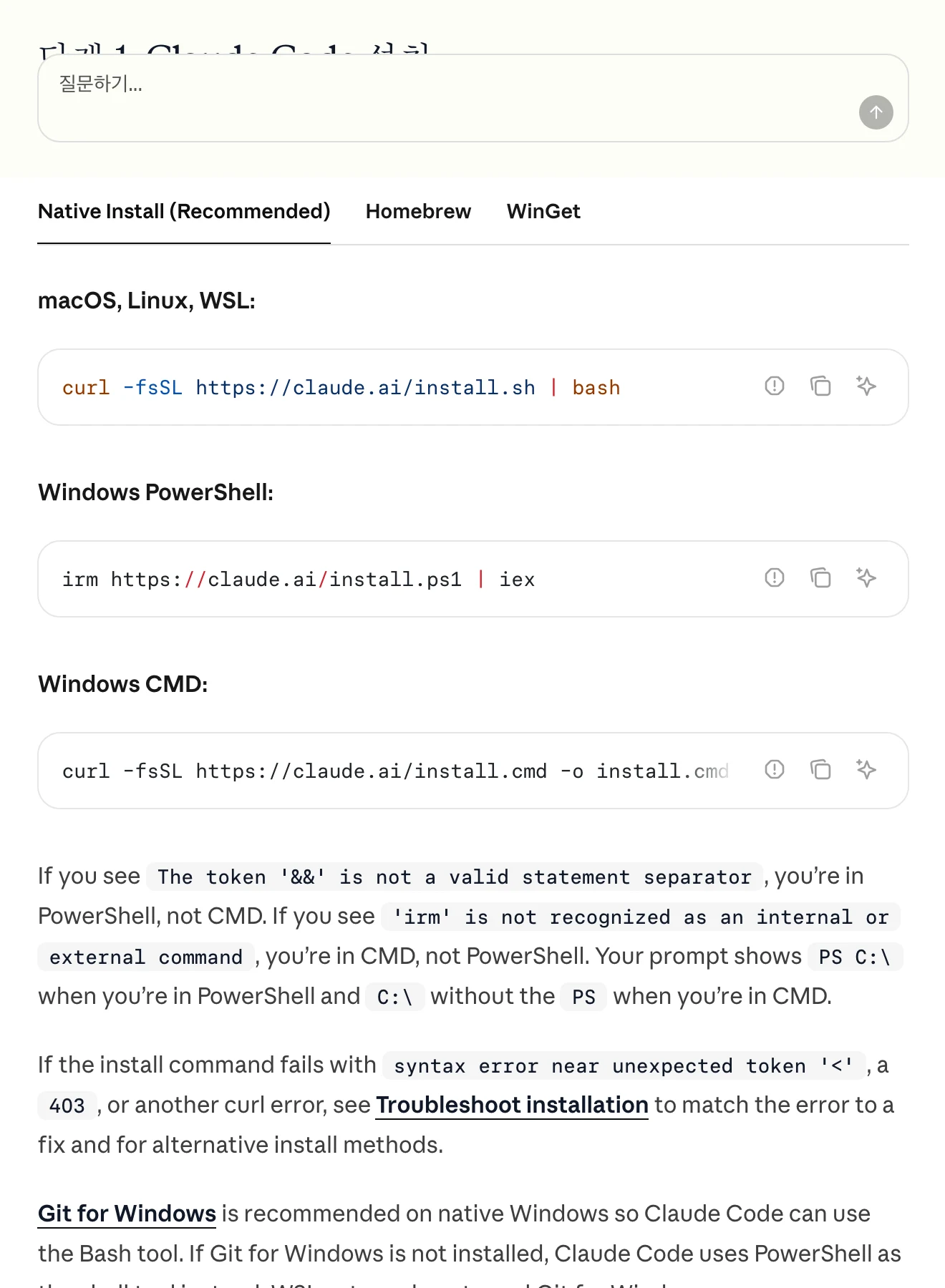
Start with an AI tool that can read files and save results. If you prefer not to install anything, first check the file capabilities of a tool you already use.
If you need data from an external service, investigate a connection; if you need the same procedure each time, investigate a skill. Identifying the missing capability first makes the setup easier to manage.
| Tool or setting | When to use it | Purpose |
|---|---|---|
| Agent | For a first task | Check whether it can read files and save results. |
| Connection | When external service data is needed | Prepare an authorized way to retrieve data. |
| Procedure or skill | When repeating the same task | Record inputs, steps, output format and validation. |
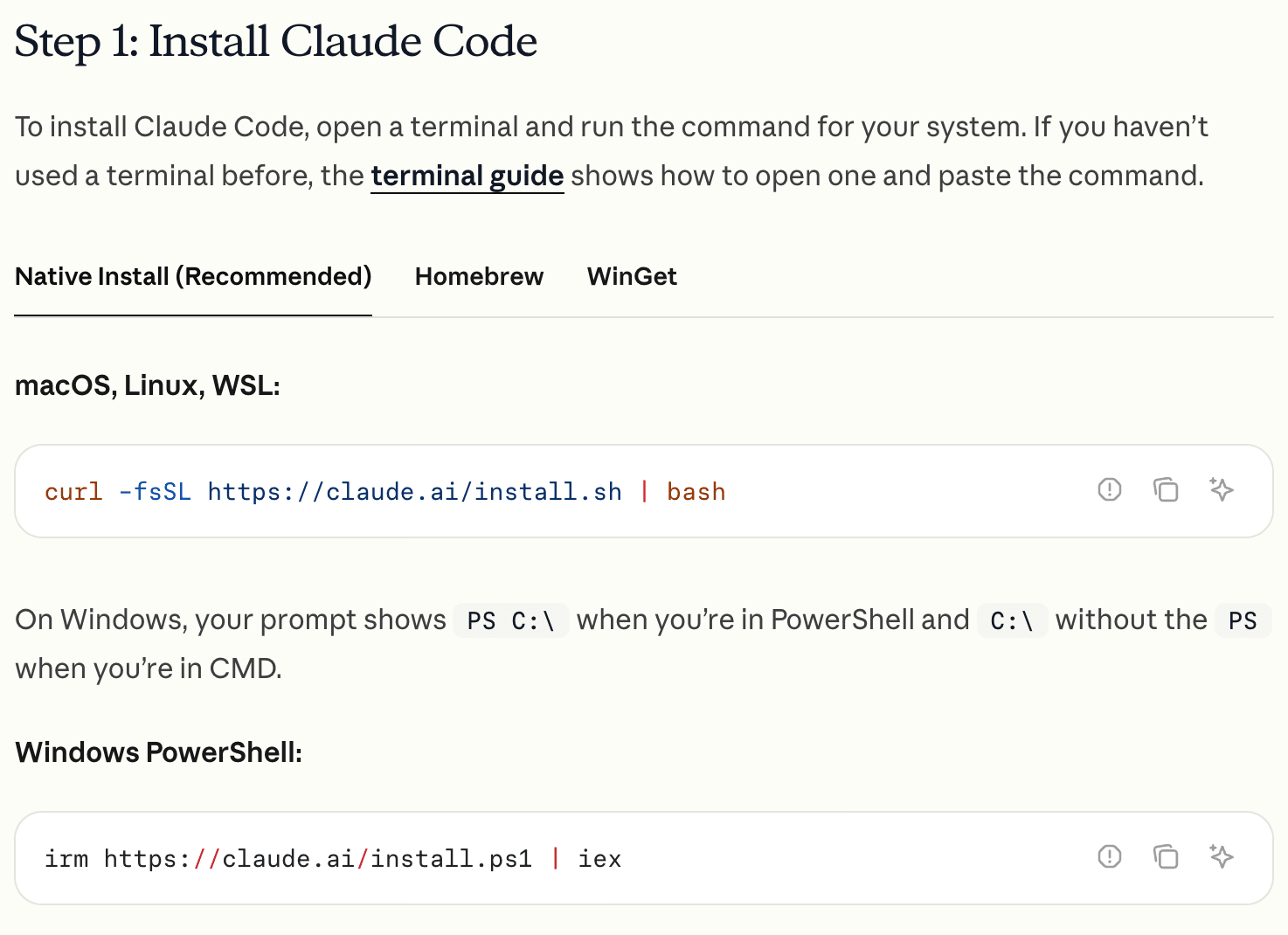
View original Korean screenshot
Check how much time you actually save
Record work and review time before and after automation. If a draft is fast but corrections take longer, revise the request or procedure.
Automation does not guarantee revenue. Consider how you will use saved time, tool charges and management time when deciding whether to continue.
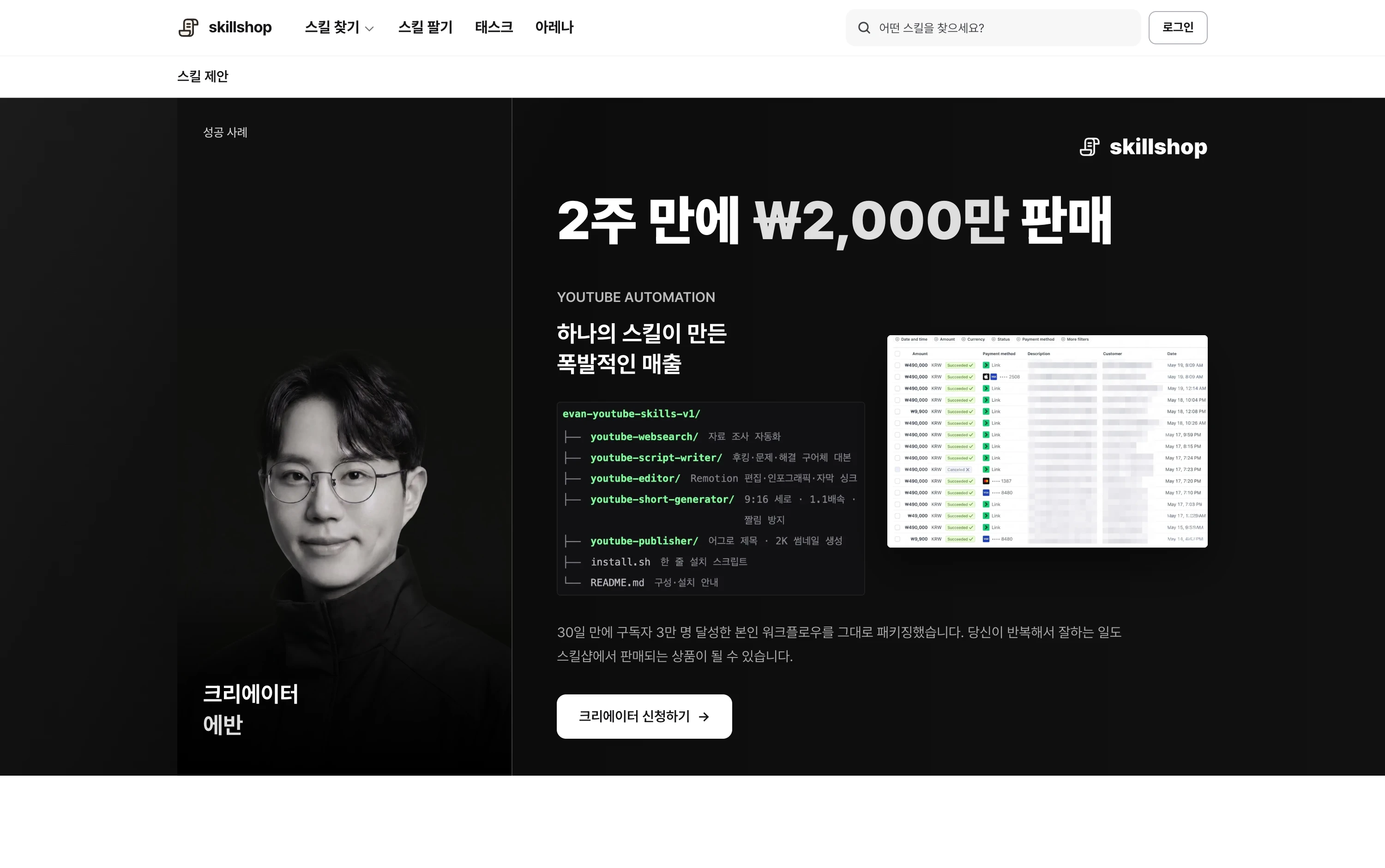
Browse related skills, creators and examples on Skillshop.
View original Korean screenshot
Record procedures your team can reuse
Turn a successful request’s inputs, steps, output format and review items into a document or skill. Put it somewhere the team can find and include examples.
Have another team member run it on the same inputs to find missing explanations. Record why results changed and what rules were updated for future reference.
- Results may differ between people
- A new owner may need the explanation again
- Each new arrival needs another explanation
- New teammates can follow the file
- They can consult it when stuck
- An update can inform future work
Choose a similar task next
Once the first task works reliably, choose a second with similar inputs or output format. You can reuse the method you learned.
You can also inspect procedures in public skills. Before reusing one, check required tools and permissions and test with an example relevant to your work.
Choose another skill from the catalog for your next trial.
View original Korean screenshot

Frequently asked questions
Should I take a course before trying AI automation?
A course can help, but applying a method to your own work gives you more specific questions. Try a small file, then find official documentation or a lesson for the step where you got stuck. Learn why the steps are ordered that way.
How do I start?
Pick one repeated task whose input and result you can compare. Use a small file or document, save the result and use it. If it is wrong, identify the difference in the input, request or output.
Can AI automation make money?
Automation does not guarantee revenue. Consider work and review time, tool charges and management time. Check how you use saved time and actual business results before deciding to continue.