What is an AI agent? How it differs from a chatbot and what it does
Translated from Korean. View original. Some screenshots are available in Korean only.
An AI agent uses tools and takes multiple steps to solve a request. Depending on its settings and permissions, it may read or edit files or run programs. Start with an easy-to-check task such as organizing a document, and specify what it may change.
View original Korean screenshot
How is an AI agent different from a chatbot?
A typical chatbot focuses on answering questions and drafting text. An agent can use tools to edit files, check execution results and continue working. Some products provide both capabilities.
What matters more than the name is what the product is actually allowed to do. Check whether it can only read files or can also edit them or publish to external services. A mistake can change state beyond the answer itself.
| Use | Main activity | Changes to actual files | If something goes wrong |
|---|---|---|---|
| Conversation-focused use | Suggest answers and drafts | The user often applies them | An incorrect answer can affect later work |
| Agent capabilities | Use tools to read or modify files or run programs | Tools can apply changes within their permissions | File or external-service state can change |
- Answer questions
- Suggest wording and drafts
- Review results in the conversation
- Use tools to inspect material
- Edit files and run programs
- Continue based on execution results
View original Korean screenshot
What can a coding agent do?
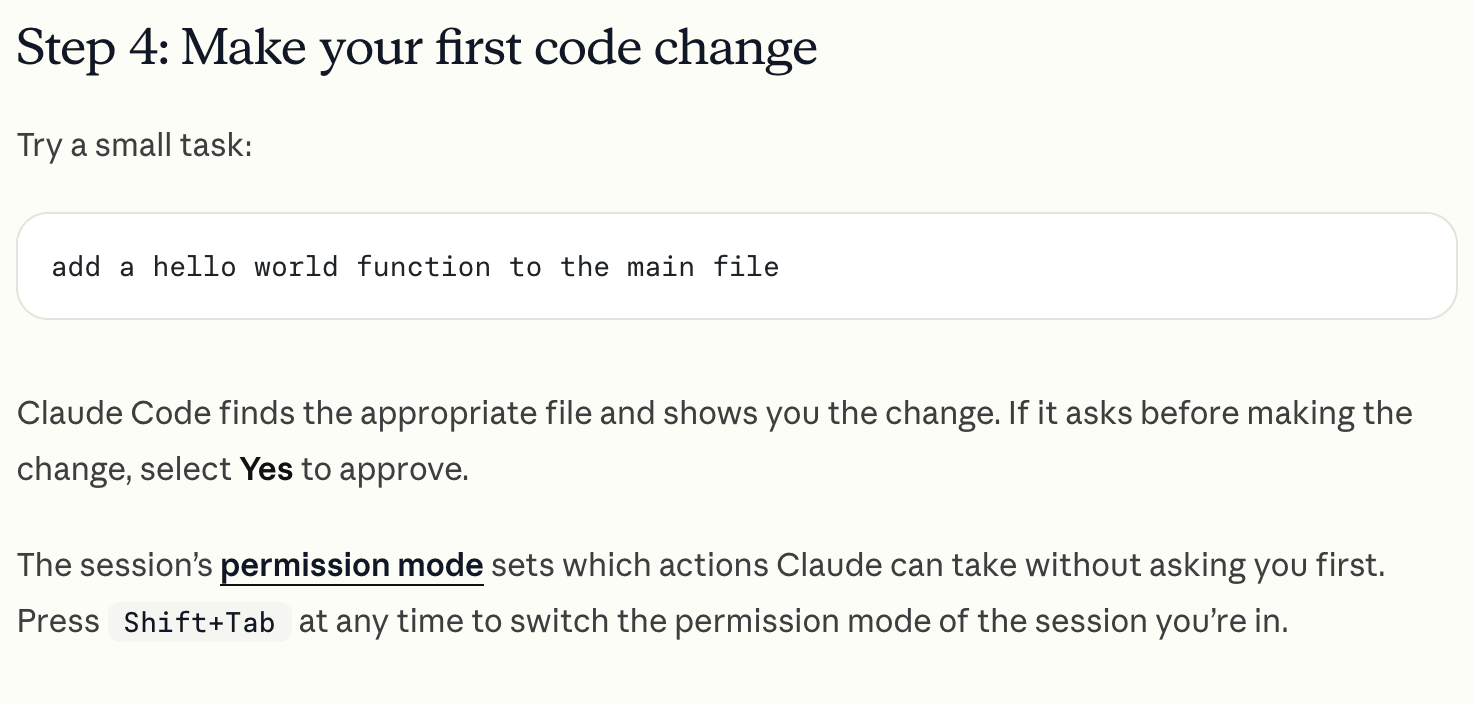
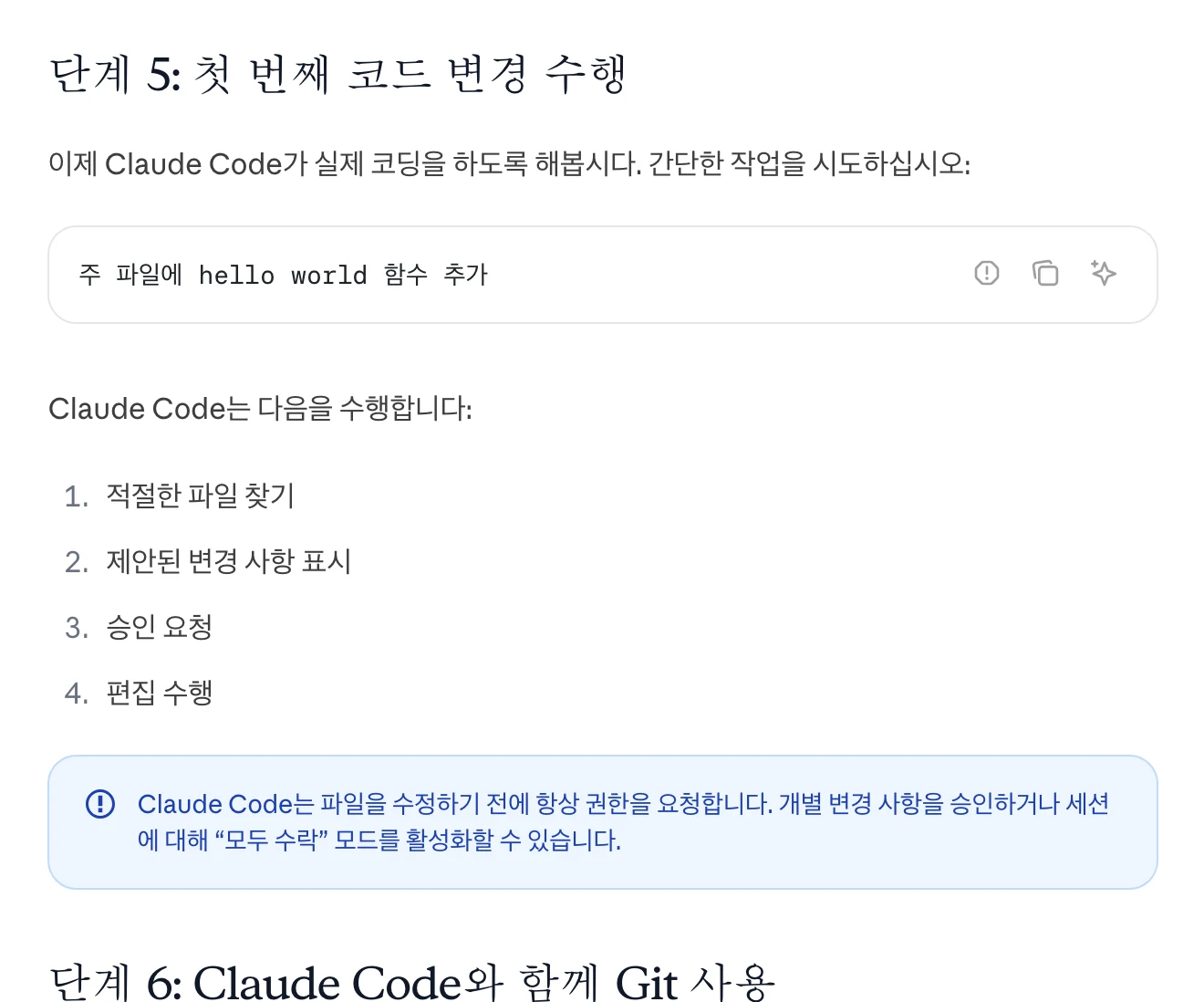
Alongside writing code and fixing errors, it can help with computer tasks such as organizing documents, converting data and renaming files. Video or image work requires suitable processing tools.
Examples include Claude Code, Codex, Cursor and Gemini CLI. A CLI is an interface for exchanging written commands in a terminal. Screens and execution environments vary by tool.
You can make requests in natural language, but still need to check the results. If you are unfamiliar with code, keep the original and test small tasks first.
How do skills help?
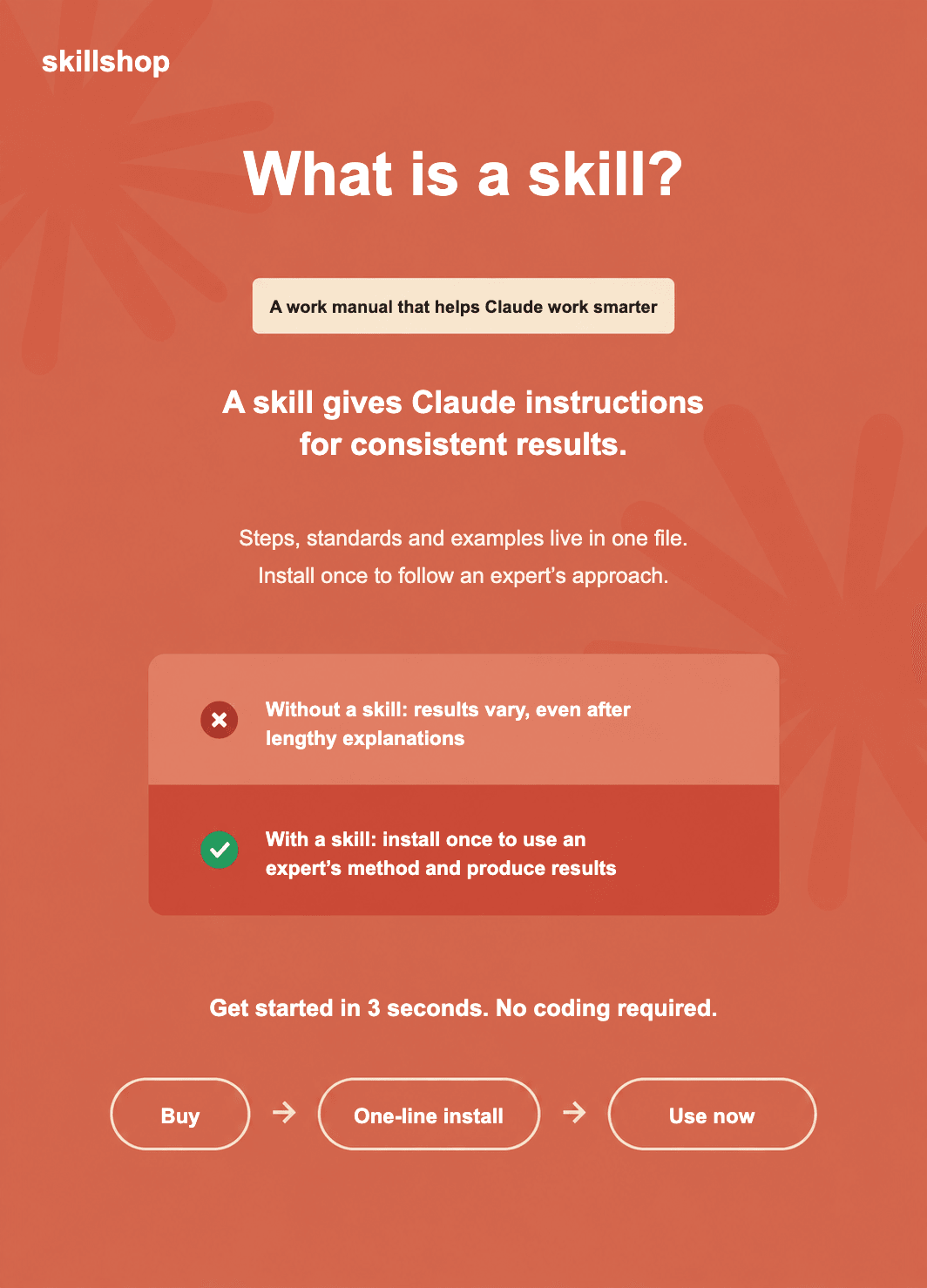
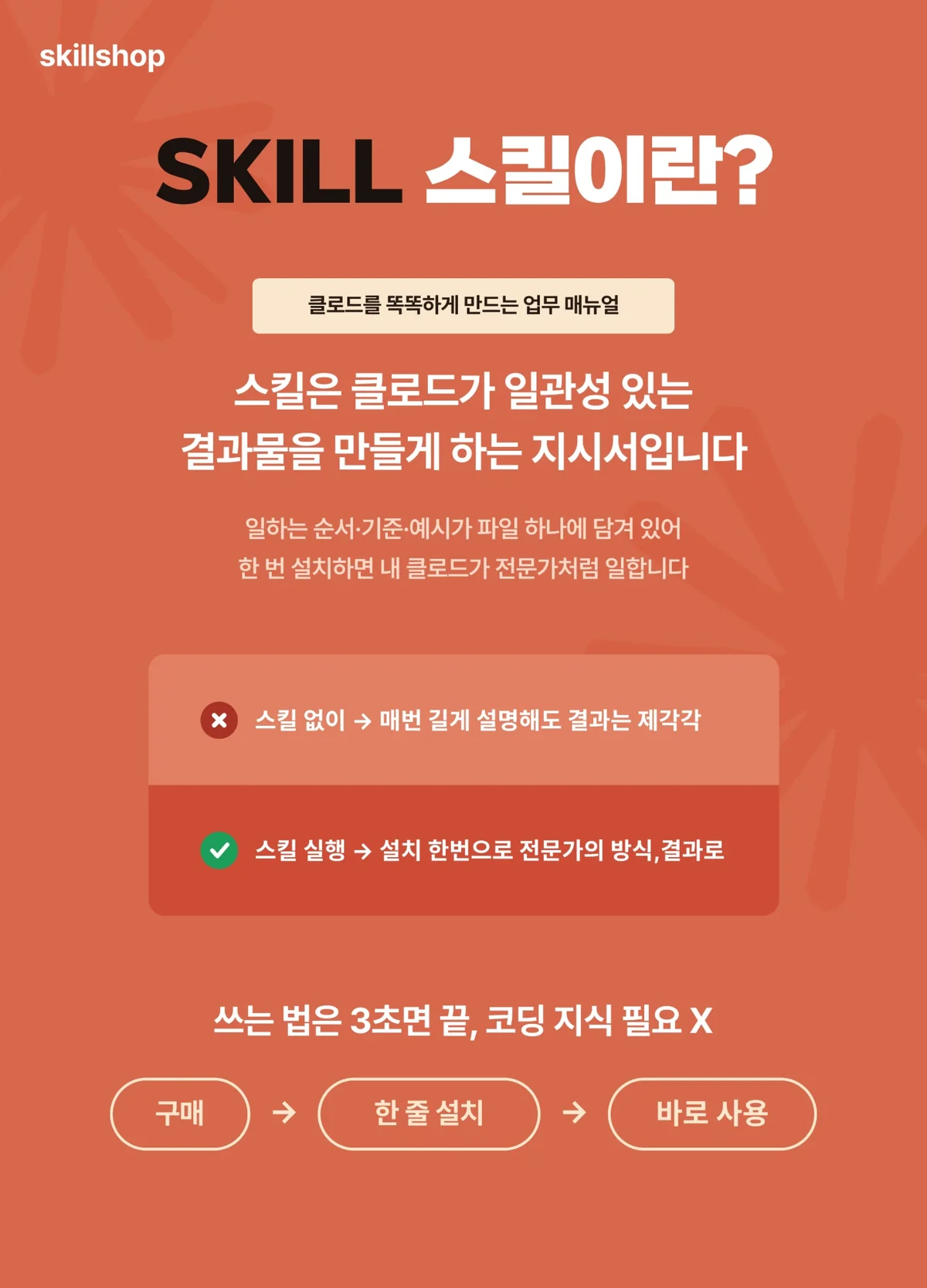
An agent does not automatically know your company’s report format or review criteria. Recording frequently used standards in a skill reduces repeated explanations.
For example, you can specify that meeting notes distinguish decisions, owners and deadlines. A skill is guidance that helps consistency; check the result to see whether the guidance was followed.
View original Korean screenshot
Set the scope and review steps
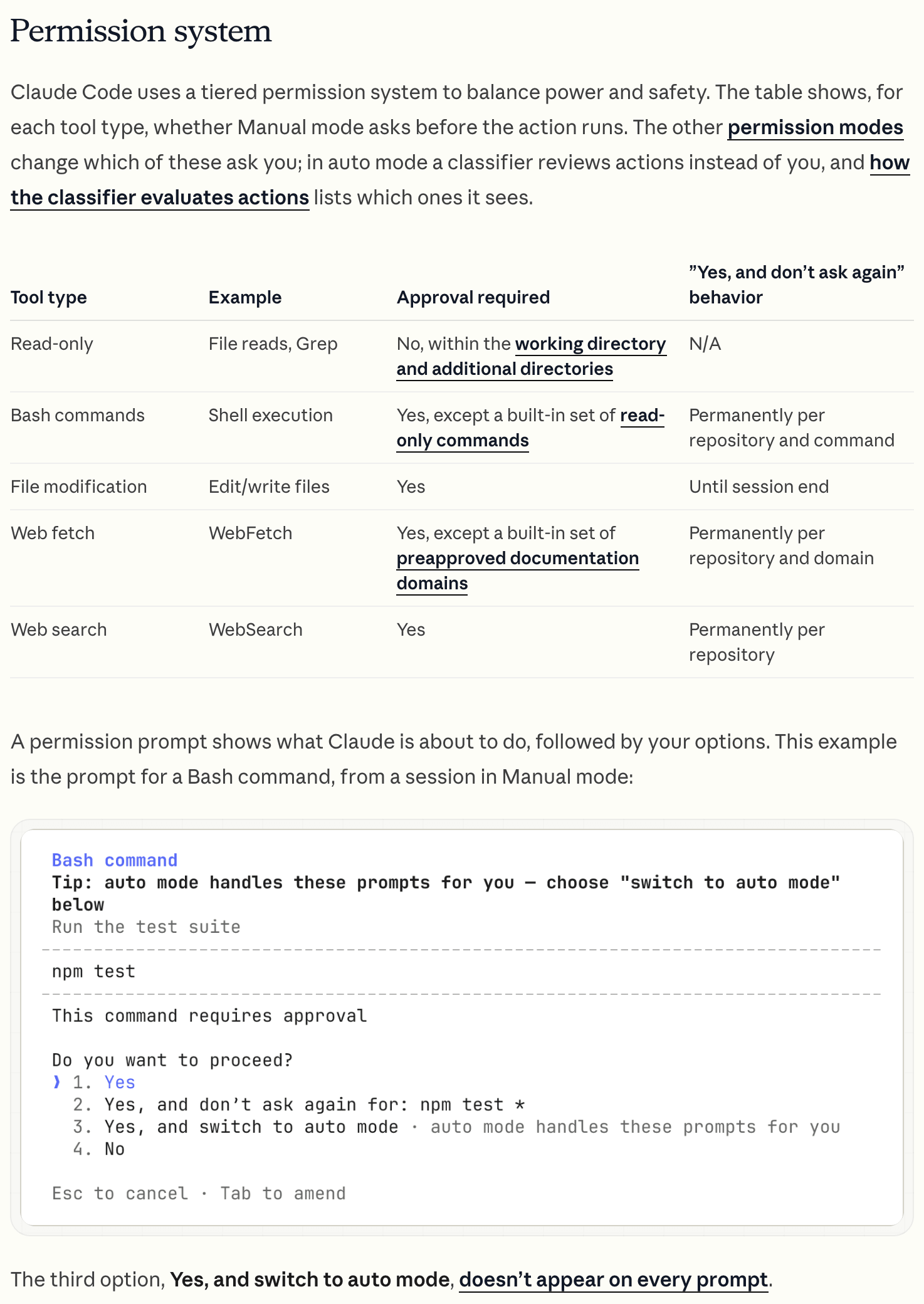
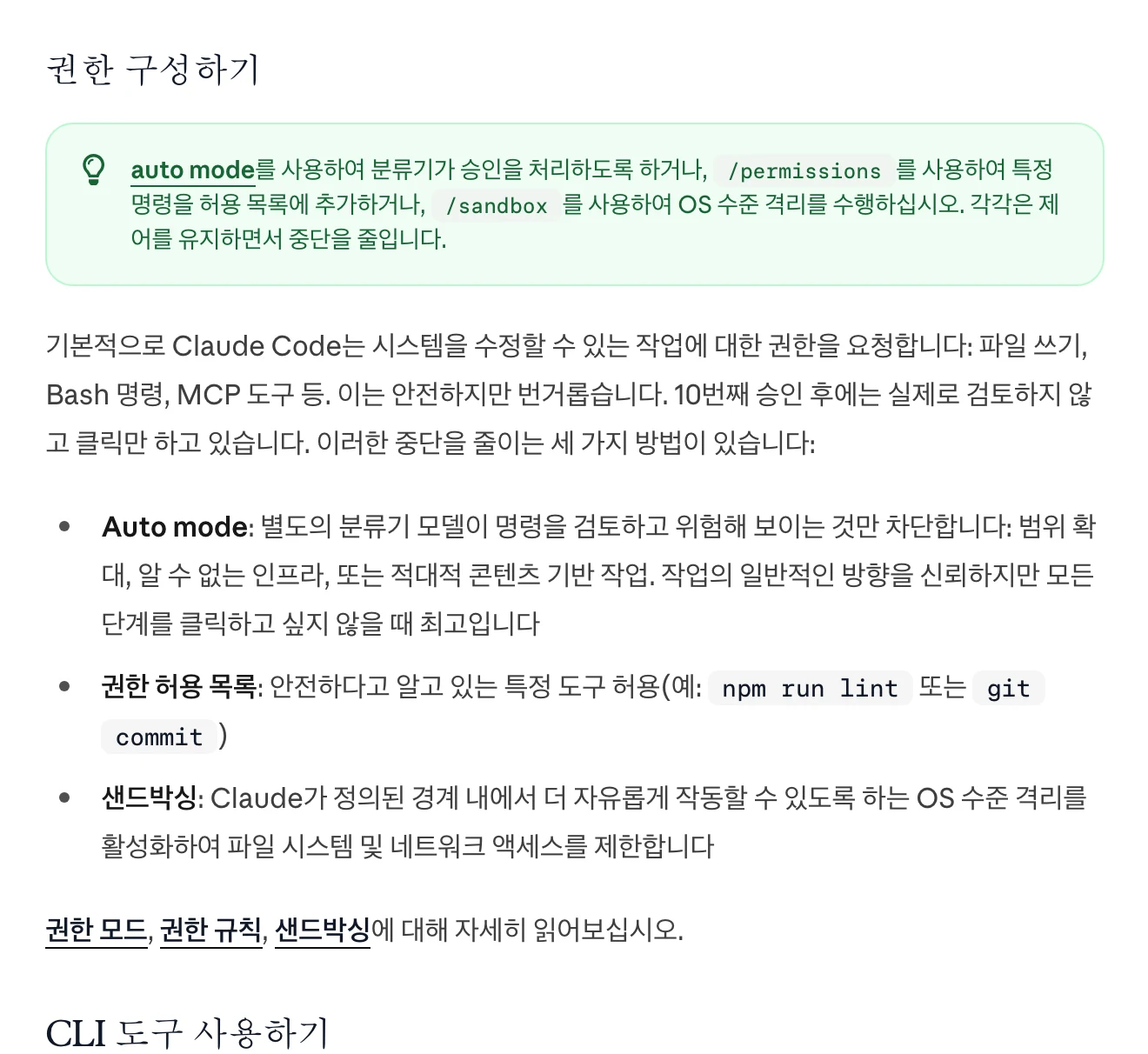
Start with reversible work, such as organizing copies or drafting a document. Distinguish files that may be edited from originals that must be preserved.
Set a review before high-impact actions such as sending email, publishing, making payments or deleting important material. Configure both instruction files and actual tool permissions to manage the scope.
View original Korean screenshot
What is a good first task?
Complete one small task with one tool. For example, give it short meeting notes, ask it to organize action items, then compare with the source for missing owners or deadlines.
When you have criteria you repeat, try moving them into a skill. Apply skills one at a time rather than installing many at the outset, so it is easier to see what changed.
View original Korean screenshot
Where can you find skills?
You can write them yourself or find them in official public repositories and skill marketplaces. Start with a small-scope skill and inspect its structure and examples.
Skills published by Anthropic can also help you learn the format. Wherever you obtain one, check its files and execution requirements before use.
Find a category close to the work you want to delegate in the Skillshop catalog.
View original Korean screenshot

Frequently asked questions
Can I use an AI agent without knowing how to code?
You can begin with natural-language requests for document or file work. You still need to check results, and tasks such as video processing may require separate tools. Keep originals and test small tasks if you do not know code well.
What changes when I add a skill to an AI agent?
You can manage repeatedly explained material, such as a report format or review criteria, in a file. It becomes easier to reuse common instructions, but identical results are not guaranteed. Continue to check the output.
How much can I delegate to an AI agent?
Start with reversible work such as organizing copies or drafting. Distinguish editable files from originals and establish review before sending, publishing, paying or deleting important material. Set both instructions and tool permissions.