How to use an MCP server: what to connect first
Translated from Korean. View original. Some screenshots are available in Korean only.
Connecting an MCP server can let AI query external services or run tools. For example, you can connect an analytics report you repeatedly open so it can be queried in conversation. Start with one needed service, check the provider and permissions, and test a small query.
Explore related skills and examples on Skillshop.
View original Korean screenshot

What does an MCP server do?
MCP is a communication protocol through which AI apps use external tools and information. An MCP server provides query or execution functions; the AI app calls those functions and receives results.
Servers may run on your computer or be offered remotely. Authentication and supported functions can differ even under the same protocol, so check instructions for both the AI app and the server.
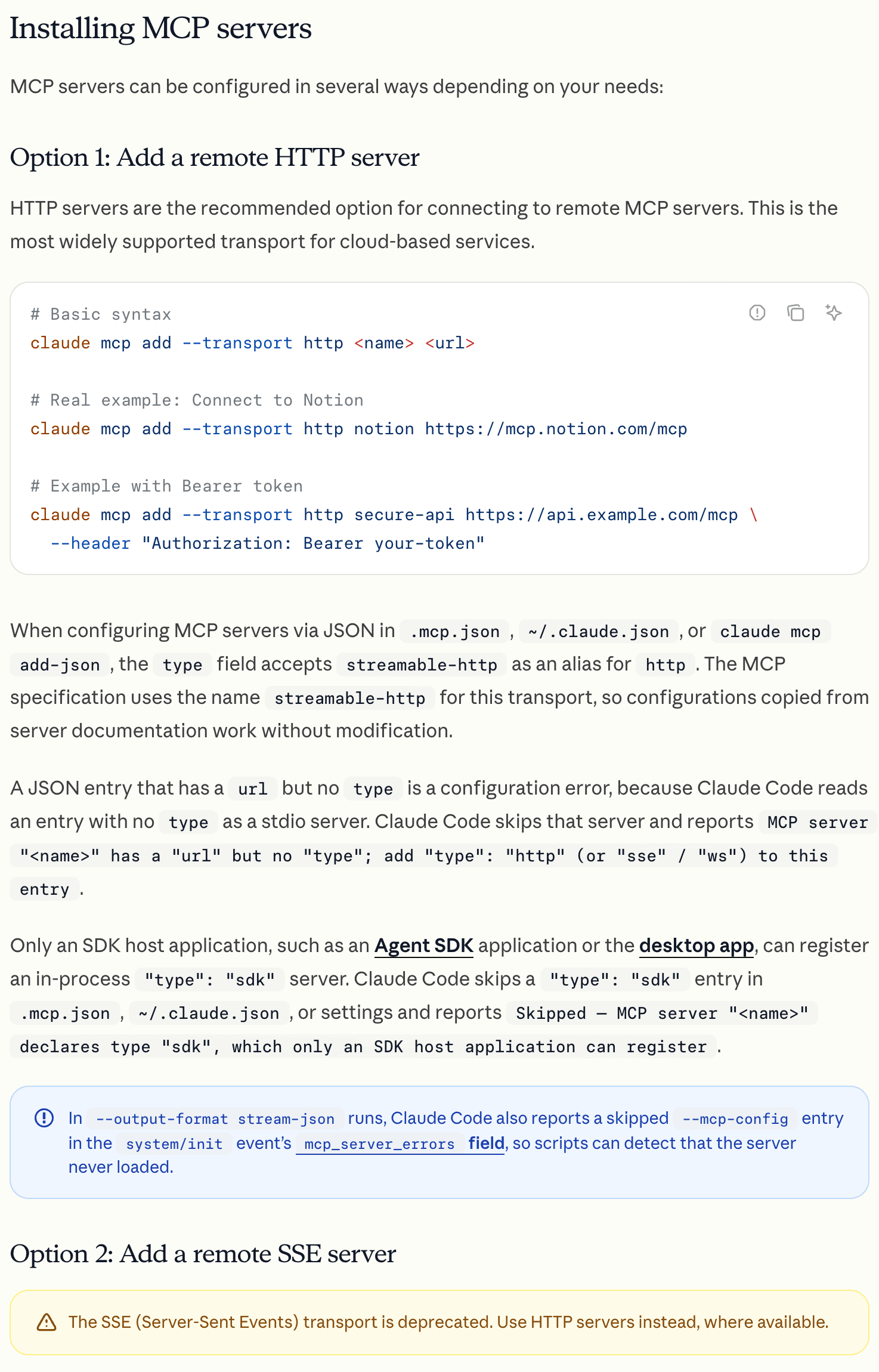
Connect one service you query often
Think of a resource or report you repeatedly open at work. First check whether its service offers an official MCP server to narrow the candidates.
Start with the read capability you need. After connecting, verify the account and target data, then compare a small query with the service’s own interface.
Connect necessary reads first and review edit/delete permissions for the task.
View original Korean screenshot
Review the provider and permissions before installing
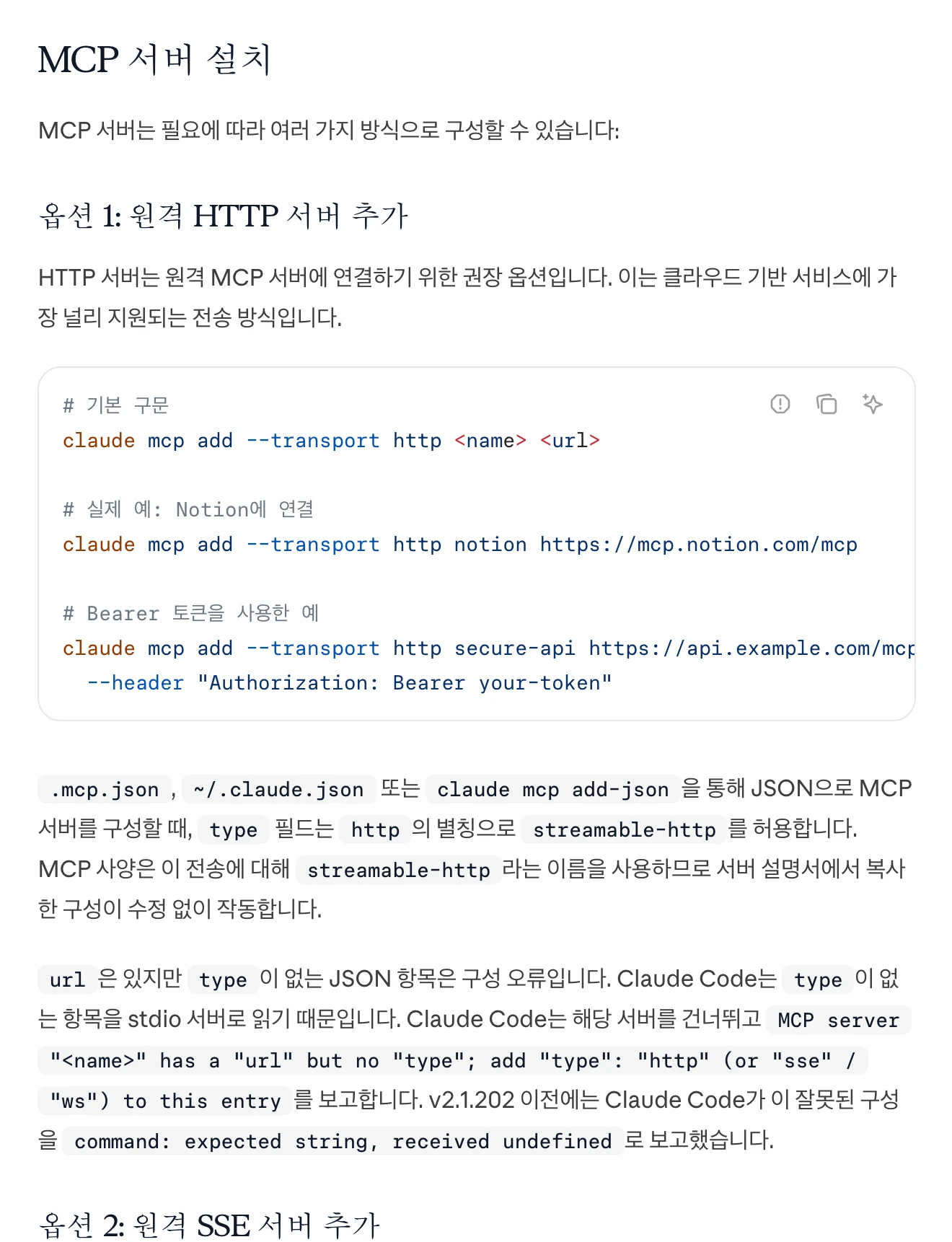
Check who distributes and maintains the server and what account permissions it requests. If you only need to read, examine why edit or delete permission would be required.
For company data, check what information is sent to the AI app and server. For servers that supply executable code, read the installation instructions to understand what runs on your computer.
Many connections can complicate tool selection
Each MCP server has tool names and descriptions. AI apps load these differently, but many similar tools may confuse selection or affect responses.
Disable servers not needed for the current work in the way your app supports. If it supports per-project settings, manage connections separately by task.
- Disable connections not currently needed; saved settings remain.
- Avoid connecting several tools that do the same thing.
- Use different combinations for each project folder.
When building your own, define the necessary function first
Consider building a server if none supports your internal system or existing servers have unsuitable capabilities or permissions. Define what to query, authentication and allowed actions first.
For a widely used service, check for a maintained official server too. If building one, start with a small query and verify error responses, access control and actual results before expanding.
- A company-specific interface or internal tool
- An existing server is too broad for your needs
- Expose only a few required queries
- Widely used services may already have one
- Check provider maintenance and security updates
Use MCP to read data and a skill to define the procedure
MCP provides access to external tools and information. A skill can state what to query, in what order and how to write the report.
If data cannot be read, check the connection and authentication. If it can be read but the format is wrong, check the skill’s instructions and examples. Investigating the failing stage narrows the cause.
| Item | Role | What to check first |
|---|---|---|
| MCP | Provides access to external tools and information. | If data cannot be read, check connection and authentication. |
| Skill | Communicates procedures such as query order and output format. | If data is readable but the format differs, check instructions and examples. |
Frequently asked questions
Which MCP server should I connect first?
Choose one service containing material or reports you query repeatedly. Verify the official server’s provider and permissions and connect the required read capability first. Check the account, target data and first result against the original interface before expanding.
Will connecting many MCP servers slow things down?
Each server supplies tools and descriptions, so many connections can affect tool selection or responses. AI apps load descriptions differently. Disable servers not needed for the current task using the method your app supports.
When should I build an MCP server?
Consider it when no server supports an internal system or existing capabilities and permissions do not fit. First check for a maintained official server. If building one, define needed queries, authentication and access, then verify a small function and its error handling before expanding.