SEO internal linking: connect guides and related articles
Translated from Korean. View original
If a reader of an installation guide may next need an analysis guide, connect the two. Internal links help people continue to useful explanations on the same site. Add them in the article as well as the guide index, where readers may want more detail, and make the destination clear from the link text.
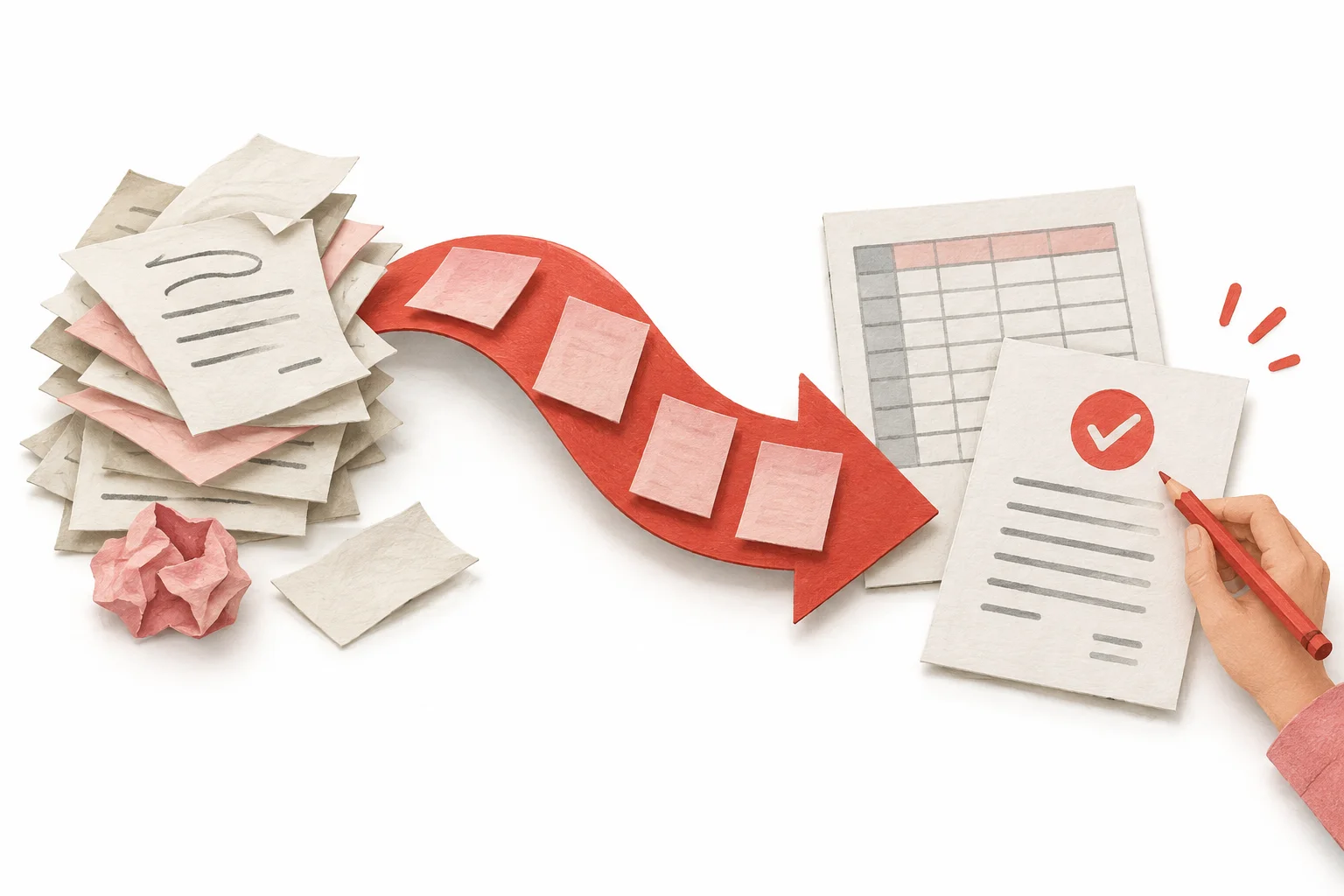
What roles do hubs and detailed guides play?
Group articles in the guide index by purpose, such as installation, troubleshooting and analysis. In a detailed guide, answer its question sufficiently and link to any further explanation needed.
For example, GA4 analysis might follow an Analytics MCP installation guide. A reader checking queries during GA4 analysis could go to a Search Console guide. Linking by work sequence gives a clearer reason to continue than a recommendation added only because it is recent.
| Page | Role | Approach |
|---|---|---|
| Guide hub | Help readers find the right article | Group by purpose, such as installation, troubleshooting or analysis |
| Detailed guide | Answer the specific question | Give enough detail to follow the steps or make a decision |
Where in the body should links go?
Add a link at a paragraph where a separate explanation would help. A passage about authentication errors could link to the official authentication documentation; one about duplicate URLs could link to a canonical guide.
Do not remove all the necessary answer from the article and send readers elsewhere, forcing them to open multiple tabs. Keep the core answer in the current article and link only to more detailed steps. At the end, choose articles relevant to an action the reader can take next.
What should anchor text say?
Anchor text is the visible text of a link. Instead of “here,” describe the destination, such as “GA4 organic search analysis.” The surrounding sentence should also make the reason for the link clear.
You do not need to force the same keyword into every link. Use natural wording that matches the destination and context. Do not promise content or results that do not exist.
- Click here.
- Learn more
- GA4 organic search analysis
- Resolve Analytics MCP authentication errors
How do you find orphaned pages and broken links?
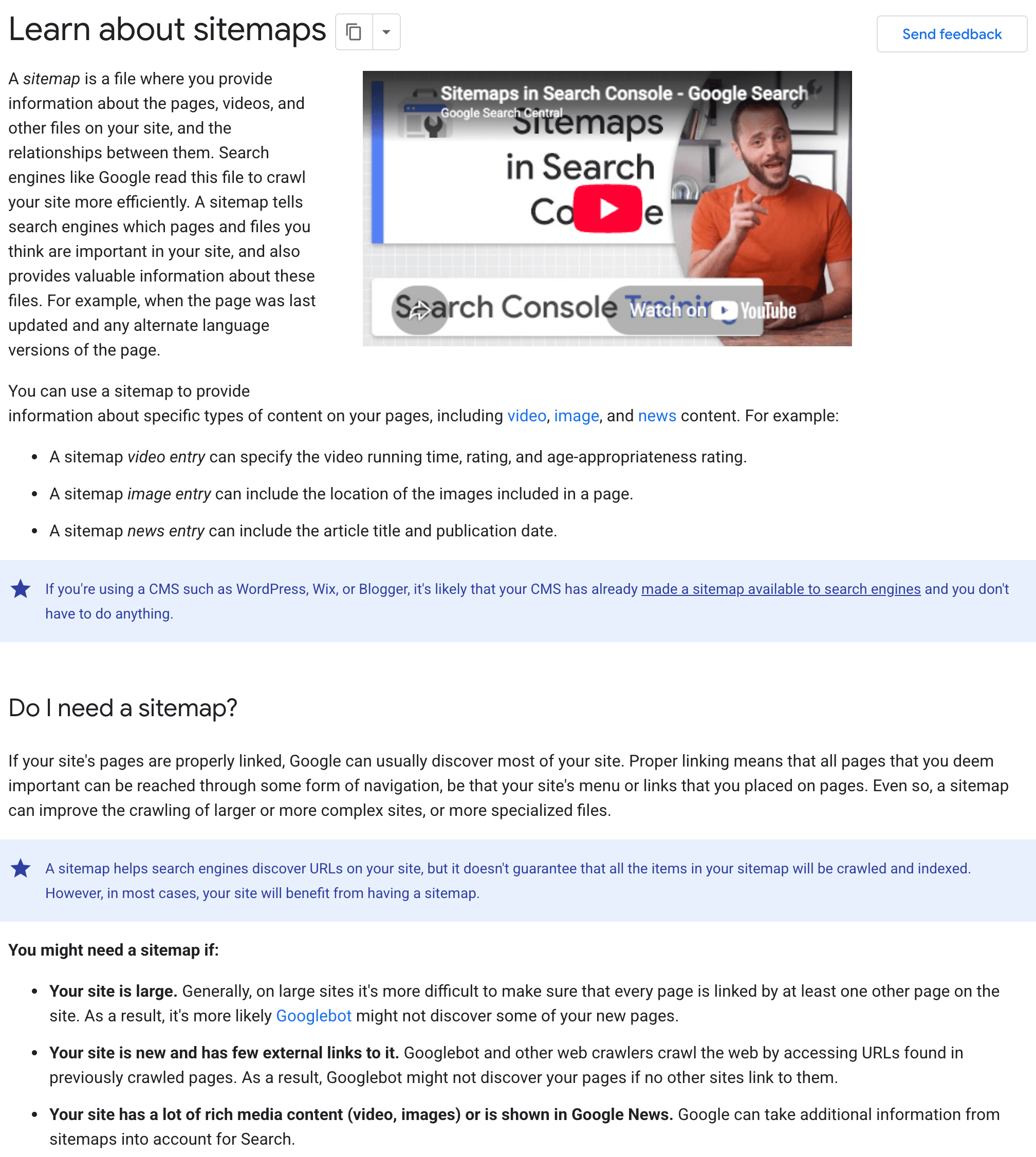
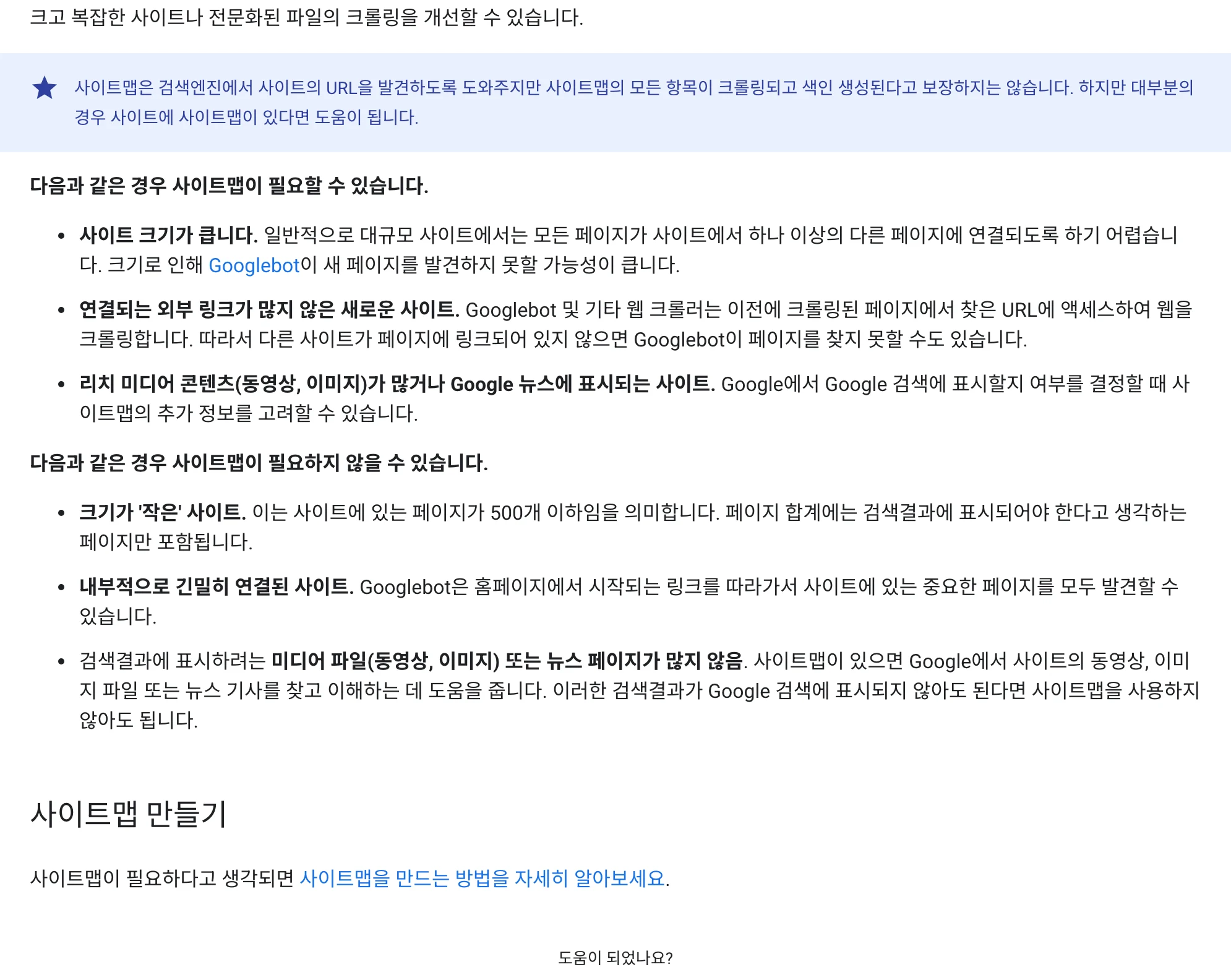
Compare sitemap URLs with links on actual pages. If a public article cannot be reached from an index or related article, link to it from an appropriate place. Being in a sitemap alone does not make a page easy for readers to find.
Check whether links return 404 or open only after login. For deleted destinations or internal URLs with multiple redirects, review and update the final destination. Also check elements with click handlers but no actual href.
View original Korean screenshot
- Can each public article be reached from the hub?
- Do related-link titles match their destinations?
- Can links be tapped on mobile without covering the body?
- Does each link end at the intended public page?
How should AI-suggested links be reviewed?
Give the AI the URLs, titles and summaries of actually published pages. Ask it to choose only from that list and explain the proposed paragraph and reason, then verify that each address exists.
Sharing a topic is not enough. You should be able to explain why someone reading this paragraph needs the next article. If linking to a catalog, check that the described task matches the product’s actual scope.
How many links are appropriate?
The right number varies by article. Read it to see whether the current page supplies the core answer and lets readers reach the next explanation they need. Reduce links that repeat a destination or interrupt reading.
Record the source URL, paragraph heading, destination URL and reason for the link. This helps find affected links when articles move or merge. Do not promise that link changes alone improve rankings; first check whether discovery and navigation improved.
Frequently asked questions
How many internal links should an article have?
There is no number that fits every article. Check that readers get the core answer on the current page and can reach the next explanation they need. Reduce repeated destinations or links that interrupt the flow.
Can anchor text say “here” or “learn more”?
Wording such as “GA4 organic search analysis” makes the destination clearer. You do not need to repeat the same keyword in every link; match the destination and surrounding context.
How do I find pages with no incoming links?
Compare sitemap URLs with addresses linked from actual pages. Public pages unreachable from the index or related articles are candidates for an orphan-page review. Link necessary pages where readers can find them; if their purpose is unclear, review their role first.