 guide
How to reduce Claude usage: habits that keep you under your limits
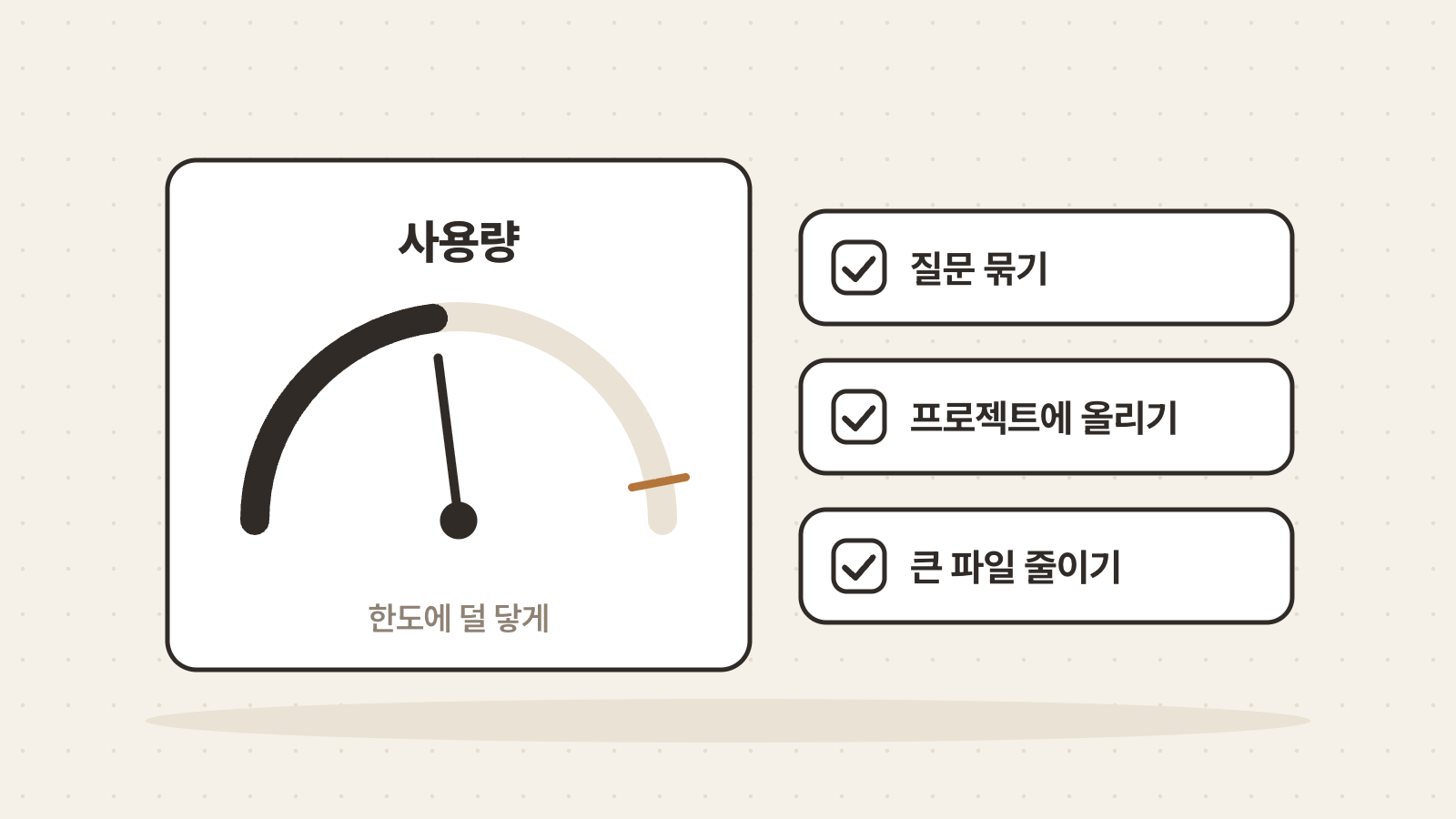
Claude usage is not set by message count alone. It depends on message length, attachment size, conversation length and the model and tools you choose. Batching related questions, keeping frequently used material in a project and trimming large files all help you stay under your limits. This guide walks through each one.
Translated from Korean. View original
In this guide
- What does usage depend on?
- Where can you see how much you have used?
- Combine related questions in one message
- Do not paste information you already gave
- Keep frequently used material in a project
- Trim large files before uploading
- Match the model and tools to the task
- Put repeated instructions in a skill
- Frequently asked questions
- Sources
What does usage depend on?
Claude's help center lists message length, attachment size, current conversation length, tool use, model choice, effort level, artifacts and multi-step tasks as factors. The same single question can use different amounts under different conditions.
That means there are several ways to cut back. You do not need to follow them all. Start by finding the biggest factor in the work you do most often.
Where can you see how much you have used?
Check Settings > Usage. It shows usage for the five-hour session along with weekly limits. If you hit limits often, see which one fills up first.
It is worth checking before a big task. Analyzing long documents or creating several files can use a lot at once.
Combine related questions in one message
Sending questions about the same material one by one makes the conversation longer. Ask at once, for example: ‘Summarize the three key points of this report, point out missing evidence and write five title options.’ Claude's help center also recommends batching similar requests in one message.
Reading your request once before sending helps too. Stating the format and length you want up front reduces follow-up requests.
- Summarize this
- Tell me where evidence is missing
- Write title options
- Put the summary, missing evidence and title options in one message
- State the format and length you want
Do not paste information you already gave
Claude remembers earlier parts of the same conversation. Instead of pasting material again, refer to it: ‘based on the schedule I gave earlier’. Repeating content only makes messages longer.
When editing writing, put the whole text in one message. When asking about code, include the relevant code at once. Sending fragments lengthens the conversation and blurs the context.
Keep frequently used material in a project
Upload documents you reuse across conversations to a project. Claude's help center says project content is cached and counts less against your limits when reused. You do not need to attach the same file in every conversation.
Caches expire after a period of inactivity, and the first message afterwards counts that content in full again. Removing old drafts and unused material keeps the project light.
Trim large files before uploading
Attachment size is a usage factor. PDFs are especially heavy because Claude reads both the text and an image of every page. Upload only the pages you need, or upload text when only the words matter.
When uploading several files, choose only those needed for this request. Files uploaded just for reference count toward usage too.
Match the model and tools to the task
Model choice, effort level and tools such as Research or web search also affect usage. Polishing a short sentence does not need Research turned on. For light work, use light settings.
Multi-step tasks such as running code or creating files use a lot at once. Deciding what to make before you ask reduces the number of redos.
Put repeated instructions in a skill
If you paste long report formats or style rules into every conversation, turn them into a skill. A skill loads only for relevant tasks. Unlike instructions that apply to every conversation, it is read only when needed.
If you use Claude Code, also look at ways to reduce conversation length, files read and response format.
Frequently asked questions
What determines Claude usage?
It depends on message length, attachment size, conversation length, tool use, model choice, effort level, artifacts and multi-step tasks. It is not set by message count alone.
Where do you check Claude usage?
Settings > Usage shows usage for the five-hour session and weekly limits.
Do projects reduce usage?
According to Claude's help center, project content is cached and counts less against your limits when reused. Caches expire after a period of inactivity.