File language: Not specified
Upgrade Your Coding Agent
Upgrade your agent workflow with brainstorming, design, TDD and subagents. Works with eight agents, including Claude Code, Codex, Cursor and Gemini.
 에반
Free
Overview
Does this sound familiar?

You hand a new feature to your agent and step away.
Thirty minutes later, there are 1,500 lines of code for something different from what you asked for.
Not a single test.
You’ve lost the time.
The PM says, “Just build a quick version.”
The agent starts coding immediately.
Once it’s finished, you discover that the real problem was somewhere else.
A short design discussion could have saved four hours.
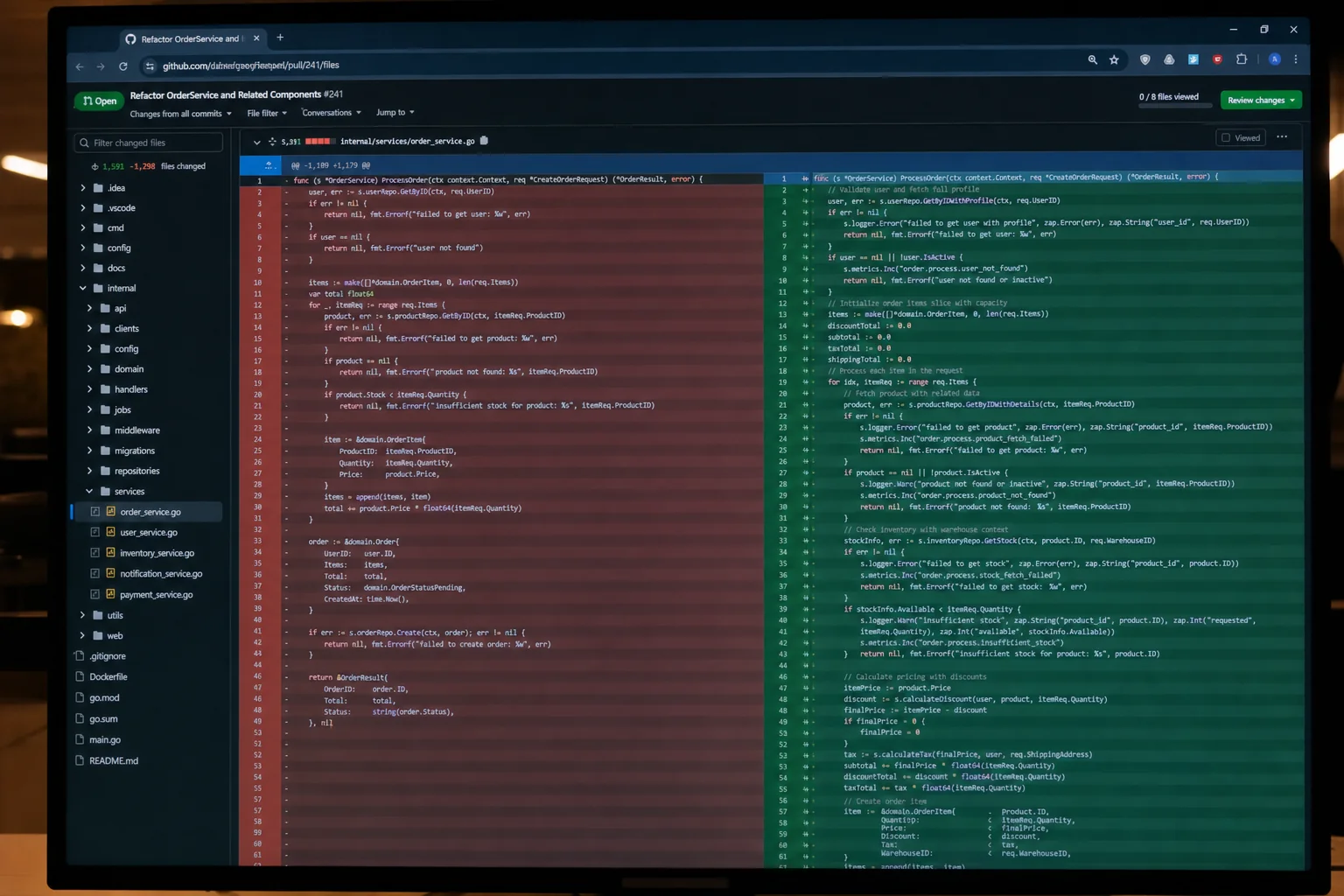
Give it a large task at once, and the agent loses its way halfway through.
It changes fifty files, and you can’t see which changes matter.
During review, you have to read everything again from the beginning.
Where it goes wrong
-
Coding starts without a plan.
Intent, design and task breakdown are skipped. The output looks plausible but misses the real problem. -
Tests come afterward.
Tests added after implementation can approve behavior that doesn’t match the intent. If you never saw a test fail, you don’t know whether it checks the behavior. -
Context drifts.
In a long session, the agent forgets the original intent. The later work no longer matches the earlier decisions. -
Worktrees become tangled.
New work starts on top of an existing branch instead of in an isolated checkout.
About the skill

Superpowers is a plugin that changes how a coding agent works.
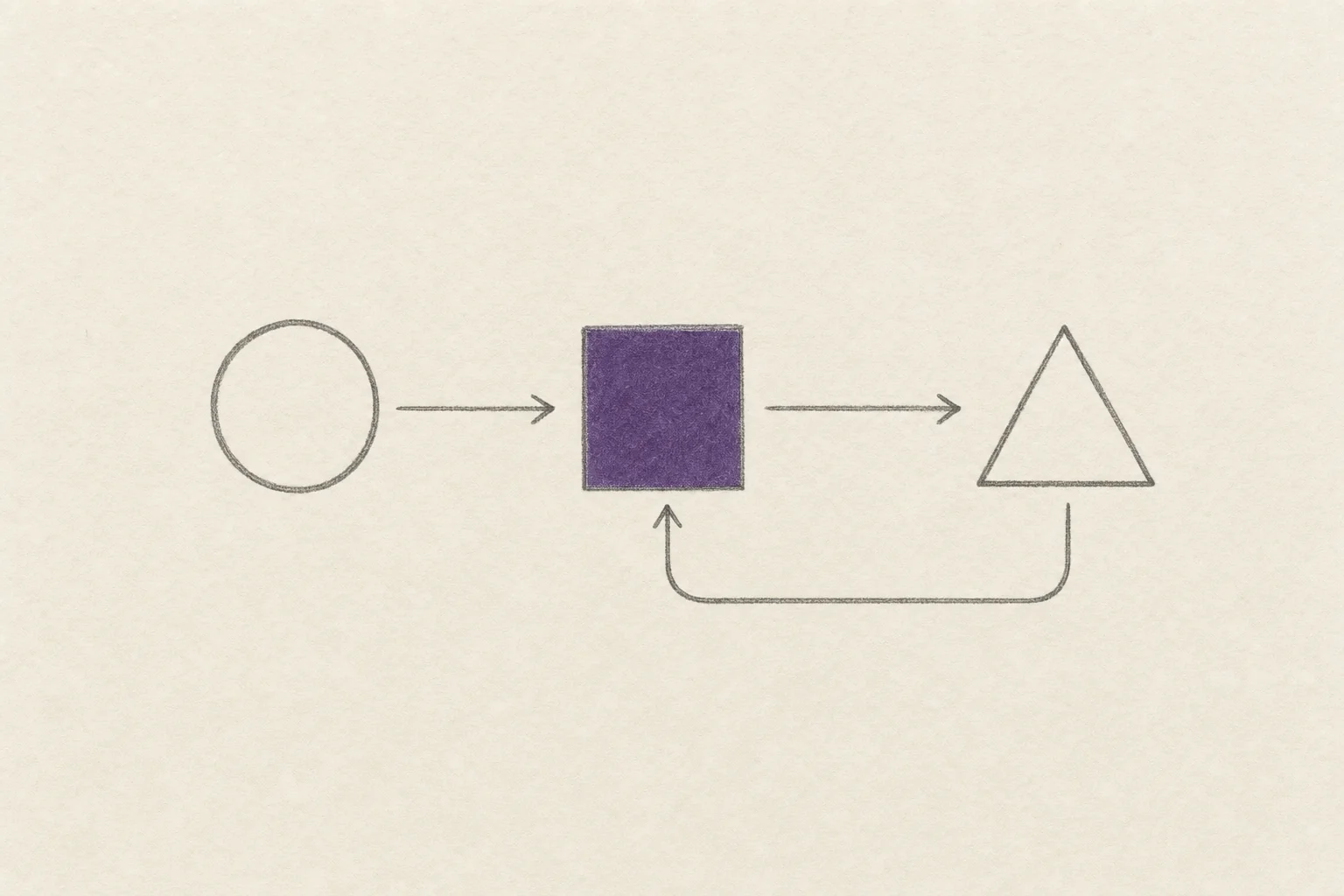
Instead of jumping into code, it connects brainstorming, design, small task plans, TDD implementation, two-stage review and worktree cleanup into one cycle.
The agent checks which skill applies before starting the task and follows it when there’s a match.
Recommended for:
- Solo developers who leave an agent working autonomously for hours
- Teams trying to establish TDD while agents keep skipping tests
- People who want a consistent way to split large work into smaller tasks
Key features

-
brainstorming
Clarify intent and constraints before coding.
Use a question-and-answer process to understand what the user actually wants. -
writing-plans
Break the agreed specification into tasks that take two to five minutes.
Each task includes exact file paths and a verification method. -
subagent-driven-development
Start a fresh subagent for each task.
Review in two stages: specification compliance, then code quality. -
using-git-worktrees
Create an isolated worktree and verify a clean test baseline. -
using-superpowers
Not sure where to begin? Invoke this skill first.
Workflow
CH 01. Install
Claude Code users can install it in one line:
/plugin install superpowers@claude-plugins-official
Also supports Codex CLI, Codex App, Factory Droid, Gemini CLI, OpenCode, Cursor and GitHub Copilot CLI. Find the same plugin name through the appropriate installation channel.
After installation, it does not need to be invoked separately for every task.
CH 02. First use
Start a new conversation and invoke using-superpowers.
Ask for a new feature. Rather than immediately coding, the agent asks questions such as “Who will use this, and in what situation?”
It presents design sections for approval before implementation begins.
CH 03. Autonomous implementation
Once the design is approved, the agent splits the work into tasks, assigns each to a fresh subagent and reviews the result in two stages.
Little human intervention is needed within the cycle.
The workflow aims to keep autonomous work aligned with the original intent, even after a long session.
FAQ
Is it really free? Is there a payment or subscription?
It’s completely free under the MIT license, with no premium tier. The open-source project is published at obra/superpowers on GitHub and is installed through each agent’s plugin installation channel.
Can I use it with agents other than Claude Code?
Works in eight environments: Claude Code, Codex CLI, Codex App, Factory Droid, Gemini CLI, OpenCode, Cursor and GitHub Copilot CLI. See the Installation section of the GitHub README for environment-specific commands.
Does it guarantee results?
No. Superpowers changes an agent’s working pattern; people remain responsible for the final code quality.
Its aim is more consistent alignment with the initial intent, regular TDD and reliable two-stage review. It is intended to help solo developers shorten their release cycle.
Does it conflict with other skills or plugins?
Superpowers is designed to prioritize explicit user instructions. Instructions in CLAUDE.md, AGENTS.md or GEMINI.md take precedence over its patterns.
It can operate alongside other skills. If their rules directly conflict, your instructions need to resolve that conflict. The fourteen skills within Superpowers have a defined calling order.
Q&A 0
No questions yet.
From purchase to your first result
Check what you need in the guide, then start a first task with your own materials.
Open the guide for your skill
Open the guide from the payment confirmation or your library, and check the accounts and materials you need.
Get the skill and follow its setup guide
Open the skill source link and follow the accompanying setup instructions.
Try a small task with your own materials
Start with one topic or item. Describe the result you want and check whether it works for your needs.
Ask in the skill room if you get stuck
Share the task, the step where you got stuck, and any error message in the buyer community. You can return to the guide from your library.
Example first request
“I’d like to try a first task with Upgrade Your Coding Agent. Tell me what materials and setup I need, then help me start with a small task.”
Purchase information
Before you buy
- Materials
Skill source link
Open purchased materials from your library.
- Requirements
You need an AI agent and an account to run the skill.
Check the product description for supported agents and required services.
- Additional costs
External AI services may have separate subscription or usage fees.
Ask the seller about required plans and expected usage before buying.
Warranty and support
Review the tested environment and support period.
- Tested environment
- Tested with Claude Code and Codex. Operation with other agents or CLIs is not guaranteed.
- Free patch period
- One year from upload (2026-05-05), through 2027-05-05. If model or CLI changes break the skill during this period, we will fix it at no charge.
- Access period
- Available to download immediately after payment, and available to download and view again in your library for 11 months from the payment date. Download and viewing access ends after this period.
- If we cannot fix it
- If we cannot fix it within the free patch period, we refund an amount proportional to the remaining period.
- Last verified
- 2026-11-06(skill's last updated date)