File language: Not specified
DESIGN.md — A Design System for AI Agents
Bring colors, fonts and spacing scattered across Figma, Notion and PDFs into one YAML and Markdown document. Stitch, Cursor and Claude Code can follow the same rules on every screen.
 에반
Free
Skill overview
Does your AI design agent
produce a different-looking screen every time?
One DESIGN.md keeps the visual tone consistent.
Stitch, Cursor, Claude Code, v0.
Different colors, different font sizes,
different corner radii on every screen.
This package explains the Google Stitch team's DESIGN.md format, originally in Korean,
with ready-to-copy templates @google/design.md and CLI instructions.
Place it in the project root so AI follows the same rules.
Has this happened to you?
“Just rebuild these five buttons.”
Stitch makes the first screen mint, the second dark green and the third blue.
Same prompt. Different results.
Color tokens in Figma, guidelines in Notion, a logo PNG in email, plus the designer's idea of “a softer feel.”
You translate it all for the AI every time.
Different screens were getting different rules.
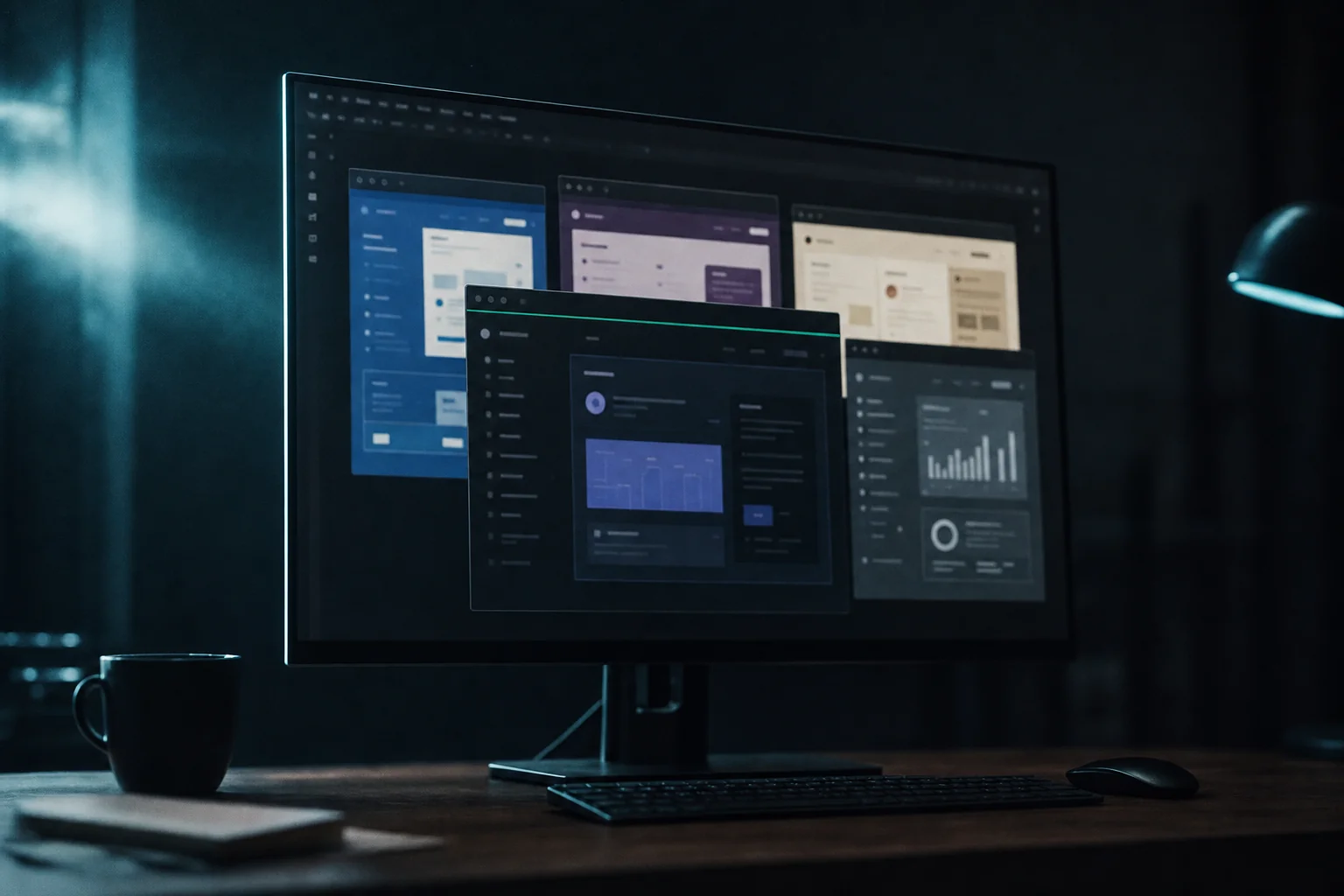
Why does the tone keep changing?
AI design agents look for a definition
of the project's visual tone, but that single file is missing.
Every screen needs hex values, font sizes and radii repeated in its prompt.
Once or twice is manageable. Across every screen, explaining takes longer than building.
that AI design agents can read.”
That's why DESIGN.md exists.
A plain-text format defined by the Google Stitch team.
README.md is for people, AGENTS.md is for coding agents,
DESIGN.md and this is for design agents.
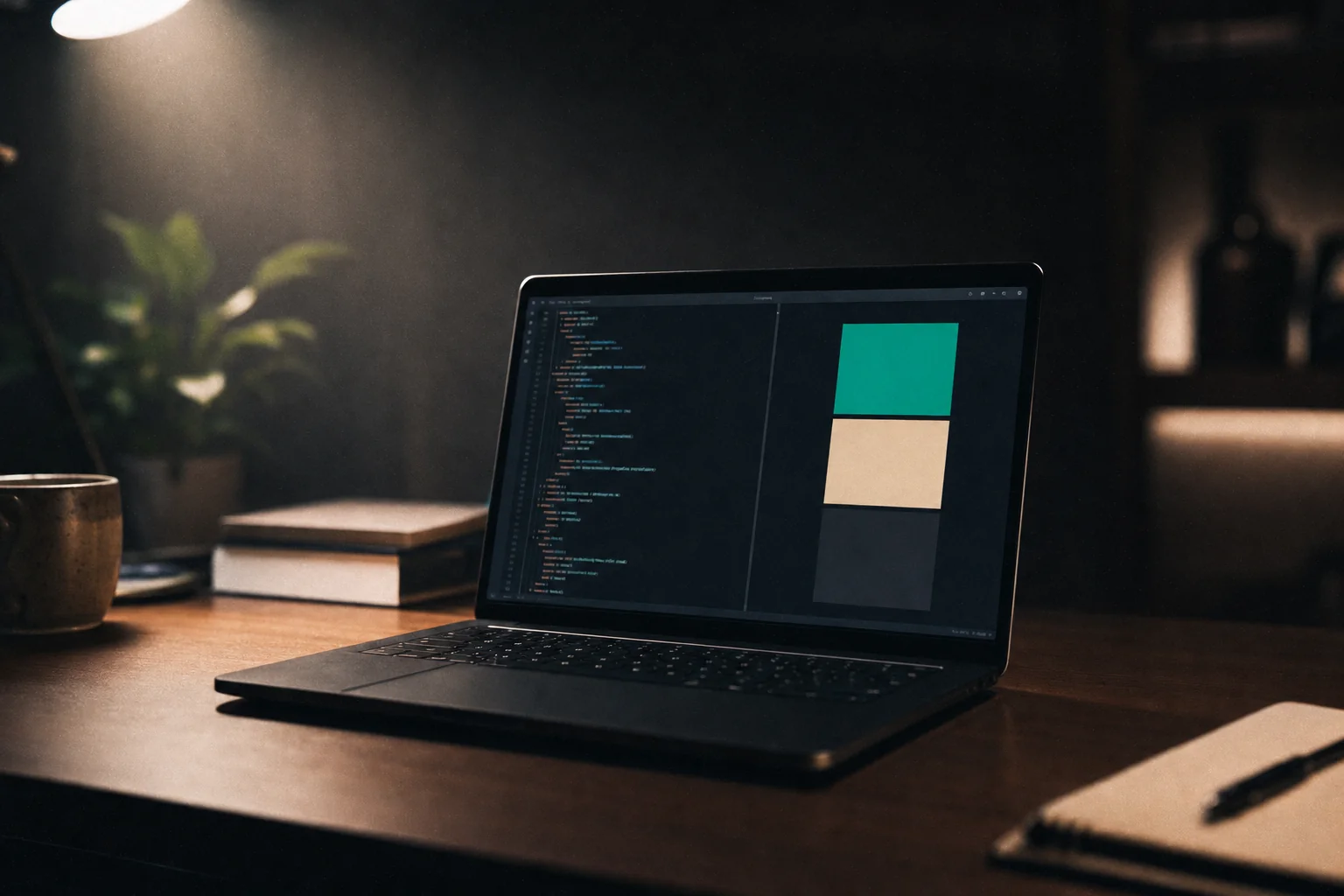
Two layers: YAML frontmatter stores color hex values, font properties and spacing tokens.
The Markdown body explains decisions, such as why a color was chosen.
AI uses the tokens; people align on the rationale. The document evolves with the design.
What does it improve?
Five concrete benefits.
-
A consistent visual tone across screens.
Tools such as Stitch, Cursor, Claude Code and v0 read DESIGN.md in the root, so you don't repeat color instructions in every prompt.
-
Designers and developers use the same vocabulary.
Token names are defined in one file.
colors.primary-60maps to a hex value and a Tailwind class. No more “a slightly darker mint.” -
Start new screens faster.
Ask for a new checkout screen in the project's style. AI reads the document and uses its tokens.
-
Export to Tailwind and DTCG.
@google/design.md exportGenerate Tailwind configuration and DTCG JSON with one command, translating the same design system into code formats. -
Catch visual-rule problems early.
The CLI linter flags broken references, insufficient WCAG contrast and unused tokens before deployment.
Who is it for?
What's included?
DESIGN.md uses eight defined sections.
The skill explains all eight in Korean and provides templates for each.
Briefly describe the audience, feeling and tone. For example, a warm brown neighborhood-café app with friendly rounded shapes. This paragraph explains every token below.
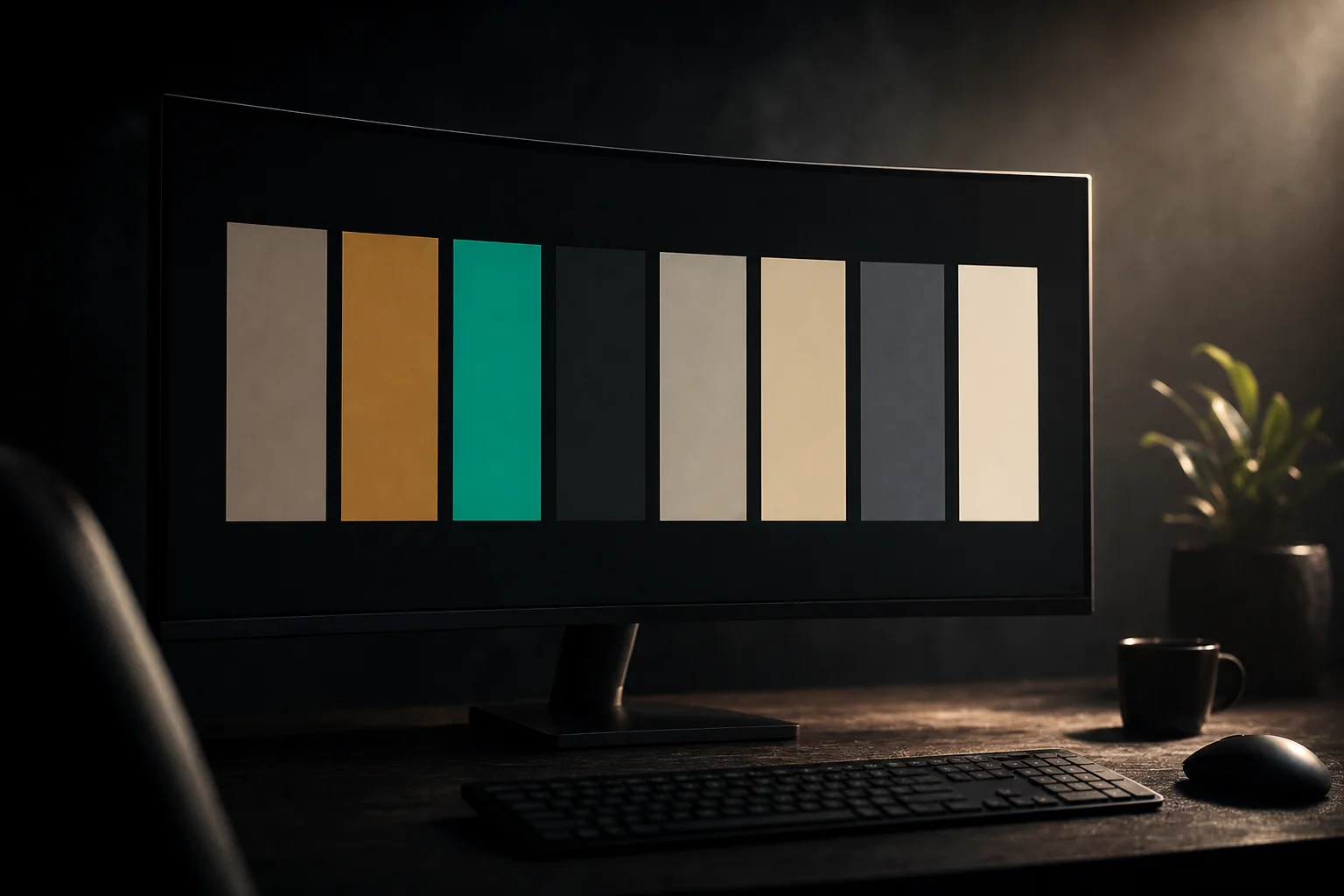
Conventionally four families: primary, secondary, tertiary and neutral. Each can have tones from 0 to 100, written as sRGB hex. Example: "#1A1C1E".
Name tokens by role and size, such as headline-large, body-medium and label-small. Each combines fontFamily, fontSize, fontWeight, lineHeight and letterSpacing.
Define columns, gutters and spacing units. Steps such as 4, 8 and 12 px keep the AI from improvising margins.
Define button, card and modal elevation using tokens such as elevation-1 and elevation-2. Explain why shadows stay subtle.
rounded.sm, rounded.md, rounded.full Define radius steps, then reference the appropriate step for buttons, cards and avatars in the component section.
Define components by referencing the tokens above. References use {colors.primary-60} curly-braced paths so the same component stays consistent.
One-line rules such as “Don't use secondary text on primary backgrounds.” Keep them together at the end.
How to use it
Three ways to create DESIGN.md.
Choose a starting route; the remaining steps are the same.
-
Ask AI from a one-line brief.
Tell a tool such as Stitch: “A warm neighborhood-café app with soft, rounded shapes.”
AI fills the eight sections. You can reuse the included Korean prompt examples. -
Extract from brand assets.
Provide an existing site URL or logo.
AI extracts a draft palette, typography and visual tone.
The skill includes a checklist for refining the result. -
Write it manually.
Follow YAML frontmatter with a Markdown body.
No special syntax. Fill the included blank template to draft a first version in about thirty minutes. -
Validate and export with the CLI.
In the terminal, run
npx @google/design.md lintto check broken references and contrast.
npx @google/design.md export --format tailwindto export Tailwind configuration,--format dtcgor this for DTCG JSON.
Runs with Node.js 18+ without a separate installation.
You can also skip the CLI. AI tools can read the Markdown file directly.

Eight linter checks.
npx @google/design.md lint One command returns JSON.
Find broken tokens and unreadable text before deployment.
-
broken-ref · error
Undefined token references. The only error-level finding, which must be fixed before building.
-
missing-primary · warning
Warns when the colors section has no primary token. AI tools often look for it first.
-
contrast-ratio · warning
Warns when component text/background contrast is below WCAG AA's 4.5:1 ratio.
-
orphaned-tokens · warning
Flags tokens no component references, preventing unused definitions from accumulating.
-
missing-typography · warning
Reports colors defined without typography tokens, which otherwise leaves font sizes open to improvisation.
-
section-order · warning
Warns if the eight sections aren't in the standard order: overview, colors, typography, layout, elevation, shapes, components, do/don't.
-
missing-sections · info
Informational findings for empty optional sections such as spacing or rounded. Filling them helps larger projects stay consistent.
-
token-summary · info
Summarizes token counts by section, helping you spot growth such as 38 color tokens.
Frequently asked questions.
npm install @google/design.md or npx @google/design.md .... For file-only use, no installation is needed. Remove it by deleting DESIGN.md.npx @google/design.md export --format tailwind to export Tailwind configuration, --format dtcg to export DTCG JSON. In either case, DESIGN.md is the source of truth.- Illustration-led interfaces with unrestricted visual expression may gain little from tokens.
- One-screen static promotional pages may not need eight sections.
- Large teams with an established token system may face higher migration costs.
Q&A 0
No questions yet.
From purchase to your first result
Check what you need in the guide, then start a first task with your own materials.
Open the guide for your skill
Open the guide from the payment confirmation or your library, and check the accounts and materials you need.
Get the skill and follow its setup guide
Open the skill source link and follow the accompanying setup instructions.
Try a small task with your own materials
Start with one topic or item. Describe the result you want and check whether it works for your needs.
Ask in the skill room if you get stuck
Share the task, the step where you got stuck, and any error message in the buyer community. You can return to the guide from your library.
Example first request
“I’d like to try a first task with DESIGN.md — A Design System for AI Agents. Tell me what materials and setup I need, then help me start with a small task.”
Purchase information
Before you buy
- Materials
Skill source link
Open purchased materials from your library.
- Requirements
You need an AI agent and an account to run the skill.
Check the product description for supported agents and required services.
- Additional costs
External AI services may have separate subscription or usage fees.
Ask the seller about required plans and expected usage before buying.
Warranty and support
Review the tested environment and support period.
- Tested environment
- Tested with Claude Code and Codex. Operation with other agents or CLIs is not guaranteed.
- Free patch period
- One year from upload (2026-05-11), through 2027-05-11. If model or CLI changes break the skill during this period, we will fix it at no charge.
- Access period
- Available to download immediately after payment, and available to download and view again in your library for 11 months from the payment date. Download and viewing access ends after this period.
- If we cannot fix it
- If we cannot fix it within the free patch period, we refund an amount proportional to the remaining period.
- Last verified
- 2026-11-06(skill's last updated date)