File language: Not specified
Your Entire Project as One Graph
Analyze 29 programming languages, documents, PDFs and videos locally. Explore clickable nodes in one graph.html file and connect automatically with 18 tools, including Claude Code, Codex and Cursor.
 에반
Free
Skill overview
Still searching for code
with grep?
One line: /graphify .
Automatically configured for 18 tools, including Claude Code, Codex, Cursor and Gemini.
Does this happen to you every week?
Your codebase gets heavier every week.
Ask AI and it dumps a hundred grep results. You're still unsure where to start.
-
01“Where's the auth system?” — A hundred search results.
You've found the filenames, but understanding how the functions connect means opening five more files. An hour disappears.
-
02Your documents, PDFs and notes are scattered too.
API specs in Notion, architecture in Markdown, papers in a PDF folder. Remembering where everything lives is a job in itself. The AI only sees code.
-
03New teammates lose their entire first week.
Everyone answers “Where should I start reading?” differently. There's no shared document showing the central node.
The missing piece is a map of the whole flow.
Move beyond grep.
Read one connected graph.
/graphify .
One command turns code, documents, PDFs, images and videos into a clickable map.
Three outputs at once.
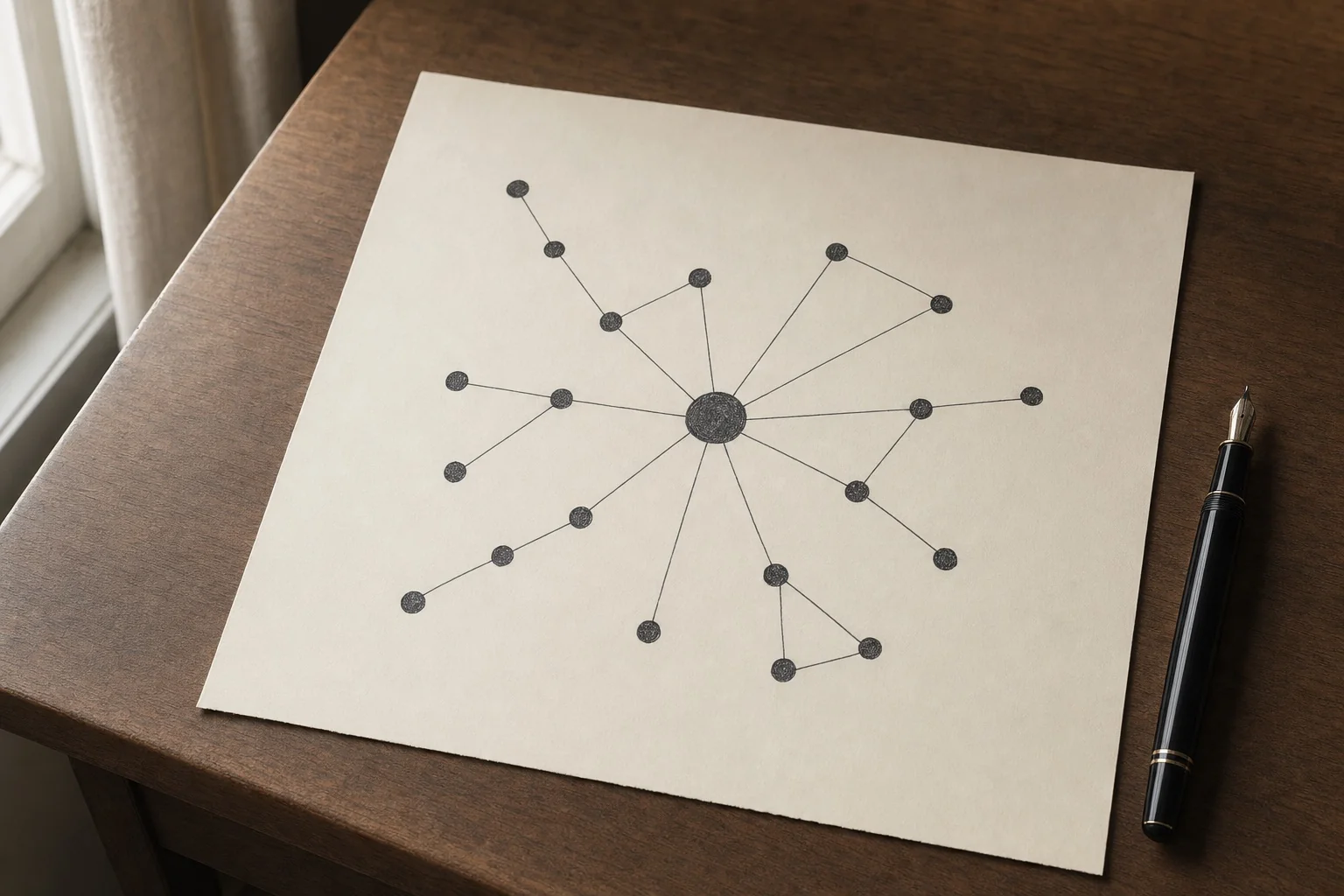
See the whole codebase as one graph
Analyze 29 languages locally with tree-sitter, including Python, TypeScript, Java and Rust. Zero API calls — no code leaves your machine. The output is graph.html one graph. Explore it in your browser with clickable nodes, search and filters.
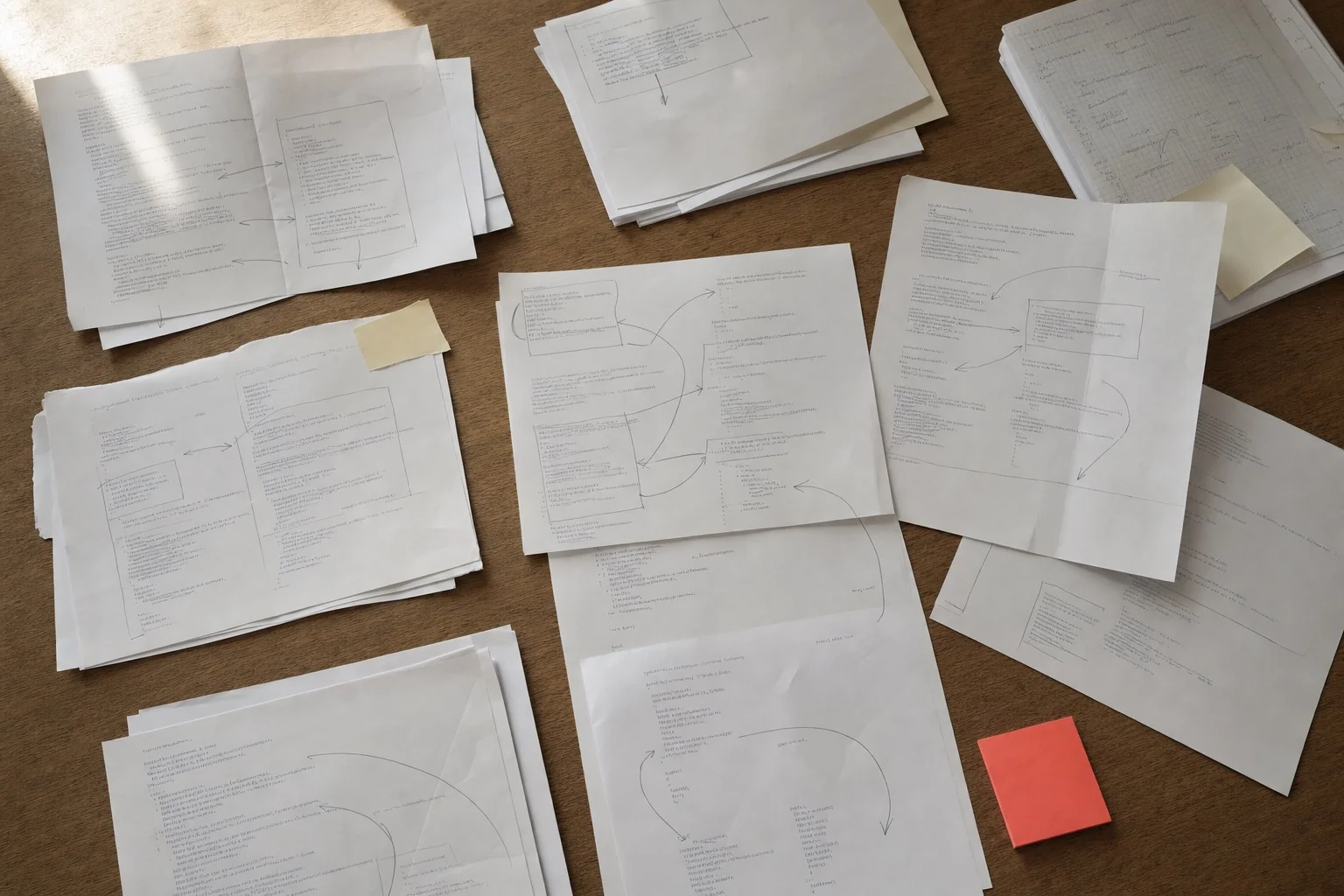
PDFs, images and videos on the same graph
Connect Markdown, Notion, Word, Excel, PDFs, images and YouTube links alongside your code. Answer questions like “Which paper does this function reference?” or “Which meeting notes contain this diagram?” in one place.

Install once. Use across 18 AI tools.
Automatically configured for 18+ agents including Claude Code, Codex, OpenCode, Cursor, Gemini CLI, GitHub Copilot, VS Code, Aider, Trae and Kiro. Invoke a slash command, or use a hook to load it before reading files.
Three files are enough.
Run it once and get graphify-out/ one folder. Commit it to Git so the whole team has the same map from day one.
graphify-out/
├── graph.html       — Explore in the browser by clicking nodes, searching, and filtering
├── GRAPH_REPORT.md  — The central node, surprising connections, and 5 suggested questions
└── graph.json       — Full graph data (ask new questions without re-extracting)
Here's how the answer changes.
We asked the same AI the same question: “Show me the authentication flow in this codebase.”
"auth appears in 14 files.
src/auth/login.ts,
src/middleware/jwt.ts,
src/api/session.ts …
I recommend opening each file to investigate further."
A list of filenames. You still have to trace the flow.
“The central node is SessionManager.
login →
jwt.verify →
SessionManager.attach in this order. Unexpected connection: RateLimiter uses the same middleware too.”
Frequently asked questions.
uv tool install graphifyy or pipx install graphifyy. Then run graphify install to connect your AI tool. The PyPI package is called graphifyy(with two y's); the CLI is called graphify.
graphify install --platform <name> Just once.
graphify-out/ Commit the folder to Git. Teammates who pull it get the same graph in their AI agent from day one. graphify hook install installs a Git hook to update it on every commit using AST analysis, with no API cost. Concurrent changes are merged automatically.
graphify uninstall One command removes it from all platforms. --purge Add graphify-out/ to remove the folder too. System settings are untouched.
“Another hour lost to grep.”
One command gives you the map.
Q&A 0
No questions yet.
From purchase to your first result
Check what you need in the guide, then start a first task with your own materials.
Open the guide for your skill
Open the guide from the payment confirmation or your library, and check the accounts and materials you need.
Get the skill and follow its setup guide
Open the skill source link and follow the accompanying setup instructions.
Try a small task with your own materials
Start with one topic or item. Describe the result you want and check whether it works for your needs.
Ask in the skill room if you get stuck
Share the task, the step where you got stuck, and any error message in the buyer community. You can return to the guide from your library.
Example first request
“I’d like to try a first task with Your Entire Project as One Graph. Tell me what materials and setup I need, then help me start with a small task.”
Purchase information
Before you buy
- Materials
Skill source link
Open purchased materials from your library.
- Requirements
You need an AI agent and an account to run the skill.
Check the product description for supported agents and required services.
- Additional costs
External AI services may have separate subscription or usage fees.
Ask the seller about required plans and expected usage before buying.
Warranty and support
Review the tested environment and support period.
- Tested environment
- Tested with Claude Code and Codex. Operation with other agents or CLIs is not guaranteed.
- Free patch period
- One year from upload (2026-05-13), through 2027-05-13. If model or CLI changes break the skill during this period, we will fix it at no charge.
- Access period
- Available to download immediately after payment, and available to download and view again in your library for 11 months from the payment date. Download and viewing access ends after this period.
- If we cannot fix it
- If we cannot fix it within the free patch period, we refund an amount proportional to the remaining period.
- Last verified
- 2026-10-09(skill's last updated date)