Get started with YouTube automation: captions, editing and publishing
Translated from Korean. View original. Some screenshots are available in Korean only.
YouTube automation delegates repetitive parts of video production to tools. Start with well-defined tasks such as subtitle drafts, file conversion or writing descriptions. Find the time-consuming stage in a recent video and set criteria for checking its result.
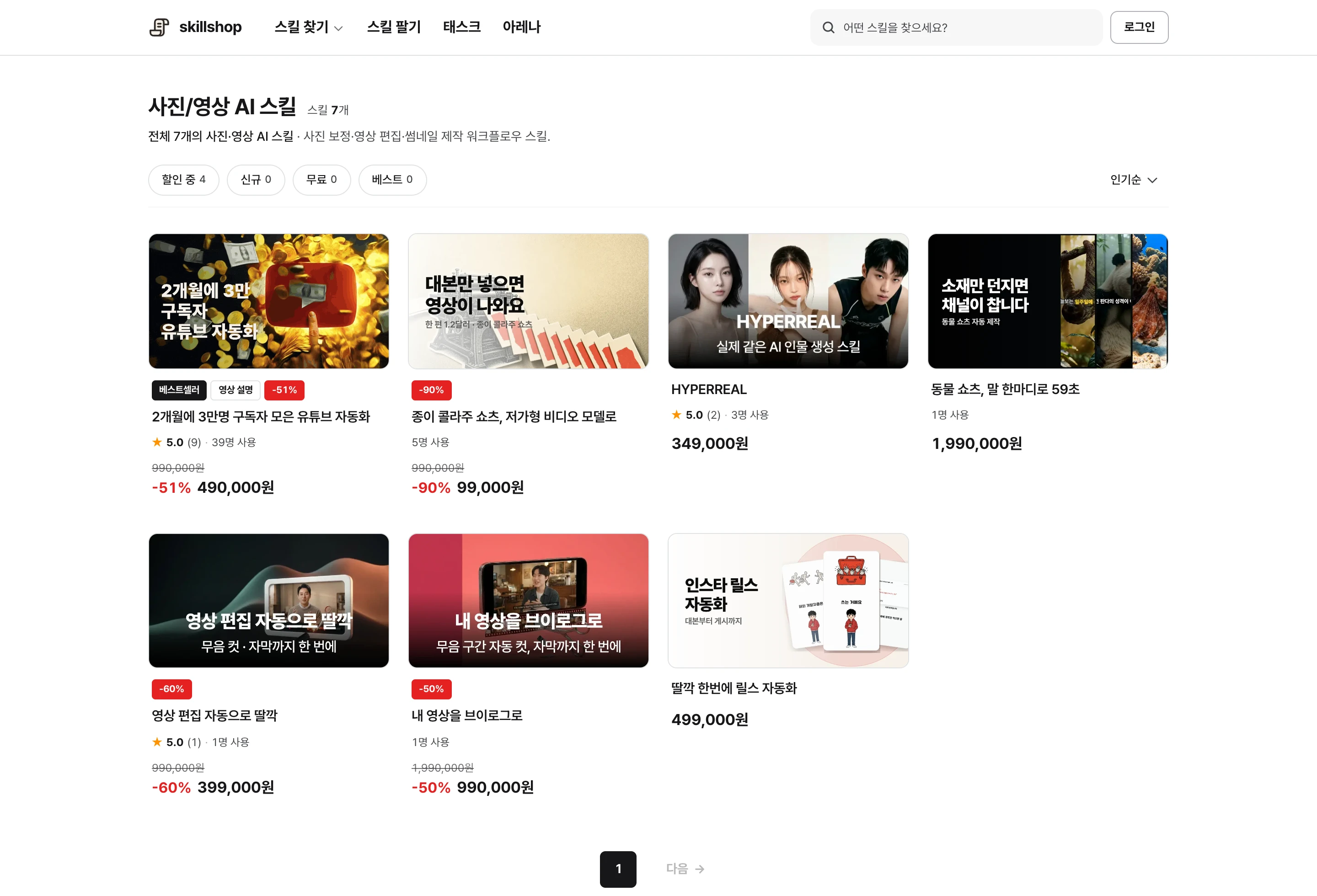
Screenshot of the Skillshop photo and video category.
View original Korean screenshot
Which parts of video production can be automated?
One video involves research, scripting, editing, subtitles, and titles and descriptions. Separating those stages helps reveal where you can save time.
Write down the time spent on each stage for a recent video. The right tools and instructions differ depending on whether script revisions or subtitle timing took the longest.
Delegate one repetitive step at a time
Start with tasks that have clear inputs and outputs, such as drafting subtitles, converting to a fixed format or filling in a description template. Repeating the same process makes comparison easier.
You can also ask AI for topic or opening-scene ideas, but select the final version based on your channel’s experience and audience response. Producing more videos does not automatically increase views.
- Subtitle drafts and timing
- File conversion to a fixed format
- Description templates
- Topics for the channel
- Opening-scene structure
- Title and thumbnail wording
Set separate standards for Shorts and long videos
Shorts and long videos differ in subtitle length, scene transitions and time available for explanation. Even in one workflow, separate length and editing rules by format.
The right step to automate varies by channel. Short videos can require extensive research, while long videos may include repetitive editing. Compare actual work time instead of deciding from length alone.
| Format | Volume and length | Choosing what to automate |
|---|---|---|
| Shorts | Research and editing time differs by channel, even for short videos. | Compare time spent on subtitles, editing and publication preparation. |
| Long videos | Consider overall structure and density of explanation. | Find time-consuming research, structure or repetitive editing. |
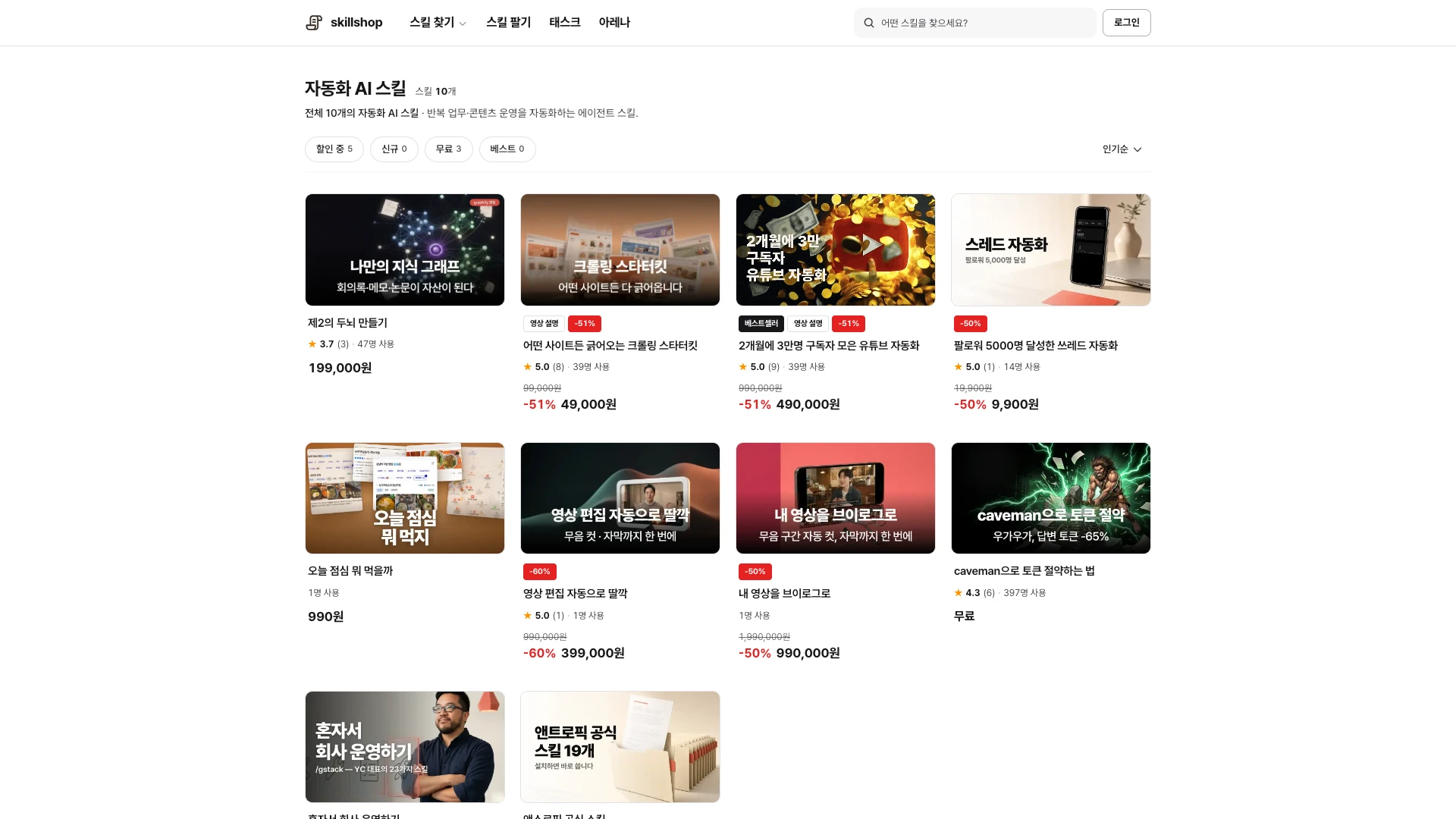
Screenshot of the Skillshop automation category.
View original Korean screenshot
What should you review before publishing?
Play the finished video and check facts, subtitles, visuals and the terms for material you use. Recheck automatically flagged items in the final video.
Check proper names and numbers, whether subtitles obscure important visuals and whether volume suddenly changes. Verify not only the source but also the permitted uses of images and audio.
Which tools do you need?
You can start with an agent and skills that support video work. Depending on the skill, you may need video-processing software, image or audio services, or API accounts; check prerequisites first.
Claude Code, Codex and Cursor can find and use skills in specified locations. Follow your tool’s installation guide and test with a short video.
In the photo and video category, look for the task you want to delegate, such as editing or subtitles. Check supported input files and final output formats too.
View original Korean screenshot
Record the standards used by your channel
Put maximum subtitle length, font size, title rules and end-screen structure in a skill for future episodes. Examples of good results and things to avoid can make the standards clearer.
Review the settings on a phone and adjust them. If videos need exceptions, record the conditions under which they should change.
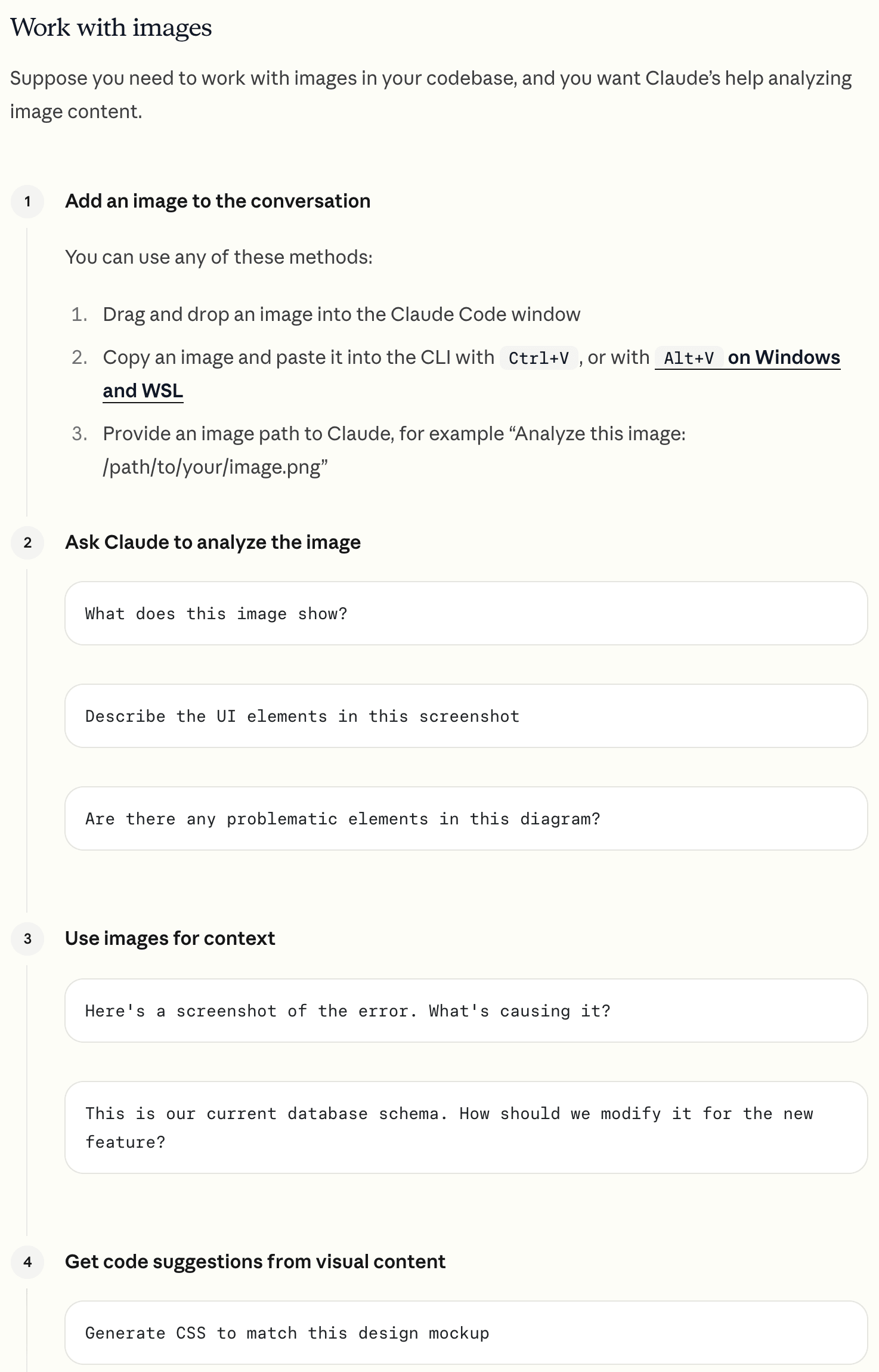
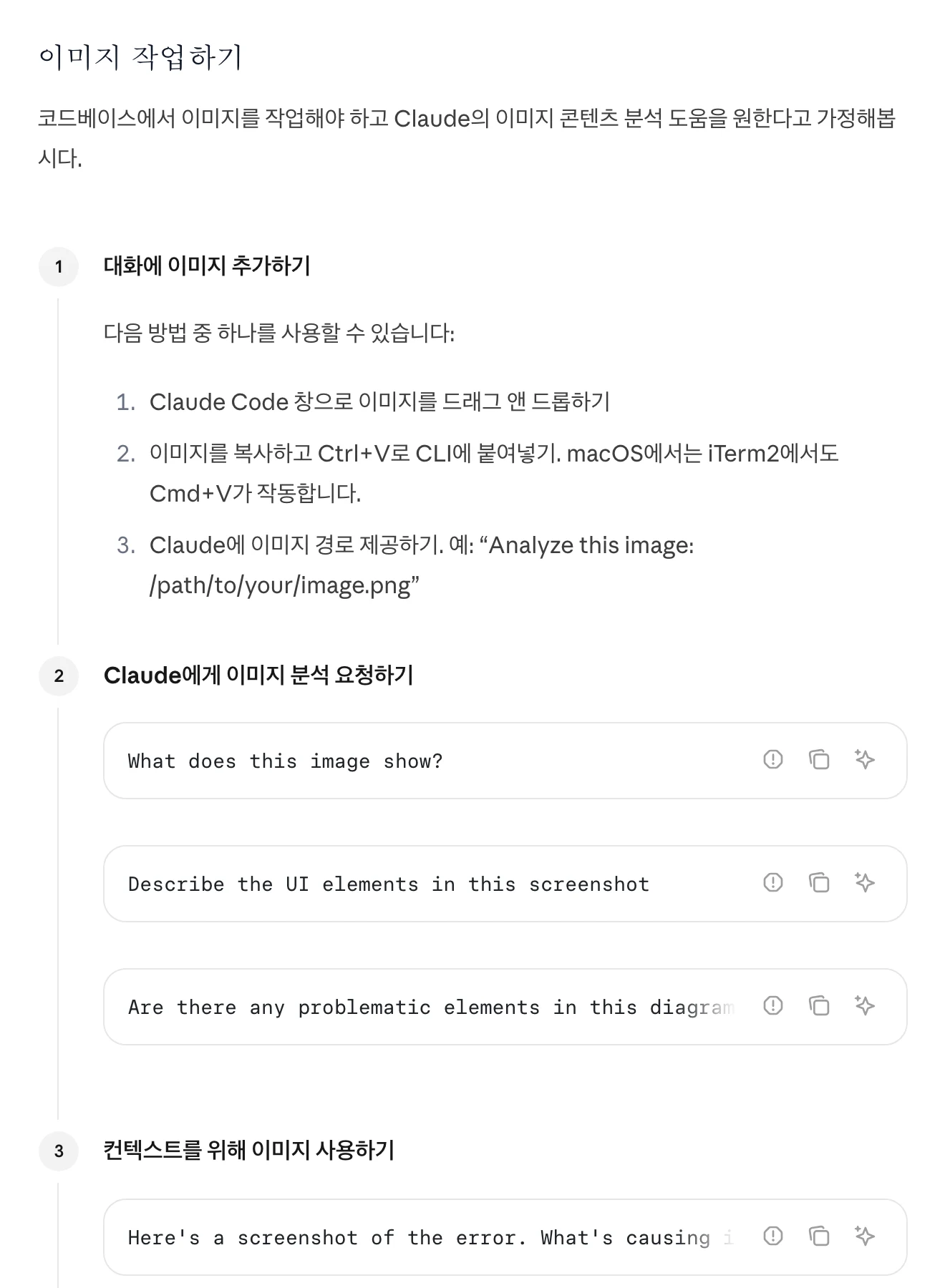
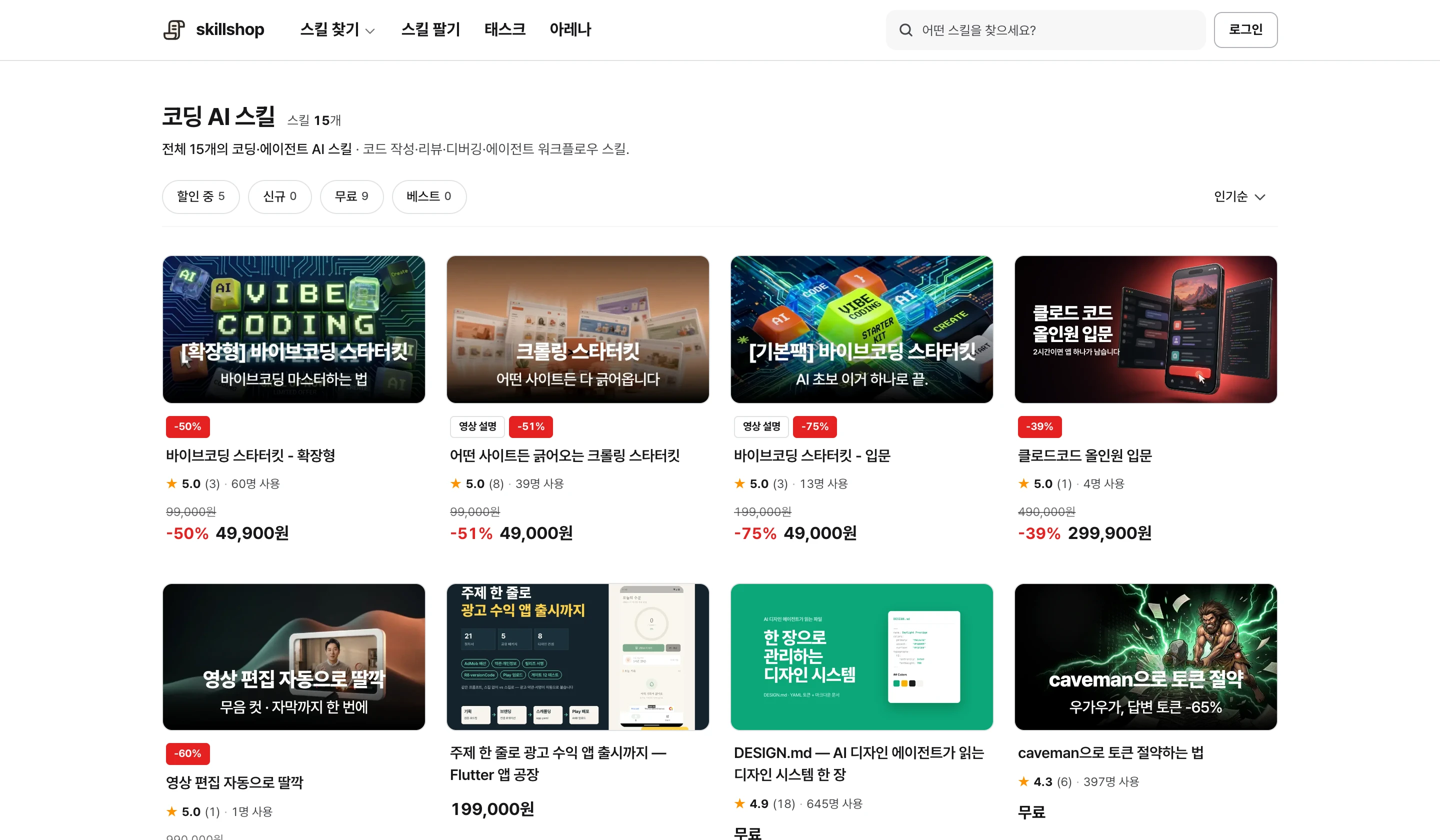
Screenshot of the Skillshop coding skill list.
View original Korean screenshot
Frequently asked questions
Where should YouTube automation stop?
Start with easy-to-check tasks such as subtitle drafts, fixed-format file conversion and descriptions. For topics or opening scenes, ask for candidates and choose using your channel experience and audience response. Check facts, the finished video and usage terms before publishing.
Can the same skill be used for Shorts and long videos?
A single skill can contain separate standards for each format. Adjust subtitle length, scene transitions and explanation time; two separate skills are not necessarily required.
What software is needed?
Prepare an agent and skill that support video work. Depending on the skill, you may also need processing software, image or audio services, or API accounts. Check requirements and output format, then test with a short video.