 Codex guide
Codex parallel work and worktrees: decide what to split first
Translated from Korean. View original
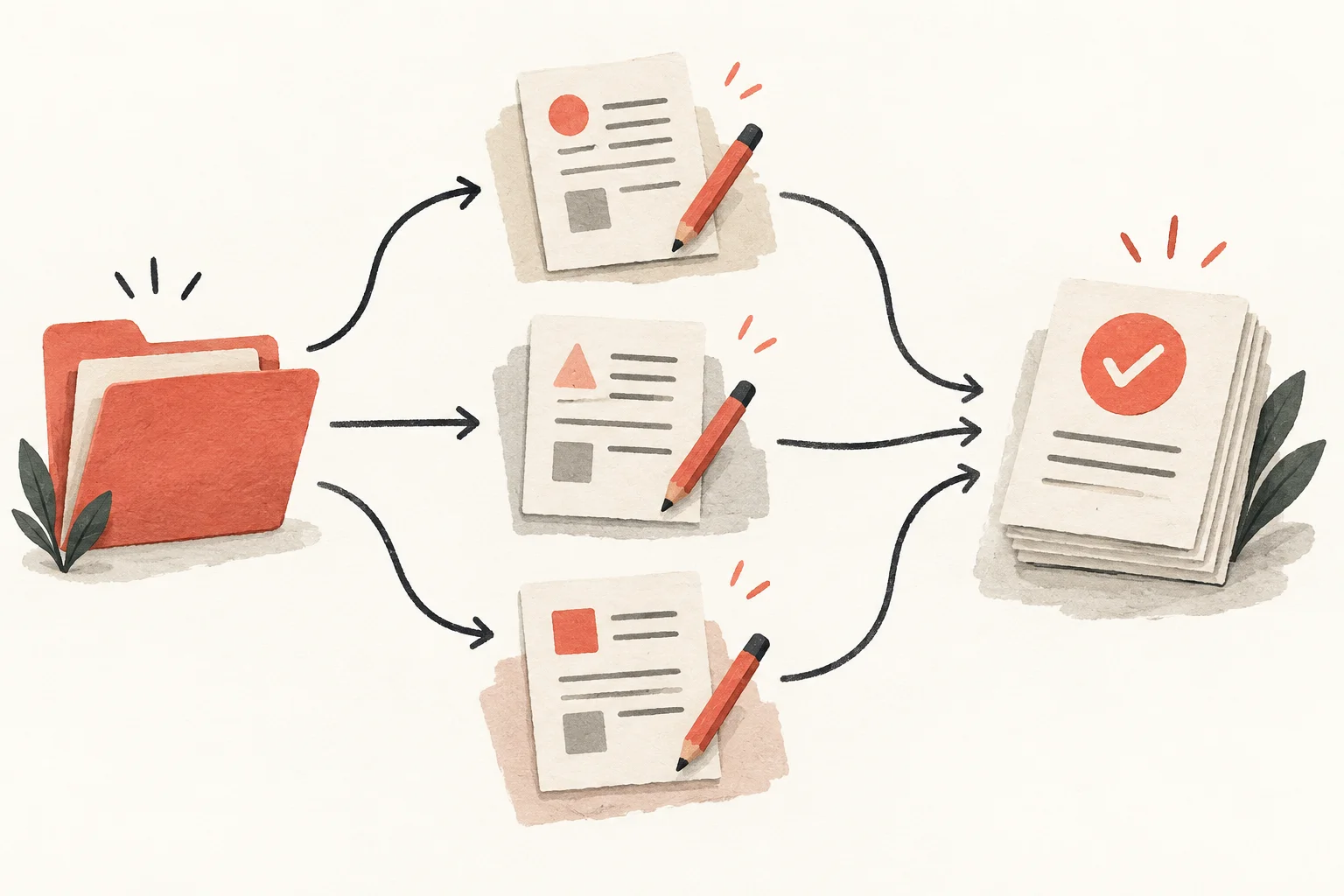
Splitting work in Codex lets independent research or edits proceed together. First define each person's materials and files. A worktree can provide a separate working folder for the same Git project. Integrating and checking the result matters as much as starting in parallel.
Which work is suitable for parallel execution?
Choose tasks that do not need to wait for each other's results. For a guide revision, proofreading existing text, writing a new article and checking images can be separate. If an interface depends on a new data format, agree on the format first.
Define ownership by files or research questions. Broad instructions such as ‘Everyone improve the site’ invite overlapping edits and inconsistent standards.
- Proofread different articles
- Research official sources for separate questions
- Edit code and draft separate documentation
- Implement after defining a data format
- Translate after shared copy is finalized
- Link files after they are renamed
How do subagents and worktrees differ?
A subagent takes part of the current request; the main agent collects results and completes the overall task. Ask explicitly to delegate independent pieces if you want parallel work.
A worktree checks out the same Git repository in another folder. Using subagents does not automatically isolate their files. Decide separately who owns the work and where files are changed.
What should a parallel request specify?
Name the files, common standards and completion criteria. If two people must change the same file, assign one owner or set an order.
Example request: ‘Use subagents to revise the guide in parallel. One should proofread docs/install.md and another improve troubleshooting in docs/troubleshooting.md. Use the same tone and check commands against official documentation. The main agent owns the shared table of contents; finally check internal links together.’
Specify what to receive: changed files, supporting evidence, checks run and unresolved issues make integration easier.
When and how do I start a worktree?
It is useful when you need to preserve work in the current folder while doing another change separately. In the Codex app, select a Git project, choose Worktree for the new task and check the starting branch. Check whether the initial state includes current uncommitted edits.
This worktree approach does not apply to folders outside Git. The new folder may need dependencies or run configuration. Separate code does not automatically isolate server ports or external data.
How should results be integrated?
First check each starting point and changed files. If the same file changed, inspect and choose what to keep. Even without textual conflicts, one change can refer to a name the other changed.
After integration, test the final state rather than only collecting each person's results. For a guide, verify referenced files and links; for a feature, verify the flow where changes meet.
What if parallel work takes longer?
Check whether assignees are waiting for the same decision or work was split too finely. Delegating two sentence edits separately can cost more in explanation and integration. Start with broad research or separated files.
Give a blocked assignee the needed decision or material instead of adding new tasks. Narrowing the choice—such as keeping the existing feature name while editing only explanatory text—can help work resume.
Frequently asked questions
Do I need a worktree for every task?
No. Small edits or read-only research can use the current folder. Consider a worktree when files need isolation from other changes.
Do worktrees eliminate conflicts?
They reduce mixed working files but conflicts can arise when integrating. Also check whether changes from separate folders are semantically compatible.
Do more assignees always make work faster?
No. Each needs an independent scope, and collecting results takes time. Separate model and tool work can also increase usage.