How to create an AI agent: from instructions to connected work
Translated from Korean. View original. Some screenshots are available in Korean only.
You can start creating an AI agent by connecting work instructions and materials to an existing tool. For example, specify inputs, drafting steps and review checks for a weekly report. If scheduled execution or external services become necessary, consider adding a workflow tool or code.
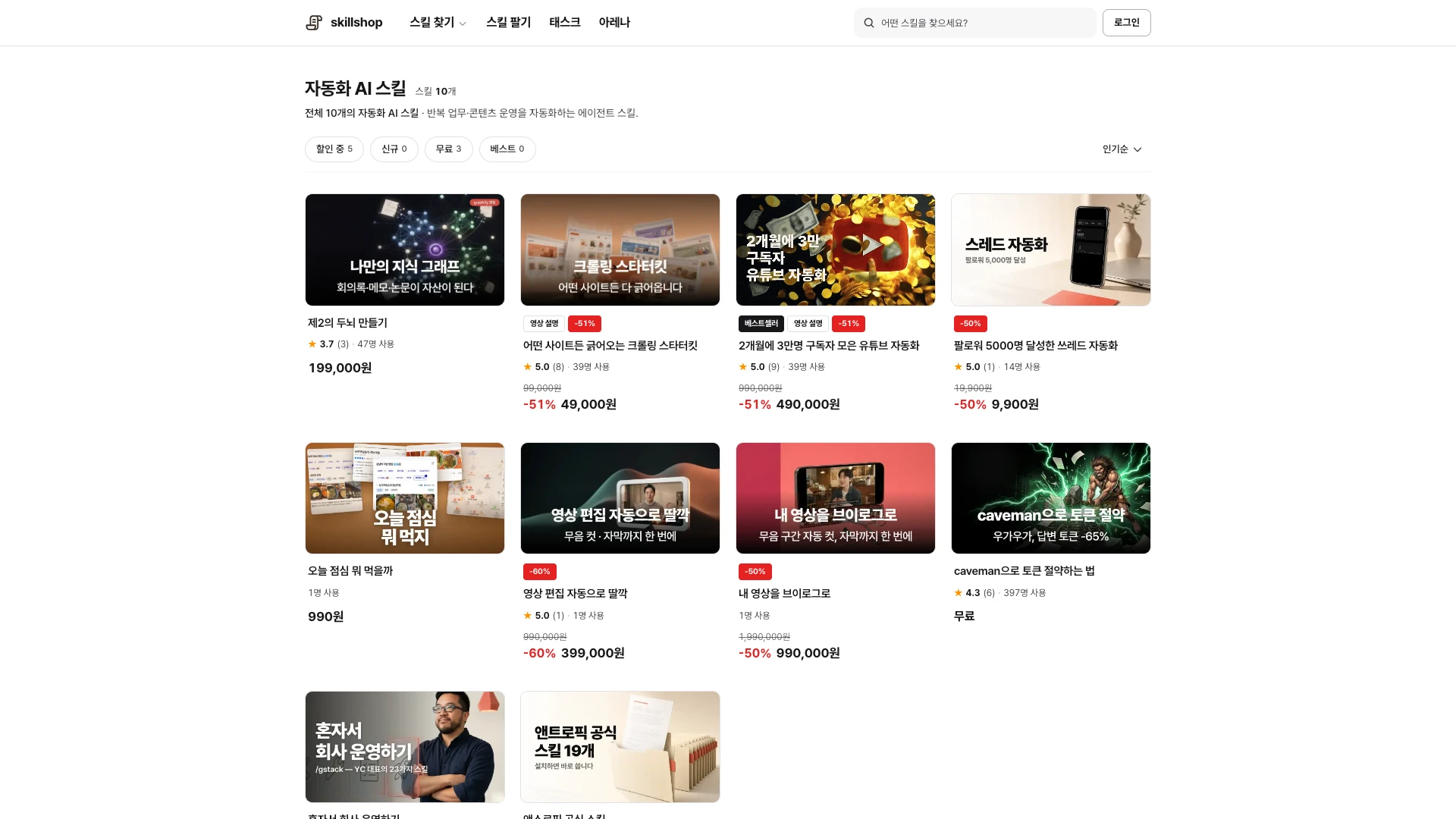
Browse relevant skills and examples on Skillshop.
View original Korean screenshot
Define the work to delegate
You can configure work with existing tools without training an AI model from scratch. Start by defining what to read, in what order to process it and where to save results.
A reporting agent, for example, needs source locations, aggregation rules, report format and review steps. Check that the tool’s features and permissions support the task.
Choose instructions, a workflow or code
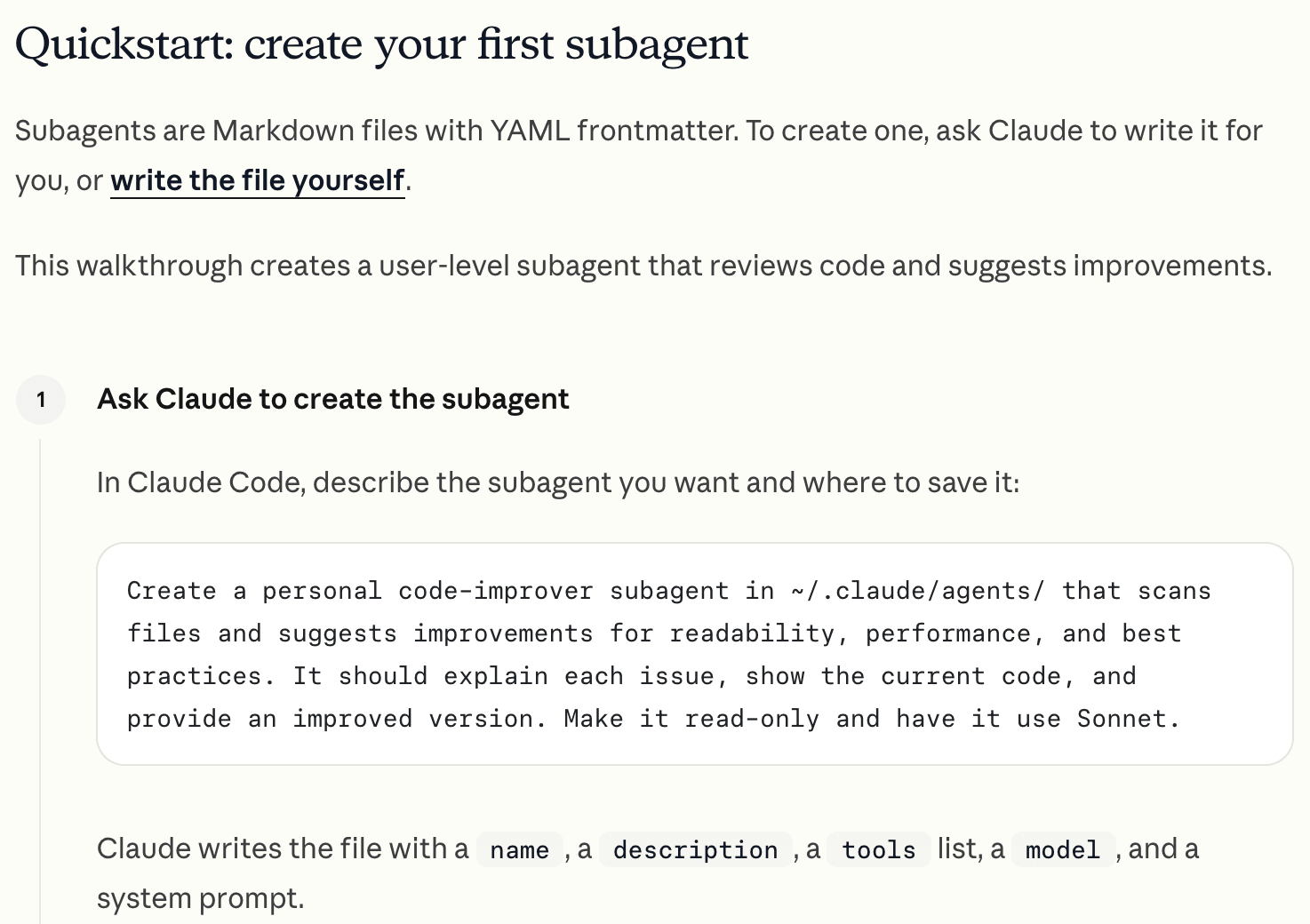
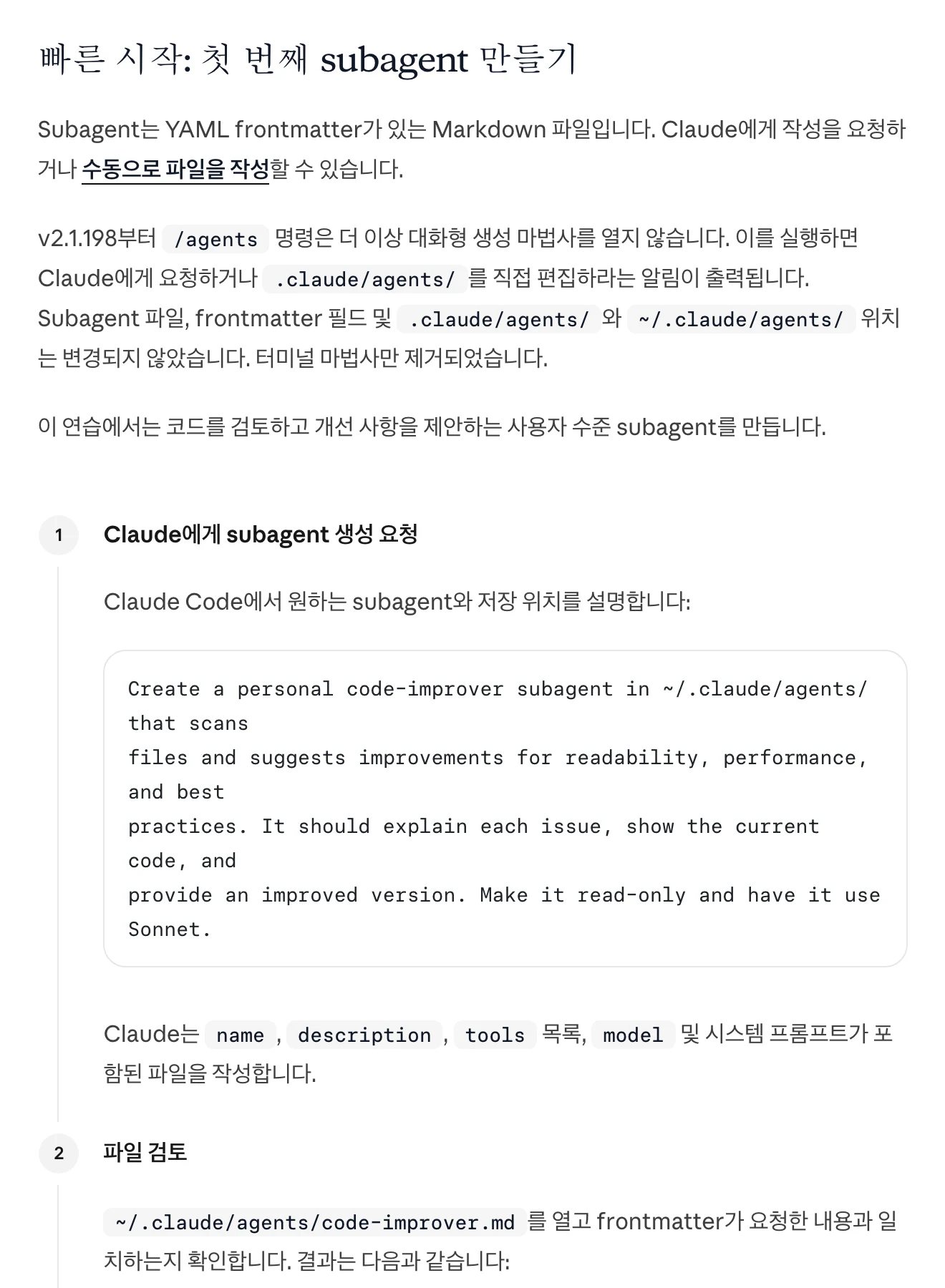
Add instructions or a skill to an existing AI tool to convey a repeatable method. Start by combining supported features such as file handling.
Consider a workflow tool for scheduled execution or branching. If you need integrations or controls beyond existing features, implement them in code. Check export, operations and maintenance requirements for each approach.
| Approach | What you configure | What to check |
|---|---|---|
| Instructions or skill | Record repeated steps and criteria. | Does the existing tool support the required features? |
| Workflow tool | Set up scheduled and conditional flows. | Check features, export and operating terms. |
| Code | Implement integrations and detailed control. | Prepare an execution environment and maintenance plan. |
View original Korean screenshot
Start with one task you can explain
Choose work for which you can show example inputs and expected results. Write the steps and run them with a real tool to identify where instructions suffice and where extra capabilities are needed.
Instructions do not make every action possible. Check whether you need file access, installed programs or external connections, then choose the next approach for the blocked step.
- You can explain the work to a person
- The sequence is mostly consistent
- You can verify the result
- Exceptions dominate the explanation
- Judgment varies substantially each time
- The result has never been checked
Prepare instructions, materials and prior records
Use instructions to convey your team’s report sequence or prohibited wording. Provide internal material through authorized connections or files and define the permitted scope.
If later work needs previous decisions and results, save them in a file or storage feature. Check that records are actually loaded and stale information is not mixed in.
Run the first task and record differences
Write the prerequisites, sequence and completion criteria and try a small input. Compare expected and actual results to find missing steps.
Add examples if instructions were vague; address missing tools or permissions separately. Keep a successful input and result to check future revisions against the same criteria.
Check both instruction loading and the environment
If a skill was not selected, check its description, invocation method and location. If it was read but something is missing, check whether important rules are clear or conflict with other instructions.
Split long references into material read when needed and add examples of expected results. Authentication and program errors cannot always be solved by documentation, so inspect the actual failure message.
Share it so teammates can follow
Alongside the instruction file, share required tools, input examples, execution steps and expected results. A teammate trying it in a new environment can find missing setup.
Record changes and dates and establish a shared source to reduce version drift. Before adapting a public skill, check its usage terms and execution scope.
Frequently asked questions
Do I need to code to build an AI agent?
You can start by combining features supported by an existing tool through instructions or a skill. Consider workflow tools for schedules or branching and code for additional integrations or control. It depends on the features needed.
What should my first agent do?
Choose a repeated task with example inputs and expected output. Record prerequisites, steps and completion criteria and run a small example. Separate instruction problems from missing tools or permissions.
What if the agent does not follow my instructions?
Check that the file was selected and read. Clarify important rules, check conflicts and provide an expected-output example. Inspect failure messages too; authentication and program errors may need separate fixes.