Learn about AI skills and plugins, one step at a time
Skills are instructions and resources that show AI how to do a task. Plugins package skills and other features for installation. Start with one small task and learn as you go.
New here? Start with a beginner guide below, or choose the topic you need now.
Guide text is in English. Source screenshots or linked material may remain in their original language and are identified where shown.
All guides56 guides
 5 min
Organize skill reference files: separate examples and criteria
Learn how to separate instructions, reference material and example outputs.
- 5 min
AI skills glossary for beginners
A short glossary to consult when you encounter unfamiliar terms in installation guides.

 Codex guide5 min
Get started with Codex: complete your first task with one file
Prepare a working folder and a short note, then create your first output file.
- Codex guide5 min
How to ask Codex for a task: provide inputs, outputs and conditions
Describe the desired result and add the materials and constraints that matter.
- Codex guide6 min
Organize files with Codex: what to check before renaming or moving
Review the file list and proposed changes first, then check the result on copies.
 Codex guide6 min
Install and use Codex skills: from folder location to first use
Use a meeting-notes skill to learn where to install, how to call it and how to check the result.
- Codex guide5 min
Get started with Codex plugins: installation, account linking and a first task
Distinguish installation from account linking, then test a plugin with a read-only task.
- Codex guide6 min
Write AGENTS.md for Codex: file locations and project rules
Write project rules that carry into future tasks and check which files were read.
 Codex guide6 min
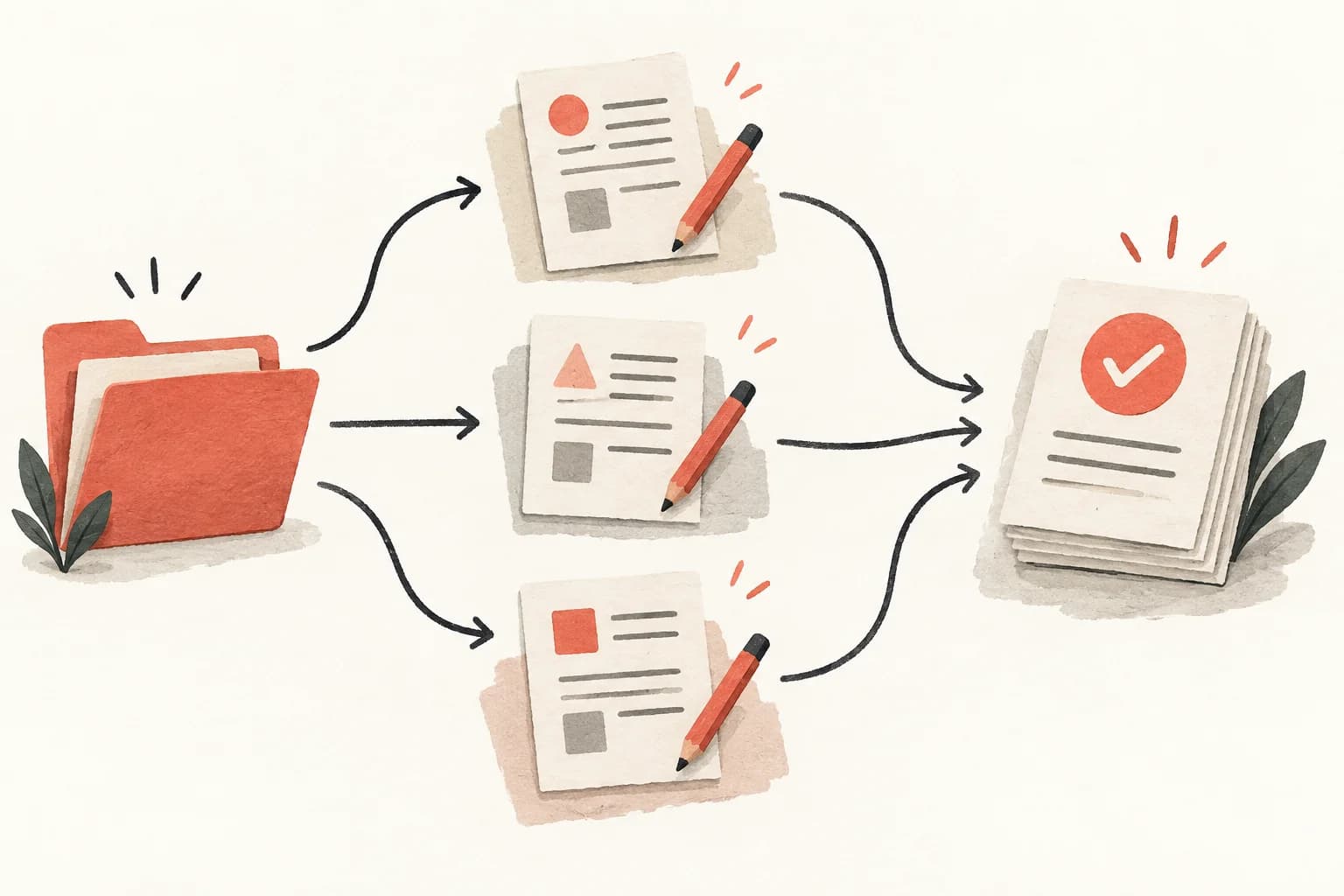
Codex parallel work and worktrees: decide what to split first
Split independent work and bring the results back together.
- Codex guide6 min
Review Codex changes: what to check after the completion message
Read what changed and verify that it does what you wanted.