Learn about AI skills and plugins, one step at a time
Skills are instructions and resources that show AI how to do a task. Plugins package skills and other features for installation. Start with one small task and learn as you go.
New here? Start with a beginner guide below, or choose the topic you need now.
Guide text is in English. Source screenshots or linked material may remain in their original language and are identified where shown.
All guides56 guides
 4 min
Update SEO content: a checklist for revising existing articles
Update changed settings, missing steps and broken links so readers can still follow the guide.
- 4 min
Automate SEO reporting: create a weekly GA4 and Search Console review
Start by automating data collection and tabulation when you copy the same figures each week.
 4 min
How to automate Excel: macros, Python or AI?
Explore Excel automation with macros, scripts such as Python and AI tools.
 4 min
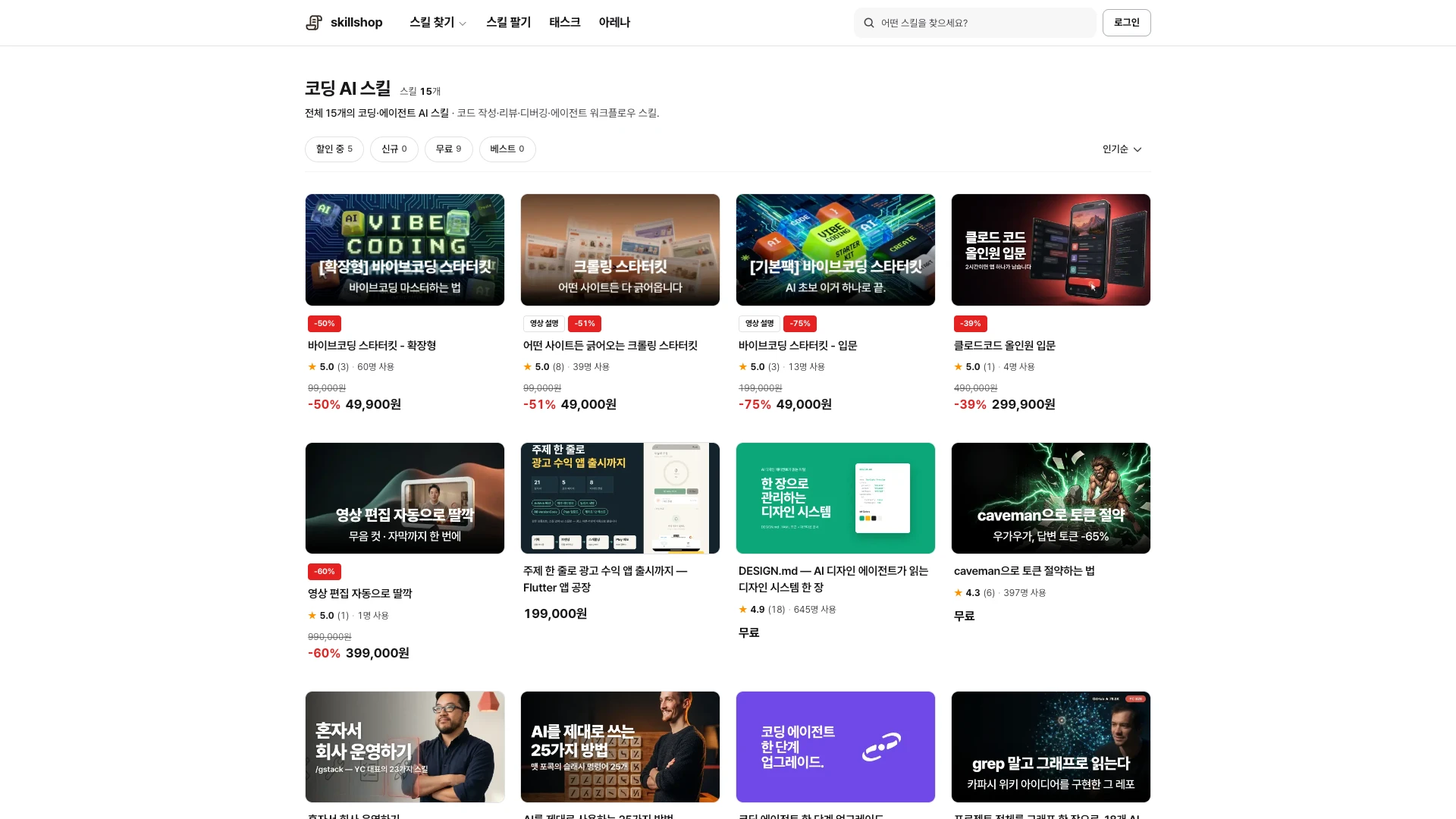
Vibe coding: build your first tool and check the result
Describe the features you want, run the AI-written code and revise it as you go.
 4 min
How to create an AI agent: from instructions to connected work
Start by connecting task instructions and materials to existing tools.
 4 min
How to use DESIGN.md: design rules for AI agents
DESIGN.md collects a project's colors, typography, spacing and component rules.
- 4 min
Automate data analysis: from spreadsheets to recurring reports
Begin with data preparation when combining spreadsheets and normalizing dates becomes repetitive.
 guide4 min
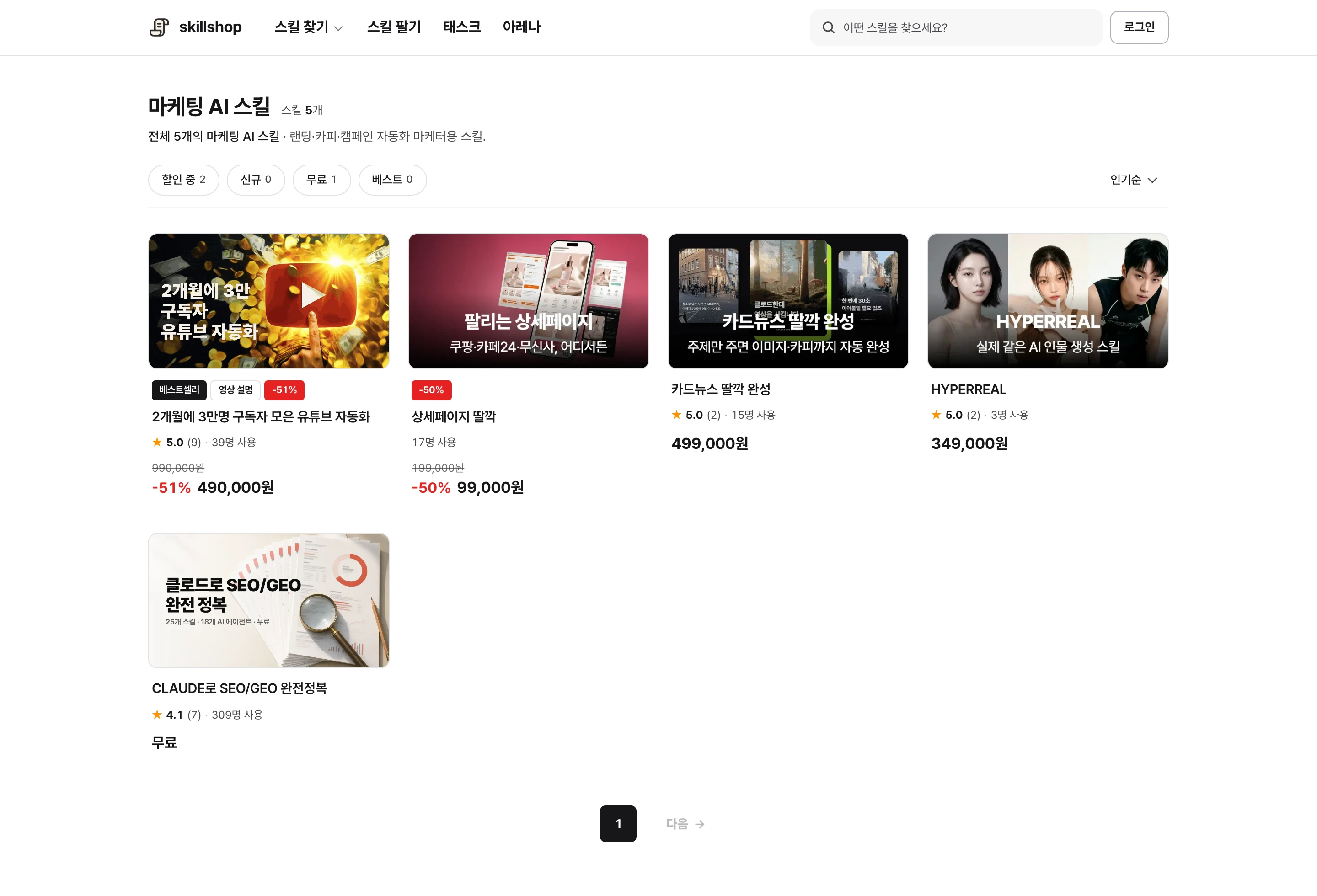
SEO with Claude: from an audit to structured data
Connect tools that can inspect pages or source files to review titles, links and search settings with Claude.
 Codex guide4 min
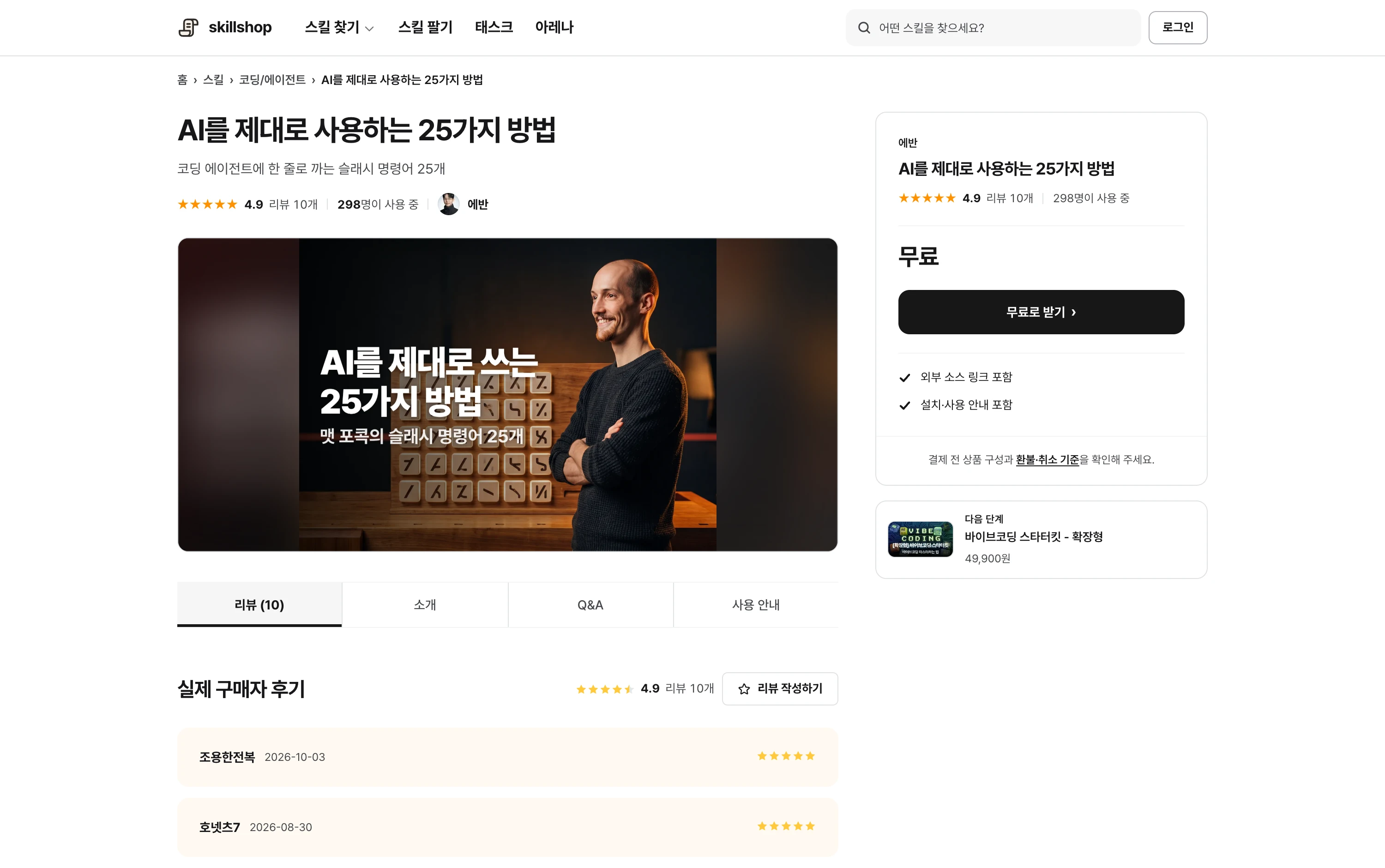
Use Claude skills in Codex and Cursor
Skills used in Claude Code can also be used in Codex or Cursor.
- guide4 min
Use Claude Code: start your first task in a practice folder
Claude Code can read and edit project files and run commands.